How to Make Dev Options | Difficulty: 
Introduction
This guide is for any Gim who wants an edge over their friends when playing a Gimkit Creative game. It covers how to make Developer Options for you or anyone else, and has a lot of room for personalization.
Before Building
This guide uses two others as a foundation. Please build while reading through them in the order placed:
Make sure the popup shop doesn’t actually cost you anything, and it’s just a bunch of Call-to-Actions that give you/do stuff.
The System
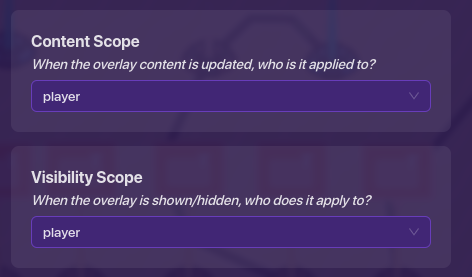
First, add an Overlay. Change the settings so “Show Overlay When Receiving on” the channel “godMode”. Secondly, make the “Content Scope” and “Visibility Scope” to “Player”.
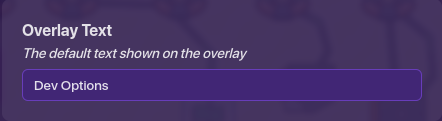
For the “Overlay Text”, make it anything you want. I made it “Dev Options”.
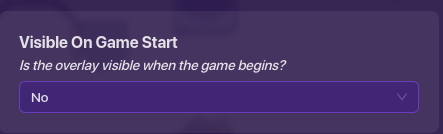
Make sure “Visible on Game Start” is set to “No”.
Next, set the “Overlay Type” to “Button”.
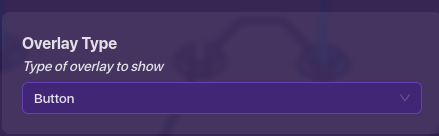
It can be in any corner of the screen. Finally, wire the overlay to the first popup of your popup shop, so “Button Pressed, Open Popup”.
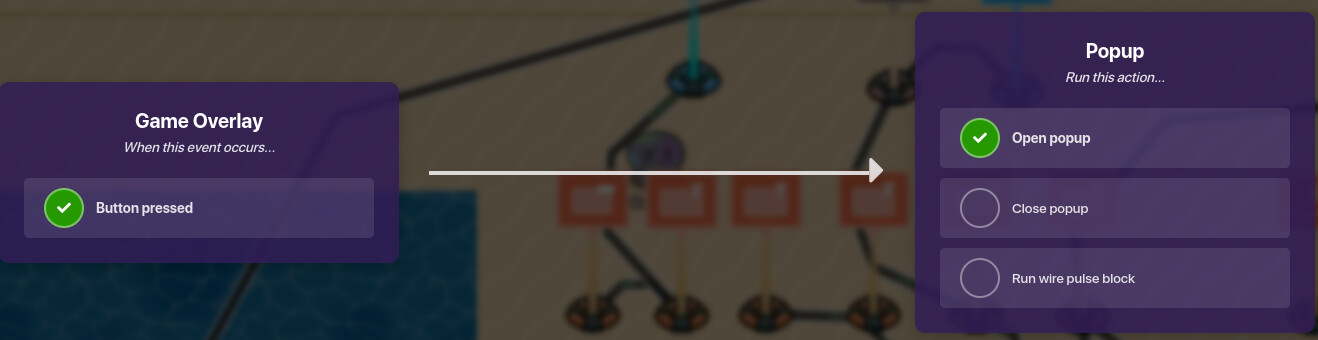
There you have it! A full list of Developer Options is at your fingertips!
If you found this guide helpful, feel free to  it and please reply to this guide with your reactions. Thanks, and happy Gimkitting!