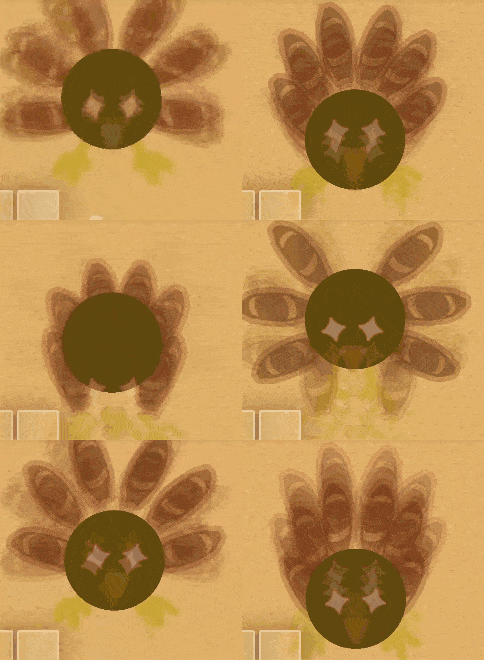
Alright did I get your attention?
Anyways, that’s animation, stuff that moves. If you’re a skill issue at blocks and properties like me, this type of animation is perfect for you, and I’ll show you how it works!
Btw, the advanced animation was updated to be more memory cheap.
Simple Animation
The idea is you hide props or other stuff and show a copy right after to make the illusion of movement! Wire repeaters are AMAZING for this due to the fact they can continue wires and can be changed when they activate stuff.
To show how it’s done, we’ll make a fish swim.
Materials
1 wire repeater for each frame
1 copy of your animated object for each frame
Around 25 memory per frame, doesn’t count object
Instructions
1.Place 1 wire repeater for each frame you make (Wire all of them together in a line)
For me, I’ll put 3 wire repeaters
2.Place 1 copy of the object you’re animating for each frame you want
I will place 3 fish, each swimming in a different part of a pond
- Wire each wire repeater to show a prop and to hide the previous one
If it’s the first/last wire repeater, it doesn’t need to do both
You should have something like this

 2.
2.
Advanced Animation
Advanced animation is quite similar to simple animation, but now, we use channels and triggers to show/hide instead. We use it if what we’re animating has over 5 props used.
Now, we’ll make a gim catch our fish.
Materials
1 trigger for each frame
1 copy of your animated object for each frame
Around 50 memory per frame, not counting object
Instructions
-
Place all your object copies and change them however you like for each frame
I’m making a gim sit, then pull out a fish, then celebrate -
Give each trigger their own unique channel, “When triggered, transmit on”
-
Channel all the triggers together, make each trigger “Trigger when receiving on” the previous trigger’s channel
-
Give each object the same channel for show (If trigger wired to first repeater has “67” channel, first object also has it)
-
Give each object the next channel for hide (If trigger wired to second repeater has “skibidi” channel, first object also has it)
-
Place all your stuff where you want it, good job!
You should have something like this


#RIPGertrudeTheGimFish
That’s all you need to know :D, don’t forget to read the notes at the end. Try practing this by adding a spider or something that appears every minute or other simple animations, but for now, thanks for reading!
Notes:
-
It’s your choice how long each frame is, edit the delay on wire repeaters to change it.
-
I suggest to not use the wrong method for your animation, simple with channels uses more memory, advanced with wires is laggy.
-
If you want to, you can create animations up to 10 frames per second.
-
You can loop the animation by wiring the first repeater to the first.
-
I can change this guide if you ask in replies.
Thanks cheezesRcool for helping with channels, and show this guide to every penguin you know. 
 ), do you mind sharing what makes it a special “Zappy’s Method”? I know there’s prolly something compared to another i saw but I think I missed it. Thanks