[Disclaimer}
I’ve posted this before, but it got accidentally deleted, responses were not working, and I couldn’t edit it soo, here it is again… (River 1 is kinda broken…)
Part 1 of the fly fishing series
This guide not only deals with waterfalls, rivers, streams, and the ocean, It also shows you how to make fish with text, barriers, and custom shapes. so now all ladies, gents, they thems, potatoes, aliens, goats, birds, gimkitters, and everybody else I couldn’t mention by name, get ready for a VERY VERY ULTIMATELY MEDIOCRE GUIDE
WATER
Ocean Waves
Waves
start with a wavy shore!

next, get some wave emojis: 
make a wire repeater loop, and for each wire repeater, make it activate one wave in one place and deactivate a different one.
(this*How to create animation (Zappy’s method)*will help]
here’s an example with the waves. more stuff
This is important

okay this is a repeater loop.

(you don’t have to set the wires)
the green wire is activating the emoji
the red wire is deactivating the emoji
continue this with more wave emoji’s and more repeaters[/details]
River D1
(ignore random devices)

I made it with, pond grass, logs, rectangle barriers with varying shades of blue (no border, 1.00 alpha), and rocks. USE LAYERING for your Barriers, and props.
Barriers

next, the barriers by the rocks and the log have the same settings, except they are just in different colors. put one in front of both rock, so that the rock seems to be covered by the water. then just place a bunch of longish rectangle barriers behind the rock. Props
River [D2]
[I remembered to make this step-by-step]
First, lay down a base of terrain [I suggest mud, dirt, or a combination of the two] IT SHOULD BE FLOOR.
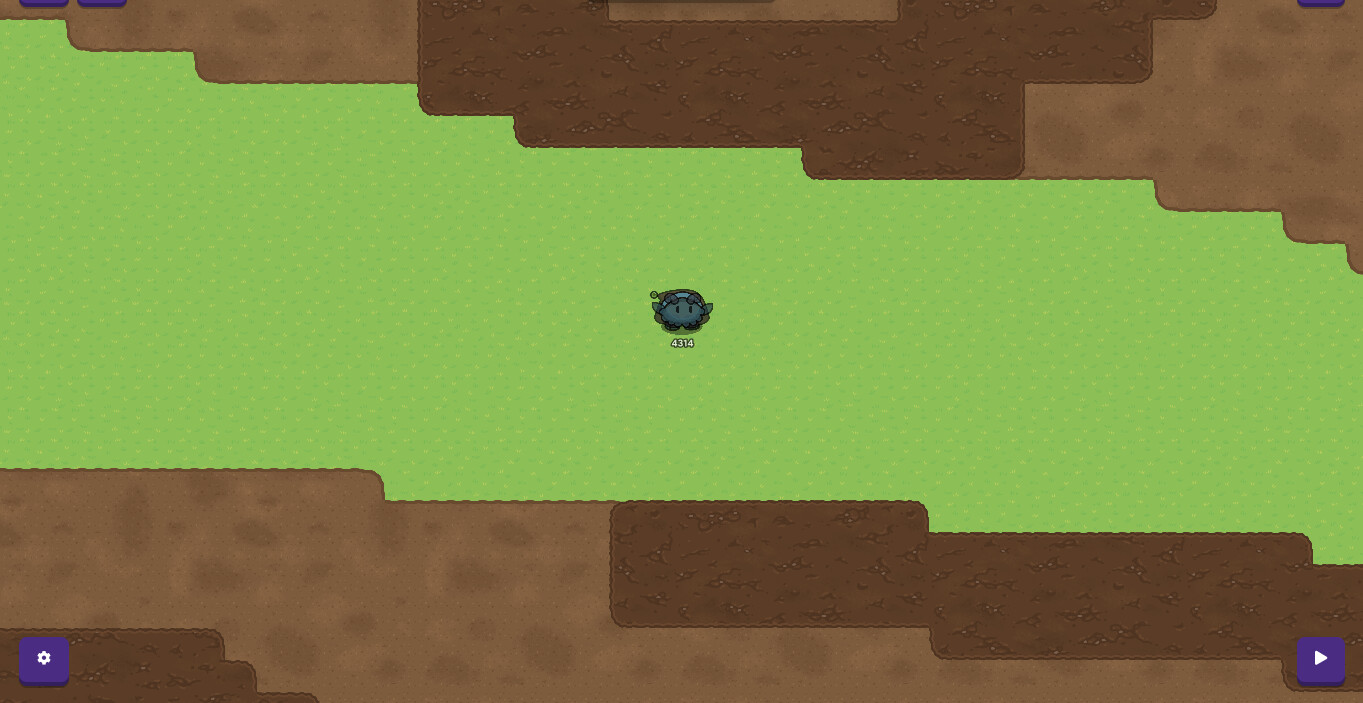
next, make the water of the river with brownish barriers, with no borders, and 0.95 alpha.
also fill in the underneath the barriers with mud.
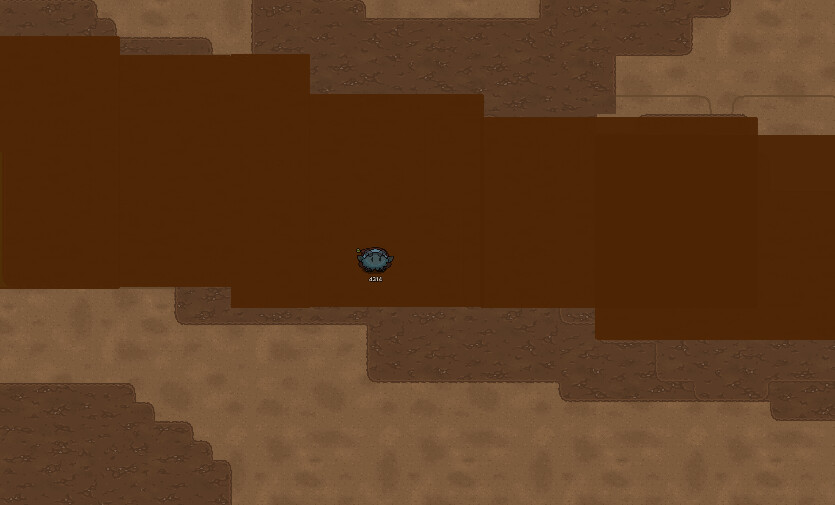
now add some dead trees and sticks in and around the river

like before, add the barriers around the dead trees in the river.
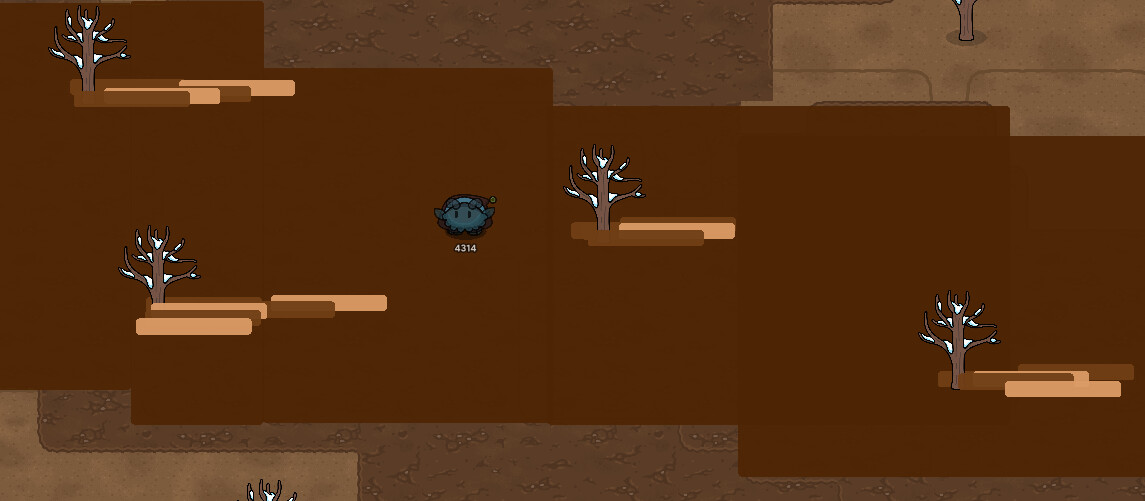
add any extra details

River [D3]
River [D3]
this one is also step by step
first add some rocks and dynamic stone
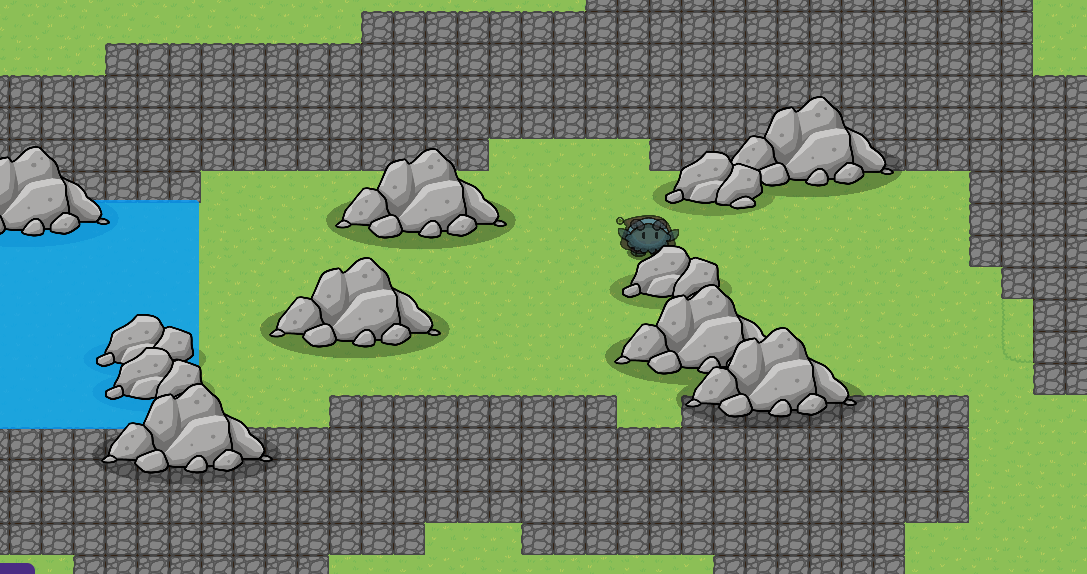
next fill in the water to a point

add the whitewater [rapids]
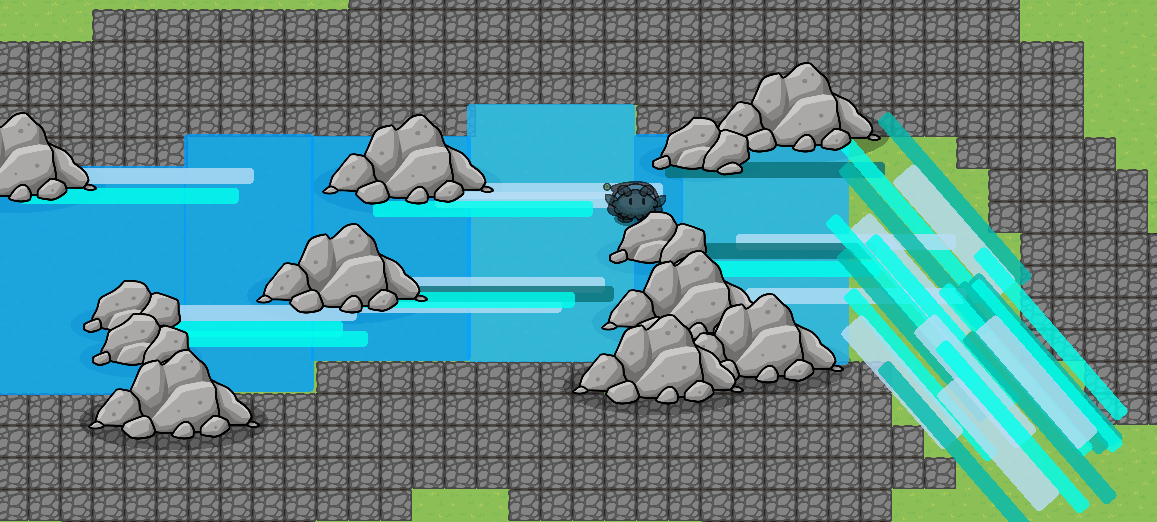
now fill in the waterfall

add details

and that’s it. I think my braincells are dy!ng
Stream [D1]
start with a bit of a layered hill.

[this*How to make 3D terrain [2/10 or  ]*will help]
now make the water

add the opposite shore

now add a log and some rocks

finish with some pond grass

Stream [D2]
lets start
grab two large rocks

add more rocks and add water

now taper.

add some small stones and a sandy bottom

now add the water moving behind the rocks.
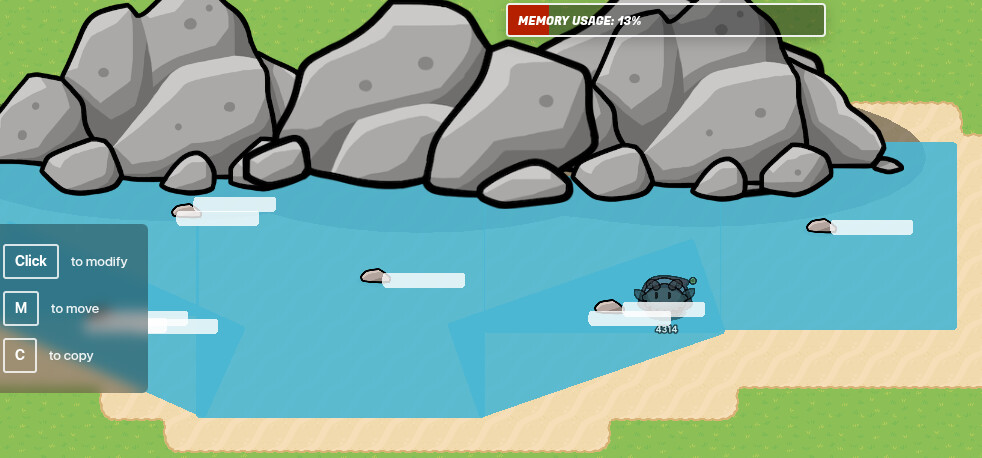
finally, add a log

Waterfall [D1]
first, make an outline in rocks.
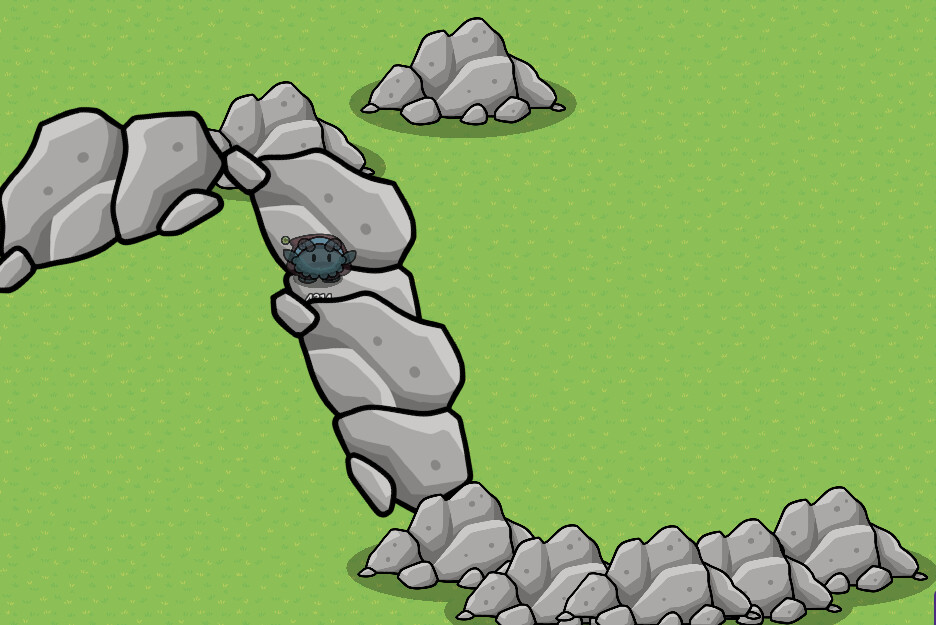
now add the water in the falls, and add some final rocks

add the water details

add the spray and details

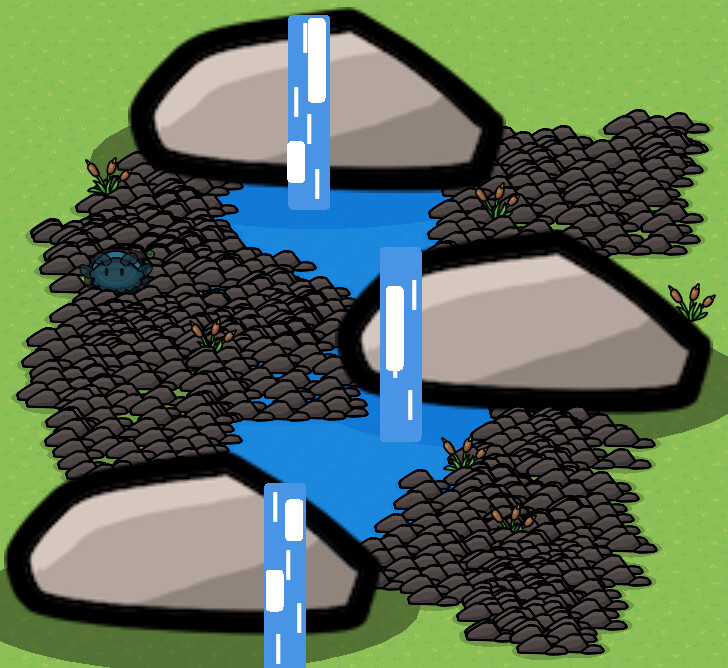
Waterfall [D2]
First make a nice rocky base [very noice]

add water in the rivers
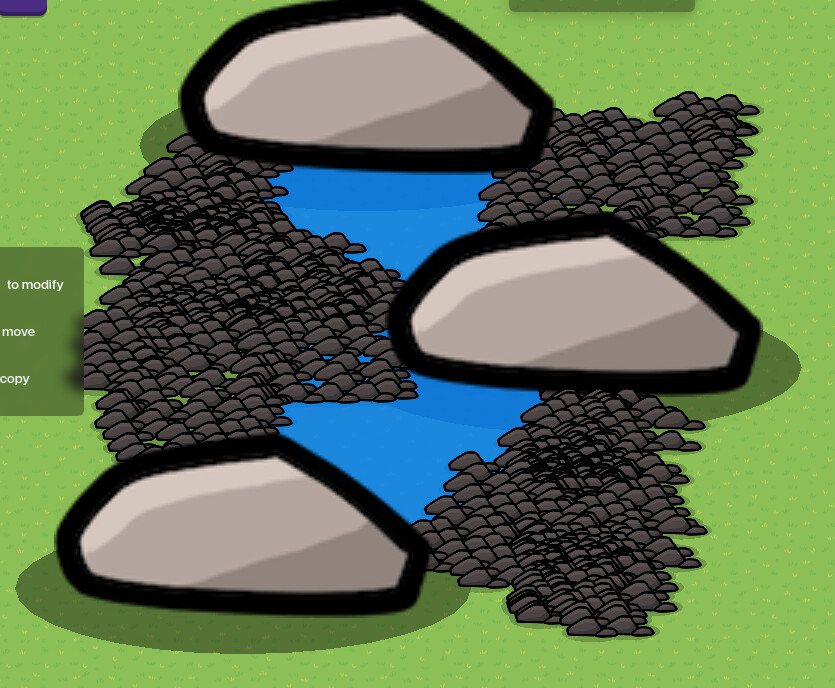
add the waterfalls

add the water details and pond grass
Waterfall [D3]
take a big rock, and add two small rocks, tinted black, to make a cave
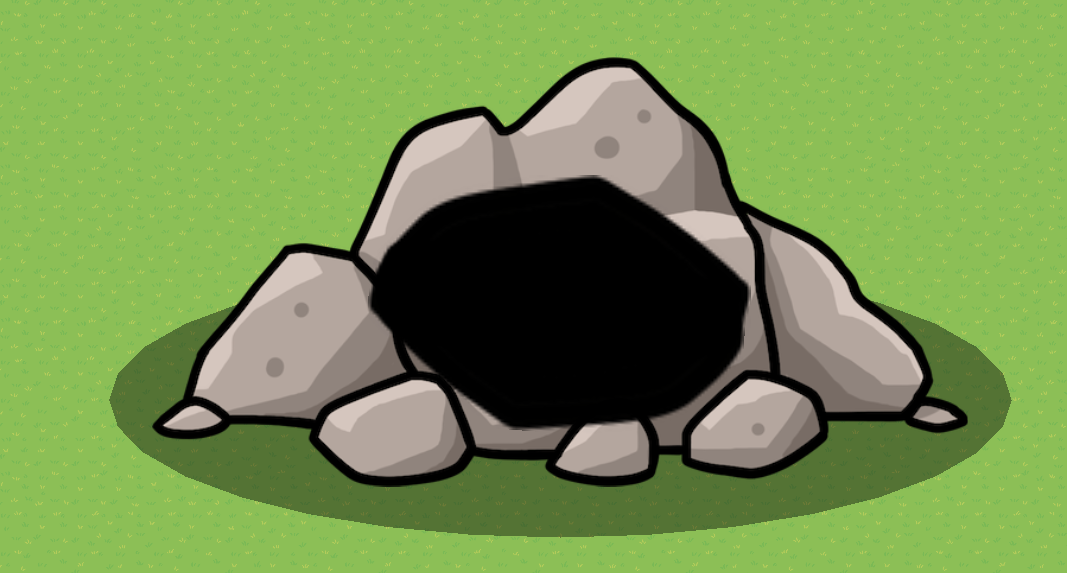
add some more rock Random

fill in the water

add the waterfall
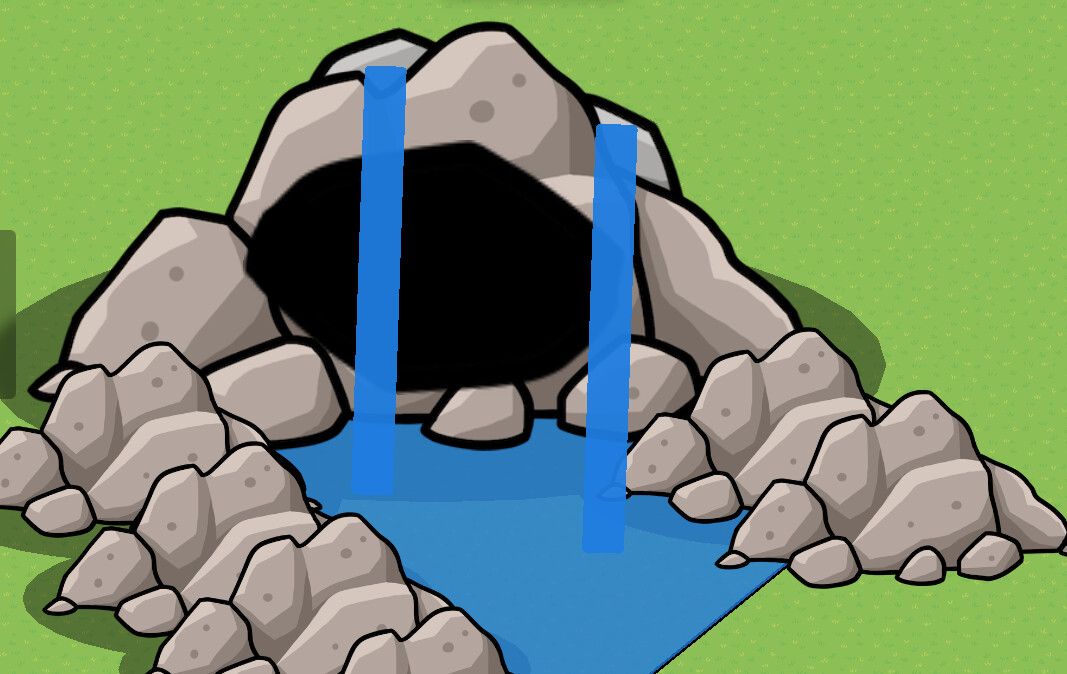
add details and plants

ur done q:
Waterfall [D4]
WORK IN PROGRESS

