since the release of the movie, I am here to make a FNAF guide
This IS NOT a guide to make the mechanics
This IS NOT a guide on fnaf
This IS a guide on how to make the offices, or bedrooms in FNAF 1-4
If you want to learn the mechanics, than go to some of these guides
But first, let me tell you this,
DO NOT PUBLISH ANY FNAF GAME.
your game will be taken out of discovery if you do.
please use this guide just to play with your friends…
wait FNAF is one player
Oh and btw this will use some devices, but most of them will include terrain and props.
Fnaf 1
This one will mostly be terrain and props, and the only device should only be a barrier.
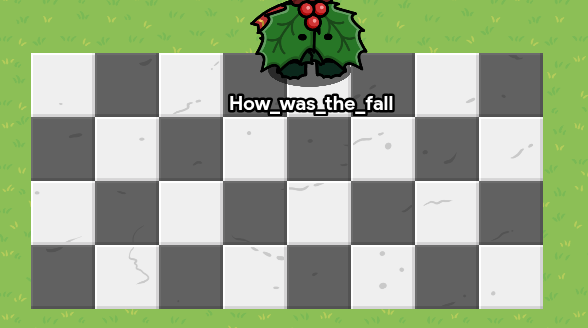
Fill the terrain with a light and dark marble tile checkerboard pattern through the whole room.
now go to a higher level, and on the top of the floor, place about the same size of asphalt road on top.
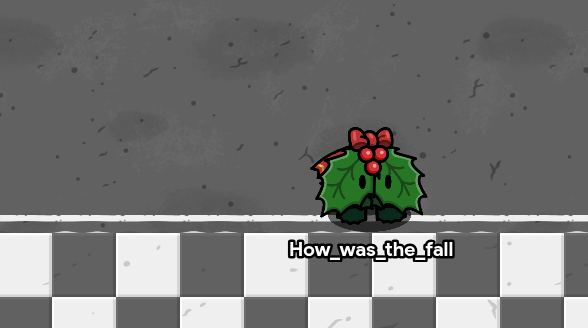
Now go to the walls, go to another higher layer, and make the walls.
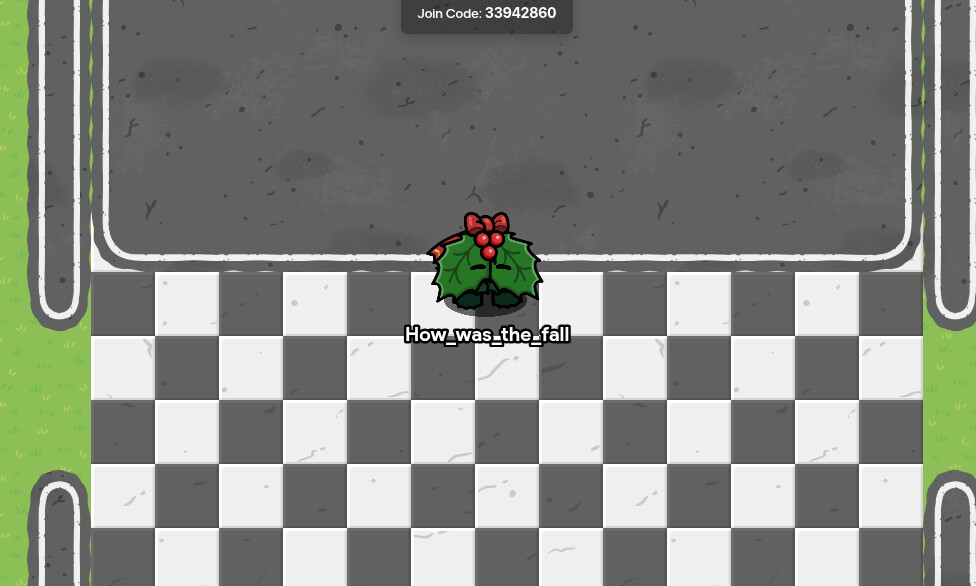
heh I’m mid blink
now get a barrier, make it not block things, black, .25 visibility and cover the map.
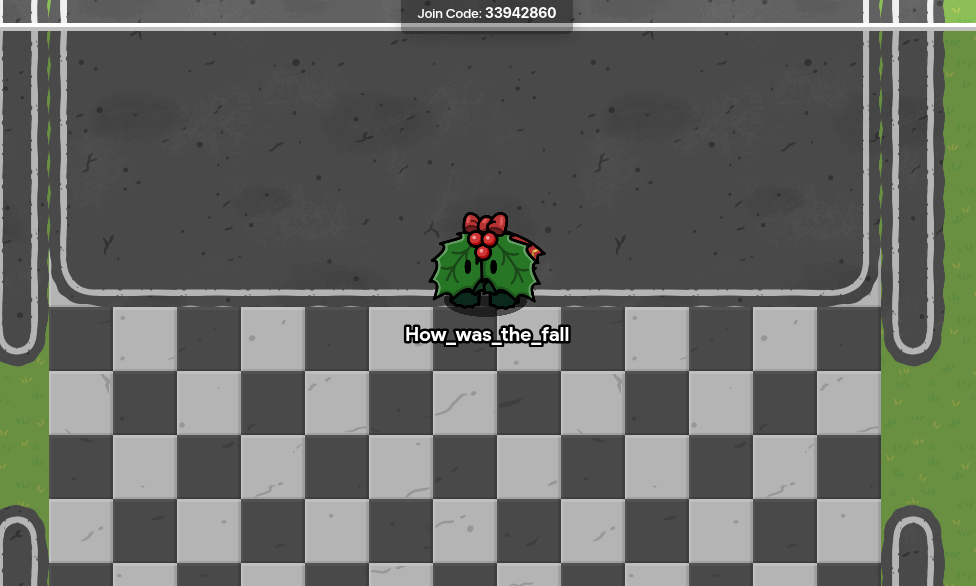
Now for the little details :]
place down a lab table and make it under the layer of the barrier
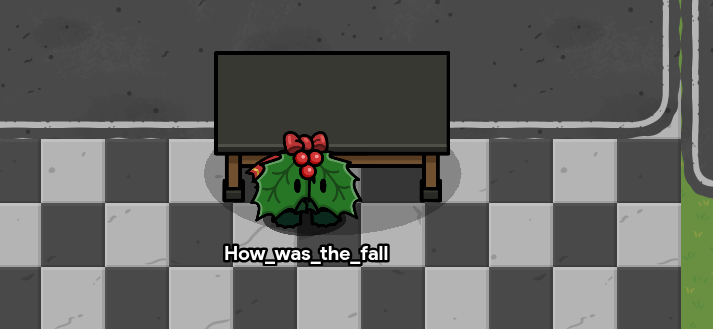
now make it a wee bit bigger
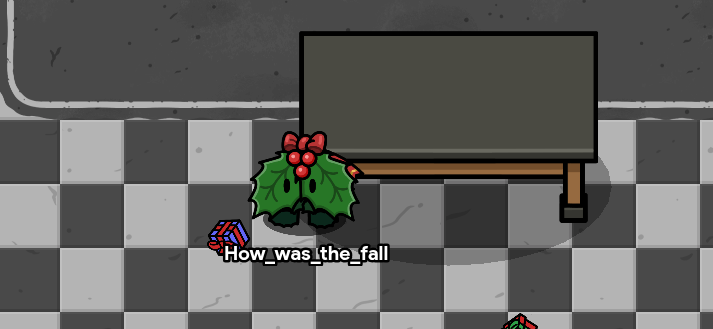
now take another barrier, make it white, have no border, and be 100% visible.
put one big one on the middle of the left side. and a couple smaller ones overlapping eachother, and make the big one black.
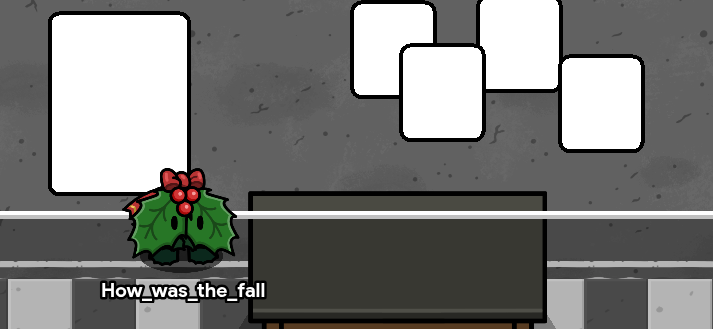
now take 3 sentry’s, and make them these skins.
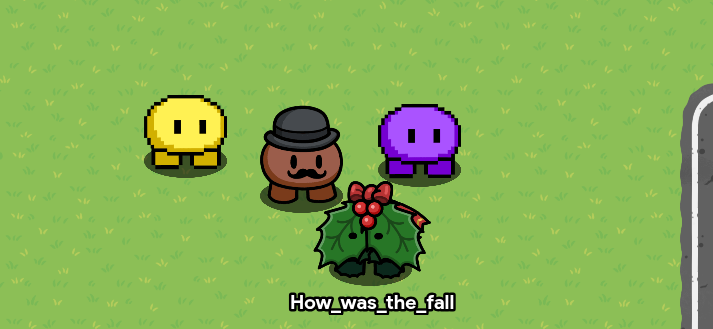
couldn’t find any chicken or bear or bunny skins lol
now make them .5 size and move them to the top of the big poster, but below the dark barrier.
Now get a text, make it say, "CELEBRATE ":}
make it white, with a s t r o k e of 1. also the font is fugaz one. put it on the top of the black poster.
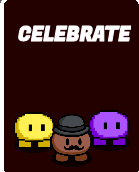
now take two white barriers without a border and put them on the poster like this.
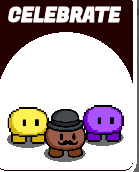
it looks so good

here’s mr cupcake,

made with the cupcake emoji and the eyes emoji
now get the custom thingy device and draw sloppy pictures of the anamatronics
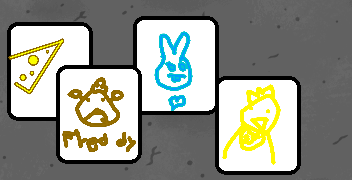
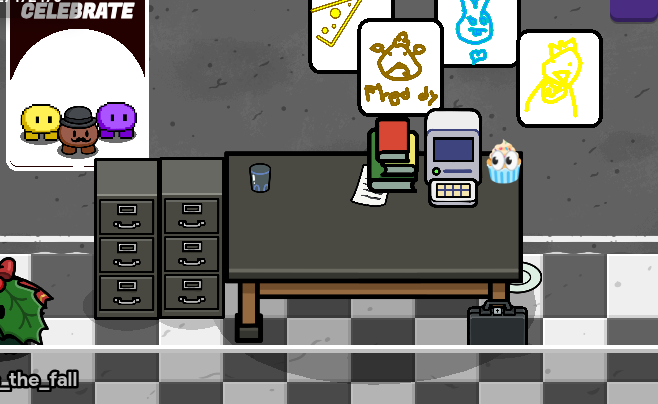
your room should look like this.

now for the desk.
go to props and search, “cup”
grab the glass cup and put it on the top right corner of the table.
also put a computer next to the Mr cupcake
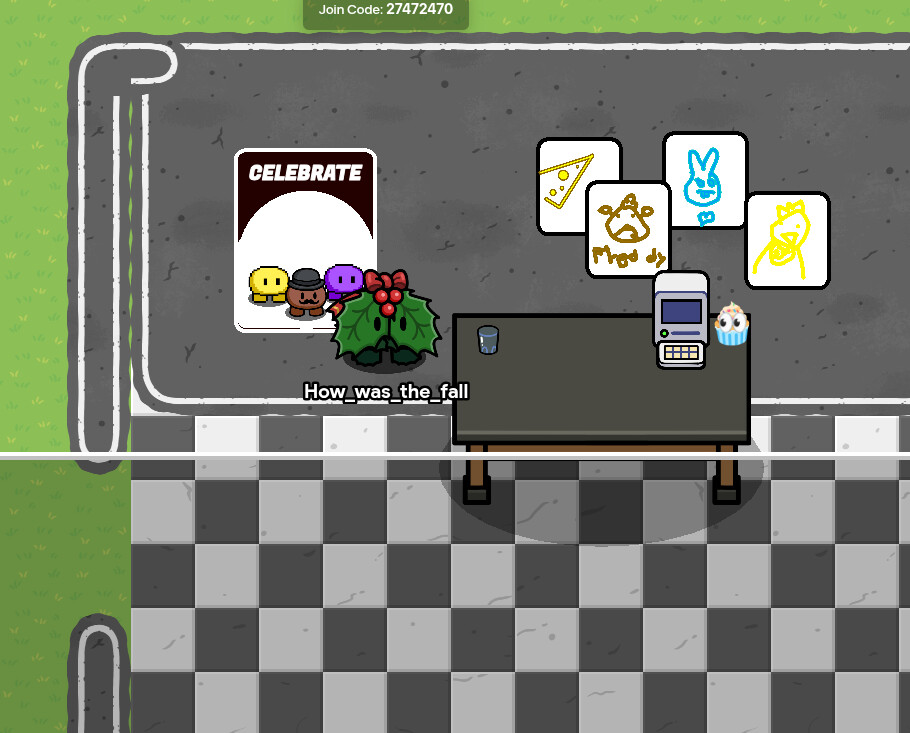
now get a black briefcase and put it under the table.
put books next to the computer.
put a piece of paper under the books.
grab two filing cabinets, make them smaller, then put them on the left side of the table.
grab an office chair and put it on the front of the desk.
There you go! you have your very own FNAF 1 office!
It should look like this!
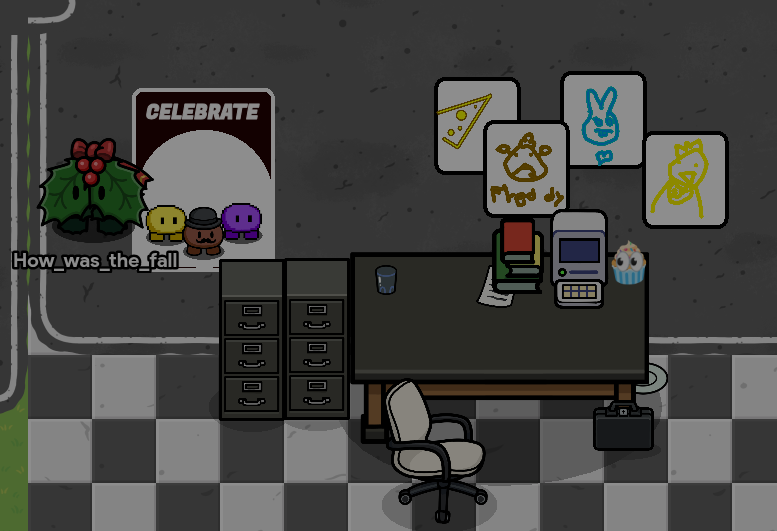
I used more devices than I thought…
Fnaf 2
ahh Fnaf 2…
i love this one
this one is so fun
ye
anyway
start with the checkerboard tile with dark and light marble.
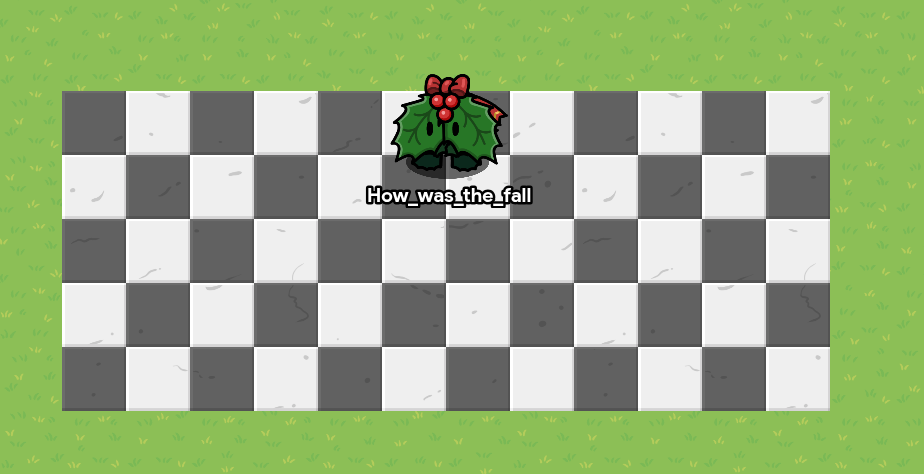
now grab some white lab floor and blue dungeon and put them like this.
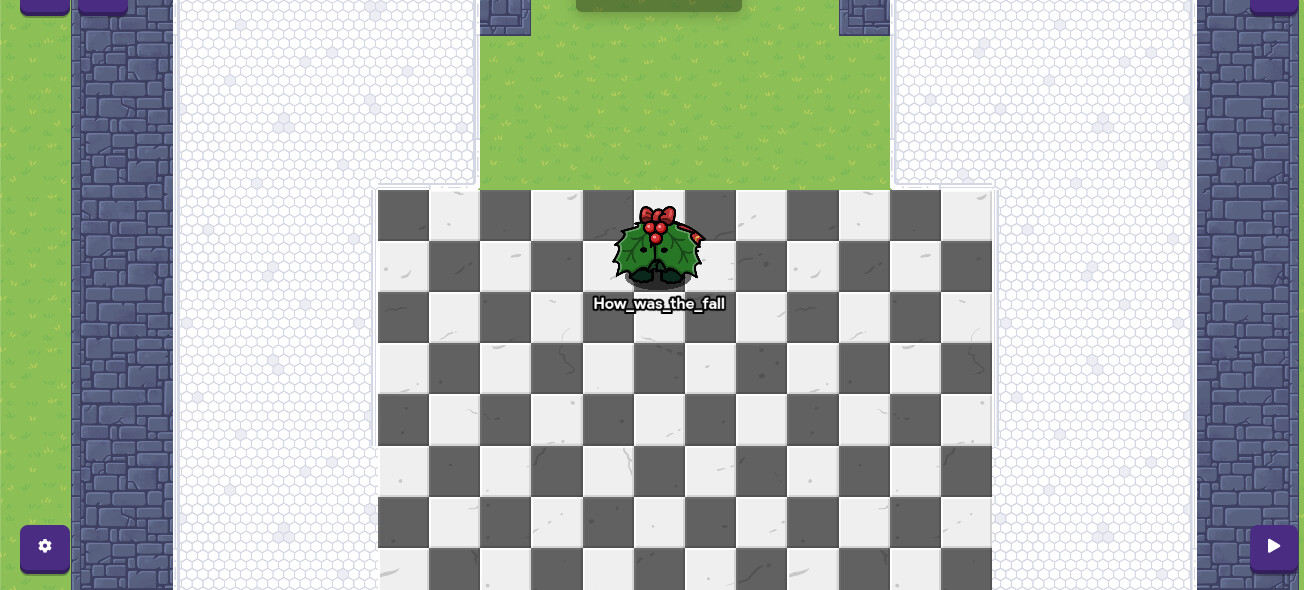
grab a 50% visible, black barrier with no border and put it in the main hall
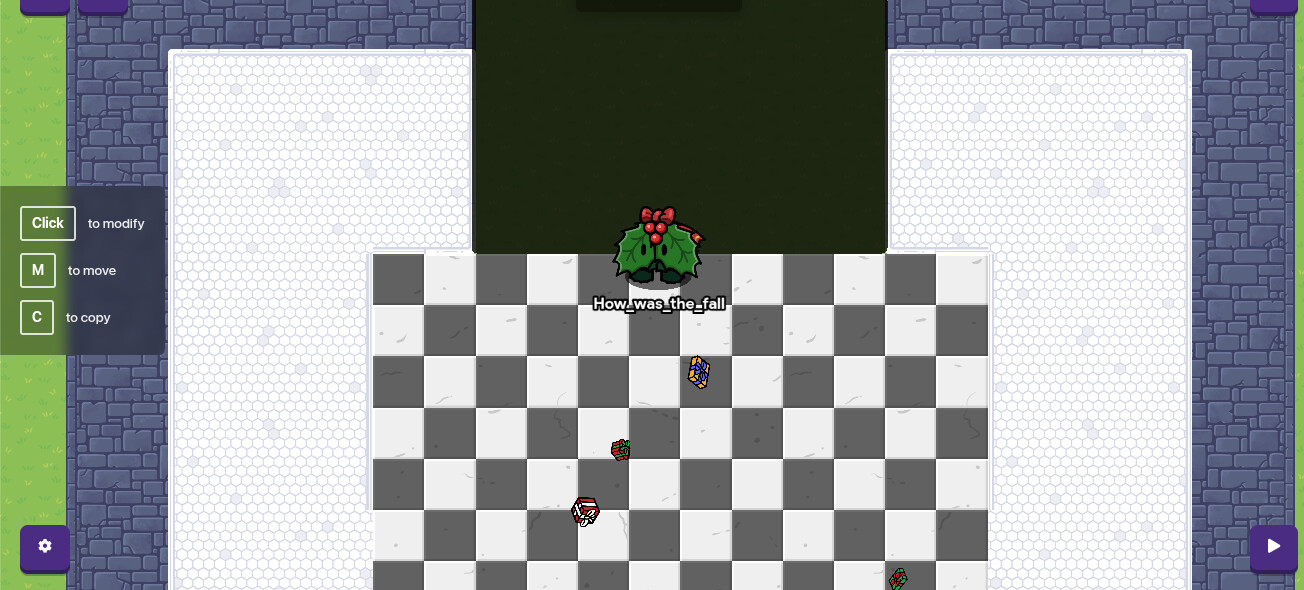
there you go! FNAF two is finished!
just kidding.
FNAF 2 never ends
it never stops
my bad
that must’ve been the wind
any way grab a lab table and make it a wee bit bigger and on the close to bottom of the white and black tile
oh and also grab two more black barriers and make the vents
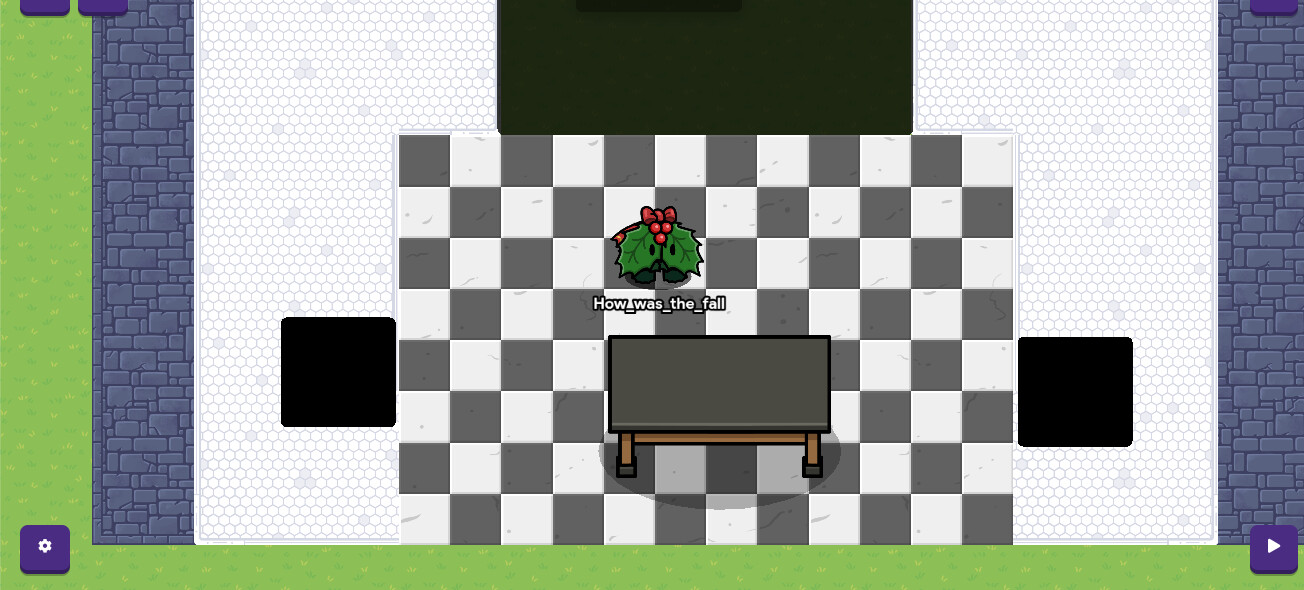
now get a bigger barrier and make it .3% transparency, and put it on the map.
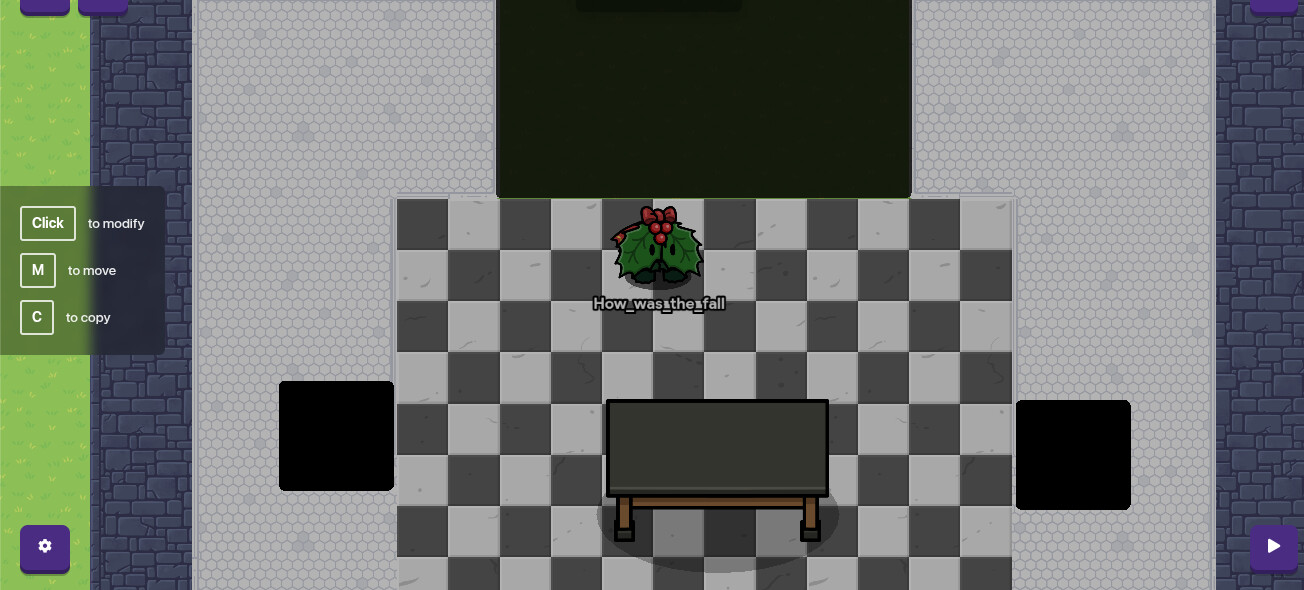

now for the details.
now grab some 100% visible barriers that are white, and put them on the front walls next to the front hall.
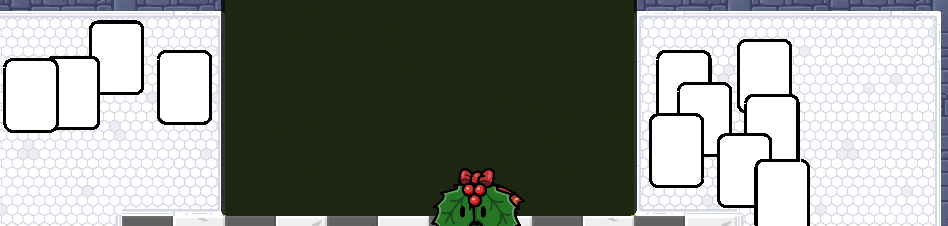
I moved the shading barrier to get some copy and pasting abilities…
now get another barrier(dang a lot of barriers)and make it grey. put it on top of the hallway like this.
no code for you >:{
now take the papers and cover them up with rotated l text to look like small text. cause I’m too lazy to actually put fake text on the papers.
do it only on the right side.
now on the left draw the animatronics out of the custom shape device and put them on the paper

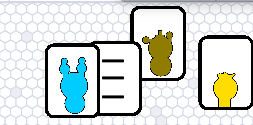
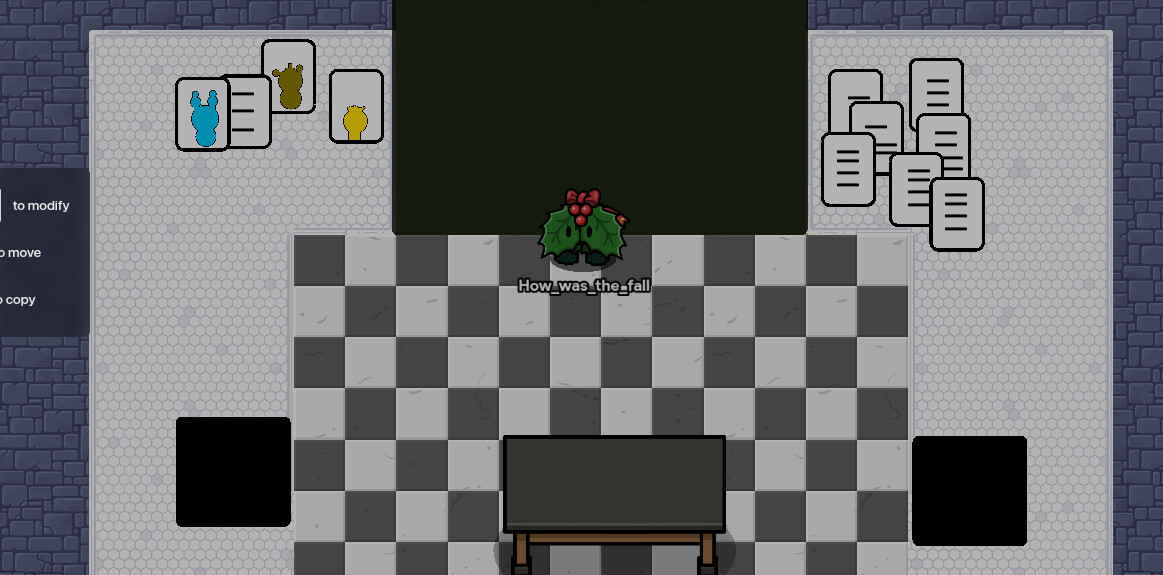
now take the paper prop and put it on the desk. put a couple. maybe even a stack.
place a cup next to them…
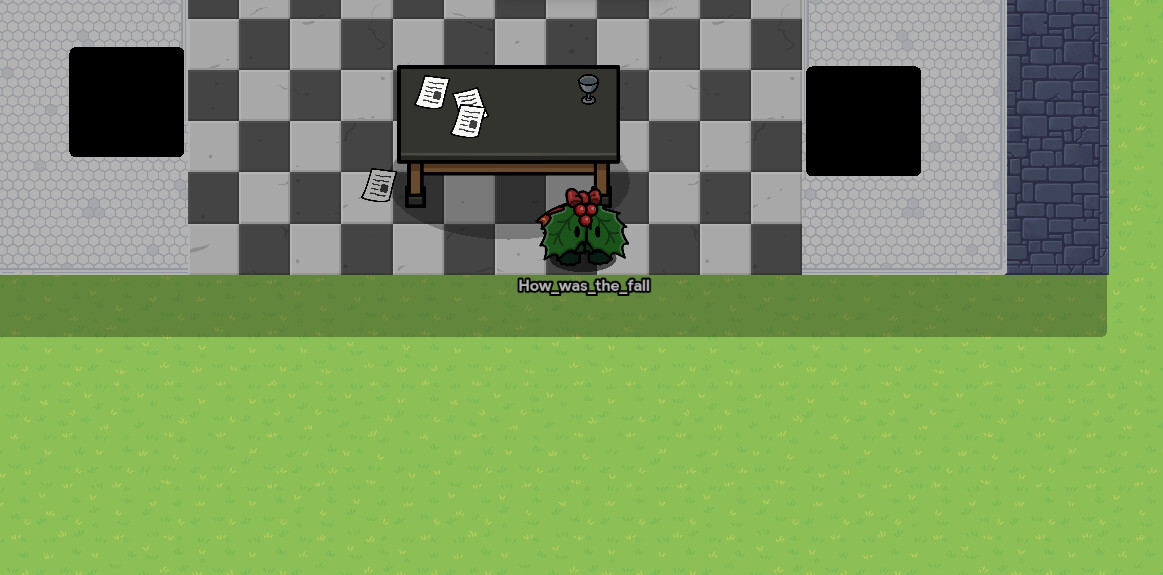
I made the papers and cup on a higher layer than the shading, I change it later on…
take a text and put a line in it to show the crease in the wall.
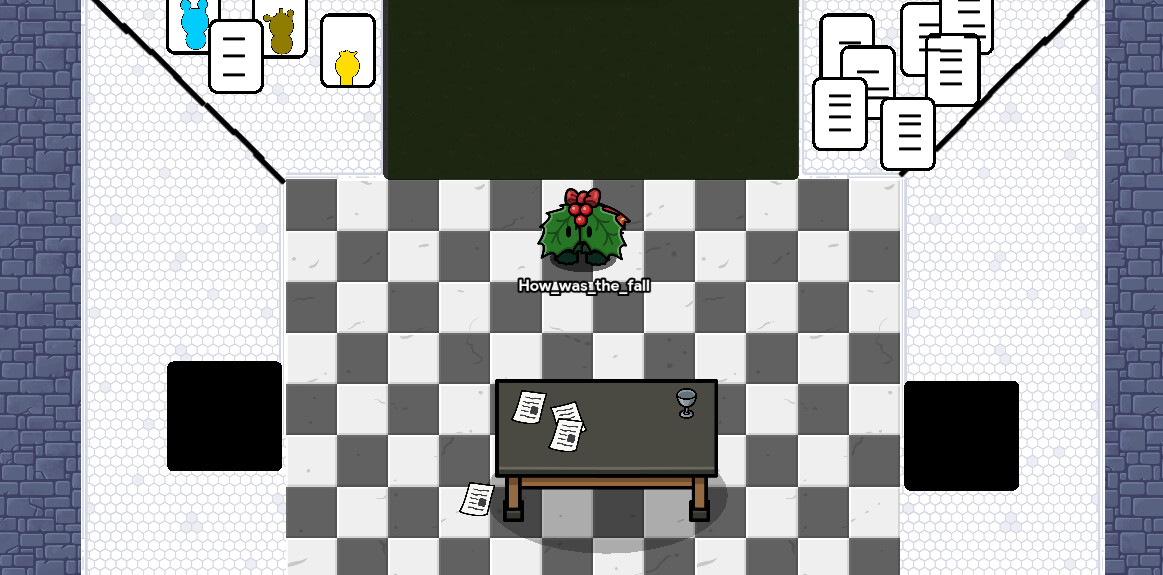
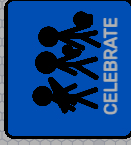
take one of the posters, make it bigger, blue and put it on the LEFT wall
then make a text say CELEBRATE, then create the characters with a custom device…
here it is.
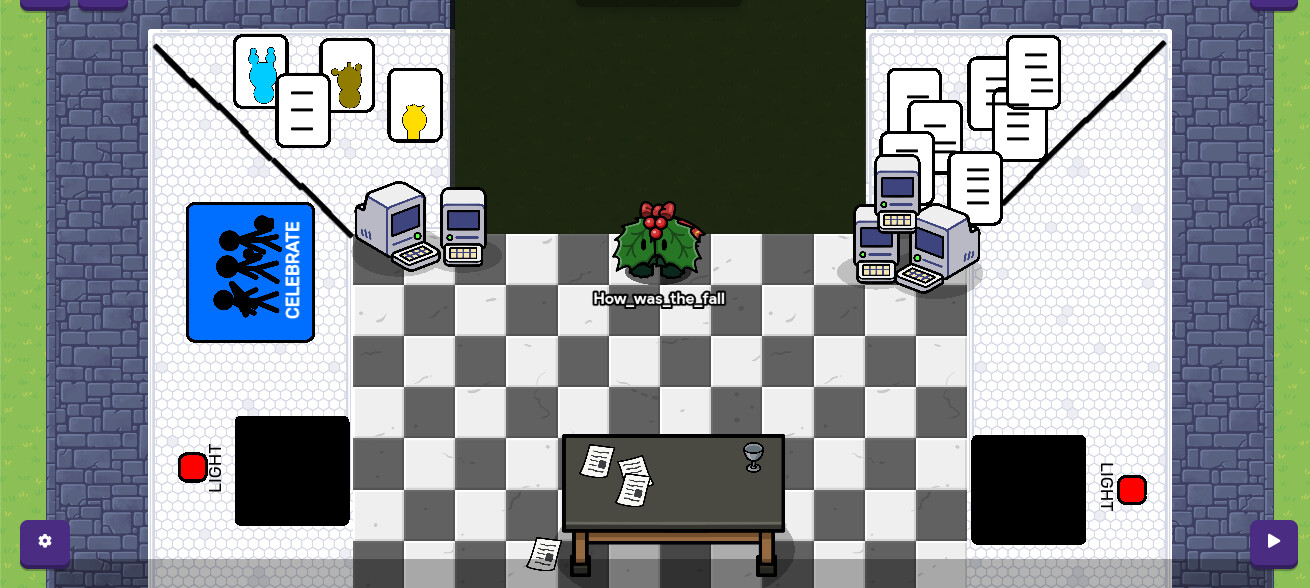
There you go!
FNAF 2 is done!
I also added some extra details
finnaly
Fnaf 3
FNAF 3 is probably the worst one because the game play is horrible and it is ugly
I’m literally getting angry writing this lol
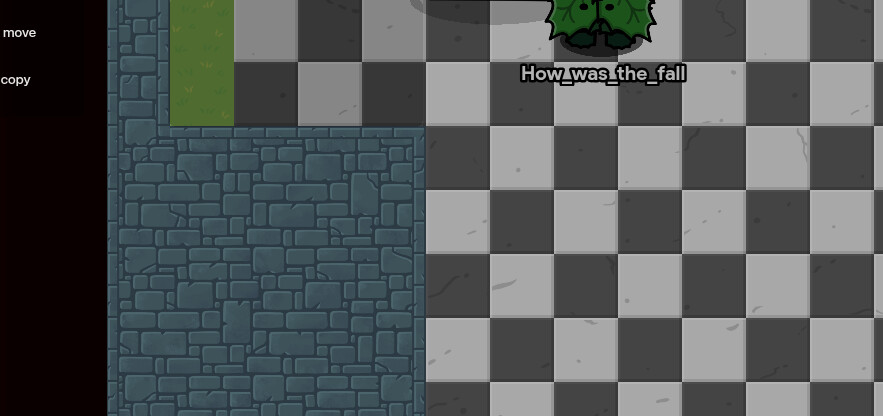
now make the room design with green dungeon floor.
then add the window with the papers on it.
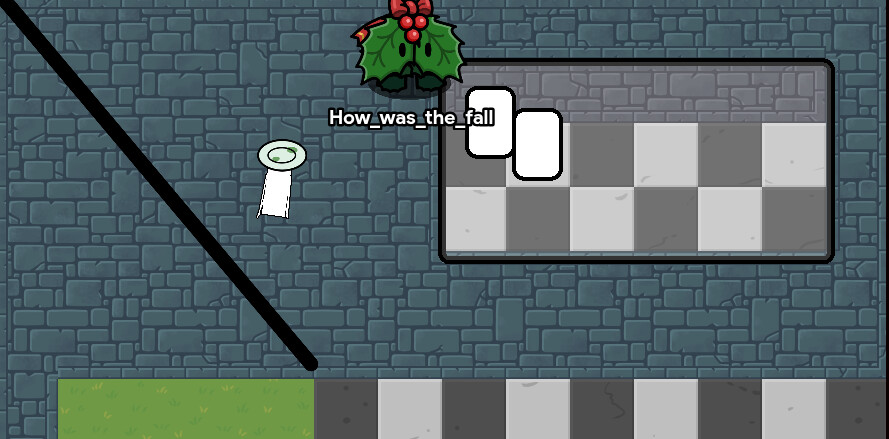
now take a barrier and put it on the door and add the floor
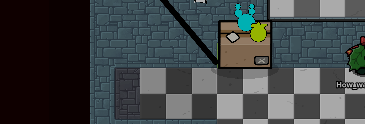
now add the box prop and add the faces from custom shapes
also make the Freddy in the doorway with custom shapes
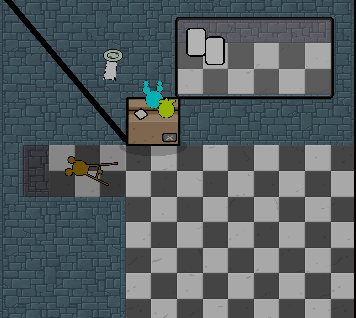
there you go!
Fnaf 3 is somewhat done
I do not want to do more of this
so yeah go to Fnaf 4
Fnaf 4
I like this one
FNAF 4 is kinda difficult tho
so keep scrolling and reading
whoever you are
now make the floor with blue plastic and the half of the wall with blue dungon, and top half with lab floor. closet with barriers.
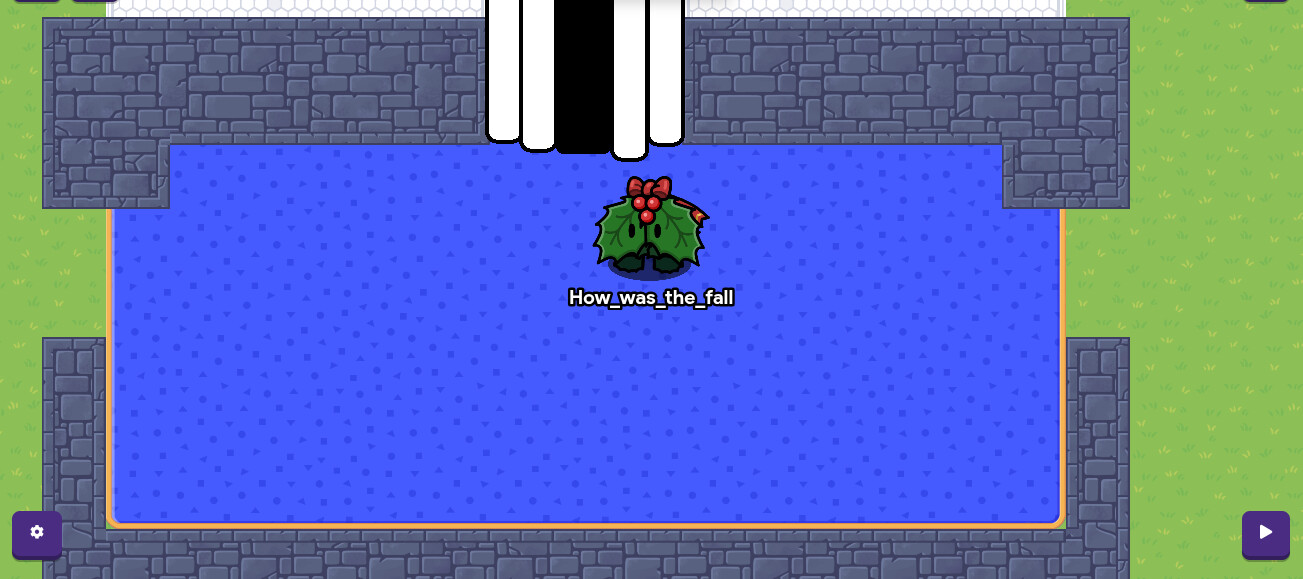
now to make the doors use some barriers with text for the detail
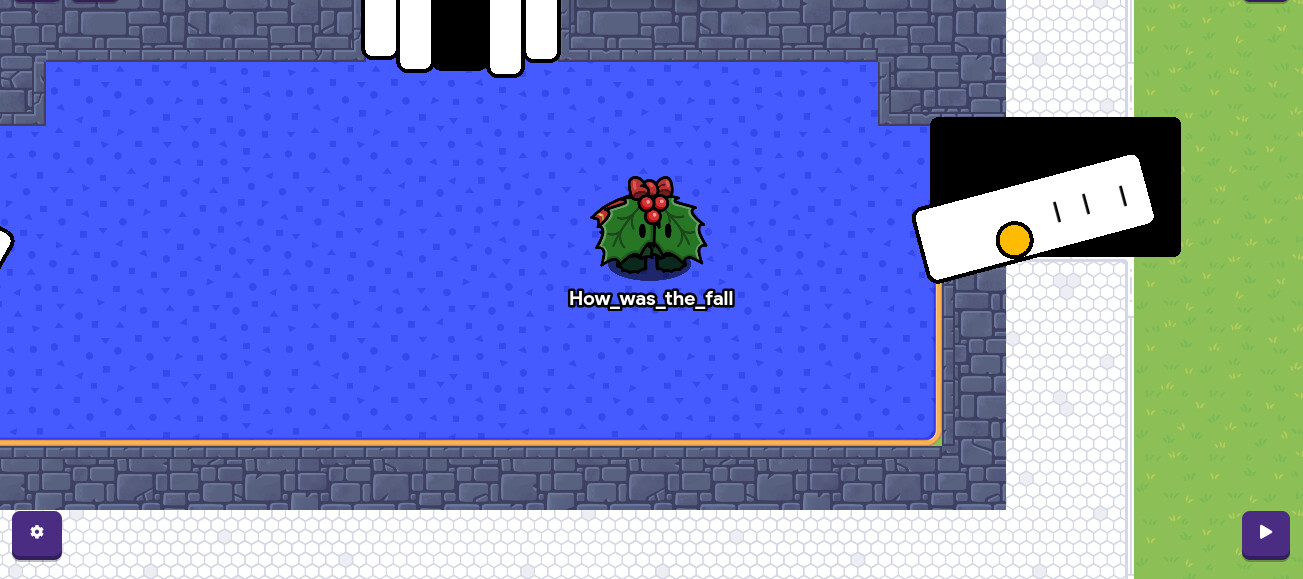
now grab a light filing cabinet and place two of them on the RIGHT side of the closet
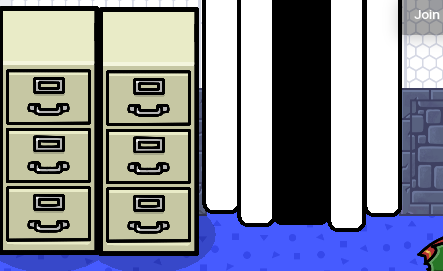
now use custom shapes for the toys if you don’t have the season ticket. if you do, use the gim toy plush. I will use the gim toy plush :}
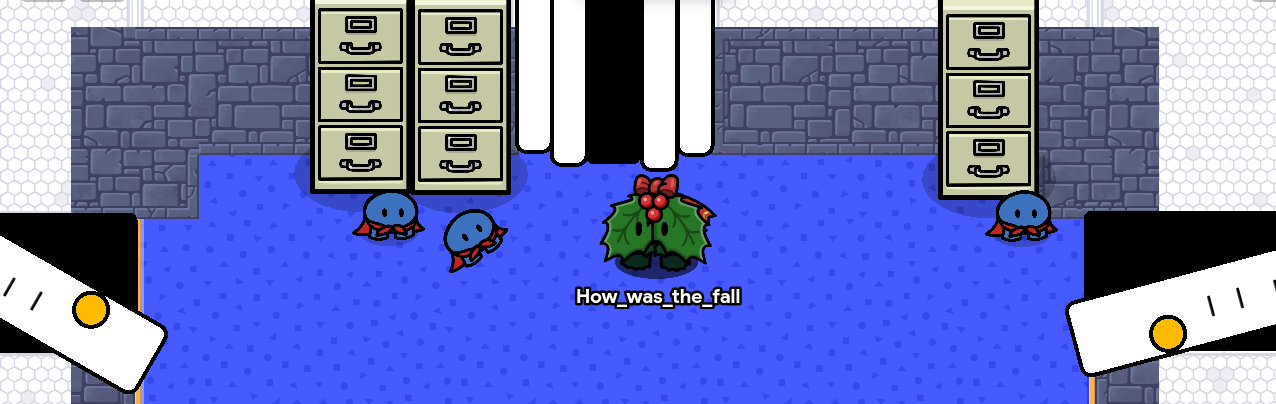
now add a bed and rotate it upside down on the bottom of the room by holding the green button and holding shift at the same time to shift lock
now grab a big barrier, make it 0.3 appearance, and put it on the map.
there you go! you have FNAF 4 in gimkit!
here it is!
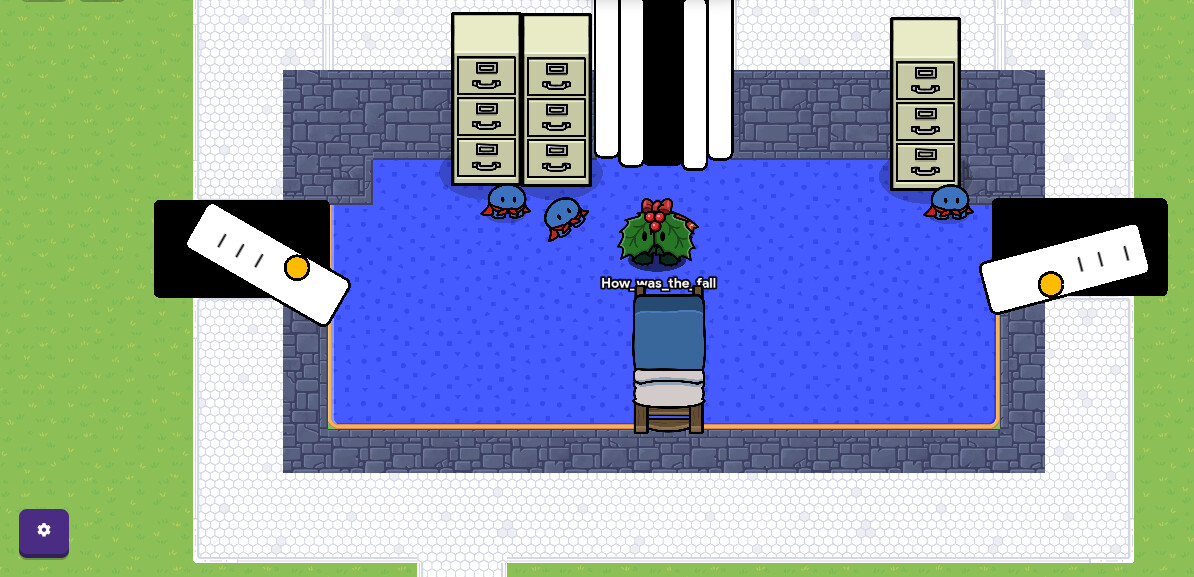
sorry about the quality, I was about to need to stop
Are you editing?
yes
hehe I’m not ranked high enough
How good was this guide(READ THE FULL GUIDE BEFORE VOTING)
- Helped me super well
- Really good
- Good
- Okay
- Meh
- Bad
- Stop making guides
please be honest with your vote, I wanna know how you feel if it gives me something or not
How hard was this guide?
- Gimpossible⬛
- Really hard🟥
- Hard🟧
- Okay⬜
- Easy

- Super easy
