wire this to the barrier when button pressed<deactivate barrier
FUN PART AKA MECHANICS
now for the random props put them on the map wherever they will NOT be seen and make them not visible on game start.
Now get ready for a lot of wires
plz name your buttons 1st button Frontdoorbutton 2nd button closedoorbutton 3rd button opendoorbutton prop 1 opendoorprop prop 2 closedoorprop
wires: for any open door buttons wire them to the open door prop button pressed<hide prop and for the close door prop do button pressed<show prop
for close door buttons do the opposite, close door prop button pressed<show prop open door prop button pressed hide prop.
props wire
close door prop to any open door buttons prop made visible<deactivate button for close door buttons prop made visible<activate button
for the open door prop do the opposite to any open door buttons prop made visible<activate button for close door buttons prop made visible<deactivate button
hope you like it plz rate it took 2 hours:)
This is pretty much common knowledge, and I’m pretty sure there’s a more simple way.
The guide’s really confusing-- I can barely tell what’s going on.
There’re a bunch of grammar and spelling errors.
The wires aren’t efficient, as channels use less memory.
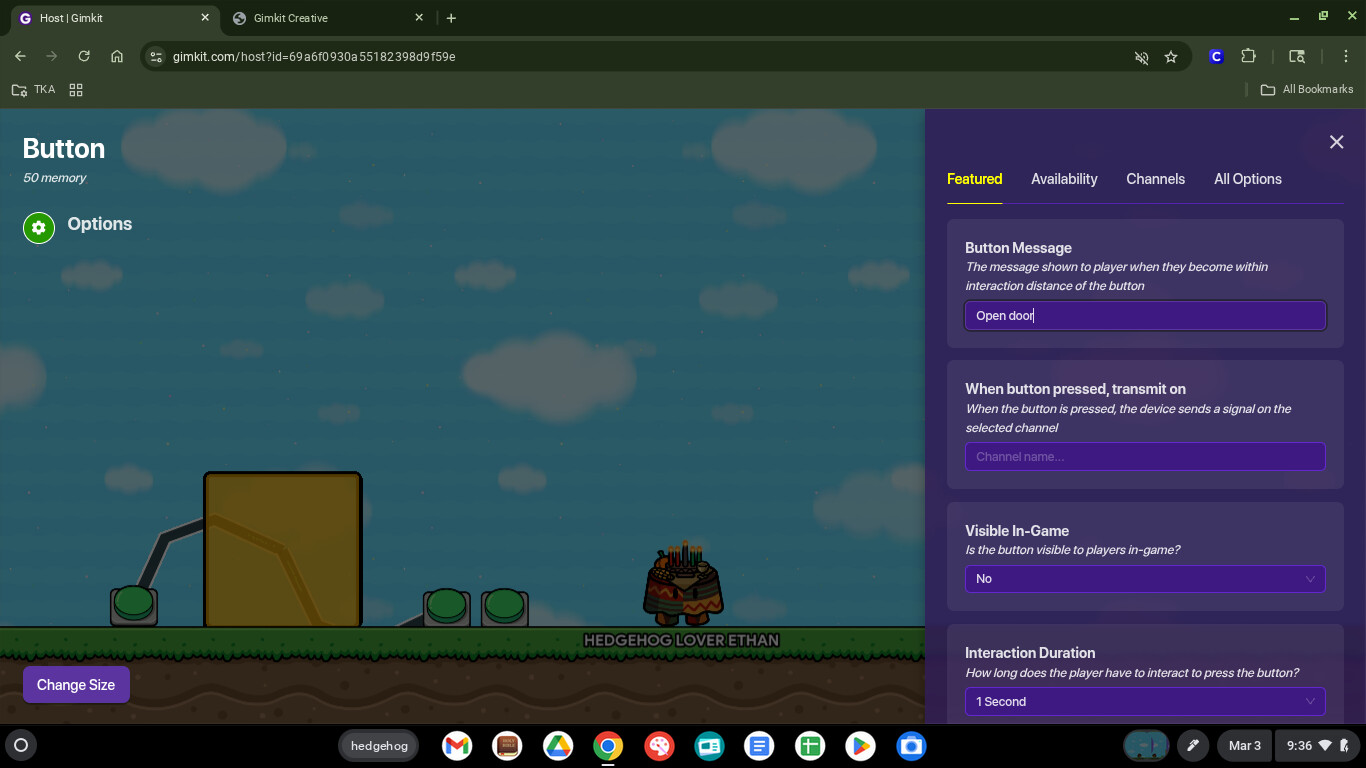
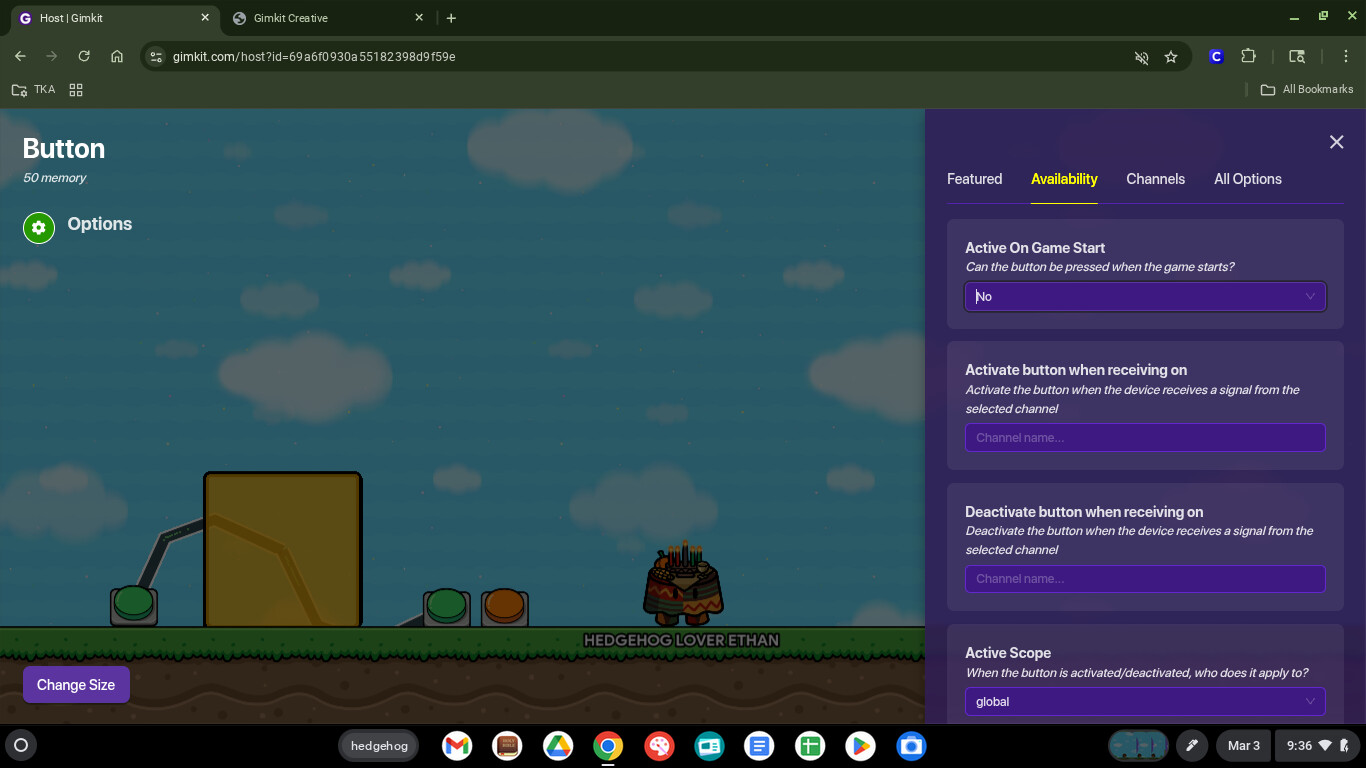
The pictures don’t really relate to the guide’s mechanics and instructions.
THANK YOU FOR USING DROPDOWNS!!! So many people don’t use these, and it’s frankly daunting to be facing a GINORMOUS FRICKIN WALL OF TEXT. Dropdowns really do help format guides to make them feel not as intimidating.
A list of materials is also very useful, to prepare people beforehand. It’s NEVER a bad idea to put a Materials Needed list at the beginning of your guide.
PICTURES!!! People learn differently, and visual aides help people FOR SURE!! They can’t comprehend the three paragraphs of settings? Pictures to directly copy from are beneficial in this case.
Areas for improvement
This is… common knowledge, basically. Anyone can jsut grab a button, wire it to a prop, and boom! have a door.
Tip: If you’re going to make a guide on doors, have a more in-depth description. How should I decorate my door? Is there an animation that can go with it? When is it good to use this type of door, versus a teleporter? This will make it more worthwhile to the readers, and they can skip the stuff they already know and dive more into the aspects of using it.
You used dropdowns, but I feel like you’re kind of missing the point here. You have two dropdowns, one with lists of materials, and then… a huge wall of pictures and text. In this case, you should probably use dropdowns INSIDE of dropdowns!!
Like this!
Dropwdown INSIDE OF ANOTHER :o
Just add another dropdown inside of the other one
Wiring. When showing wires and what they should do, they typically look like this:
(button pressed > deactivate barrier).
This gives a very clear representation of what the wire is doing. Having something like this:
can be confusing for some. Using the parenthesis can be helpful for sightreadability.
I also noticed that you were doing pretty good with pictures, then I see this:
HOLY OVERWHELMING! I know that making a guide can be tiring and you JUST WANNA BE FINISHEDDDDD, but a good guide that’s consistent will always be better than those that don’t, even if it takes you ten extra minutes.
And lastly, SEARCH BEFORE YOU POST!!! If this is a guide that has lots of other guides about it, don’t write a new one. They can look at the others, and your guide will slowly sink to the void. Make it unique, and although it can be about some other things that already have guides about them, adding extras can make it better than if that aspect wasn’t there.
That’s what I have for now. Note: I’m not trying to make you feel bad. My first guide was a little… interesting to say the least. I jsut want to give you something to build off of to improve in the future. I hope this helps


 analysis