How to make a Winter Olympics map *start* (mini guide) 3/10

So the winter Olympics started on friday and I know some people are going to want to make a map about it so here’s a way to make a picture for the picture on discovery or how to start your map.

Custom shapes

So I would use a text but unless I’m mistaken there is no Olympic sign under emojis so if anyone knows a better way tell me. So custom shapes for the only thing I could think of
So here’s what to do with it

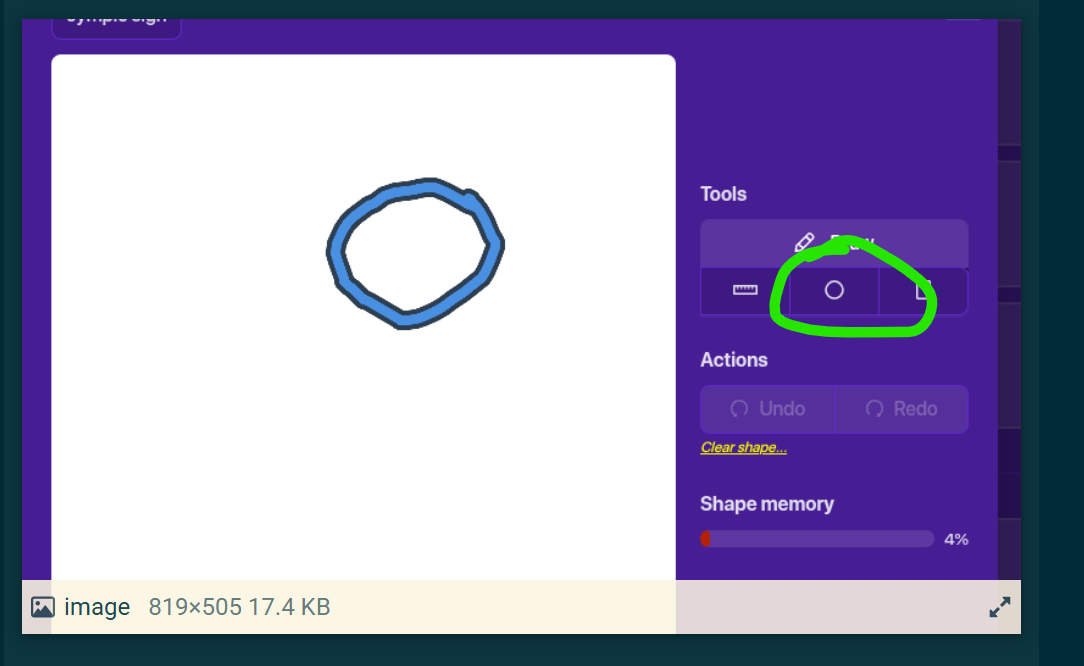
  • Add a custom shape
  • press “manage shapes
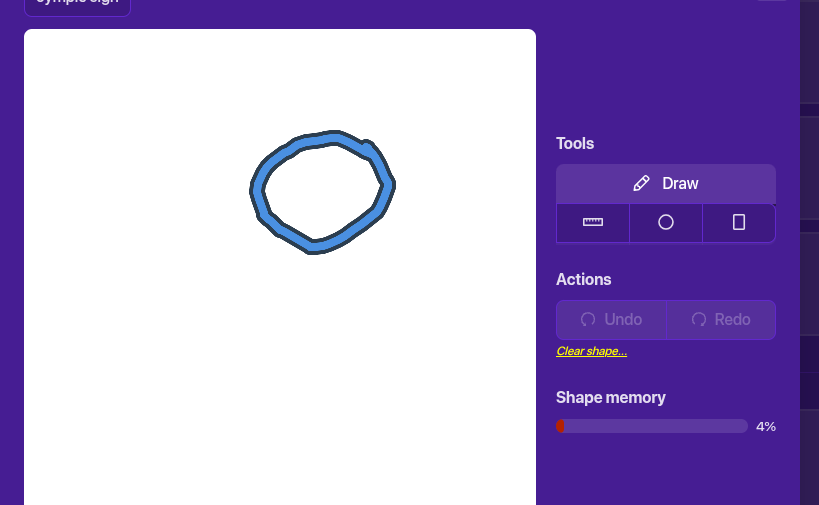
  • press “new shape
  • try your best to make a circle
  • MAKE SURE YOU PRESS “SAVE
  • then to add it to “add a shape” and well it should appear


make it blue for the first shape then repeat until you have finished

Text

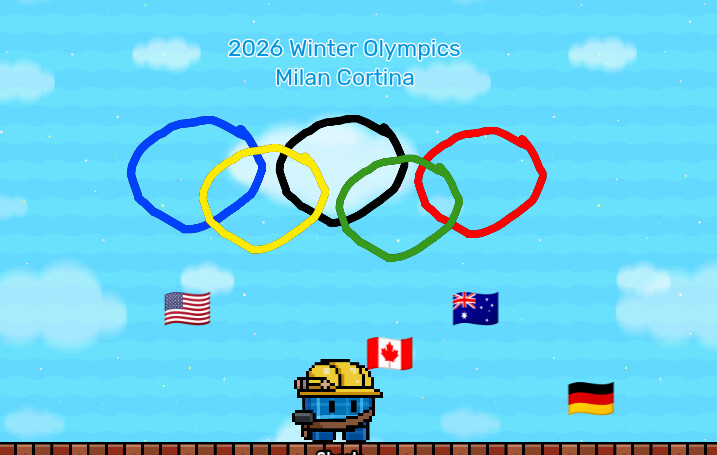
I just simply added a text saying "2026 winter Olympics Milan Cortina and below you can add flags (with emojis) for different countries you can add poles below so they can be “held” by the sentries in the next step

NPCs or sentries

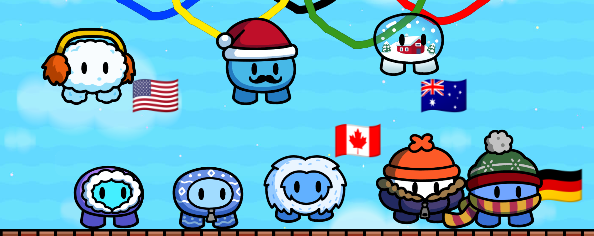
If you have seasonal ticket add characters/NPCs or if you don’t (like me unfortunately) you can add sentries some good ones to use are:

  • Festive onesie blue
  • frost buddy
  • icebeard
  • Puffer
  • scarflet
  • snowmuff
  • Santa stach (a little late in season but its okay)
  • snowsphere

    Put an invisible barrier so sentries and be up higher (so it doesnt get too crowded)
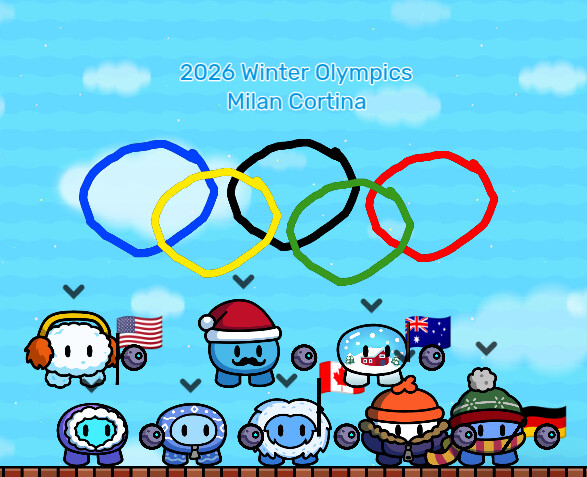
Final result


add any extra details you need!

how hard was this guide?
take the poll please so I can rate it!!!

  • SO EASYYYYYYYYYYYYYYYYY (-10/10)
  • Pretty darn easy (1-3/10)
  • it was okay ( 4-6/10)
  • meh a little hard (7-9/10)
  • WAY TO HARD YOU ARE TERRIBLE (10-100/10)
0 voters
3 Likes

I mean, okay 1st guide, but you could’ve added some more, like how to replicate simple stuff and such.
Plus, this guide is kind of how to create colored circles and then adding winter sentries.

Sorry if i sound rude!

hehe

4 Likes

Good point what should I add?

I should totally figure out how to add a Olympic torch that actually moves

2 Likes

You can also focus on the games itself, like ski ramps, hockey rinks, slopes, etc.
hrmm what about a podium??

5 Likes

Trigger animation.
See: literally any of Zappy’s guides

Anyway, nice try for a first guide, but like sweet ‘n’ sour sauce said, it doesn’t really focus on making a Winter-Olympics-themed map. It just tells you what sentries are winter-themed and how to make some flags and circles.

Try adding how to make the actual games featured in the Olympics, like luge. That would probably be especially fun to re-create, since slides in GKC are a thing

Toaster’s idea?
Not really, actually. Probably less time than making a good circle in custom shapes.

The hardest part is matching the background color, but other than that, very easy.

7 Likes

Maybe add events?

1 Like

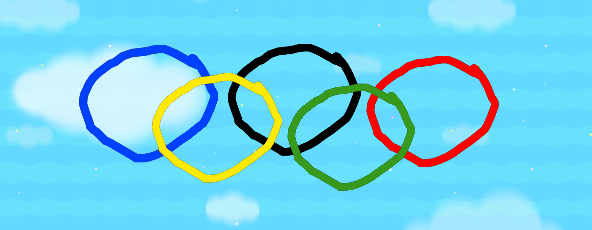
You should use barriers for the rings, Im pretty sure you can’t change the color of the outline of a barrier but you can make a colored barrier with no outline then make a smaller circle barrier in the middle thats the same color as the background.
1 Like

No offense but I think that would be a little hard and take some time

A LOT OF TIME actually :confused:

2 Likes

You must be new, like me! But I’m pretty sure a lot of the people here could figure out how to make events in Gimkit.

hmmm… this is making me wonder how much code curling would take…

2 Likes

I feel like this is a dupe of this guide.

Hmm kinda? That guide is more complex than this one.

scary respond to mee

@Scary_Friend
Screenshot 2026-02-16 142828
Help me I really don’t want to make 20 more presentations because of this limit D:

1 Like

I don’t exactly understand what this guide is then. Is it just like a photo opportunity at the Winter Olympics 2026?

2 Likes
  1. You can use barriers (as already stated)
  2. You can draw circles in the custom shape thingy:

They can use one circle with color, and another inside that one to make the outer one an “outline”

they need a circle outline