I tried doing it but it keeps sending me to devices instead
3 Likes
click the + button then the x button in the top left
1 Like
When it sends you to devices, click outside once then reclick props. If I’m understanding correctly.
2 Likes
is there some sort of hotkey to open props
2 Likes
No, just the panel with E.
1 Like
why not try doing the opposite? maybe gimkit’s just having another tweak-out session.
it doesn’t hurt to do the ol’ switcheroo
3 Likes
somehow that worked 
3 Likes
first, click the “+” icon on the top right corner of your screen:

next, click the top right section that states “Props”:

then, click or search for a prop:
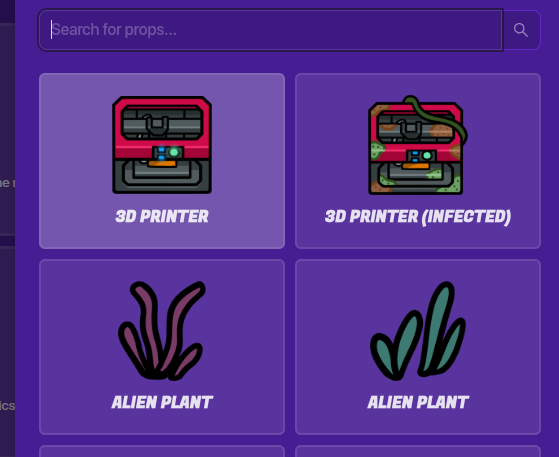
lastly, place it down!

3 Likes
This topic was automatically closed 3 hours after the last reply. New replies are no longer allowed.