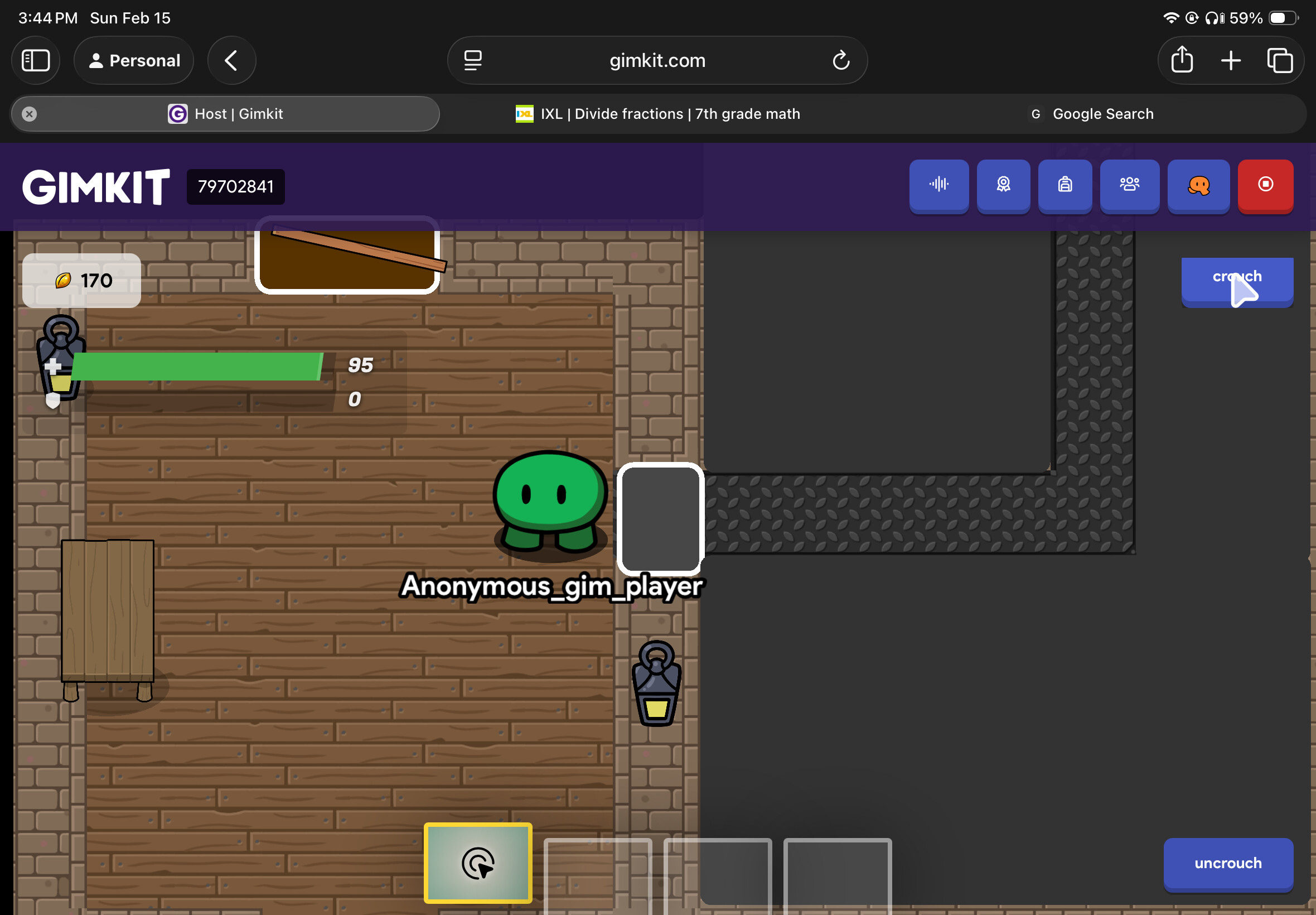
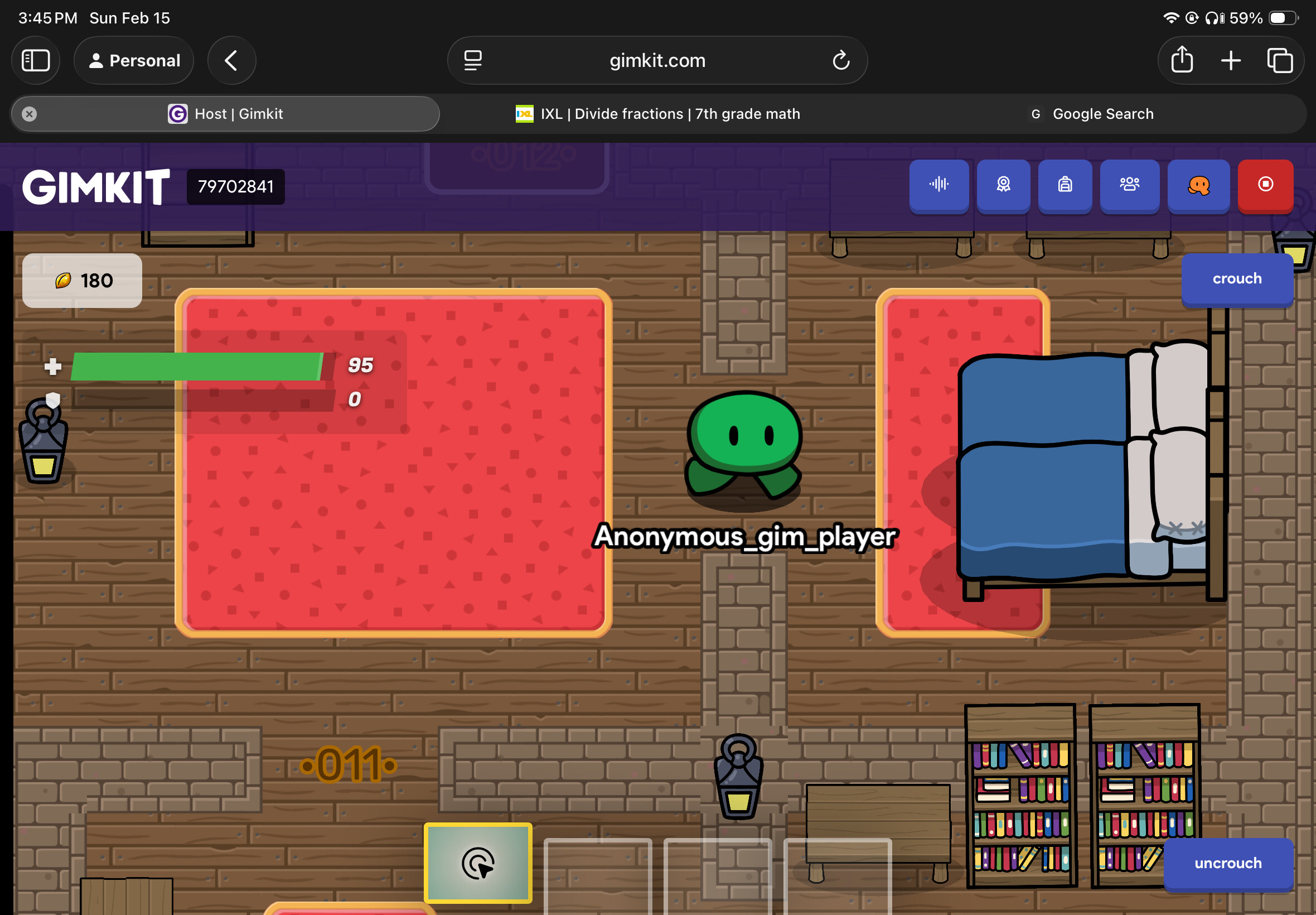
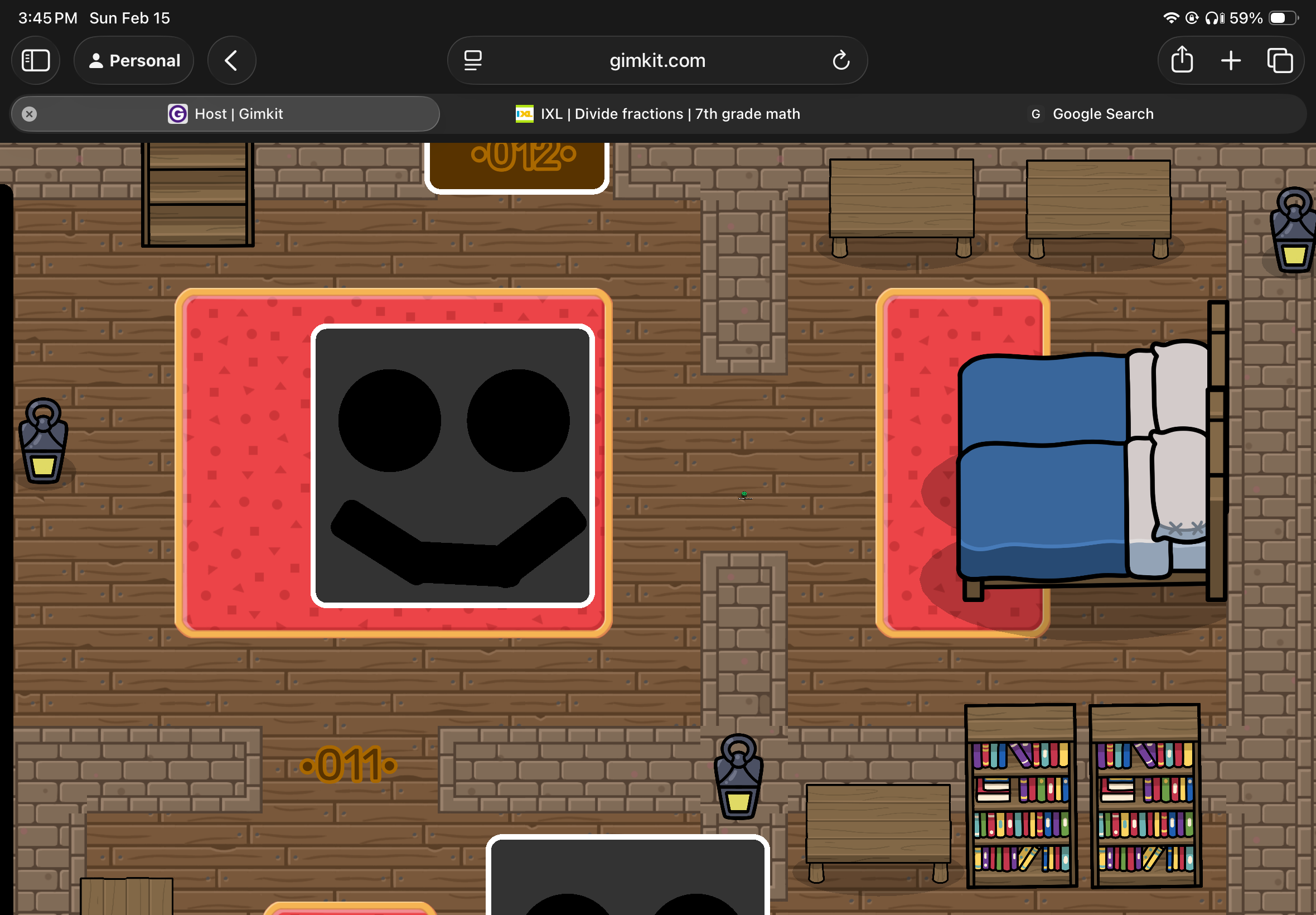
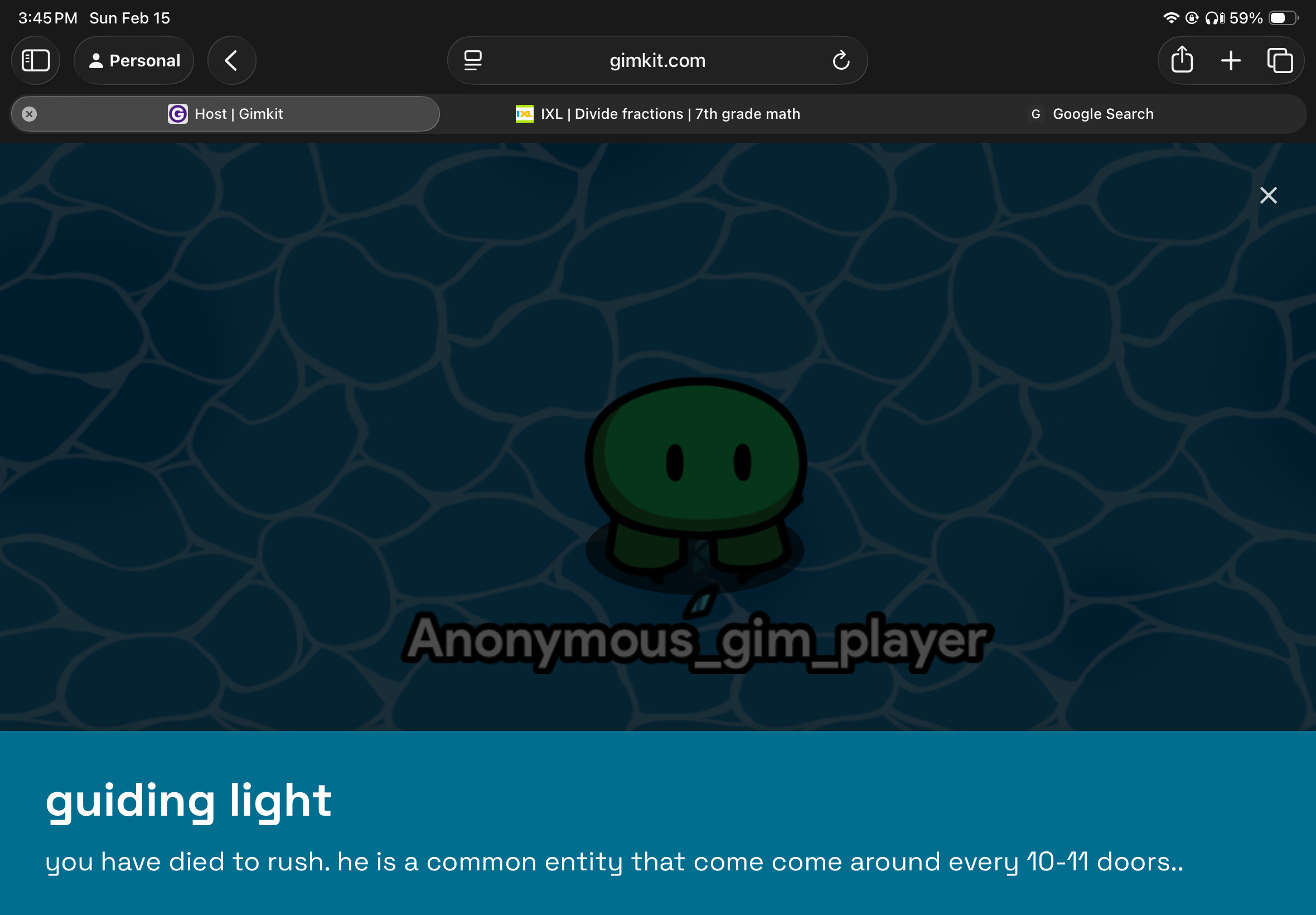
i need info, so i can get back to building. and make good doors map
Just bump one of your previous topics.
These are becoming clutter.
You can just check the many Doors guides we have for information:
I have been Answering Peoples Gimkit doors questions a lot and my Solutions to them are quite smart and…well… Now I think I am now interested in making my own Official
Ultimate guide to Gimkit Doors My only concern would be people would take credit for doors stuff already made, But my Solution That I hope Works is, Make it the way I want it the way I love it
Although This Guide is a Wiki I do not grant permission for ANYONE to edit it
Unless I say so and think your thing will be helpful (…
To make Dupe you need to know what number the right door is, use buttons to open doors, make one open it, and make the others damage you. (Dupe does 33 damage )
OPENING DOORS:
Place a barrier where the door is.
Place a button in front of the barrier. (optional: make it non-visible in game.)
Wire the button to the barrier. (make it so when the button is pressed the barrier deactivates.)
MAKING THE FAKE DOORS DAMAGE YOU:
Place a damager.
Wire the buttons at the fake door(s) to the da…
Hello, gimkitters! It’s me, Landyn, back with a new guide! It’s been a while since the last time I posted a guide, so I’ve got TONS of ideas for new entity mechanics. And one of these is an entity that you may have NEVER heard of: Dread. Now, Dread’s an interesting fella. He was originally a secret entity with no badge, modifiers, just if you wanted to spend a full HOUR (insert OH_MY_GODDDD.exe) AFK in a room, then you were rewarded with…nothing!
Thanks to the Mines update, Dread now has an off…
2 Likes
how to bump topics?
@bakedpotato
Just reply to one of them, saying “bump” or something of the like.
You can only do this on your own Help or Art topics after 24 hours or more, or on Community Made Guides .
1 Like
so if i say bump. it cancelled it?
Cancelled what?
Bumping is just a way to revive an old topic to get more help on it.
Or, in the case of a guide, to get that guide’s information out to more people.
2 Likes
ok but heres the pictures bro !
You need help with Screech?
Says so in the title–
Try this guide.
What’s up, gamers! It’s me, Landyn Speed, back with a new guide! Today, we’re gonna be covering a new entity in Roblox Doors! This guide, I’ve never actually seen anybody recreate or even ASK how to make him, (and for good reason. Screech is known as one of the most ANNOYING entities in ALL of Doors…besides Curious Light, in my opinion.) so I guess I’m making a guide that NO ONE asked for. But, when you look into it, it’s really simple! You’ll see why. Of course, El Goblino will be here to help …
He was so annoying to me as a newbie-- I thought you weren’t supposed to look at him so he was just chilling in the corner of my vision like “hElLo”
2 Likes
@Hdangerzones should i make the rooms? [door 61. if i save memory](door 61 if i save MEMORY. which is hard but easy, to make memoryless rooms
@bakedpotato i agree, door 55 or 56 in new update? elgoblino be like. hola hola wuzzup ! me in dĂŁ shop
bum bum bump bumping this topic.. topic plosed
system
Closed
February 16, 2026, 1:34am
12
This topic was automatically closed 3 hours after the last reply. New replies are no longer allowed.