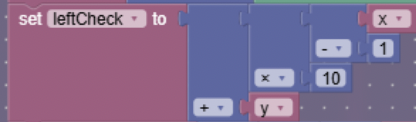
So basically you wanted to take x and y and form them into a “xy” string. What you did takes ten blocks.
Why didn’t you just do:
set leftCheck to Create Text with: x - 1
                                   y
And then instead of using the singular create text later you could could just reference that variable (this way would use 3 less blocks).
Just lastly in my opinion you should have tested this with larger mazes before posting this because the system is incredibly glitched. I generated a maze about 10 times (6x6) and each time it was just impossible.
I think the system in place ONLY works for 3 x 3 mazes, and there would need to be major code changes to account for new squares (but maybe not I don’t know code).
I don’t know. I figured the “create text with” block would turn a number into a string of text, of which it would mess everything up. If you want to try, go right ahead.
I’ll show you my new properties for my working 6x6 maze once I get home. Don’t forget to change the property that has all valid cells and has cells that are already used. The property that has all the used cells should have the starting one by default. Additionally, you need to update the backtracking for more numbers. If you replace my math with the create text with block you might have to redo other parts of the code as well.
Changes you need to make:
Change starting positions if need to
Change the property with all valid cells.
Change the default value of the property with used cells to include the starting cell
Add to the backtracking trigger (add another trigger if needed)
Obviously, and more barriers to the maze.
That should be it.
I’m gonna tell you that the most predominant issue you might have is a couple barriers have a channel that is incorrect. That’s what I encountered when building.
Okay! I mostly confused because you convert into a string later, why not do it earlier.
Uh actually the stuff was messed up was with your map itself, I haven’t made this yet. I just wanted to be sure it worked before I dedicated it to my map.
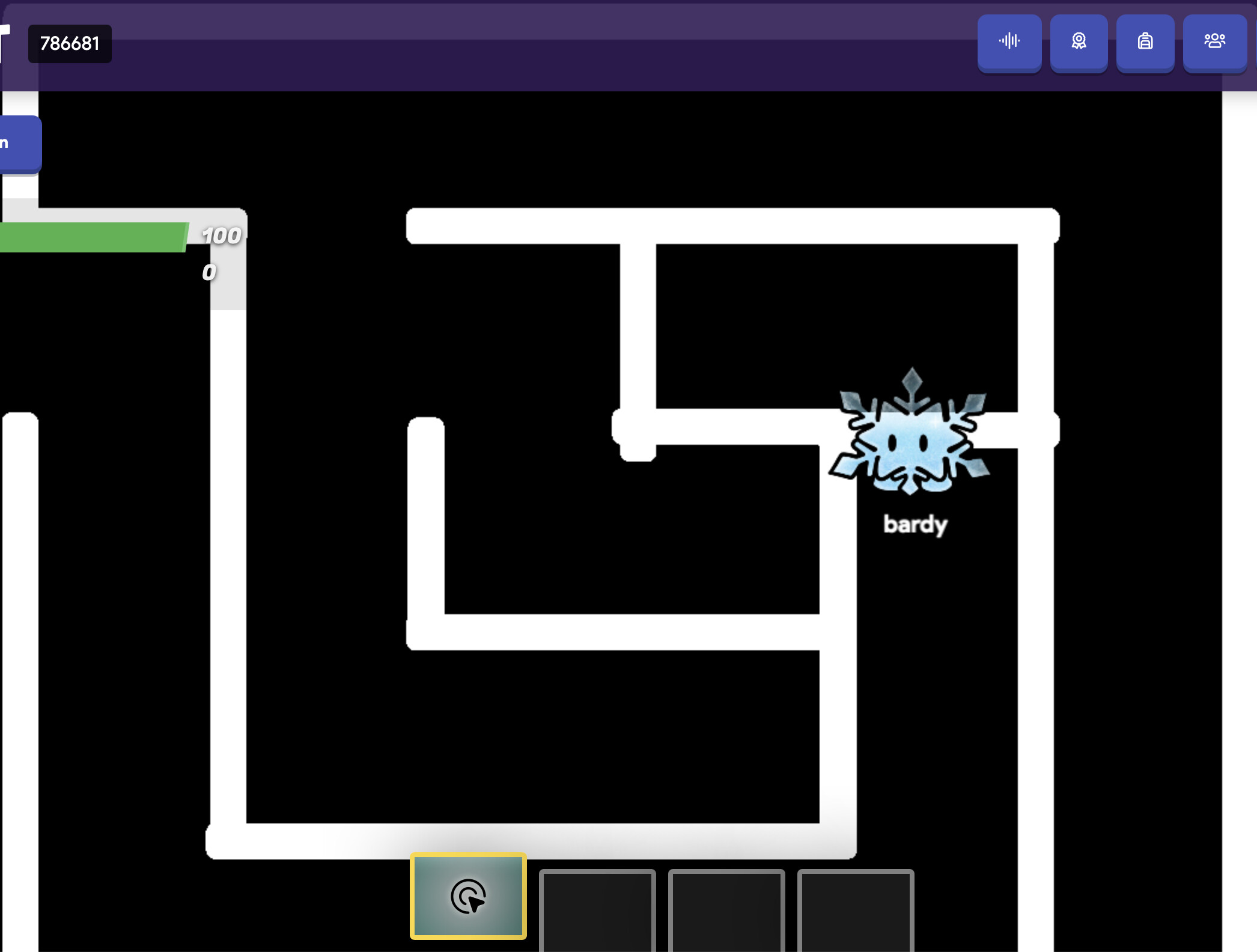
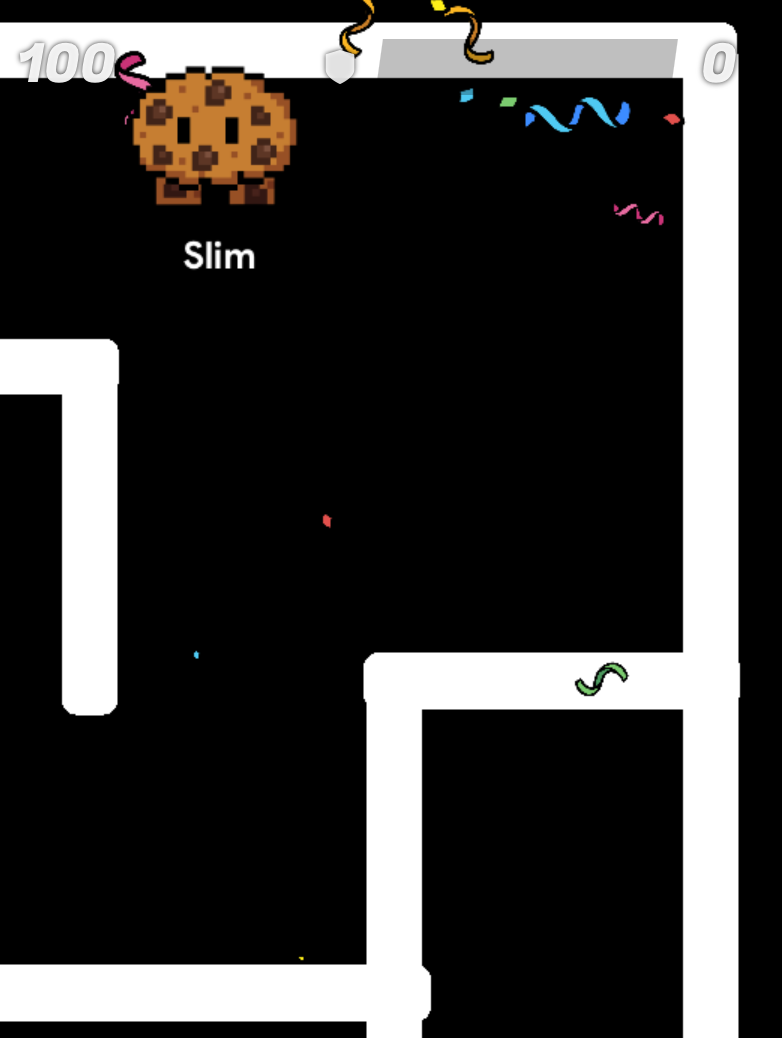
As you can see, it’s impossible and this tends to happen a lot. That’s why I said what I said. I can provide more pictures if ness ofc. It might just be that I have horrible RNG with this working. But of the 15ish times I’ve tried it’s only worked 3 times.
""
The fact the image lining up (on my screen at least) is off by 1 pixel is going to haunt me
I thought I fixed my map- I guess not. I found one lone barrier a few days ago that was on the wrong channel. There might be a few others. I did successfully test it and I got a fully working maze a few days ago.
But in theory it should work. It worked in a 3x3 maze so it should work for 6x6 with a few tweaks. The major problem of me fixing the maze is that it’s soo laggy.
May I ask, I forgot My idea was we can see if it detects a blockage in the maze and fixes it,
Its been awhile since I have thought of the maze, So @SlimExtraterrestrial how does your maze randomize exactly again?
Is there anything you don’t understand? How the code calls the walls, how it uses lists to store what coordinates have been pathed already, how the text code blocks work, that kind of stuff.
Does anything occur when you trigger the system? Have some text devices show what some of the variables’ values are and you can try to debug it.