Heeellllooooo fellow jelly gims!
I am on a quest for answers, for the speed of show/hide
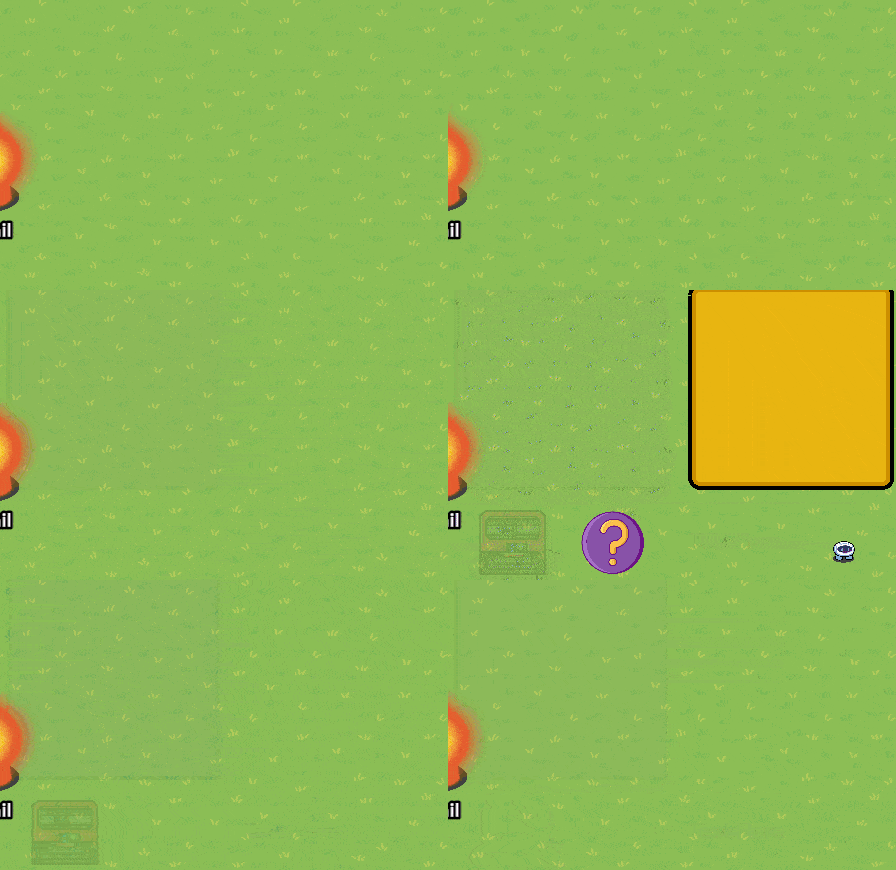
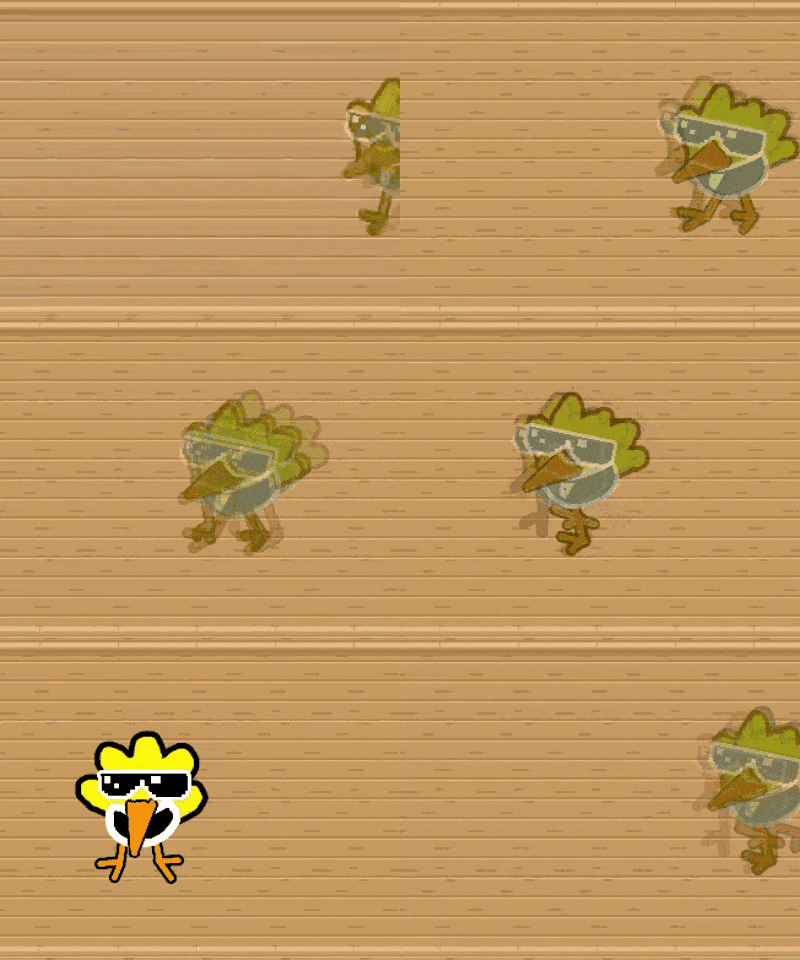
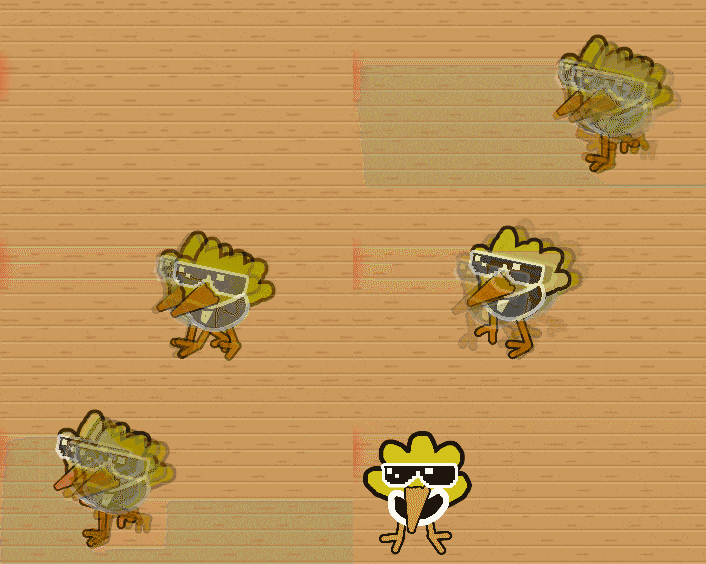
see that gif? u can make this too, I’m hiding then showing them every 0.1 seconds
almost nothing shows/hides at the same speed.
-Barriers/item images/sentries are instant
-Props are a little slower
-Text and custom shapes are REALLY slow
I hate that while animating.
look at how disgustingly transparent it is.
I actually encountered this problem a few minutes ago when I was testing how to make full-screen transitions between rooms (basically when the screen fades to black for a moment when you enter a new area in video games).
Originally, I had wanted to do it with a barrier, until I realized that barriers appear instantly which would make the transition pretty ugly. So instead, I improvised by using a large rectangular prop (bookshelf) tinted black. That way, it fades in gradually.
Unfortunately, there doesn’t seem to be any way to fundamentally change the show/hide speed of objects. But we are creators, and as always, there are workarounds! It really depends on why you’re asking, so if you want a way to circumvent this problem, I’m gonna need more context.
This is probably just a Gimkit skill issue, honestly. GKC is far from perfect.
edit
how on planet earth are you so fast to like my post
Custom images and text can’t change their show/hide speeds unfortunately, so unless somehow you use barriers instead I can’t really help you there.
WAIT, actually if you decrease the FPS (framerate) it won’t really solve the problem, and your animation will be more choppy, but it could make the animation appear less “transparent” since each frame be present for a longer interval.
repliesss
oh I thought it was just a discourse glitch
that’s correct! But barriers would probably be very difficult and time-consuming to use, I don’t recommend it. A third option would be to just live with it, I guess.
I don’t think it’s lag. Some objects load in instantly, plus the show/hide speed of different objects is always the same
There’s prob no way to fix it, since GKC is soo laggy and it prob cant take such quick speeds. Even with a 1.5 sec time in between frames the animation still looks somewhat like dat (yes i tried it)
HOW DO U DO THAT I NEED TO KNOW UWU
Edit: ok I’m in
The main reason why this issue happens is because props don’t show and hide instantly like the “Appear” animation on a PowerPoint or Google Slide. Rather, they have a more of a “Fade” effect, and your animation is perpetually in that state of fading in and out. That’s why your bird looks like it’s making contacts with the spirit world.
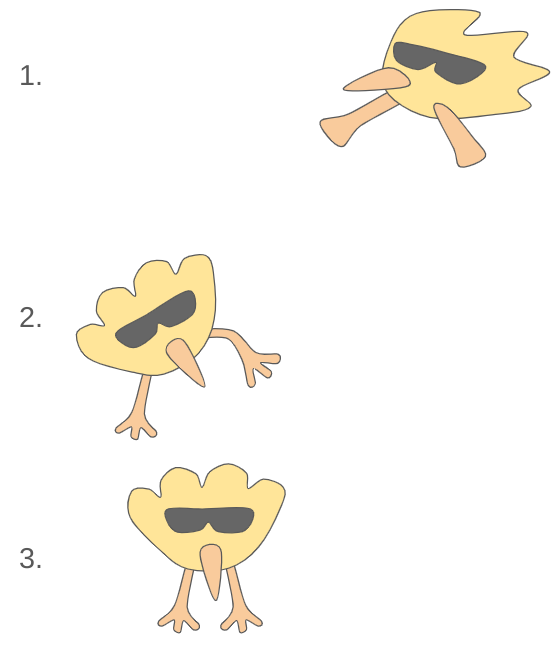
Have you tried to have two of the props visible at the same time? It appears that once one prop appears, the previous frame immediately disappears. Don’t make that the case. Instead, once one frame plays, hide it once the second frame in front of it plays. Perhaps stretching that additional .1 second of staying on screen could keep things not as ghostly as they should be. You could also maybe throw in a few smear frames. Keep in mind animation is really just smoke and mirrors. You really just gotta sell the illusion.
Good news: Ye, it worked a little Bad news : The problem with this is that it literally doubles the memory impact of an animation, I’m gonna hit the custom shapes or barrier limit with this.
uhhhhh so keep 2 frames, and change the second one a little after the first?
Is that correct?
plus I’m not sure if this can work, since i’m already planning to change frames every 0.1 seconds
alex
hmmmmmmm, ye that could actually explain it
so what do you propose? Just keep it like this?
I mean yeah, I can’t change it without it getting expensive, but this is why I made this topic.
The reason I don’t like this is because I have very little control over it.
Take a look at the walking zap
I can’t make thin legs or the spikes, or anything from something other than custom shapes.
But custom shapes are the slowest ones! So I’m basically forced to have everything be transparent like this. Doesn’t matter if it’ll look good or bad
I didn’t know different devices disappear at different rates.
Also, I think the transparency gives animation a cool effect, like something ethereal or moving very fast. I personally think this weird disappearing effect made zappy’s turkey animation from the Thanksgiving Event look better than if it was completely solid.
Also, it might be caused by the conditions for the amount of things that can be checked. It prioritizes things with a lot of customizability. So things like Sentries and barriers would be check first before other devices, since they have so many settings. Props still have a lot of settings, but less than others. Text has very few settings, and the only settings I remember the Custom Shape device having is the spin and fade. That’s my theory on why it does that.
I mean, kinda? It’s not like you can change it without doubling the memory (like you said). Plus, why not use this effect for something to add to animations in Gimkit?
Use animation smears so the blurriness actually looks good and you can use more memory to make the slow part more solid. Like this:
I don’t know why that is, it may be because of memory usage and size? Stuff like that. I think what you need to do is use some triggers with delays, so you can use a bunch of them and offset the delay so they all disappear at the same time… it’s probably going to be a lot of trial and error though, because they could be off by hundreths of seconds… idk if this was helpful honestly but that’s my best bet.
I think you might be able to solve the transparency by copying and pasting the animation and making the copy trigger slightly faster/slower so there is less transparency because two transparent barriers and less transparent when overlapped.
alright
if it helps, the issue is most common at 0.1 cooldown
0.2 is better, but i can’t use it THAT much cuz it’ll be a less smooth animation
Good luck!
yeah, somebody already said this earlier [1]
the problem with that is that it literally doubles the memory requirements
and it cannot be used for big animations