how do I make a horse out of barriers that makes the horse look realistic
How realistic do you want it to look?
You could pull up a reference of an actual horse, but with memory and sizing constraints, we can’t really make something that looks all that great–
Thankfully, the horse emoji exists 

So do you want barrier art tips, or an example of barrier art for you to use?
3 Likes
Uhh..figure it out yourself? Use custom shapes for the more detailed parts, barriers for the more rectangular/circular parts, and text for other parts.
2 Likes
Use smaller black circular barriers at the bottom of the rectangles to make the hooves and turn off the barrier border on the barrier settings and use small rectangle barriers for the legs and copy paste 4 times and for the body make it rectangle and use a medium circular barrier for the head and a smaller rectangle or cylinder barrier to connect the head to the body at a angle and smaller black circular barriers for the eyes.
2 Likes
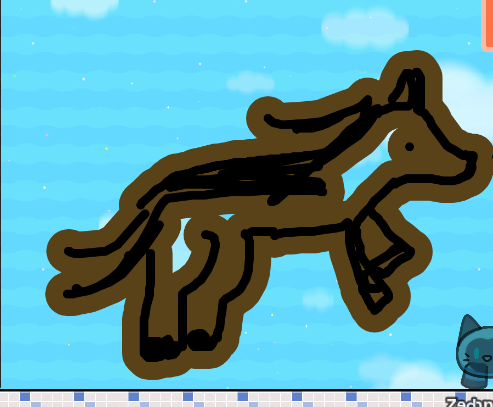
that’s shape art 
you use barrier devices, the shape tool is something that can be categorized different.
6 Likes
wait mine?
I was talking about the title of the post
ooo- barria art - was never good at it, but I can help
You can resize the shape of the prop or barrier with the “Change Size” button. Then you can shape it into your desired shape. Do this multiple times, and you can create art- Just remember to use layering so it looks better.
remember to keep the transparenty at 1 so it looks better and layering wont look weird