1.Skeleton Skin
First,make a Bonesy sentry and… just place it… like this:
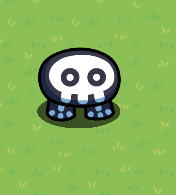
Next, add two diagonal anvils below the Bonesy Gim like this:
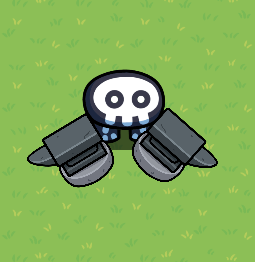
Then,add three wooden shields below the legs of the Bonesy Gim like this:
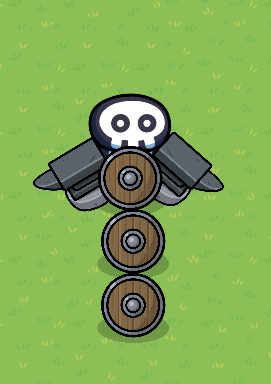
After that, add 2 printers and two blue hydration drinks on each side of the anvils like this:
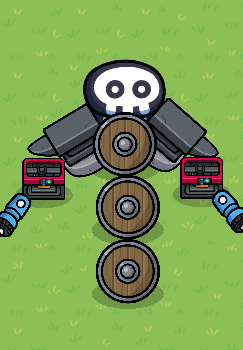
And then,add two barriers on each side of the wooden shields like this:
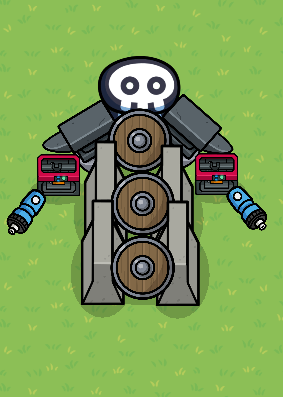
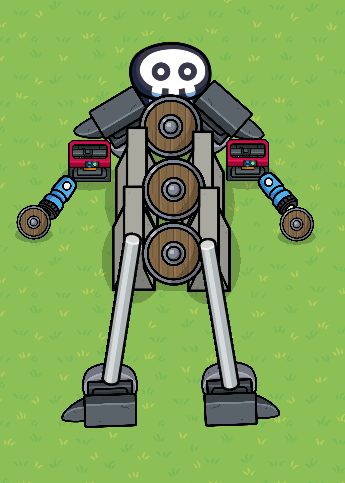
In addition,add two metal poles below the barriers like this:

Finally, add two flipped anvils on each metal pole like this:
2.Dinosaur skin
First, make a Chompz Costume sentry and place it like this:
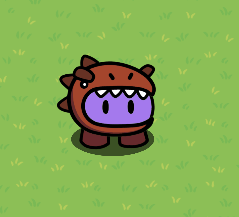
Second, add a cardboard box underneath it’s legs like this:
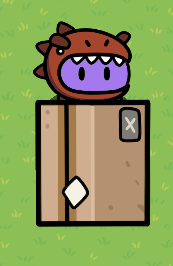
Next, add two red codexs and candles on each side of the cardboard box like this:
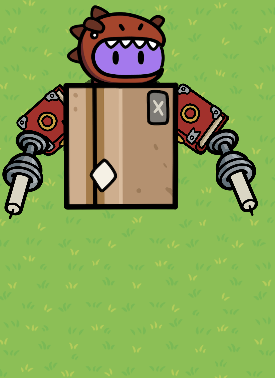
Then,add two wooden poles on the cardboard box like this:
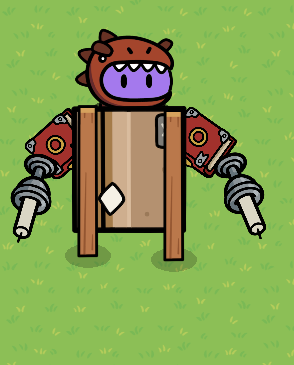
Finally, add a bicycle rack and two red arena flags flipped backwards underneath it like this:

3.Pirate Skin
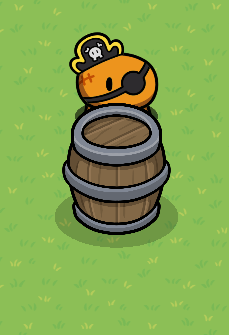
First,add a Captain Buck skin and a barrel underneath it like this:
Next,add to blue sofas and two alien plants on each side of the barrel like this:
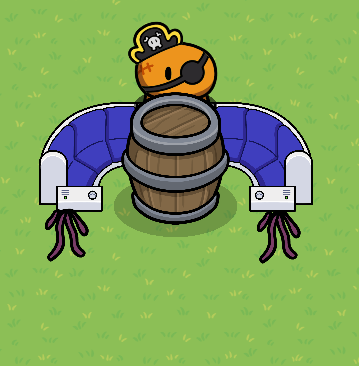
Finally, add two bluechemical and blackboard legs under the barrel like this:
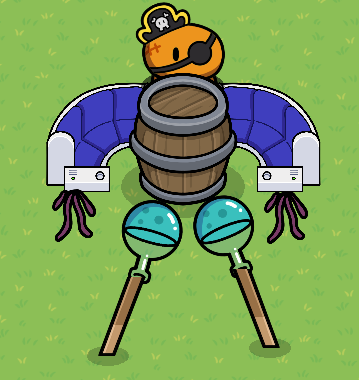
So in summary, y’all can make gimkit/Fortnite skins like this due to the (awesome) new update that just came out. Hope this guide helped! The Hacker (120 if you must) signing out
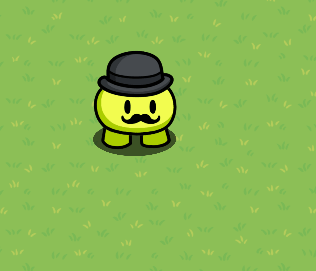
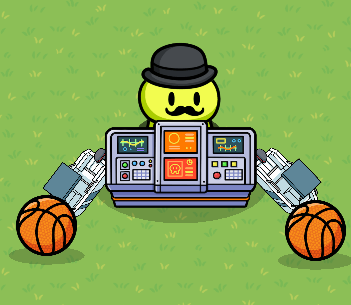
First, add a Stache sentry skin like this:
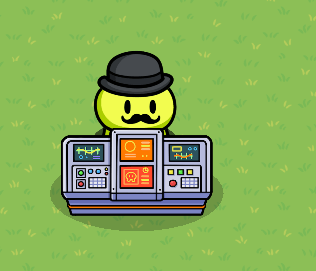
Then add a small command table below the sentry like this:
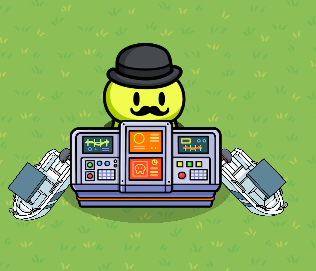
Next, add two small boats on each side of the command table like this:
After that, add two basketball balls below each boat like this:
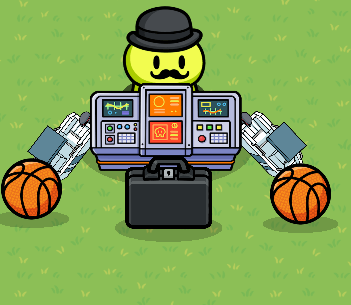
Then,add a black briefcase below the command table like this:
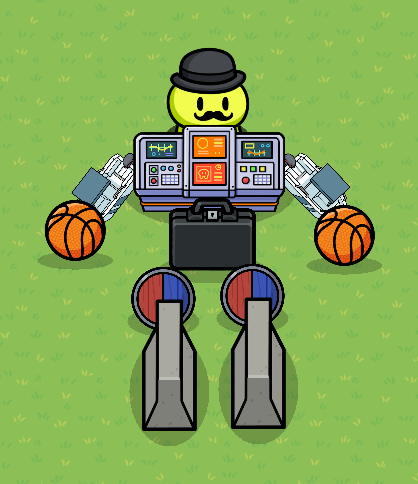
Finally, add two shields (any kind) and two barriers below the briefcase like this:
Peely:
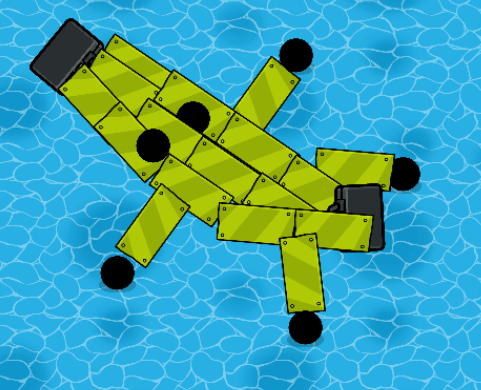
So first follow fc’s banana guide:
Make a banana and add eyes and hands like this:
P.S I was running out of transition words so I made this guide shorter. :l
P.S.S. this might not look like Fortnite skins but it’s the closet thing I could get.
P.S.S.S These sentries actually fire at you
P.S.S.S.S wiki due to infinite editing time >:D