The person meant trigger.
2 Likes
The repeater is wired to a trigger, which is running the block code.
4 Likes
Welcome to the forum, @Turtley!
how to open blocks i have no idea
It should be in the device’s screen underneath options
1 Like
oh ok i didnt know ty
bruh pls show me with pictrues cuz i dont see it
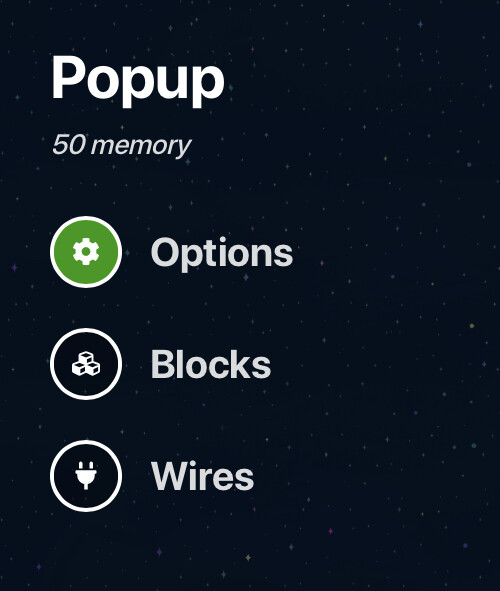
for this tutorial is the blocks in the reapeter?
Yes, it says that in the guide
1 Like
bruh:
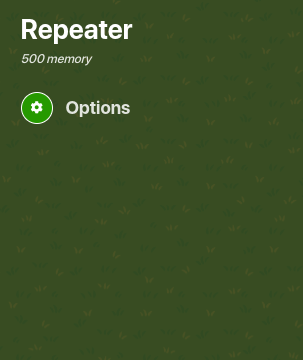
No, the writer messed up. They meant: trigger.
2 Likes
ohhhh bryh who new 
Set [BumpChance] to random integer from 1 to 2

if [BumpChance] = 1
do Broadcast Message On Channel “NormalBump”

else if [BumpChance] = 2
        do Broadcast Message On Channel “ReusableBump”
6 Likes
What Do You Do If You Have Less Than 5 Players? Let’s say 2 or 3.
Then only make 2-3 else ifs?
Is there any way that makes it change depending on the amount of player in each round?
Do a live player counter to maybe work? I’m not a block expert…
Okay thank you For Your Advice
Yep, then connect the repeater to multiple counters (each with a target value of the amount of players you want for your game) and make them trigger the corresponding trigger when the target value is reached.
Ex. Counter Target = 2, wire to Trigger with 2 if statements. (you need one else if statement too!)
3 Likes