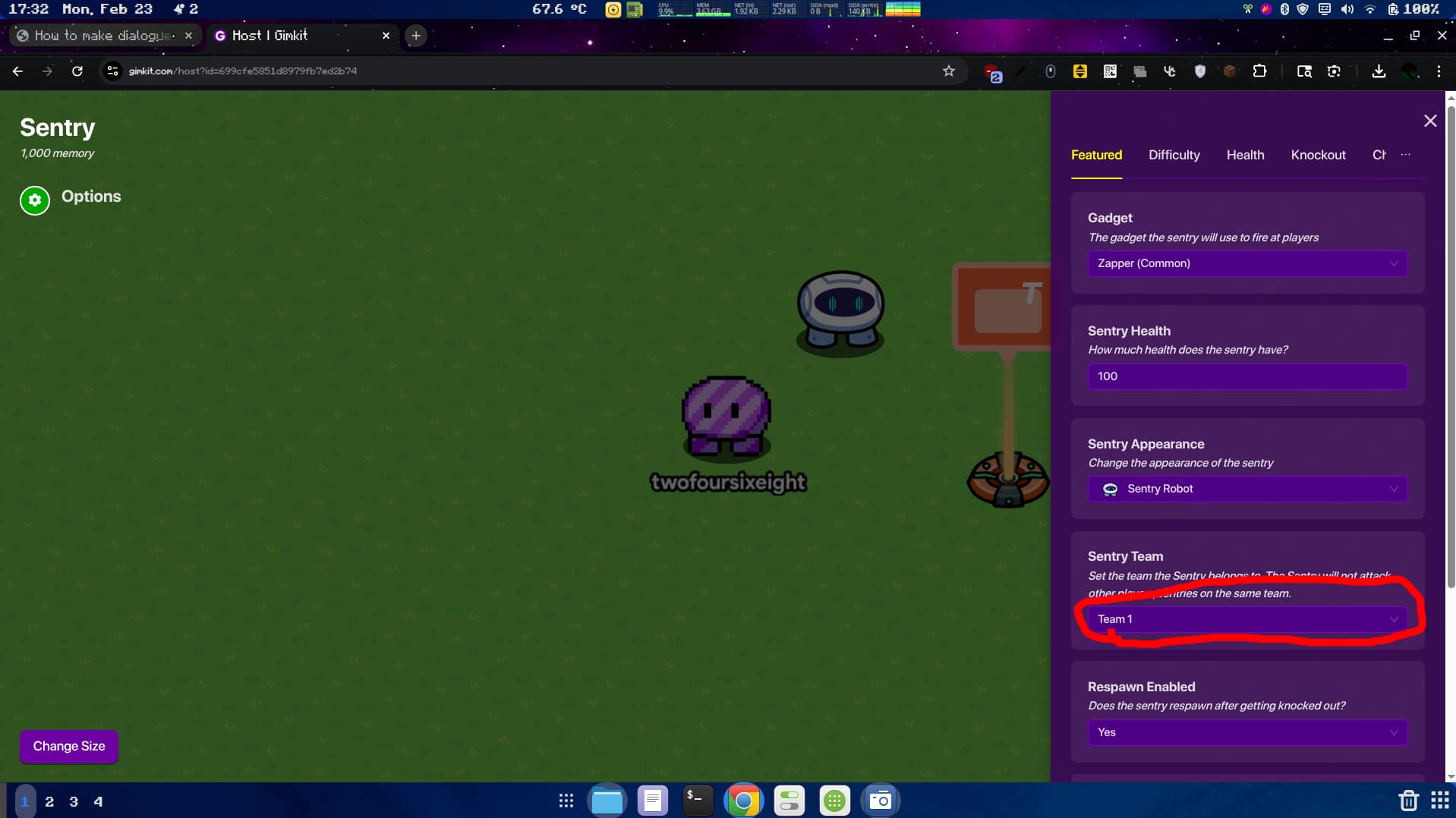
Sentry and Banner
First, get a sentry and make him any team but team sentry. Then, get a popup device and set the pop-up style to banner.
(If you want you could set the color of the popup to a dark blue so it looks like the season ticket dialogue device right now. Also make sure to write stuff in the banner).
Button
Now, add a button that is not visible in game right where the sentry (make sure to always put the sentry above where you want it to be in game) will be in game. Make the button’s message “talk”. After that, add a wire that connects the button to the pop-up and make the connection “Button Pressed ----> Open Popup”.
Zone
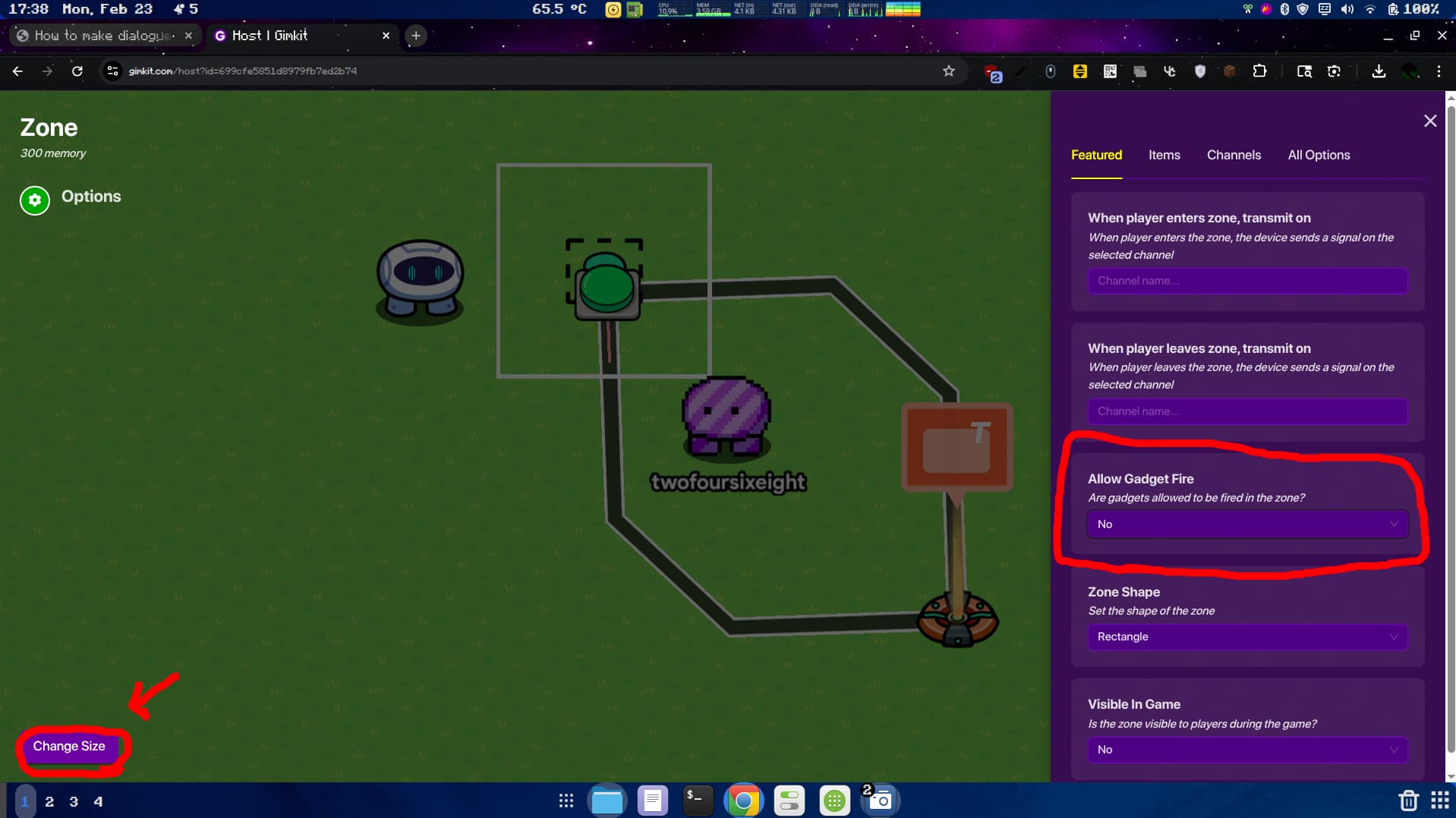
The last step is to add a zone (it’s in devices). When you add the zone, go into the items tab and set the “allow gadget fire” setting to “no”. place the zone where the sentry will be in game. Now, when you go up to the sentry and press the talk button in-game, a banner should show up on the bottom of your screen with words and the sentry will not fire at you.