Howdy, welcome! This is how to make a weather system and how to use it! If something doesn’t work reply to me so I can fix it.
Note: This is my first guide ever!
Before you do anything, make sure you have a Game Start lifecycle in you creative map.
Part 1: The Weather Controller
-
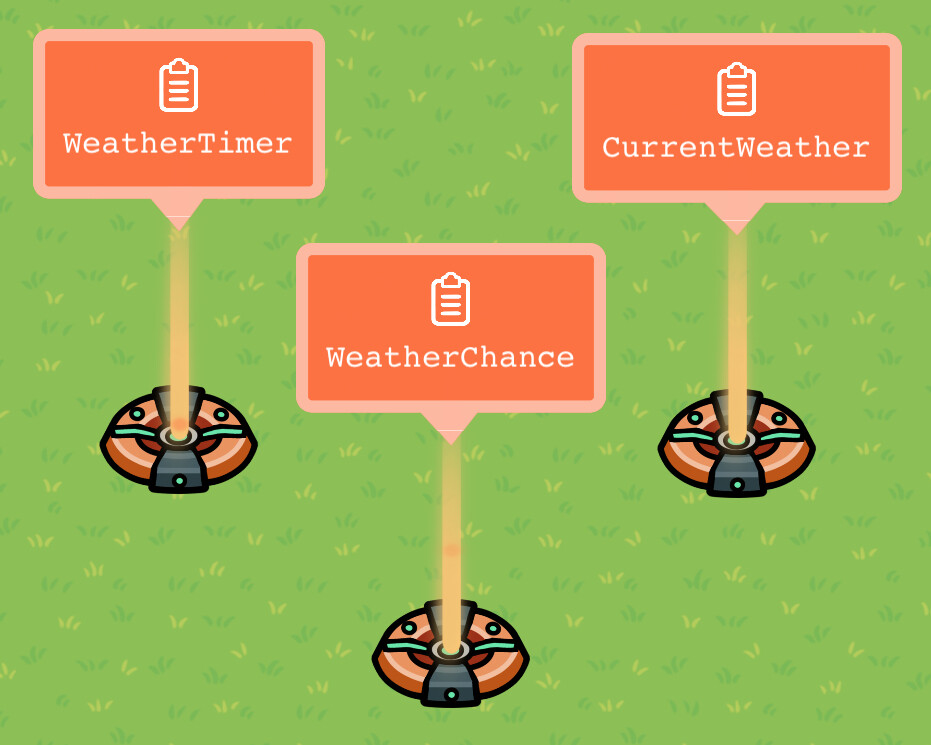
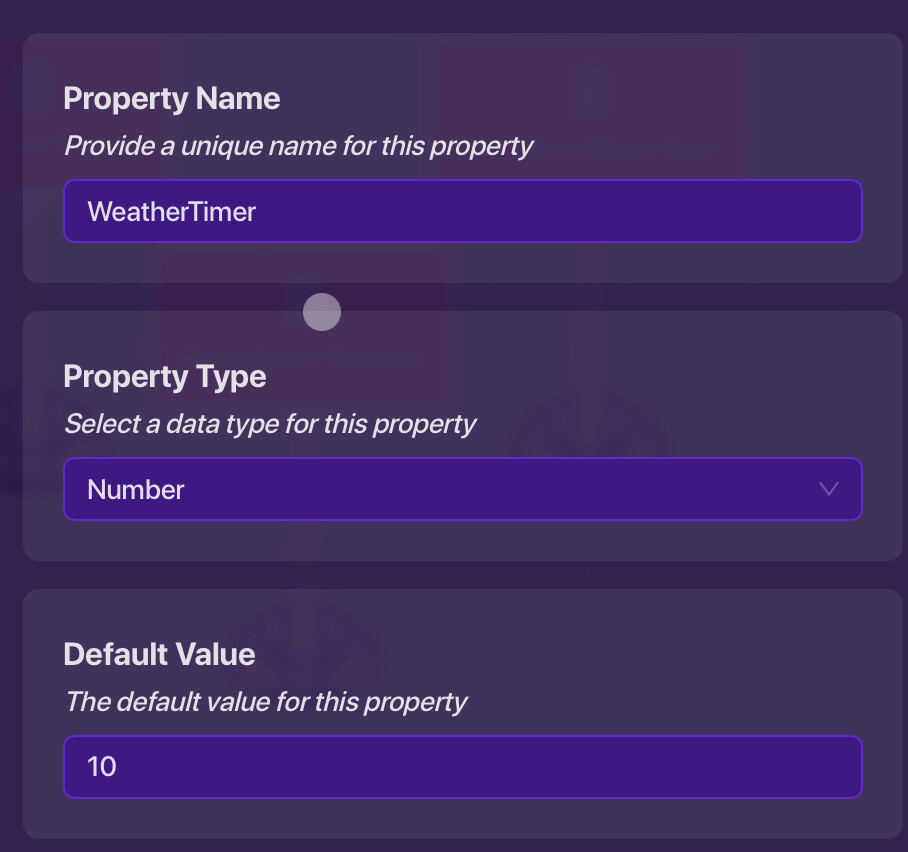
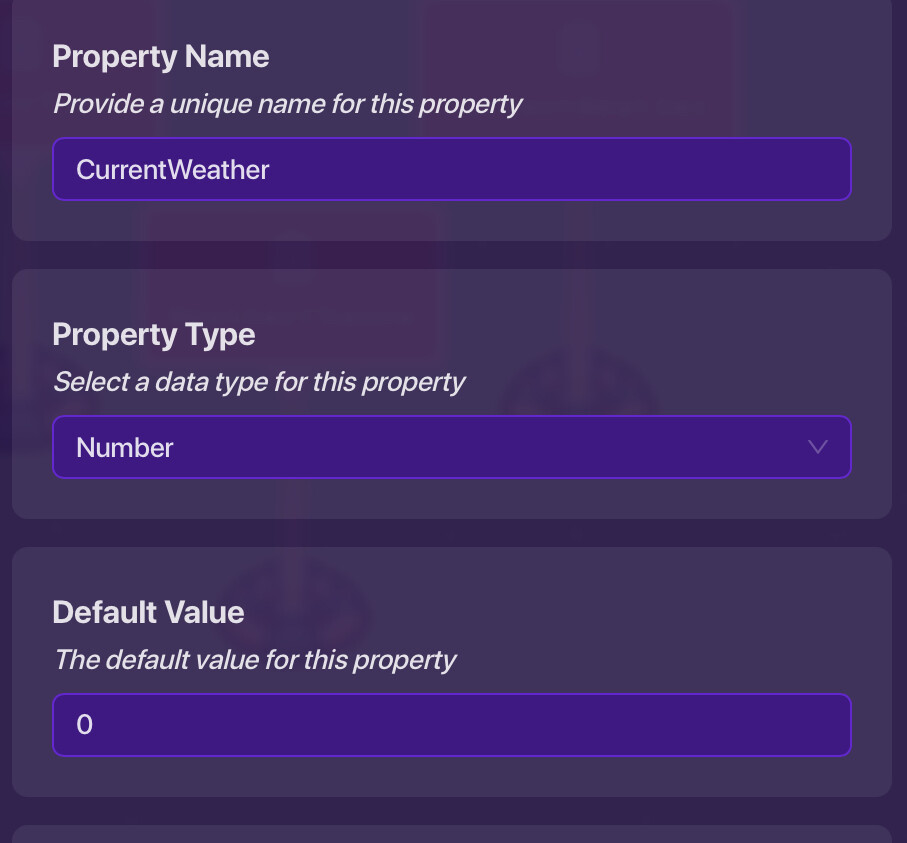
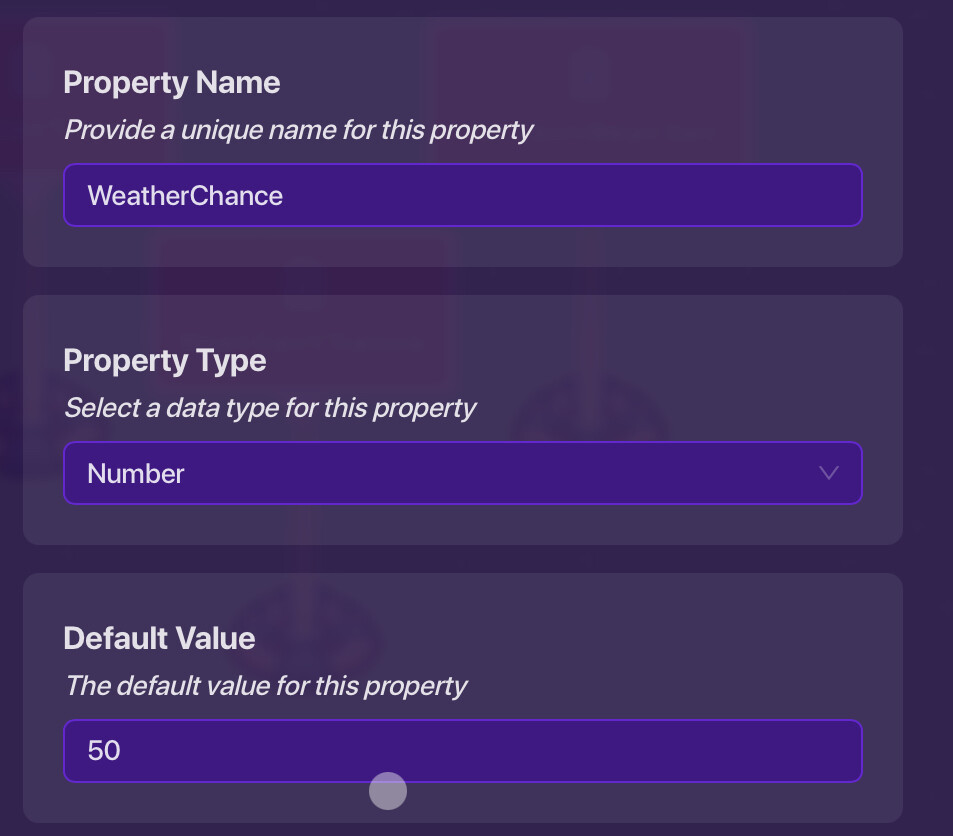
Make three number properties: CurrentWeather, WeatherTimer, WeatherChance.
-
Now, you must place a hidden trigger that runs to check and change the weather.Then you can use a lifecycle set to Game Start to broadcast a channel that kicks off the weather system.
Set Max Triggers to have no limit.
You can either set trigger delay to 0.1 or 0.2
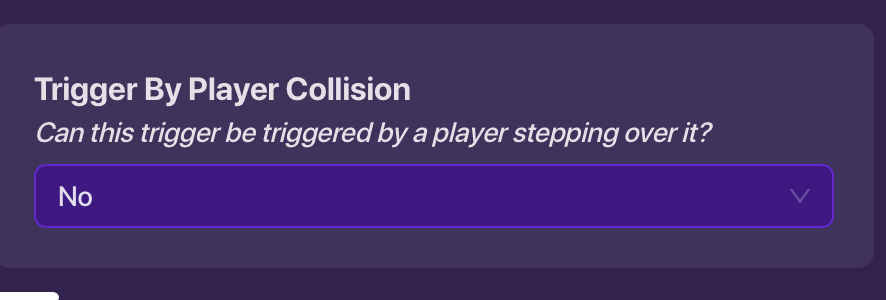
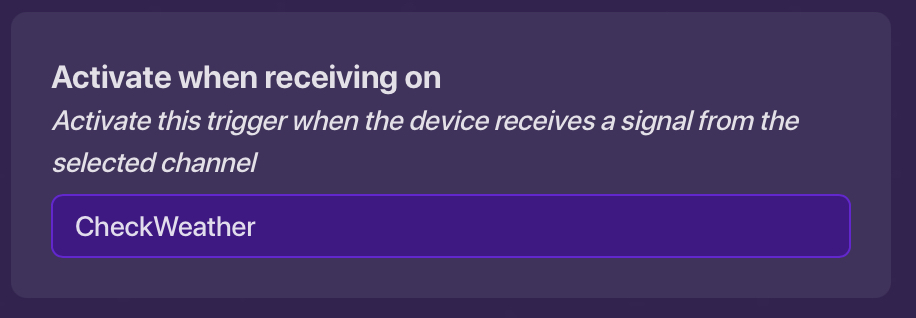
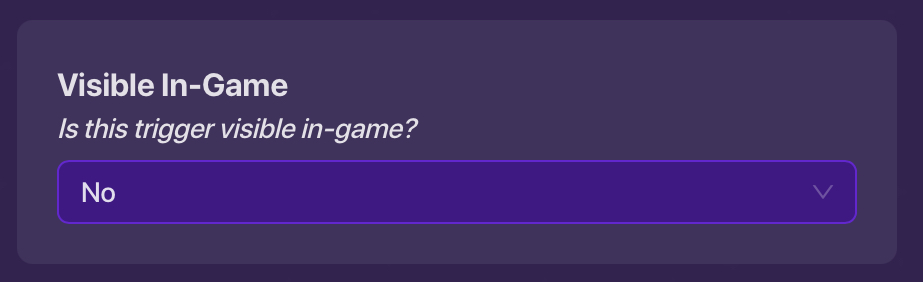
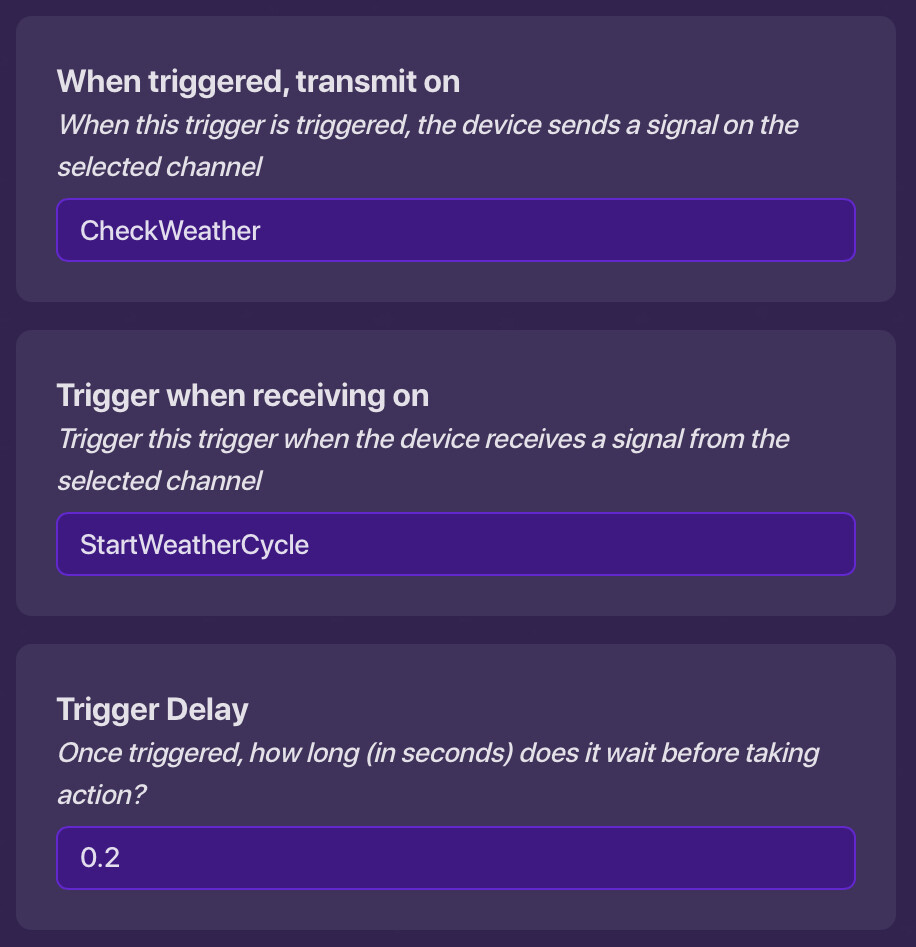
Part 2: Making Weather Effects
We’ll use devices to fake weather effects.
- Use lots of small, hidden custom shapes or barriers. Have triggers and repeaters rapidly turn them on and off to simulate rain (moving shapes) or fog.

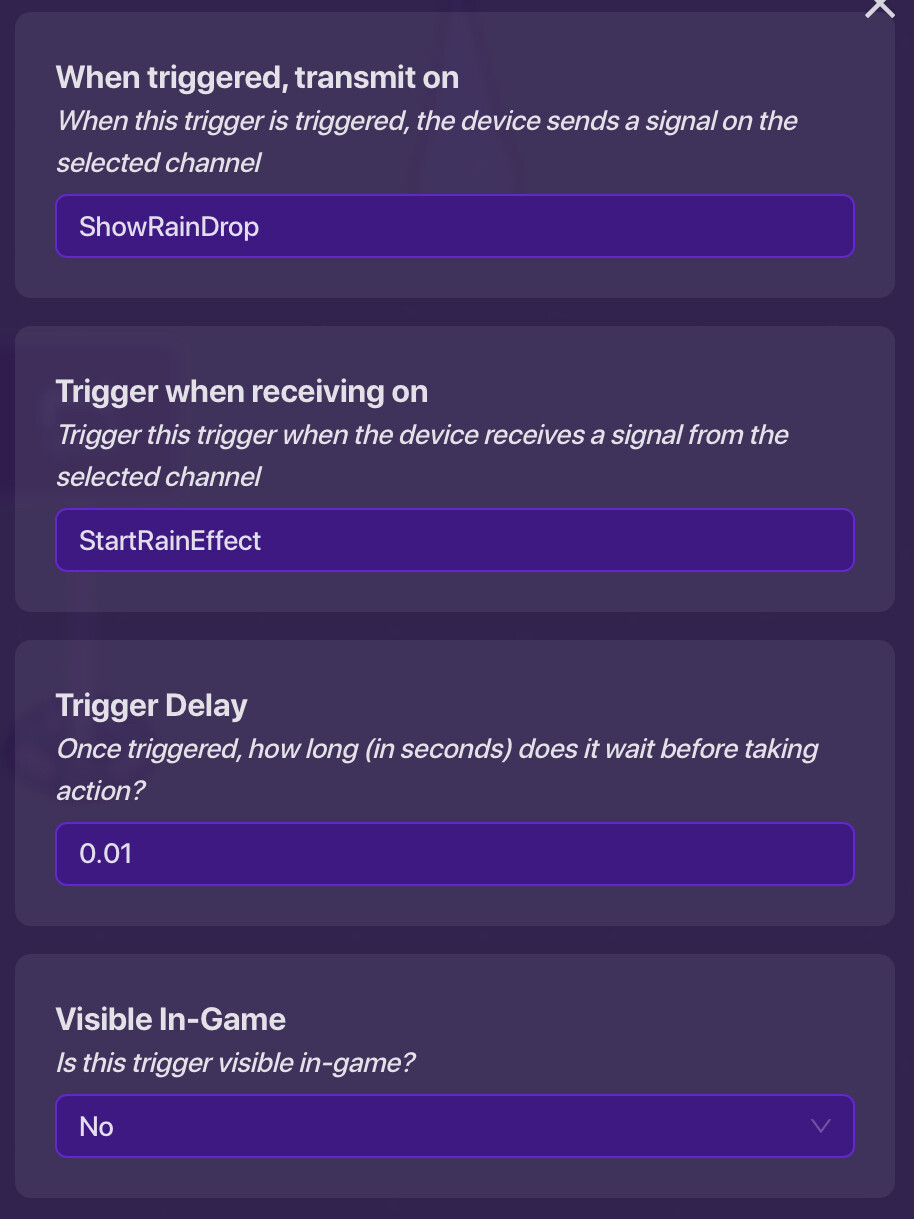

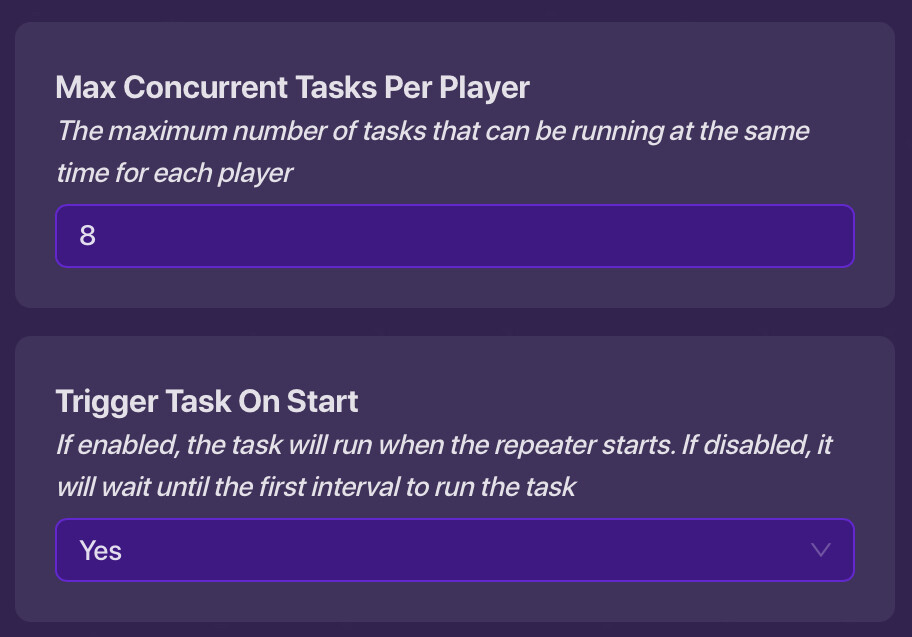
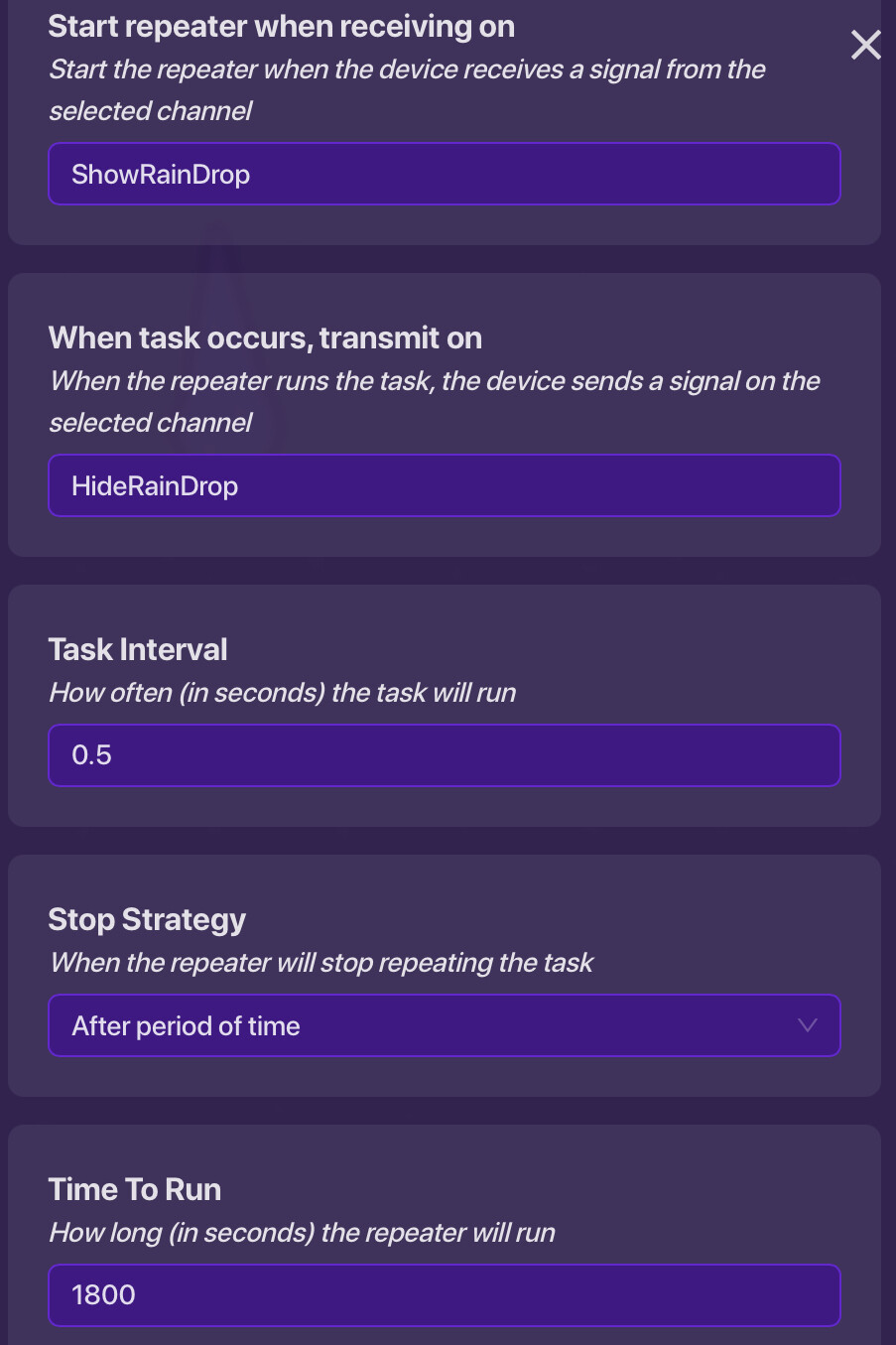
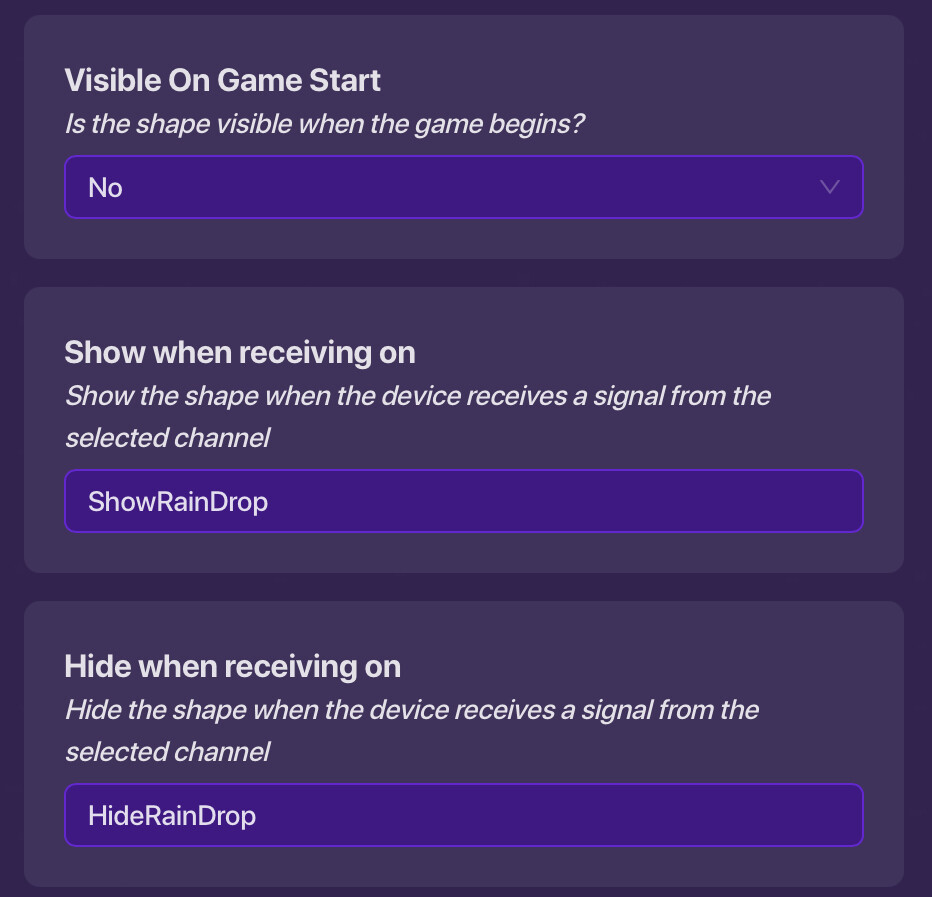

- Use zones (just for the effect, not control) or damagers that activate when players are in a weather area to slow them down or cause minor effects.
Weather Zone:
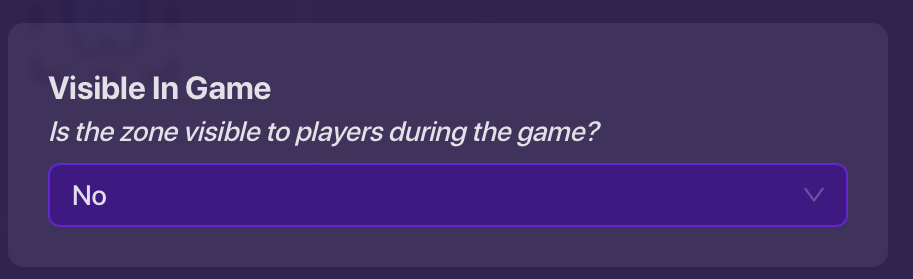
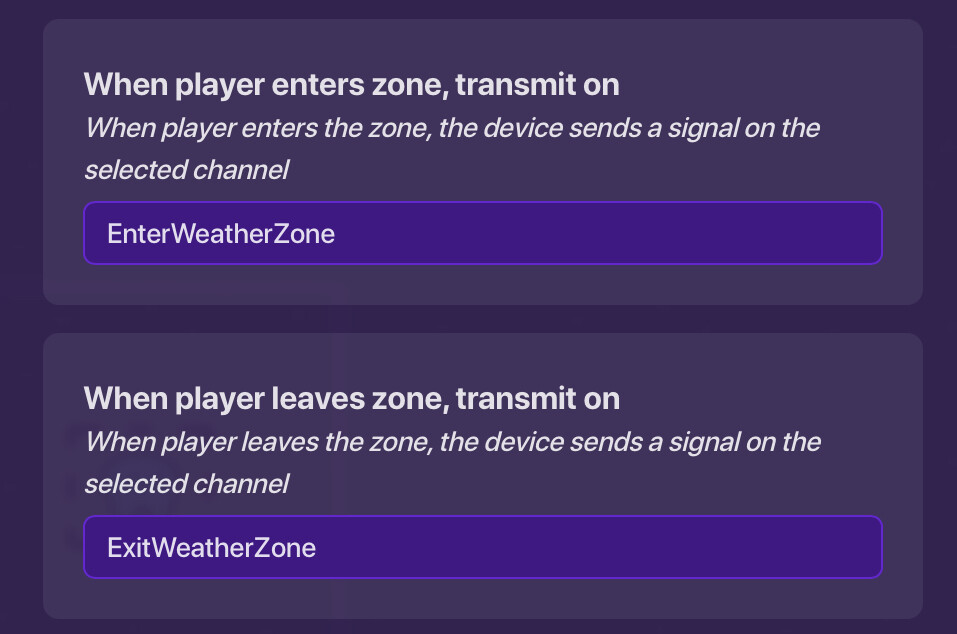
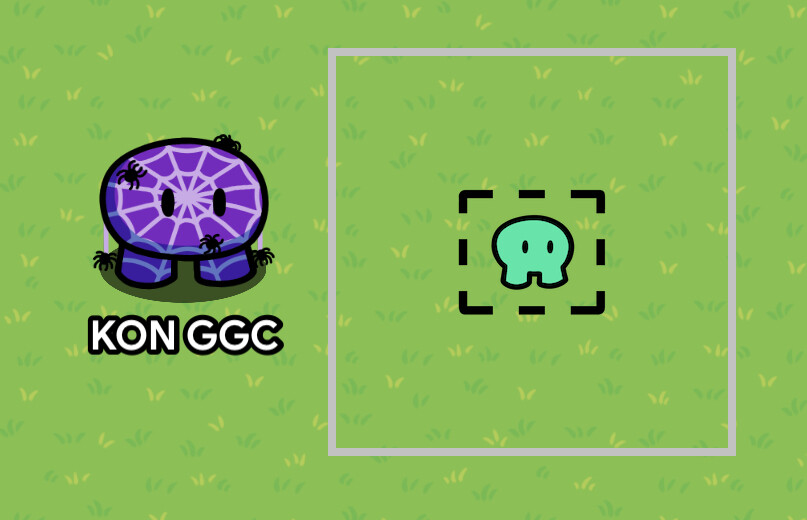
Trigger 1 (place next to Zone):
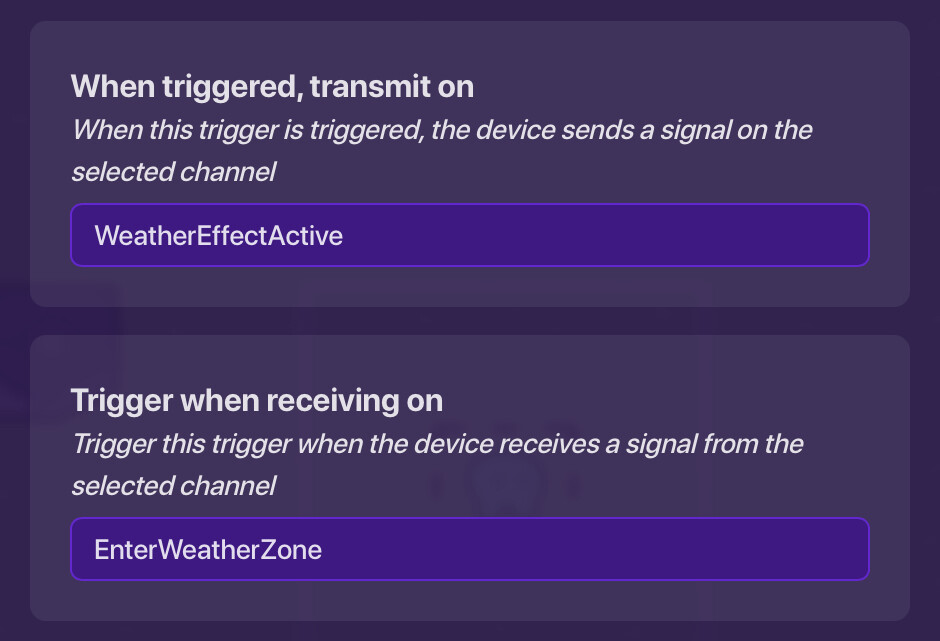
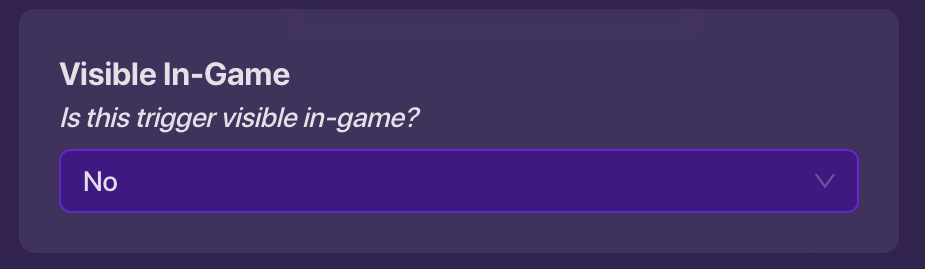
Do the same thing for Trigger 2 but the When triggered, transmit on: should be WeatherEffectInactive.
Part 3: Running the Cycle
This is how it all works together.
-
The main trigger will check the WeatherTimer. When it is time to change, it will look at WeatherChance to decide if it should change.
-
If it does, it picks new weather, updates the CurrentWeather property, sets a new WeatherTimer duration, and activates the effects for that new weather.
-
Use triggers that listen for the CurrentWeather property changing to turn on the right effects.
Part 4: Wire’em up!
- Lifecycle
Game StartTransmit on channel:StartWeatherCycle- (wire->)
- Trigger 1 (Launcher)
Trigger when receiving on:StartWeatherCycleWhen triggered, transmit on:CheckWeather- (wire->)
- Trigger 2 (Checker)
Trigger when receiving on:CheckWeather- (wire->)
- Zone (Player Detection)
When player enters zone, transmit on:EnterWeatherZoneWhen player leaves zone, transmit on:ExitWeatherZone- (wire->)
- Trigger 3 (Player Enter)
Trigger when receiving on:EnterWeatherZoneWhen triggered, transmit on:WeatherEffectActive- (wire->)
- Trigger 4 (Player Exit)
Trigger when receiving on:ExitWeatherZoneWhen triggered, transmit on:WeatherEffectInactive- (wire->)
- Visual Indicator Device (like Custom Shape)
Show when receiving on:WeatherEffectActiveHide when receiving on:WeatherEffectInactive
How to Use It
First, choose your weather types and build their visual and gameplay effects. Then, wire up your controller devices and effect triggers using matching channel names. Finally, test everything to make sure it works as planned.
Example Weather Ideas:
Try a Gentle Rain with falling shapes and a slight slow effect. For Thick Fog , use fading Barriers and a global color overlay. A Dust Storm could combine falling debris visuals with a damaging Damager and a visual overlay Barrier. A Blinding Snowstorm might include fast-falling shapes, damage, and a howling wind sound.
Conclusion
This is how to make a literal weather system in Gimkit Creative. I had some trouble assign names and stuff to triggers and the number properties but I got that all figured out!
You guys DO NOT have to use all these names I giving to that properties, etc. (well maybe WeatherChance, WeatherTimer, and CurrentWeather)
- 1/10
- 2/10
- 3/10
- 4/10
- 5/10
- 6/10
- 7/10
- 8/10
- 9/10
- 10/10

 you should just add (improving) so people will know it’s finished but your just improving it and not like “ooh this is not done blah blah blah” and flag you