How to make a moving platform (3/10, đźź©)

Hello guys it’s chunky. This will be using my guide on never use trigger chains, so that it’s easier. However this will still be very memory-using so beware! It will also be laggy, so make it only active when the player gets here. Anyway time to start.

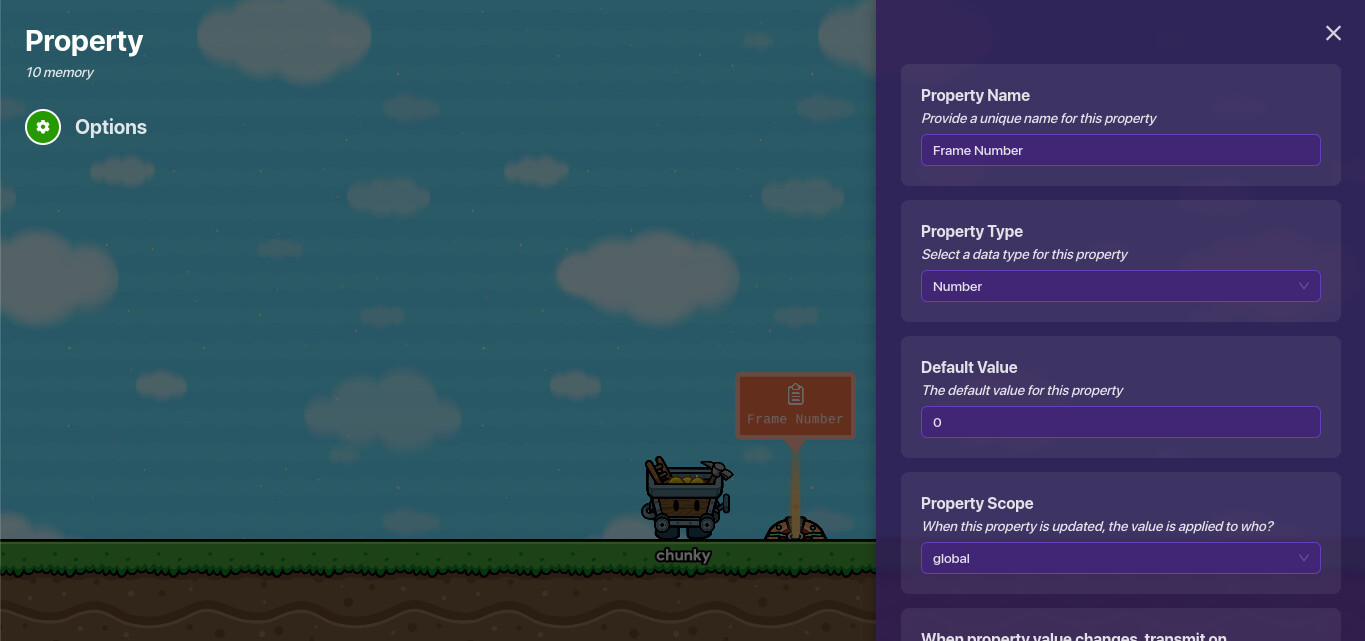
Grab a property. Name it frame number.


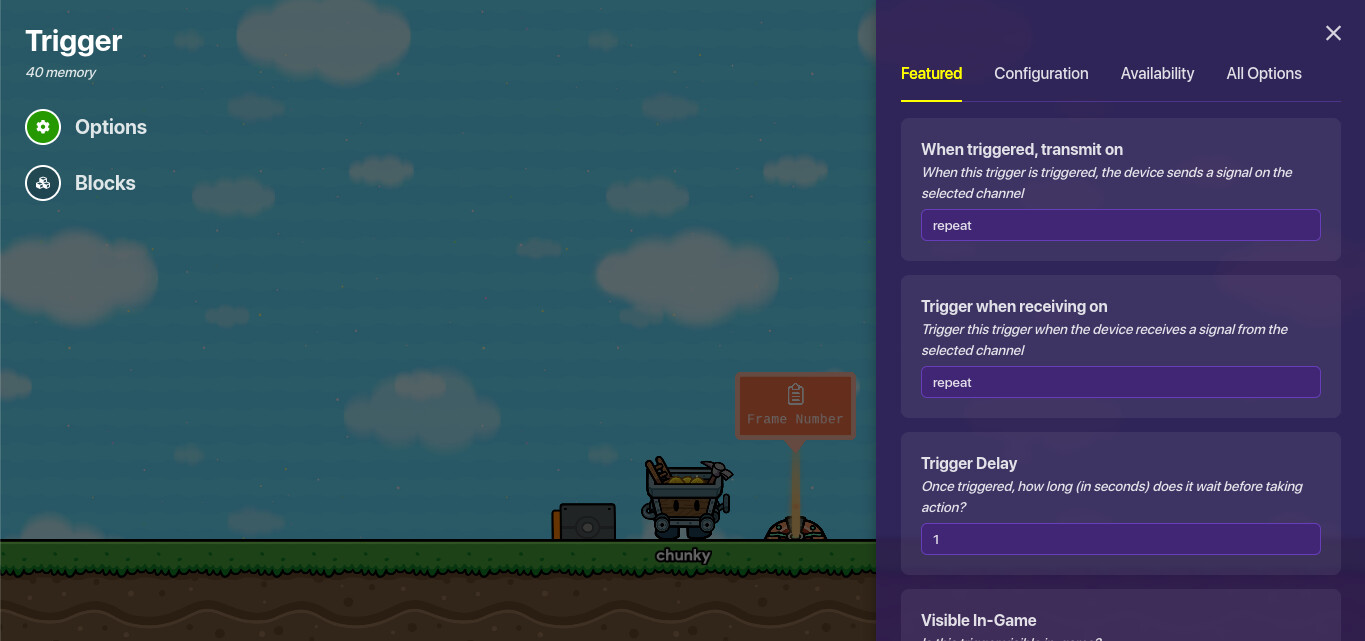
Grab a trigger.

Let’s call this trigger the “main trigger” to remember it for now.
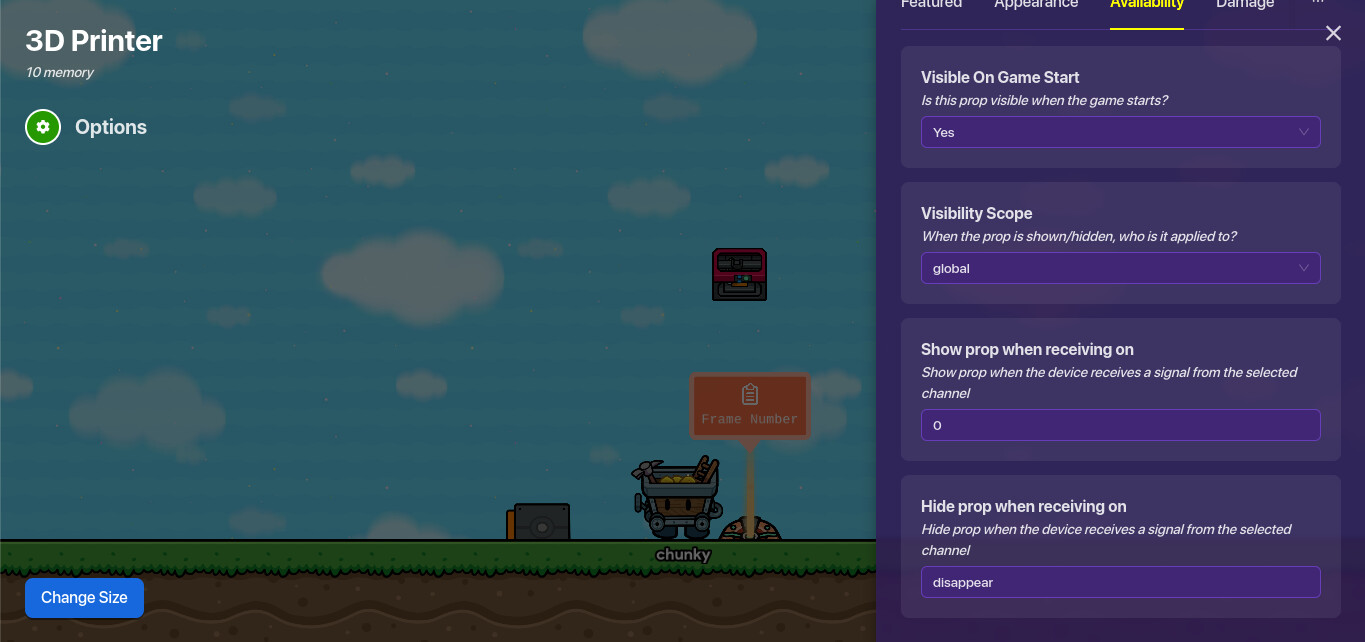
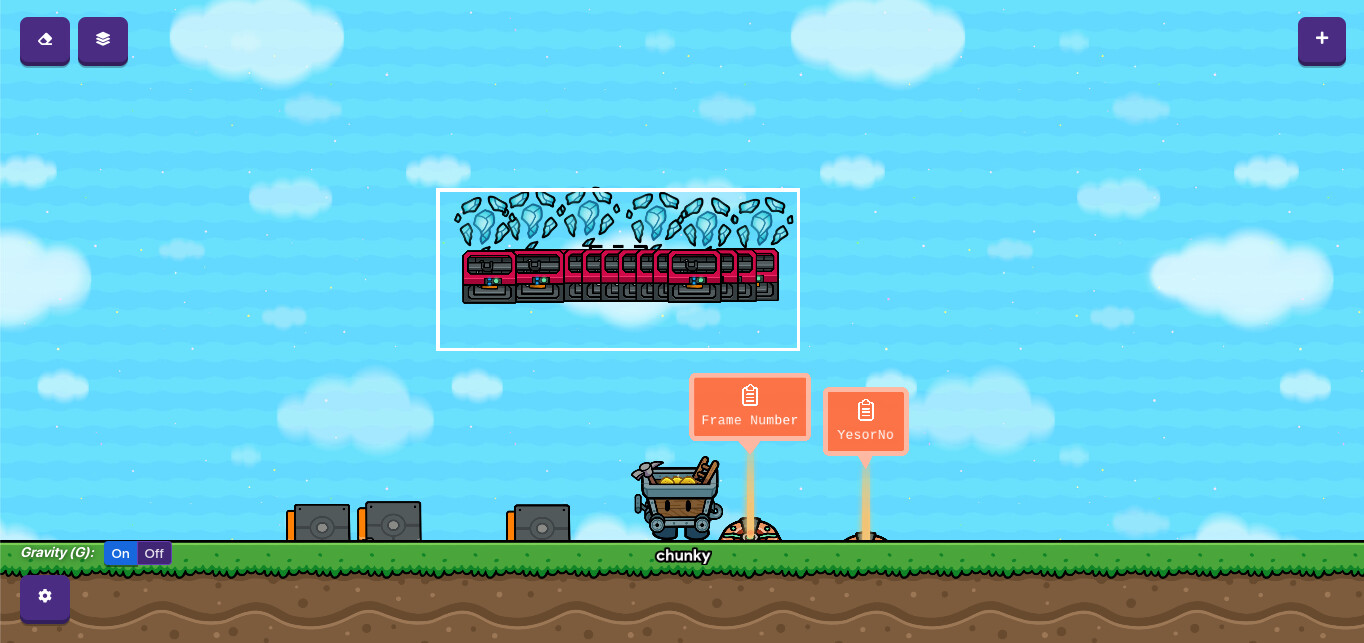
Now grab a prop (or platform) set it to not active on game start. Make it hide prop when receiving on “disappear” and show when receiving on a frame number. For this case the frame number will be 0. For the next prop the frame number should be 1, then 2, then 3, and so on.

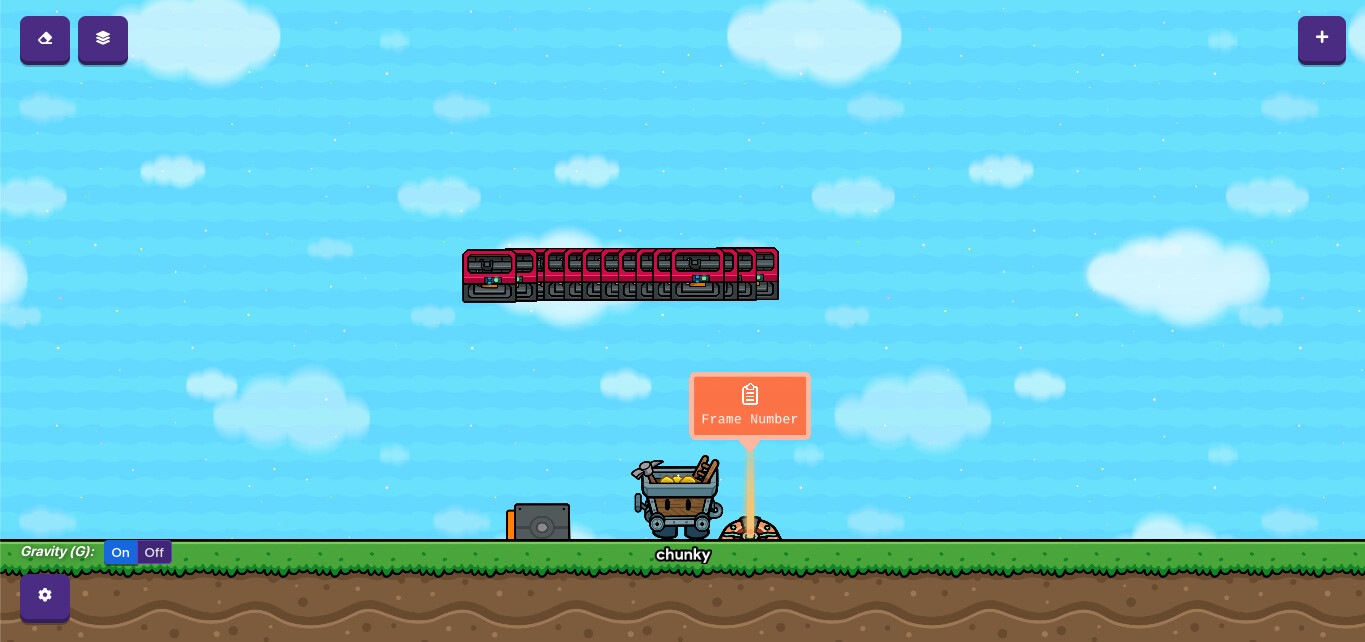
Copy it a few times and change the channel. (show channel only)

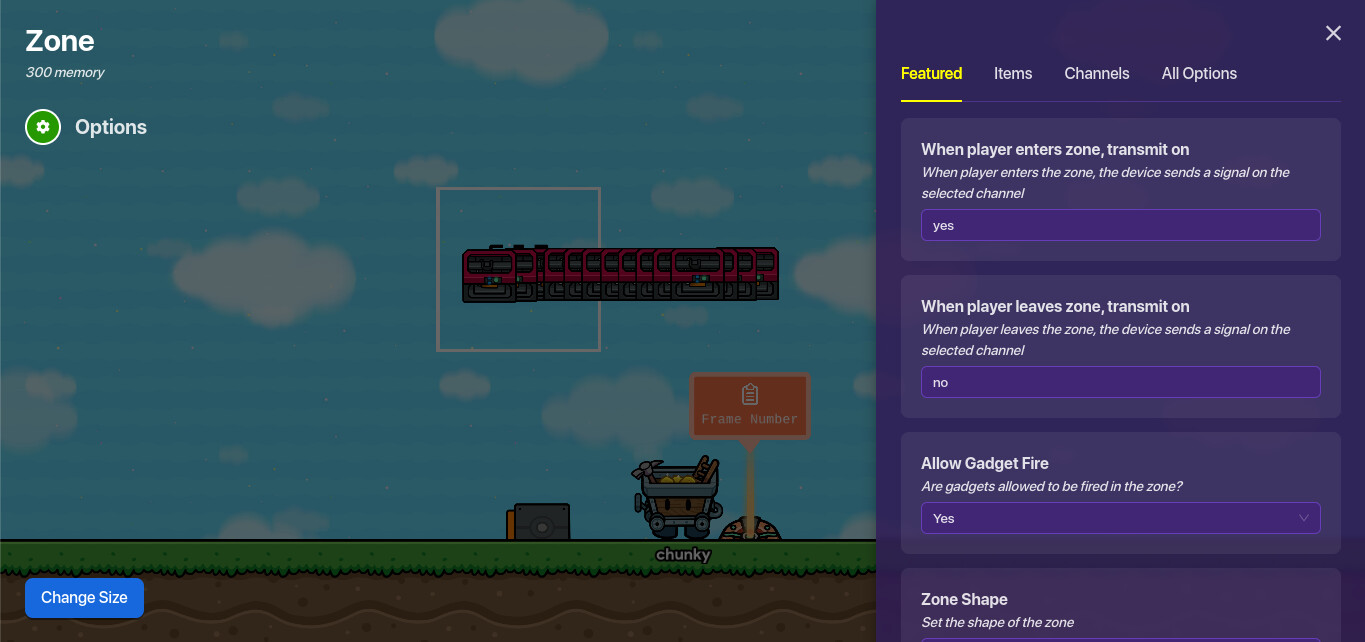
Now grab a zone.

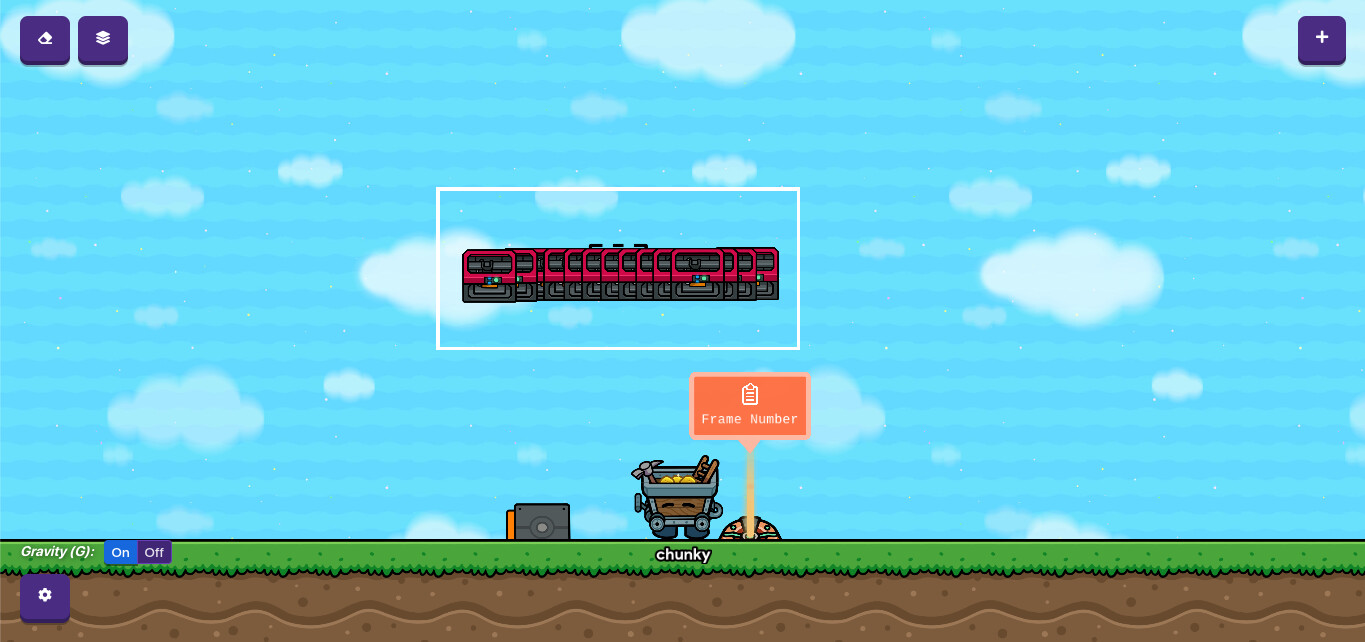
Make it the shape of the platforms.

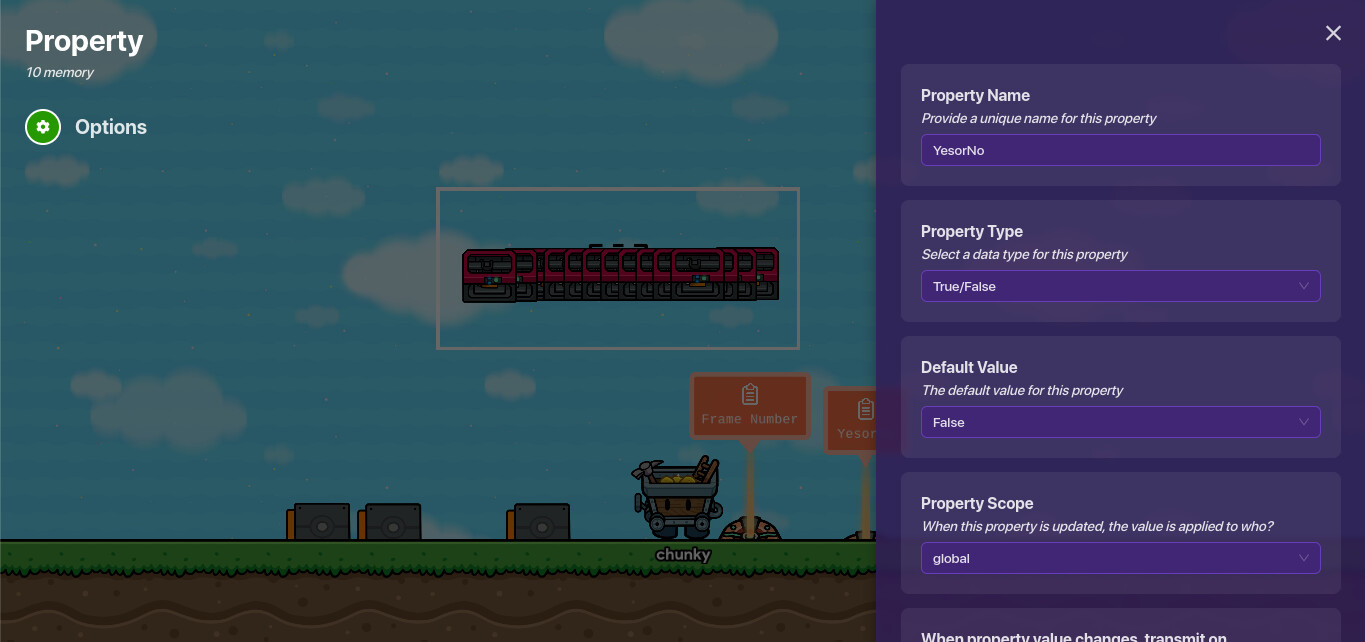
Now grab a property.

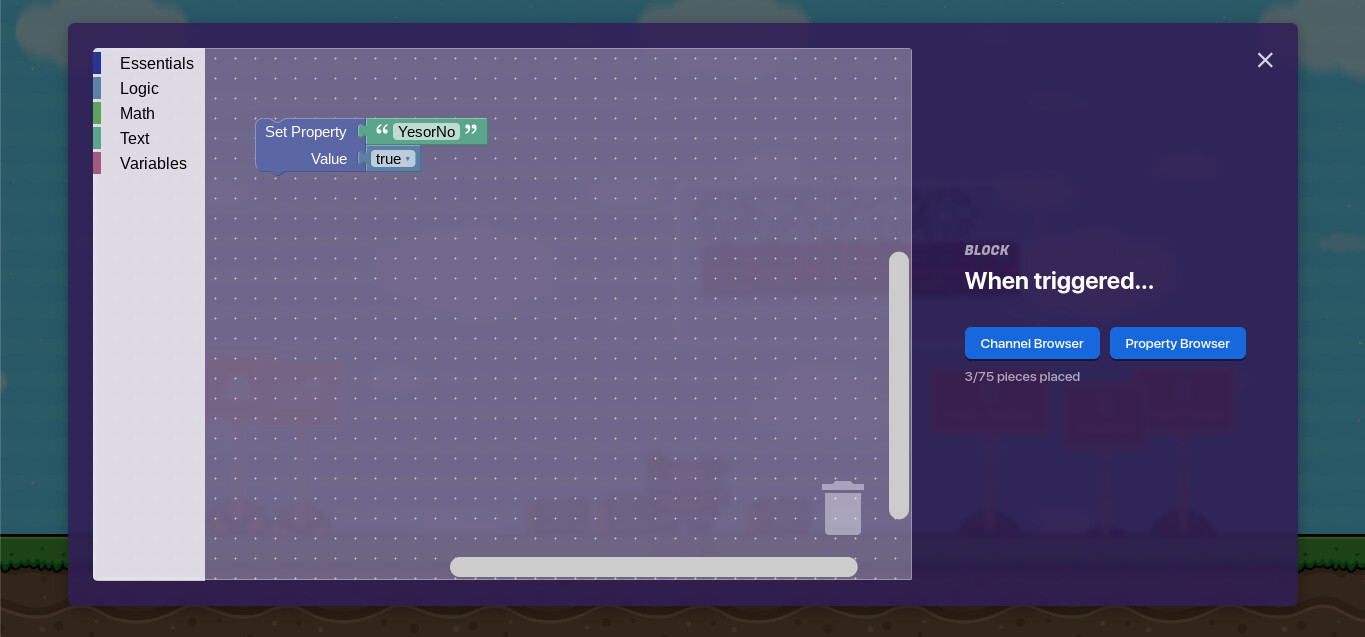
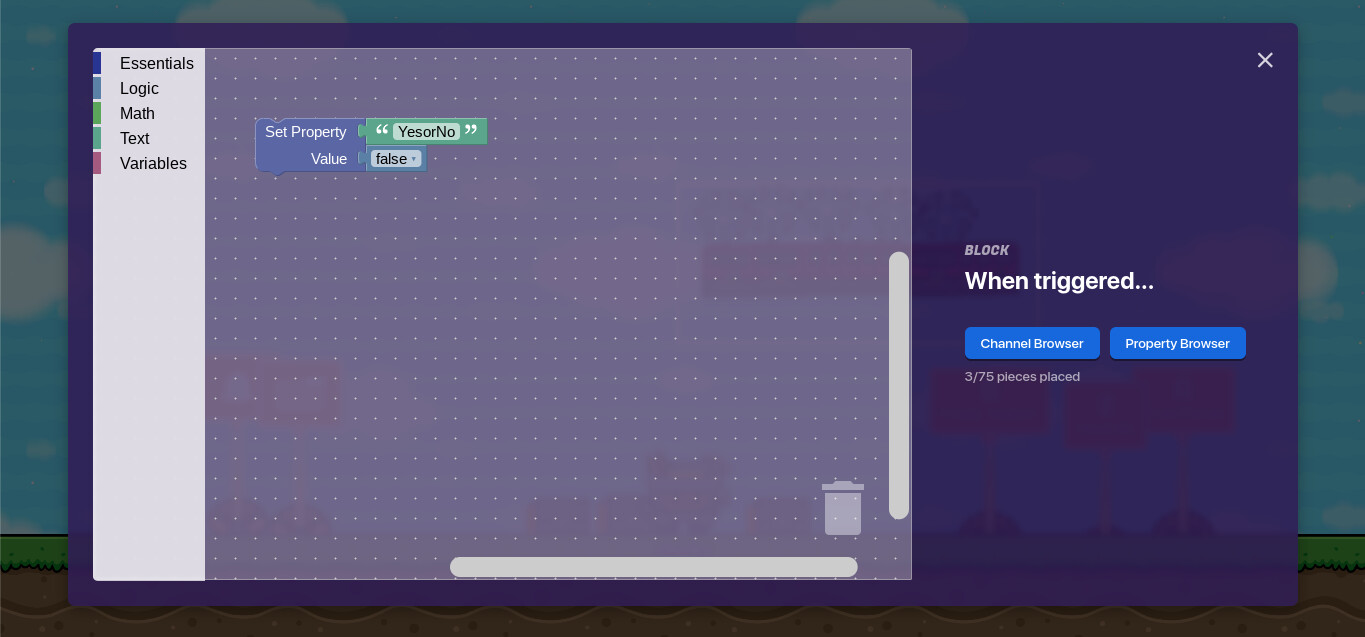
Now grab two triggers.
The first one should receive on “yes” and in the blocks:

The second one should receive on “no” and in the blocks:

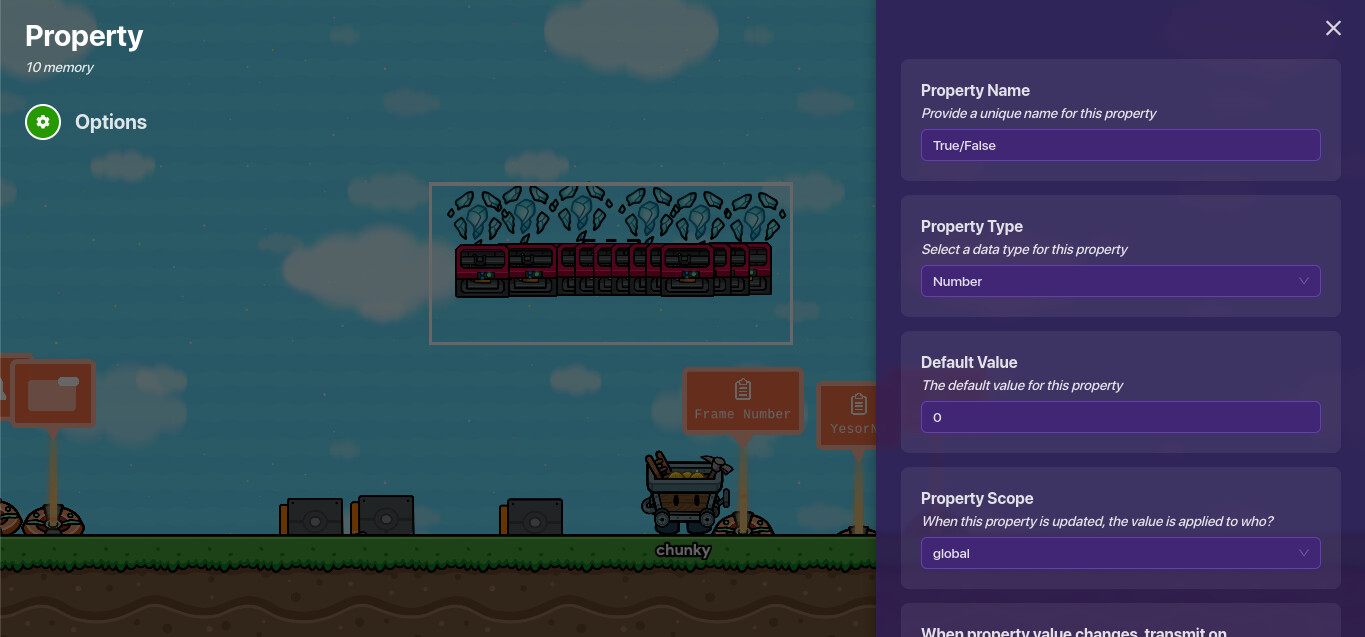
Now grab another property:

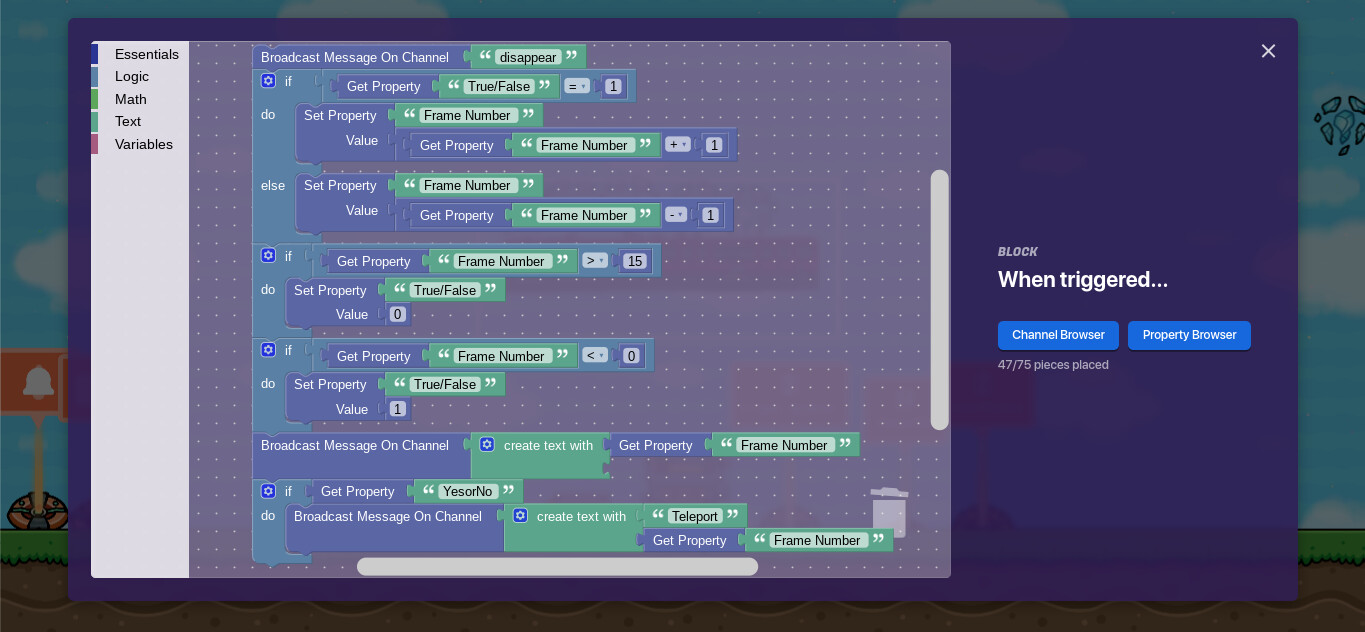
And now make the 'main trigger’s code to look like this:

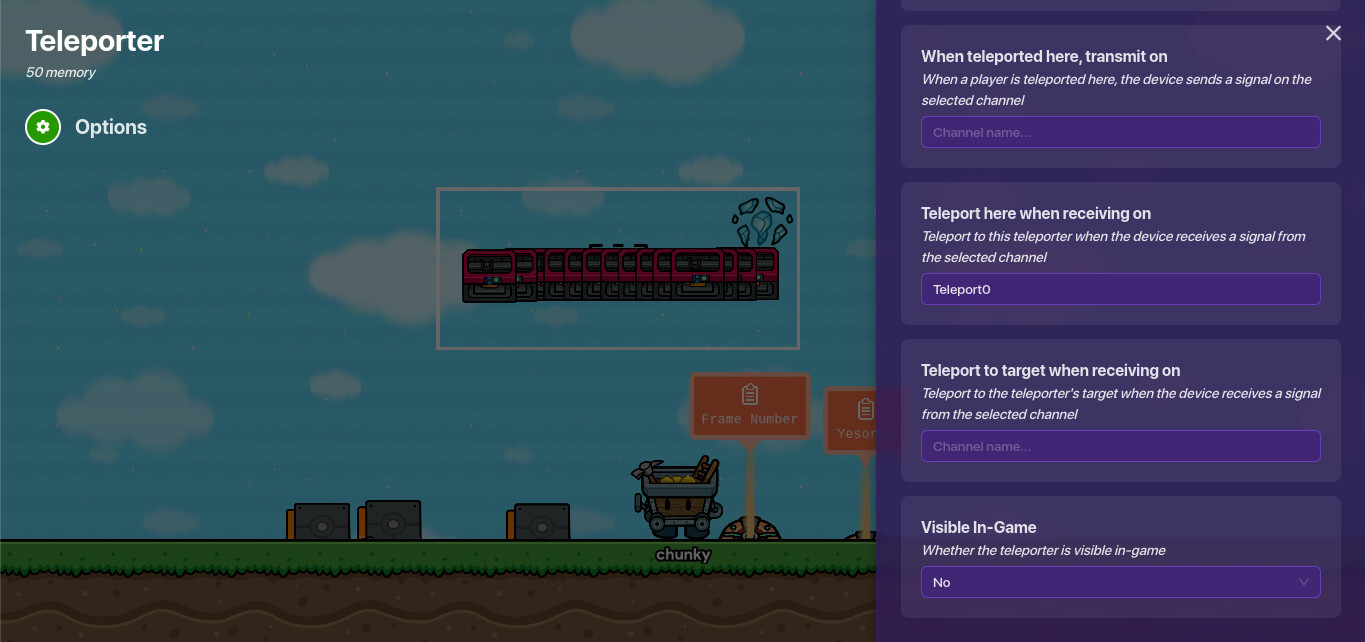
Finally, Grab a teleporter.


Now copy the teleporter. Change the channel names for each teleporter.

Tip: I’m not copying the teleporter here that many times, however if you want yours to work smoothly you probably should.
Now you’re done!
Difficulty:

  • 1/10
  • 2/10
  • 3/10
  • 4/10
  • 5/10
  • 6/10
  • 7/10
  • 8/10
  • 9/10
  • 10/10
0 voters
7 Likes

Nice guide!

image

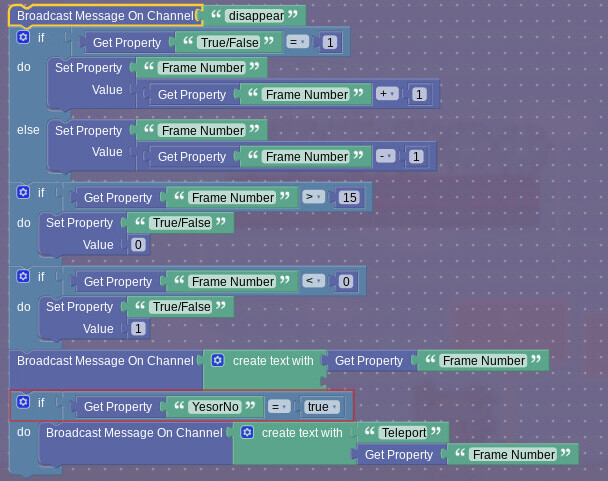
For the the outlined blocks, you only need to do get property (YesorNo) because it’s a true or false property and you’re checking whether it’s true or not.

5 Likes

I know, I take javascript courses. I was messing around with variables however and they didn’t work for some reason. I was too lazy to replace the picture though, let me edit now

1 Like

Nice guide, It’s nice to see something new these days.

1 Like

Nice guide, chunky! I enjoyed it!

1 Like

Great guide! I’ll definitely use it in some of my games

2 Likes

Yeah, I agree.
Our game…

Summary

I am sitting next to you
heh
don’t respond to this

2 Likes

nice guide! this is explained pretty well and will be useful for alot of games.
great job on this!!

2 Likes

but i cannot see the pics

There was an image purge in January 2025 because there was not enough storage left on the forums — the forums crashed.

3 Likes

Yeah, I wasn’t a member of the Forums when that happened.

Also, this is necroposting. The only time I think it’s okay is when you’re bumping a guide (at a reasonable rate, like 1-3 weeks since the last reply.)

Can you tell me guides that re not going to be a dupe and short @AlexC @Kormorant

You mean, like, guides you should make?
Just search up things to figure out if they’ve been made before! If they haven’t (or are missing key images), you’re good to go.
If you need examples of a good guide, try the nature-of guides.
Anyways, this question is sorta kinda off-topic, so I’d put a pin in the conversation.
Thanks!
1 Like