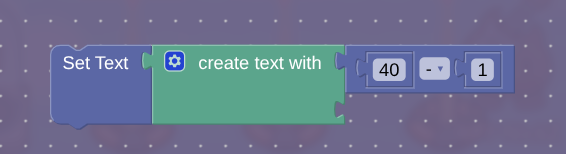
You can’t do that inside one block with that method—you have to use a property/counter.
Gimkit will run block code as fast as it can, without delay. This makes the only way to add delay inside a block leaving the block to trigger a trigger with delay, which after the delay is over will trigger either the same or maybe a different block.
Since you have to leave the block and come back, the block essentially forgets what it’s done since the last time it ran, so your method of just using a number will never work. However, properties will allow you to transfer information between blocks.
Right now, you’re misunderstanding because the way you are doing it won’t work. You have to use an entirely different system from the setup you have.
If you’re willing to use another way, I’ll give you a response.
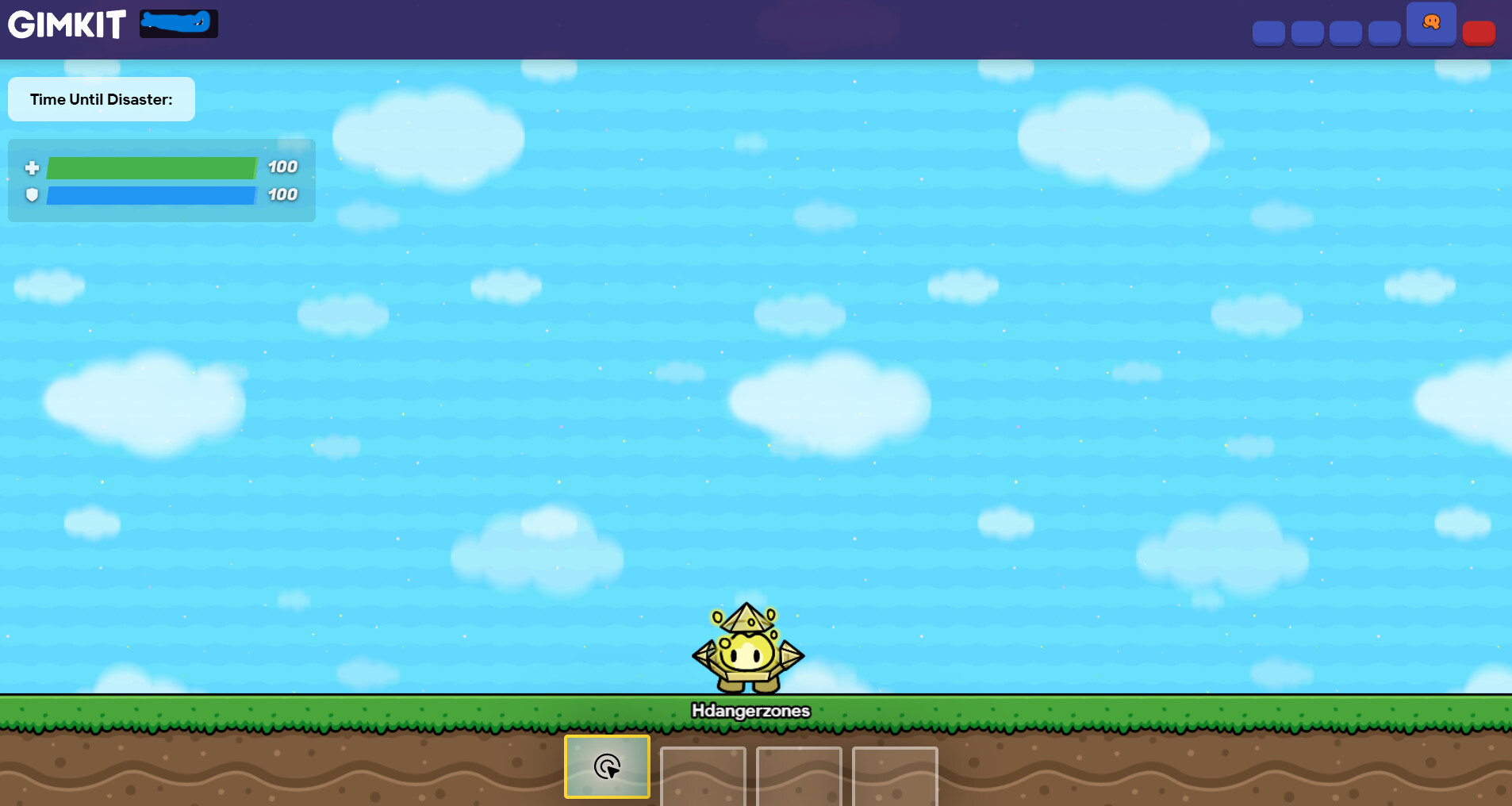
Then how come the creator made a decreasing timer on the overlay right when you start the game in the Gimkit game: universal SMASH in the community picks section? And it waits 1.0 seconds before every decreasement. Therefore, it is possible to make a UI timer that decreases and ACTS like a natural timer, but It waits every 1.0 before decreasement. Do you understand now?
Sorry @RiFF_NickZ, but with this problem, I think it’s pretty much impossible for me to help you, considering I can’t check if ANYTHING IS RIGHT IN-GAME…
Thought you should know, sorry
get a counter, make the starting value 40, the target value 0, wherever you want it to stop. Set decrement when reciving on to a channel (TimerDecrement), Set task interval to 1.0 seconds, set stop strategy to “after receiving on channel” so it stops at 0. Set when task occurs, transmit on to TimerDecrement. Wire the lifecycle (on game start) to start the repeater. Wire the repeater (on task) to the Counter (decrement) if it is still dropping to 39 instantly, it is likely because the repeater starts too early. If that happens, set the repeater to “trigger on task start”: no, or set the starting value of the counter to 4, s o when it instantly drops to 40, it feels like it waited for the 40 to come.
Number Property (named “TimerValue”) Set default value to 40, the scope to global, if everyone sees the same time. For counter starting value, 40, the target value 0, update property yes, select TimerValue, decrement when reviving on, create a channel (TimerTick)
The repeater task interval, 1.0 seconds, trigger on task start: No, when task occurs, transmit on “Timertick” Start repeater when receiving on, "starttimer, or GameStart.
Than for the overlay, the overlay type is text, the text is property:TimerValue, when property changes, transmit on: “update overlay” (optional)
Connect a lifecycle (on game start) to start repeater, (receive on “start timer”)
Does this help?
Unfortunately, it would not work if you repeated the code since all block code in a device happens instantly it would just set it to the lowest one the moment it activates.