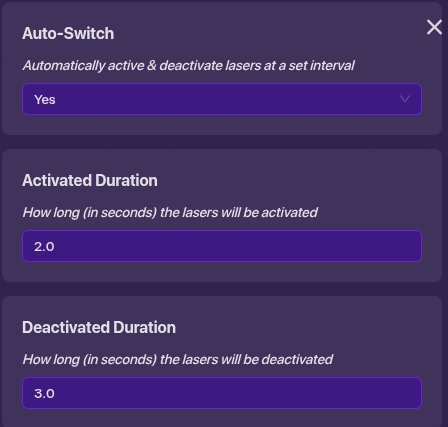
How do you turn lasars on and off like in don’t look down and one way out.
2 Likes
Deactivate Iaser when receiving on channel
Or wire it with a trigger or some kind of loop and choose deactivate laser
2 Likes
Please search before you post… (It’s the forums motto!  )
)
Boss_1s already explained it, but if you want, here is a guide to explain it further:
Configurable timed lasers (Difficulty:  ) - Community Made Guides - Gimkit Creative
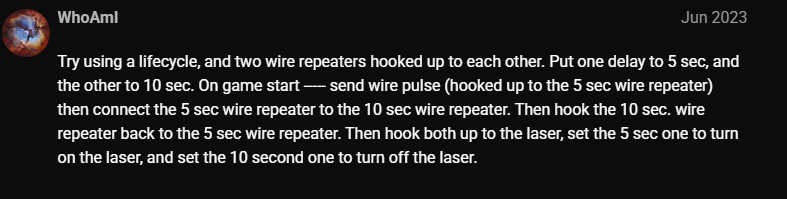
Or this post:
By the way...
I changed the title to fix the spelling of laser (I do NOT like words being incorrectly spelled. Not trying to be mean, just saying… I’m not going to change every single title in the forums though.)
Please mark a solution already.
4 Likes
Here is a tab full of help https://forum.creative.gimkit.com/search?q=laser%20help
2 Likes