Just_Me here!
Welcome to my second guide! Basically, its about making small seasonal decorations that really pop life into your games! This is a Work-In-Progress, fyi.
Spring!!
Flowers bloom and stuff. Cool.
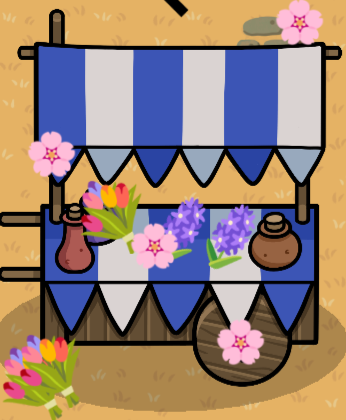
Flower Cart!
To begin you must choose one of the Market Stands or the Wooden Wagon. My images will be of the Market Stand(blue), btw
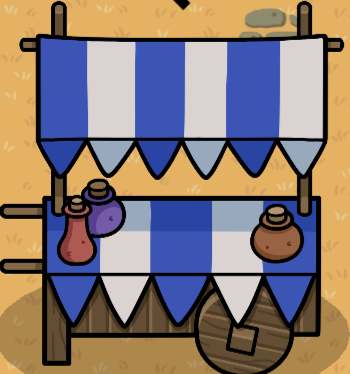
Nice. Then you need to grab the text device. Click the device, then right click the text part of it.
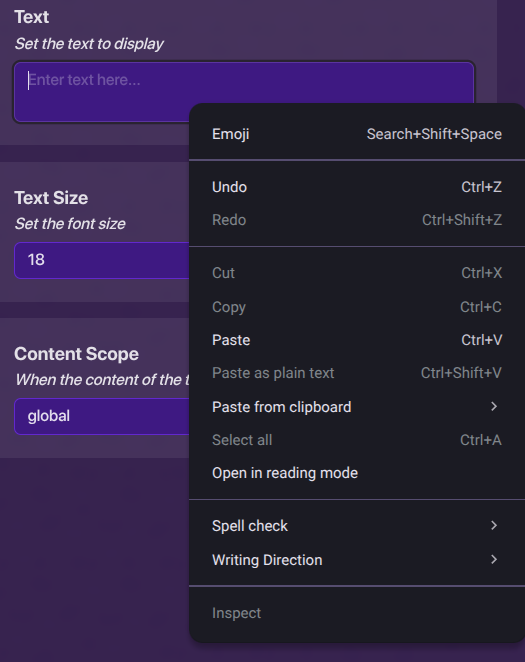
Click Emoji and pick out flowers. Put it on your stand- BUT WAIT!
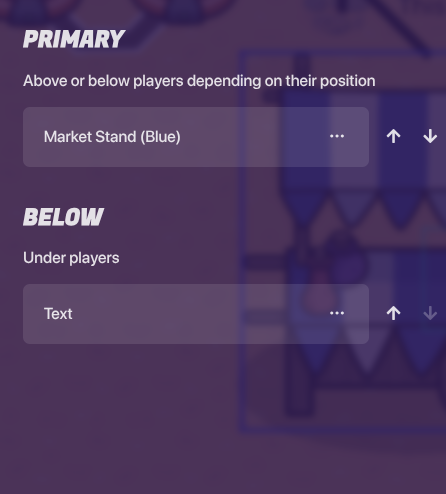
Click the up arrow twice on the text or put it in the above players part of the layers. Then repeat until your stand is full of flowers!
Summer
Guys I’m melting here…
POOLS
FIRST, grab the barrier device and change the settings to look like this:
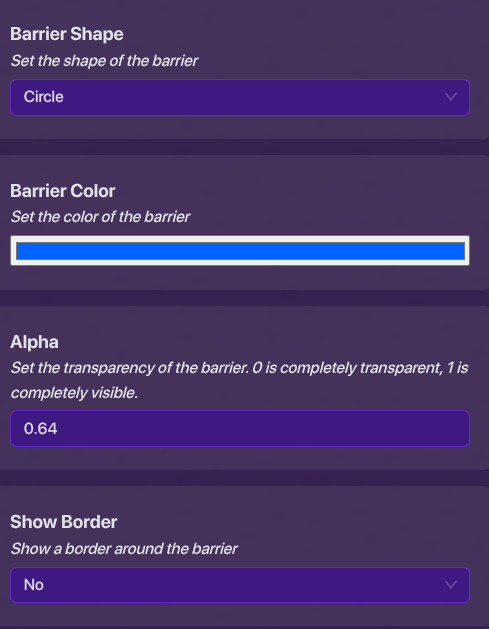
Except turn the transparency to 1.00. Copy the barrier as many times as you want, and it should look like this:
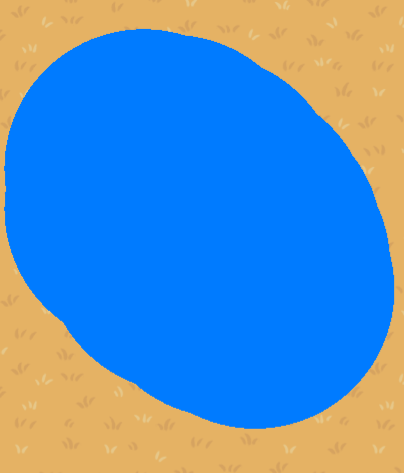
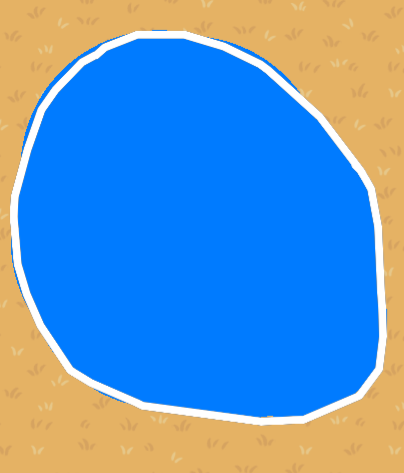
Now grab the Custom Shape tool and draw an outline for the barriers. If you want extra details you can grab the moss prop, turn it blue-er and semi-transparent. I, personally, didn’t add the moss.
Fall
FINAlLY ITS FALL
Apple Orchard
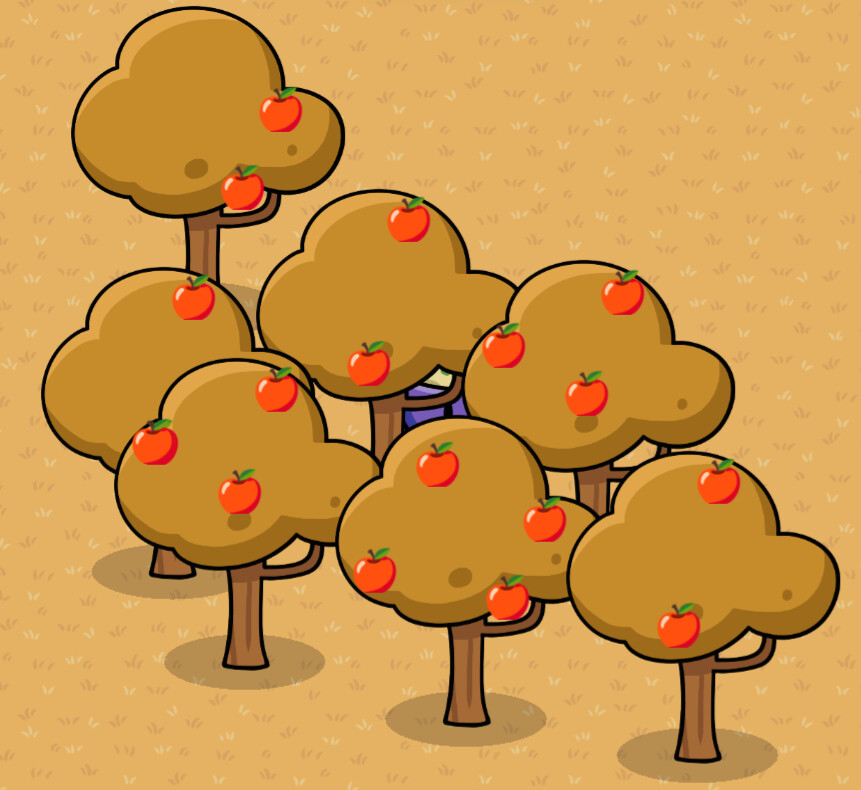
Grab any type of tree. For this example, I used a dry tree. Then, grab the text device. Do the emoji thing shown in the Flower Cart example, but choose an apple.
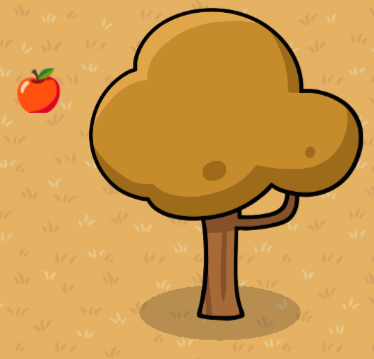
Okay, good. Move the text device to the above layer and put it on the tree. Make more apples, put those on the tree. Duplicate the tree and BAM! You have an apple orchard.
Winter
Great, we’ve already made it to winter..
Christmas Tree
This one is pretty basic, sry
If you don’t celebrate Christmas, then I’ll be making one of those Hanuka things soon. And learn the name.
First, grab one of them snowy trees and make it bigger. For the popcorn and cranberry strings, grab a custom shape device and draw it. Copy it and make it bigger for more.
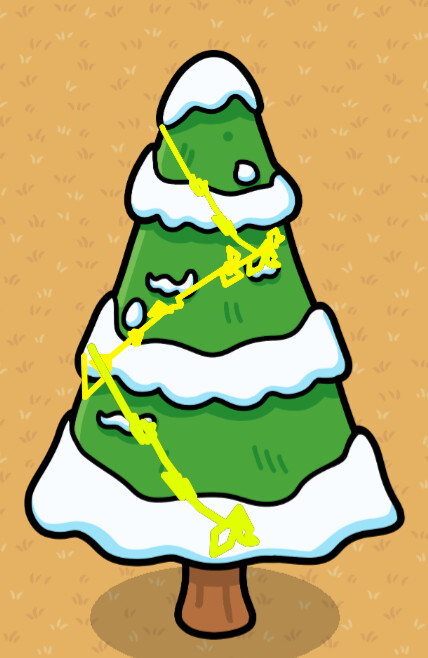
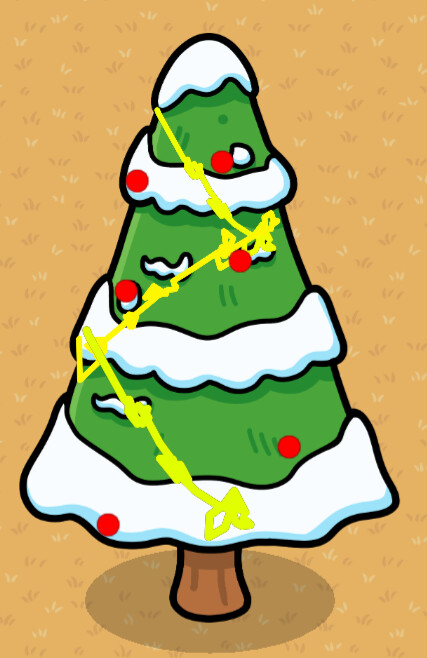
Looking good, huh? BUT. WHAT. ABOUT. THE ORNAMENTS?!!!
You guessed it, more custom shapes. this sure uses a bunch of memory xD and THERE. Tree

Cranberry String
First, grab the custom shape device. Then, click device and the manage shapes button
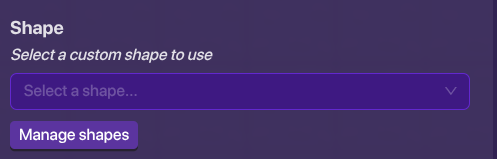
Now you need to draw it. Here’s how:
Click the add new shape then draw a line like this
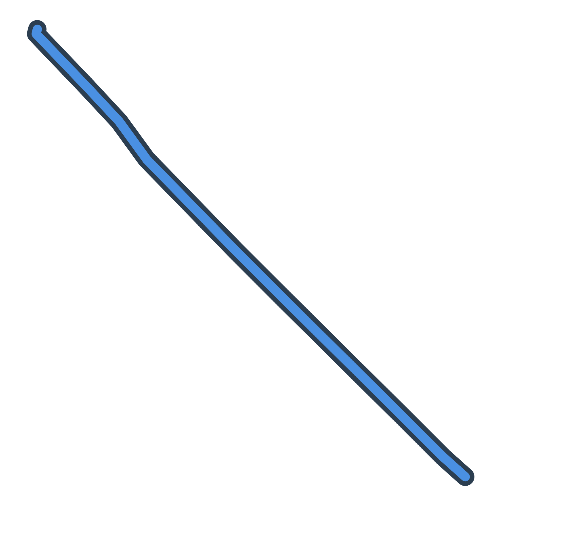
Afterwards, draw a whole bunch of circles on it and clicksave. You can change its colour to yellow or red if you’d like!
 the flower cart. I’ll definitely use that, its creative and looks amazing!
 if only we could turn this into a wiki somehow…