Like move each and everypart of it without having a white background on it
1 Like
yes that’s what I said…
2 Likes
you can use https://remove.bg to remove image backgrounds.
unless it’s blocked, of course.
4 Likes
Ok thank you both @Coderdash and @G-Code549. I know I can always count on you both.
5 Likes
uhh .__.
not sure what happened there…
nor if it was me
2 Likes
Kat, are you sticking with Art?
2 Likes
why would this be art?
3 Likes
I’m not sure. That’s sort of why I asked.
Was that a rhetorical question? Curse my social skills.
Well Cellofive moved it back so there you go I guess.
7 Likes
Why is there 7 people editing rn?
3 Likes
Either because some people clicked for fun, or because some people forgot to uncheck after they are done editing.
I would recommend to put a notice like “don’t click for fun” on the poll so we can prevent that from happening.
2 Likes
@Kat_aronii Can we add images on them like for example can I add the picture of the Gim “Moon”
1 Like
Wait what-how the duck are people inserting custom gims into gimkit? I could probably figure it out it’s just that my school blocked inspection mode cause kids are using it for…not good things? Idk.
3 Likes
Let me show you a little guide that can help ya, How to make custom gims (via inspect tool) [Length warning]. And a lil video to help as well. https://youtu.be/6AZbWsXwnT8. That should help you out with your problem if you follow the guide correctly, and not make a mistake and give Kat an over-sized mustache.
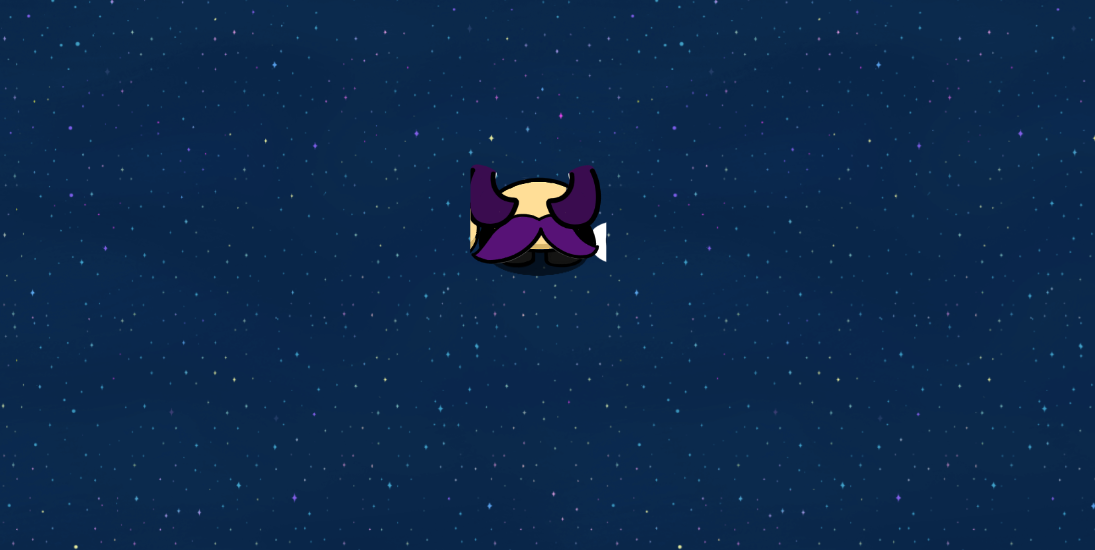
(yikes)
20 Likes
Bump, that is 1 nice moustache tho
4 Likes
sure
2 Likes
i’ve followed it and such. there’s still room for error there anyways
4 Likes
when they get fixed, yes.
1 Like
Are the dropdowns on this topic not working for anyone else?
@Fleet none of the dropdowns have anything in them.
EDIT: nevermind it’s working now
1 Like