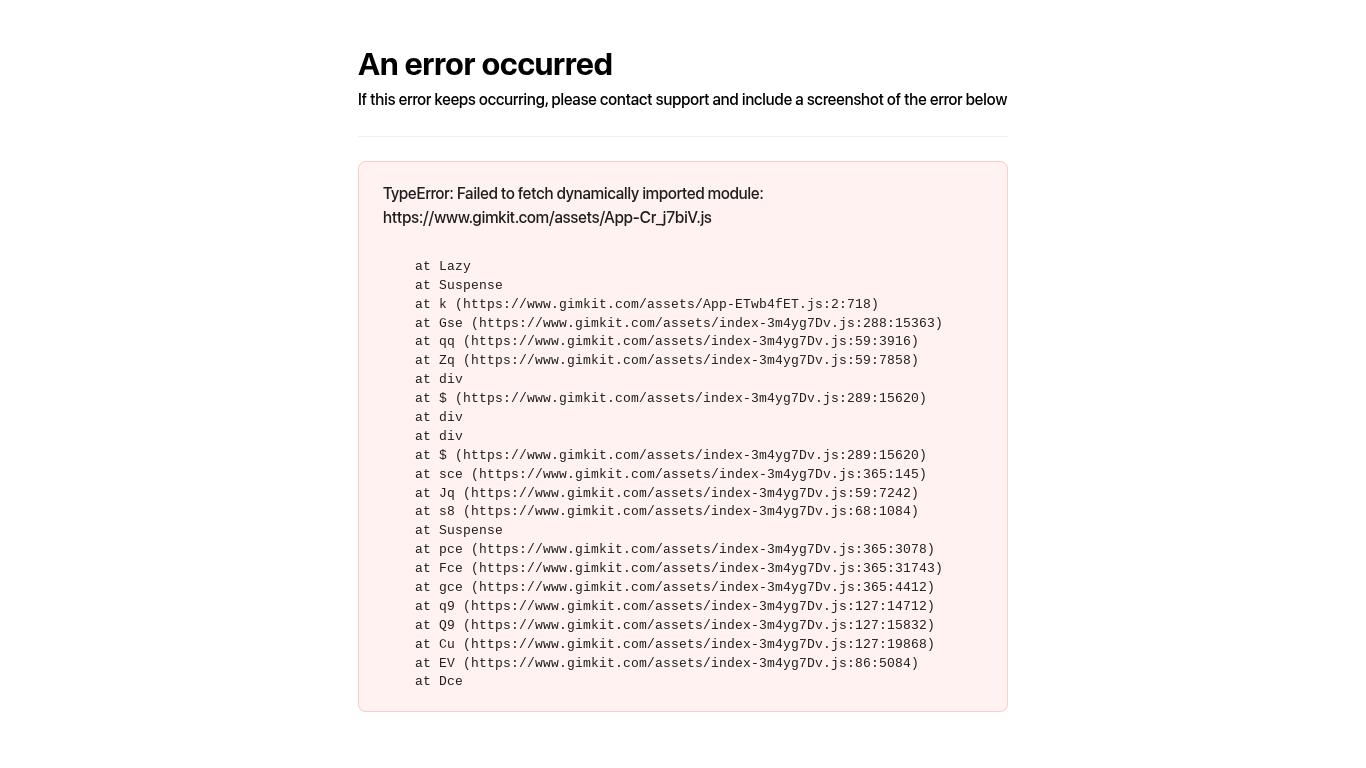
There are multiple guides about this. Please search through Bugs .
Does this happen when you open settings for props/devices? Or does it happen when opening the website?
If either of these are applicable, then I have the same problem, solution is to just use an incognito tab or another browser, see if that works for you.
Edit: What browser are you using?
So this computer I’m using is school issued and can’t use incognito. When I click the map in the creative tab it shows the error
Like I said, it’s most likely a problem with the Gimkit server itself (as in an error code somewhere in the 500s if they gave us codes)
The two guides I suggested are some more information on the errors that have been frequently occuring, yours seems to match up with that.
Thank you! I’m trying it rn
Please read through the guides and if they don’t help (as the creator of one I’d be sad if they didn’t) come back to this thread and provide more screenshots so that we can work out what to do.
my browser is google chrome
it always works like that for me, I just refresh or sign out of gimkit and log back in and problem solved b00m
I tried both of those but it doesn’t work
Is it an old Chromebook? Cus’ those take a while to load…
Not that I know of. Just got it.
At my last school it worked perfectly fine no issues, never seen this before
Hmm… Well, as it says in the screenshot, send the screenshot to the gimkit gods and they might fix it.
Done. Just waiting for any signs of fixing
And if nothing happens, it should over time.
In the meantime could you close this topic be marking this post as solution?
Clear site data and restart your device. Usually that works with errors.
yeah, but the mistakes still remain, for me 
This topic was automatically closed 3 hours after the last reply. New replies are no longer allowed.