This topic seems to be facing a lot of offtopicness. Please avoid chatting, guys. It’s not worth the flags you’ll earn for it.
So, I was looking through the topic and noticed I said this a few weeks ago:
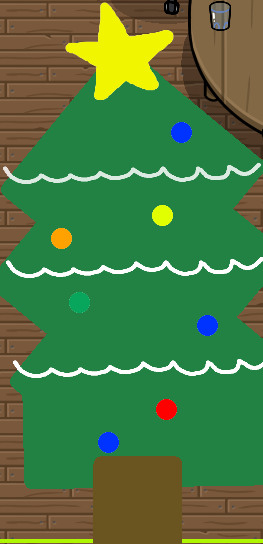
So, I tried making it and screenshotted my progress, but when you go in-game it doesn’t work anymore. It’s a bit frustrating, and I’m not satisfied with the fact I bailed on the contribution. So, if you would be okay or would like me to, I could add the custom Christmas gims (made in GKC) as “extra art” or something in your topic.
So… What you’re saying is that you’ve made something that works when your editing the map but not playing the map?
Can you maybe explain why it doesn’t show in-game?
Did you make the designs out of devices that don’t appear or wires or something?
If there is some way to make it visible in-game then that would be great.
If not, feel free to add it but make sure it says something like, “Extra Art (doesn’t work in-game)” like you said. [1]
Maybe you could say it’s for non-thumbnails tryna make art for their game or something along those lines. ↩︎
Yeah, it sucks. I don’t know why it doesn’t want to work all the sudden.
Nope. Just a barrier, text, and custom shapes over a sentry.
It’s worked before, but its literally messing with me. Like it’s an itch and it’s driving me nuts. I’ll work on it.
Bump!
![]()
23 days left for Christmas! (i think)
__
I can ask her, shes online on chess.com, or you could make an account to communicate with her.
Great guide! Also, very easy for beginners and all people.
@Silly_alien the mug is my favorite thing in this guide
I might use it in a future map!
since the OP(Khit) is gone should we stop posting on this topic, or since this is a topic where anyone can make things should we keep it up or what?
Well, ideally, @kh44359 would return from time to time so we could ask permission to edit.
But yk, it’s a wiki, you can edit either way.
Edit:
Pixel art with text,
I did it in a memory expensive way, try this.
@Zappy_Zaptos how did you do the Pikachu in your snow globe? (Hope you don’t mind the ping, but you said we could lol)
I think (if I have time, I’ll add on to this wiki)
Ohhh
Could you add this to the guide?
Santa’s Workshop
You Will Need
Custom Shape x1
Step 1: Shape
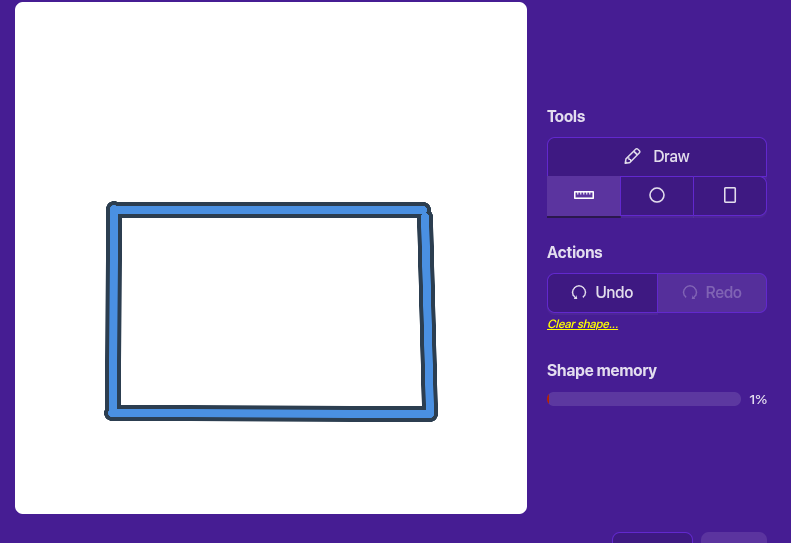
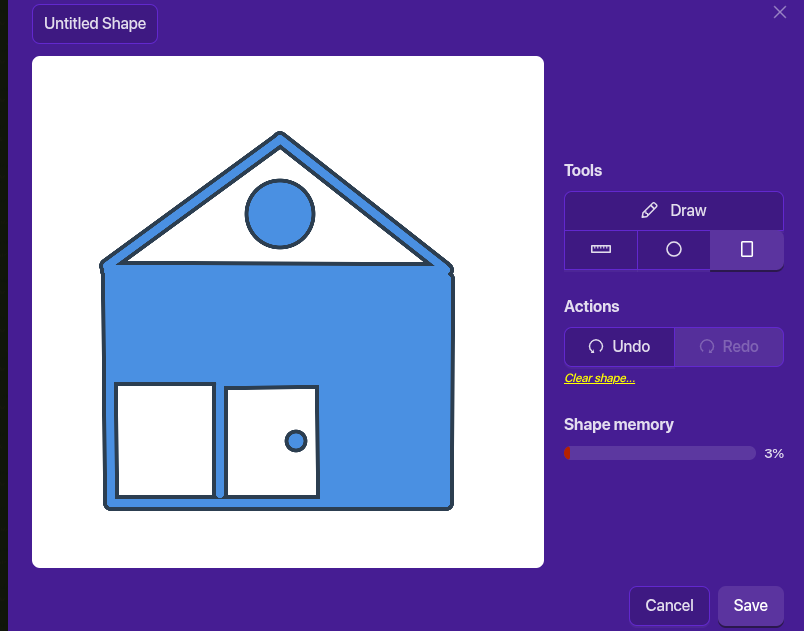
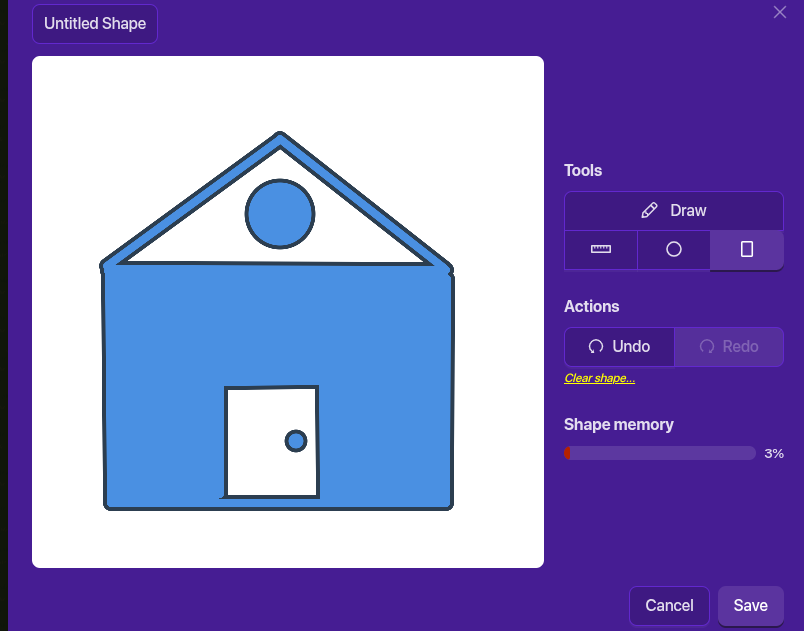
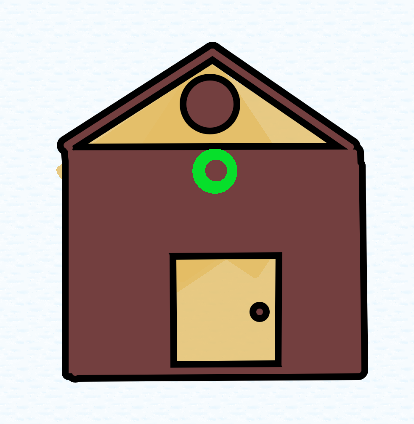
Ok so you will need a custom shape to start with. Place it wherever you want and click new shape. Then click line and make four lines in a square shape:
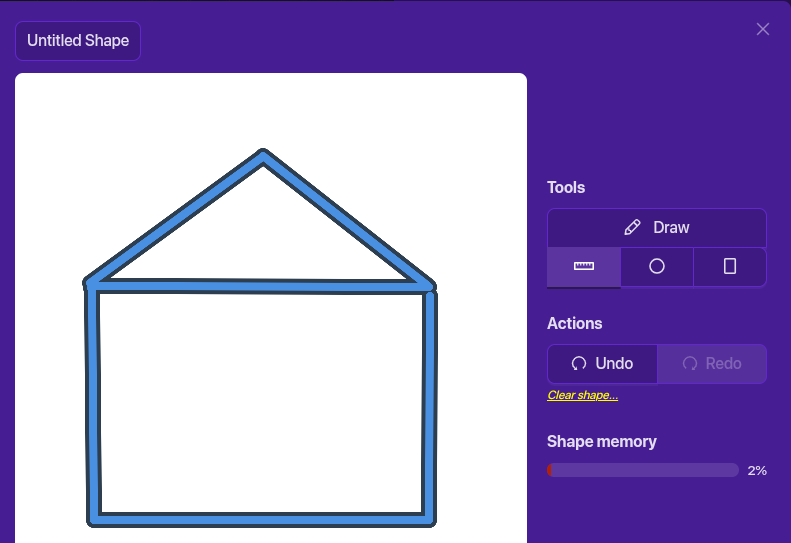
The add two lines to make a triangle on the top of the square. (Roof)
Step 2: Details
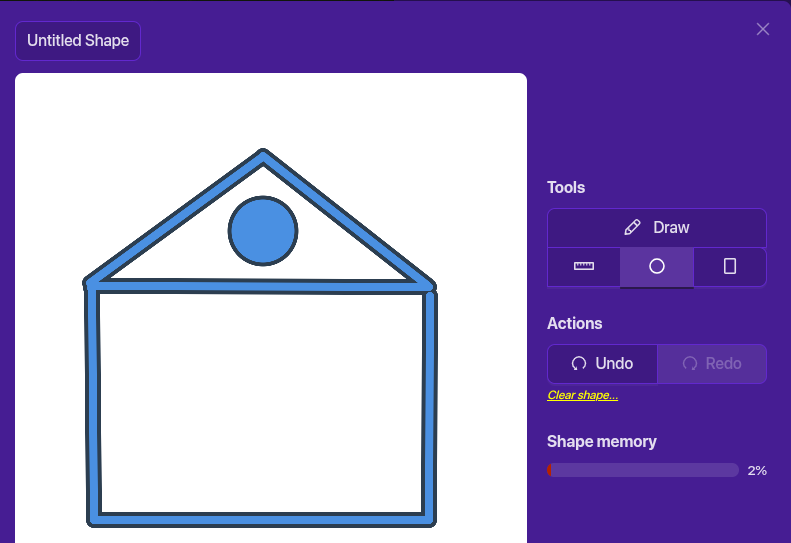
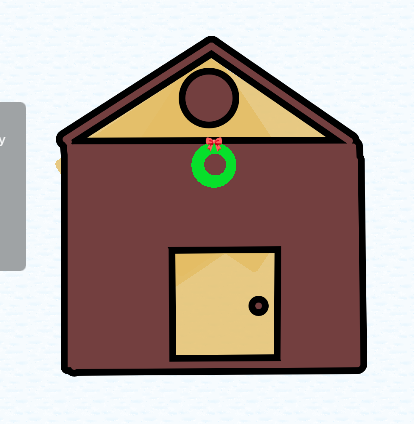
Click on the circle shape and place it one the roof (wreath)
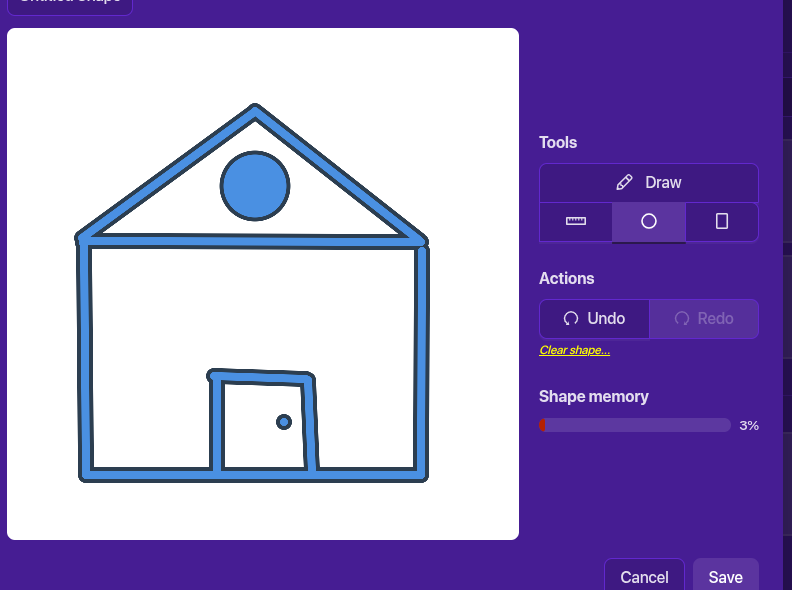
Then click on line and draw lines to make a door. Then add a small circle as the doorknob
Step 3: Fill it in!
Now, select rectangle and arrange the rectangles to fill up the house’s empty space. (There are other ways to do this, but this is the most memory efficient)
Step 4: Customization
Fill in
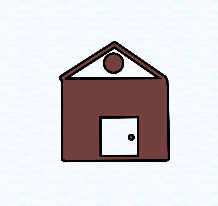
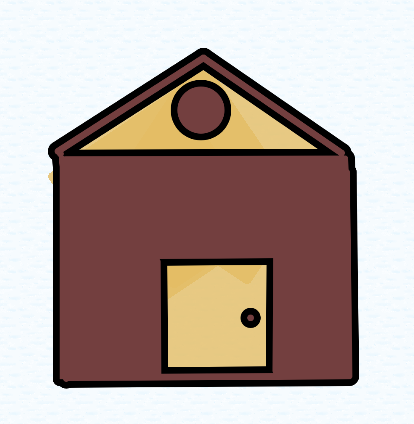
Click on save shape. Add the shape to your map. Then click on your house and adjust the color to brown. (I would recommend R115 G63 and B63)
Now grab a barrier and change the color (I would recommend R227, G189, B100) Use the barrier to fill in the space that was not filled in when we made the shape. Duplicate the barriers so you can cover all the space.
IMPORTENT: Make sure the barriers are a layer below the house!
Wreath
Grab another barrier! Change this one to a circle and change the color to R7, G223, B43. Then get a smaller circle barrier and change the color to R115, G63, B63. Adjust the barriers to look like this:
Then add a text box and change the text to this emoji:
Final Details
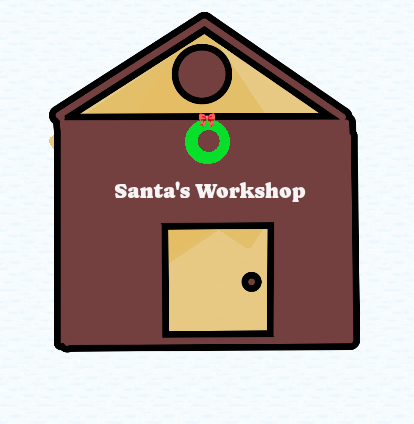
Get another text box and enter “Santa’s Workshop” into it. Change the font and color however you want. Then move it to the house. AND MAKE SURE TO LAYER IT ABOVE EVERYTHING!
You can also add other Christmas art decor to it ![]()
Thank you, I tried to add it but it said “internal error”
“You can add anything as long as it’s Christmas related” Kh said in an earlier post, so yeah, go ahead and add it.
Really? dang, I guess that’s it for this guide..
Uh @Gaming-Phoenix Kh’s guide reached the word limit. That’s why it says “Internal error”
You could do you have to save christmas because of the grinch
Kh is currently inactive due to being underage (user-chosen)
EVERYONE
Guys, kh44359 sent me this message, and said to tell you guys:
“I saw the christmas guide
5 minutes ago
i used a character counter and it said: 21838
21, 838 doesn’t hit the limit
the limit is 32,000 I think”
You guys still have about 10k characters left.
wait, so why didn’t it work for lulu?
How do we get her part then if she has some error?
kh44359 says that it mightve been because many people were editing at the time.
Whenever this happens, the edits usually dont save or are deleted
*Thats why its important to check the box