Welcome to my first ever guide!
(might be kinda bad sorry in advance)
Made By: M_oop
This guide is all about barrier art. Contains backgrounds made with barriers and objects made with barriers. Please tell me if you want me to add anything!
Using Barriers To Make Backgrounds
How to make: Get a barrier device, make it the size you want your background to be, and turn the collision off. Tips & Tricks: Adjust the transparency of barriers. (Unless you are making something like a sunset or night-time sky background) Make sure the transparency of your barrier is 1. To do this, go to “Appearance”; go to the “alpha” and adjust it to say “1”, meaning your barrier background is completely visible. 2. Make sure your barrier does not have a border for a high-quality finish. 3. THE MOST IMPORTANT PART Layering! This one speaks for itself. MAKE SURE ALL YOUR BACKGROUND BARRIERS ARE BEHIND PLAYERS! (the’ye called "bAcKgrounds 4 a ReAsOn lol  )
)
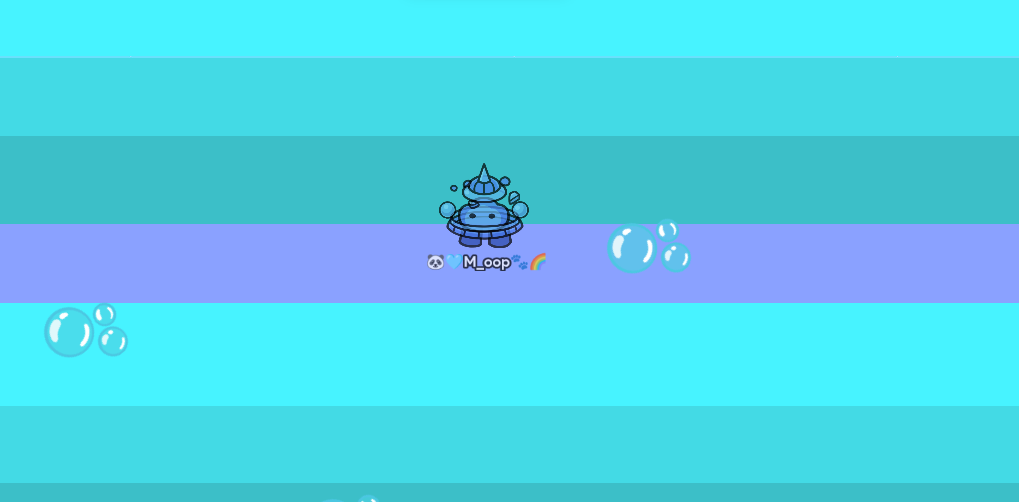
Under the sea background
Get barriers of about 4 or 5 different shades of blue and purple. Put text in your background, maybe bubble emojis  or text like this: ‧̍̊˙· 𓆝.° 。˚𓆛˚。 °.𓆞 ·˙‧̍̊. End result:
Sparkly Background :sparkles:
Get a barrier (color of your choice!) and copy and paste text that looks like this: ✧・゚: ✧・゚: :・゚✧:・゚✧ and sparkle emojis  . End result:

Using props in backgrounds
To make your backgrounds more fAnCy and unique, try adding props in them! Be creative and see what props look good with different colors of barriers! (More on color theory LaTeR)
Using emojis and text in backgrounds
An example of this in this guide is the sparkly background. Cute text sparkles and emojis can give your backgrounds a more fun, cute finish.
Making custom props with barriers
Barriers can be used for a variety of things. As well as backgrounds, they can be used to add custom props and decorations to your maps.
Making a rubber duck out of barriers
this just popped into my head Materials needed: 2x yellow circle shaped barriers, 1x yellow rectangle barrier, 2x small orange rectangle barrier, 1x small black circle barrier. Start by arranging the yellow barriers like this:

Great job! You now have a rubber duck made out of barriers : p

Making a gim
Materials: One big circle barrier (whatever color you want), 2x rectangle barriers (of the same color, for the legs) 2x black circle barriers. This one is VERY easy to create. Just put the circle barrier on top of the legs like this:

Now add the eyes:

That’s how you make a very basic gim, but you can make it more interesting! Here are some ways to do that: Add highlights to the eyes:

And add circle barriers to the bottom of the legs, (slightly darker) for the gim to look like it’s sitting:

Color theory
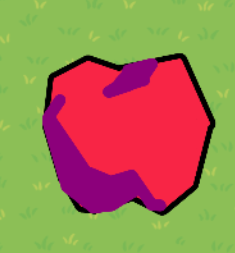
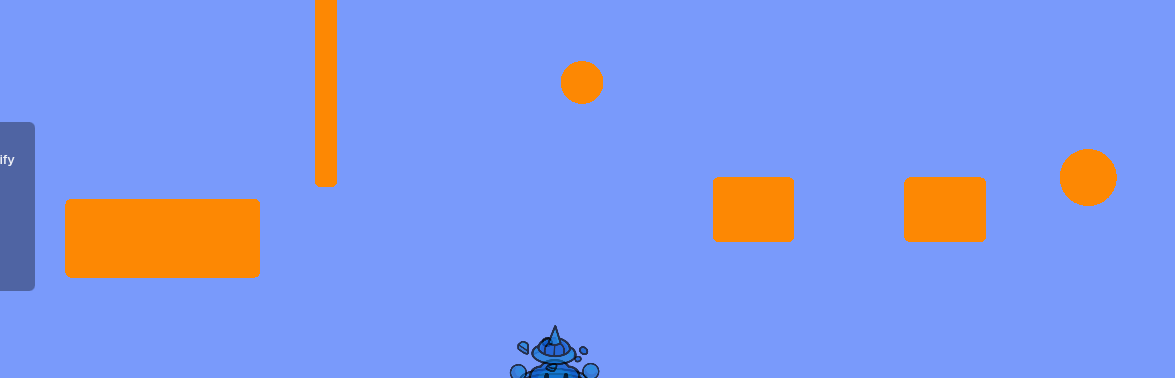
(Credit to @cheezesRcool for the idea) Ok, and YES, there is a relationship between color theory and barrier backgrounds. It can be used with complementary colors to make them stand out against the background. Ex: Blue background, orange parkour obstacles
Yellow background, purple obstacles
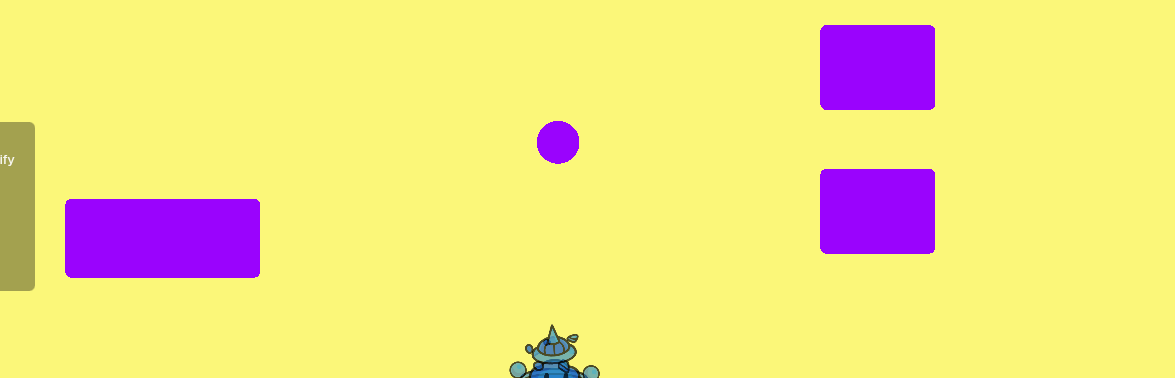
See what I mean? The obstacles stand out against the background, it looks great!
Hidden meanings in backgrounds
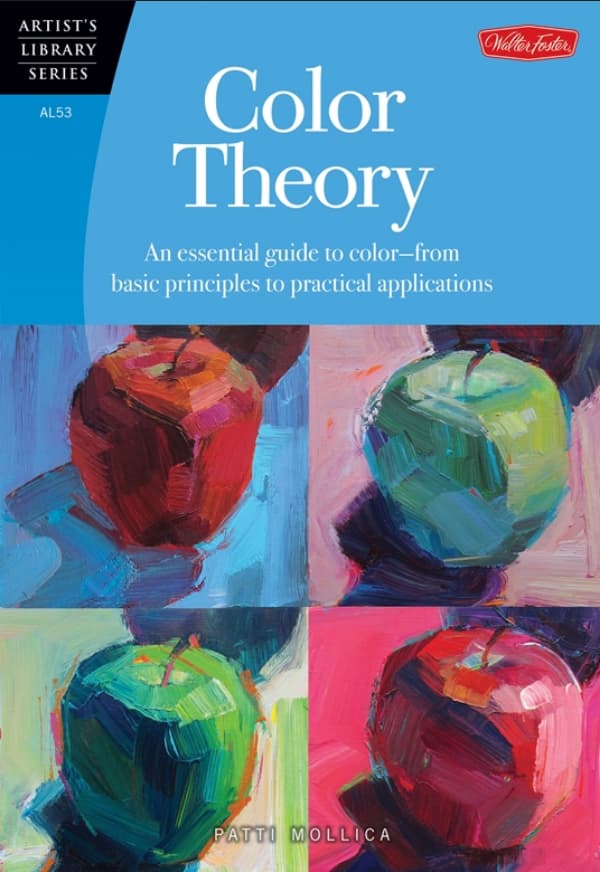
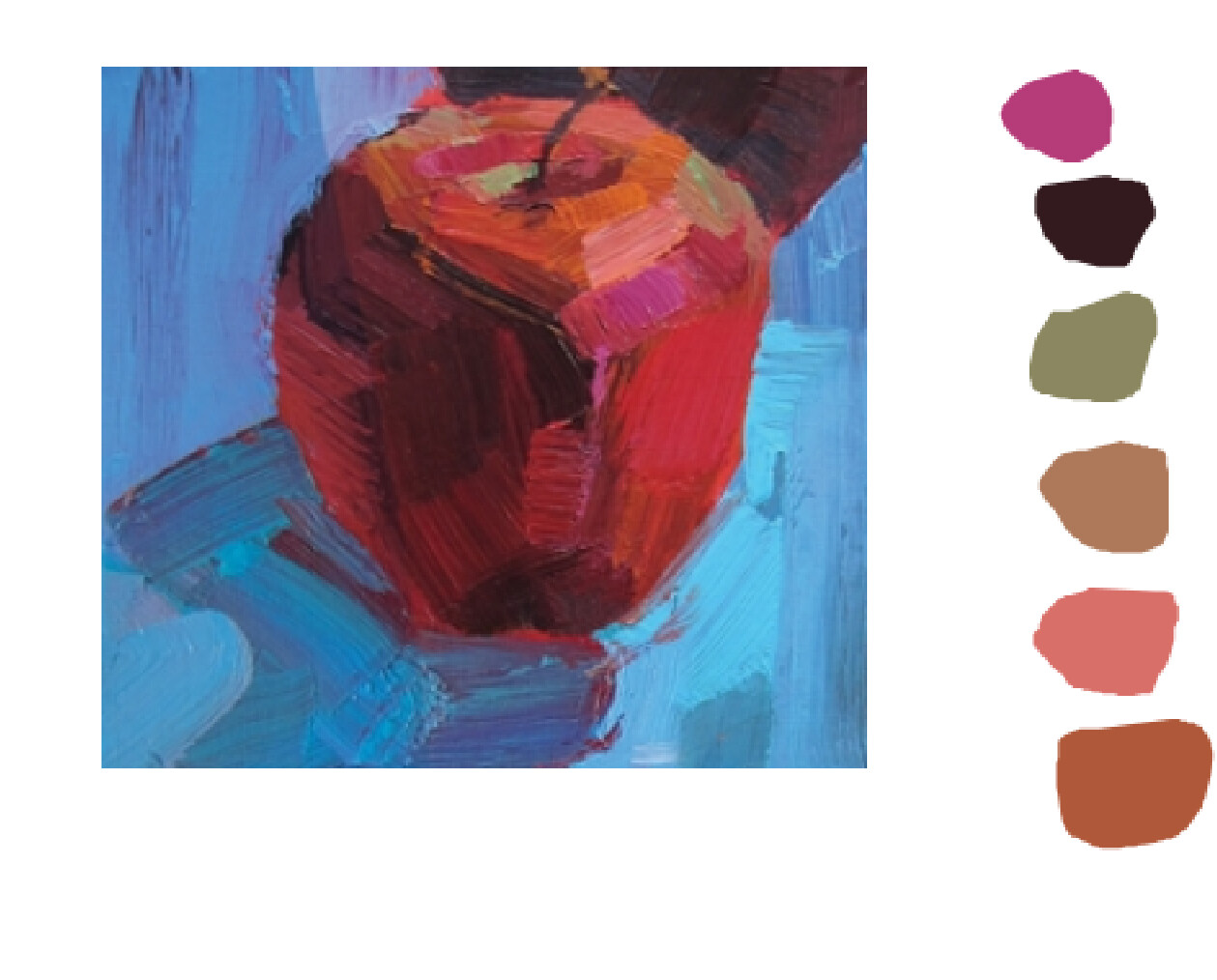
would’ve never thought of this, but the reference image gave me some cool ideas. Anyway, color theory can not only be used to make things look good, but can hide deeper meanings in the colors of the backgrounds. Look at the reference image attached:

Look at the “Meanings” section. A yellow background can be used to send a subtle message, like this section of the map is joyful or energetic. A green background can be used to tell the players this section of the map is safe, like there are no sentries here (or maybe it can be used to trick them >:D) This would be a really cool thing to add to a map, it can add lore and make the players feel more deeply connected with the levels. (Again, thanks so much @cheezesRcool for the idea, it helps make this guide so much better!)
Credits: Guides I took inspiration from:
The BrownSugarAlien guide on barriers! (For beginners)
Barrier Background Themes
[ ] The Ultimate Guide to Classroom Supplies
Credit to @cheezesRcool for the idea of the color theory section
Guide made by M_oop, hope you like it!
bye bye! 
How difficult was this guide?
- 0/10
- 1/10
- 2/10
- 3/10
- 4/10
- 5/10
- 6/10
- 7/10
- 8/10
- 9/10
- 10/10
- 11/10
 /10
/10- 10000000000/10