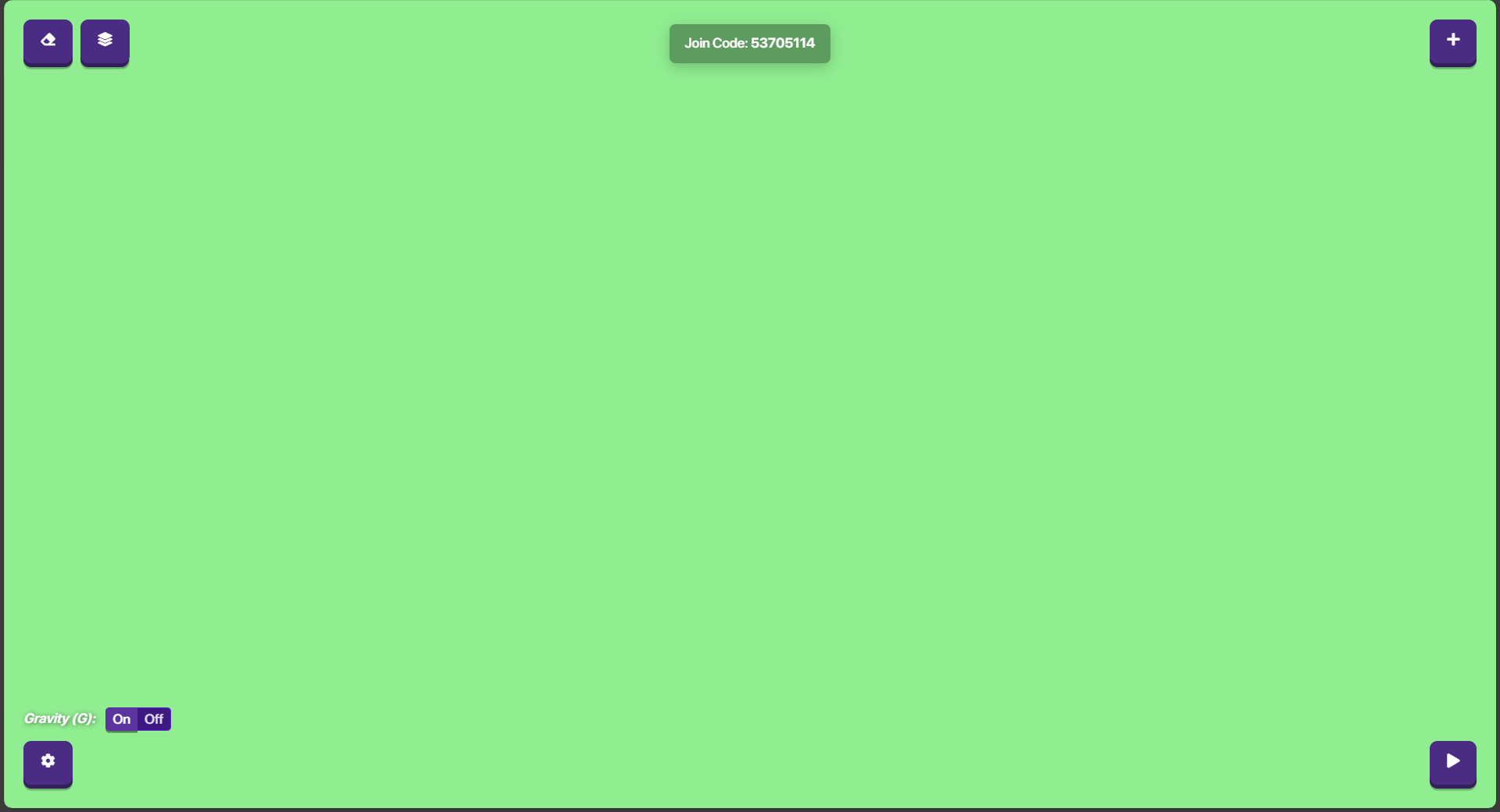
For some reason, whenever I try to load into a game, it shows a green screen and the game buttons only. I cannot move or see my character. My computer was working before and then all of the sudden, it will not work. I have reset my browser, computer, and turned off vpn but it still won’t work.
5 Likes
This has happened before:
Maybe try changing/upgrading your internet?
4 Likes
More pics? Just try the usual, internet, cache, cookies, restart.
@Arcane_Ember this isn’t technically, they’re allowed to make their own if they don’t see the other one.
@HelloSmartie I don’t think I would be very happy to delete my 1 1/2 year old map if this happened to me. I think we need to work something else out.
5 Likes
Remove the ideas tag.
This is a dupe
2 Likes
A similar topic has been posted recently, I think gimkit creative might be down for some people, but I don’t know.
Topic: My gimkit games wont load
3 Likes
This happened to me just a couple minutes ago. But I was opening up a top-down map. It soon got rid of the bug in a couple of seconds.
I would recommend deleting the map. Or logging into another account on Gimkit Creative. See If that makes a difference.
1 Like
This is a visual bug, which is normal for Gimkit since they consistently have such bugs. Just restart the map and everything should work.
2 Likes
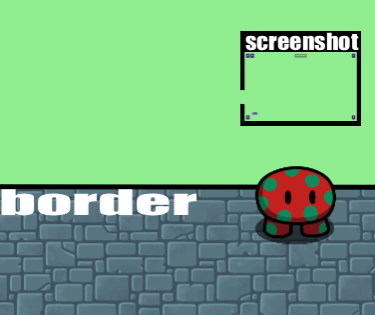
The color of green is the exact same as the green outside of the top border in top down.
My guess is it’s just a placeholder color underneath everything for when textures don’t load.
2 Likes
What a weird thing the creators said there might be some bugs because its new but theis is strange maybe you have bad internet or the textures it other stuff is not working.
1 Like
My internet works fine
deleting the map might be the best way then
1 Like
This does the same thing on non-creative maps so i don’t think that is the issue
It does this on the regular don’t look down map as well
Something’s wrong with your acc or Gimkit.
1 Like
acc? what is that? Is there any way i can fix it?
Acc stands for account. Sign out of your Gimkit account and sign in, try that.
hi mono
1 Like
acc=account
Have you restarted the map? Have you cleared your cookies?
I did that already. and signed back in
power wash your computer
if it’s a Chromebook, shut it down, and then when it turns back on, do
ctrl
shift
r