Way to host from another computer

I’m making a map that is kinda laggy but I have a computer at home that could load it better, is there a way I could host it from my Chromebook but use my computer to run it?

If Mods could work I could use them as long as they work for unmodded players

1 Like

What you’re describing is exactly how monitors work. Hook up a monitor to your computer, and you’ve done it.

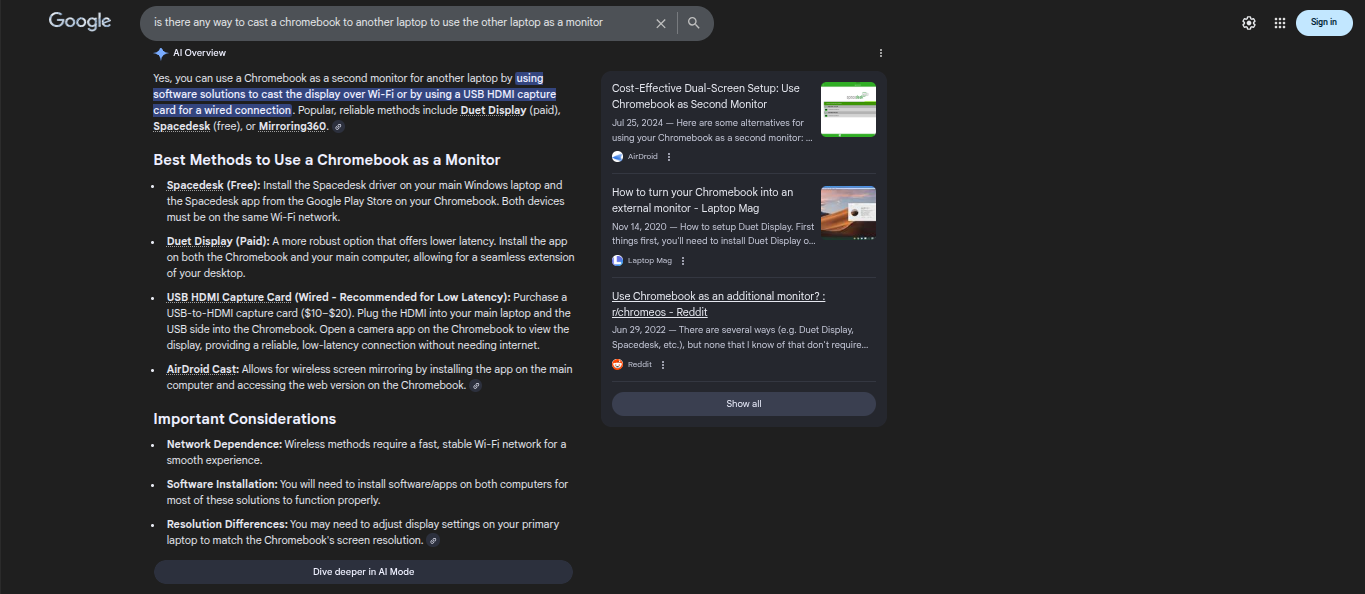
Unless there’s a way to use a Chromebook as a monitor and plug in an HDMI cable into it, no.

3 Likes

no like remotely

like from school

so that its ram gets used but I can still play it with others at school

Uh, OK then.
:sweat:

I think screencasting is an option, and it is compatible with most OSs…

1 Like

that’s not what I’m asking

You could use remote hosting over WiFi with a heck of a lot of input delay, or just host it on your Chromebook lol

(You can use remote hosting on Xbox but I’m not sure about pc)

3 Likes

I could just host from my computer and use the code but how would I start the game then

Can you not login to your other computer through Gimkit?
I’m so confused what your problem is here…
It sounds like you can only use one of the devices at a time, correct?
:face_with_monocle:


😔

Sounds like my school, LOL
:sob:

I think you’re overthinking this. Gimkit does not support remote hosting, so you’d have to use something else to control your computer remotely… or bring your computer to school.

4 Likes

my school obviously wouldn’t allow that cuz that’s just as bad as the unblocked games websites

2 Likes

alr I was just wondering cuz my map is laggy af

1 Like

This topic was automatically closed 3 hours after the last reply. New replies are no longer allowed.