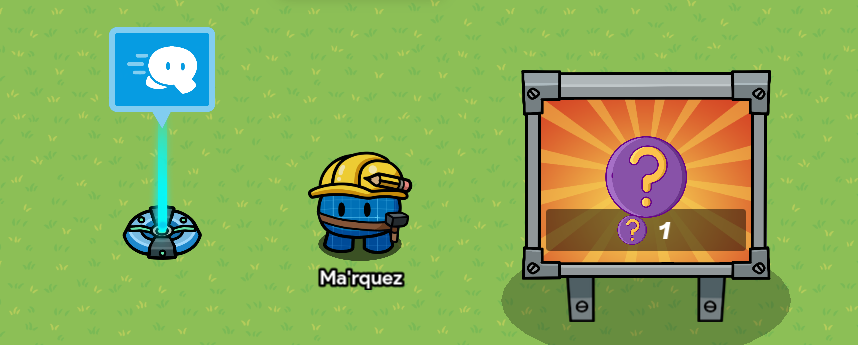
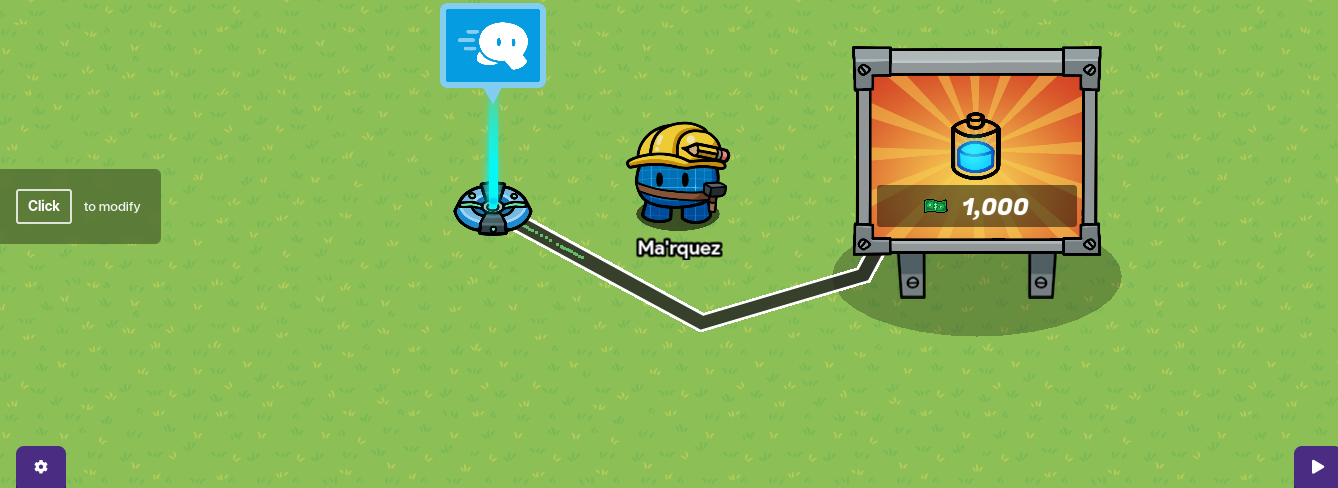
hello again so you probaly wrondering how do i make a vending machine that make you fast well here some help first you need 2 things a vending machine and a speed modifer
next you wanna click on the vending machine and change the required item to cash and sent how much they need to spend of cash to get speed boost and then set the granted item to energy remember don’t change and put anything different unless u can make the image look like a speed boost but other then that keep the image as energy in the vending machine.
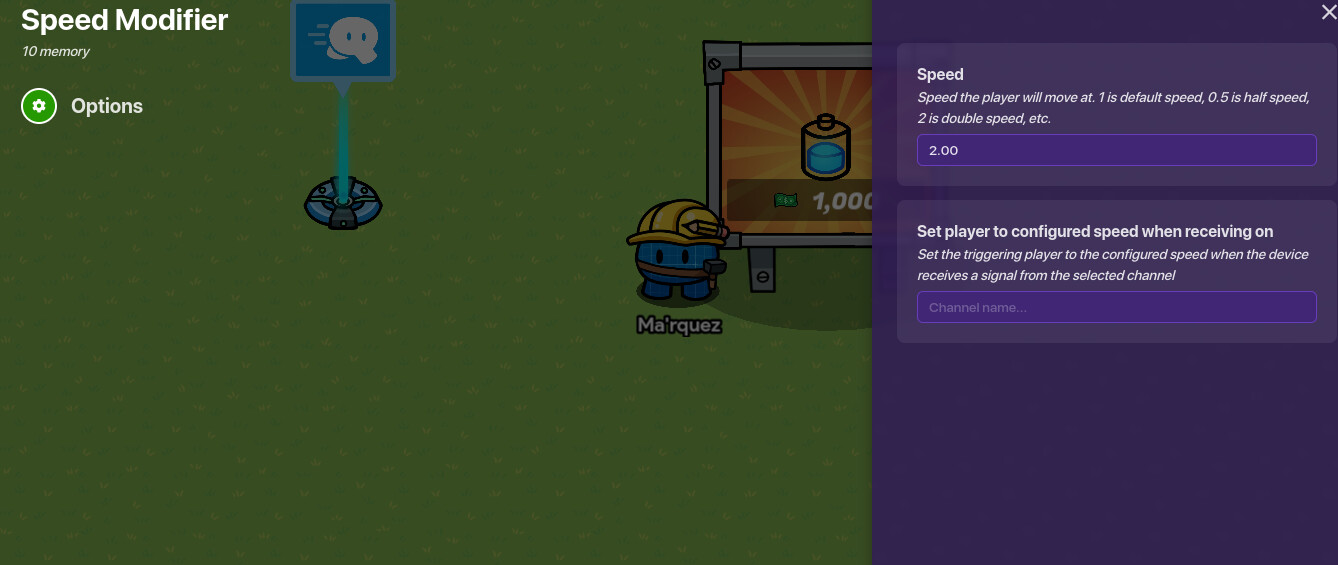
next step click on the speed modifer and set the speed to 2
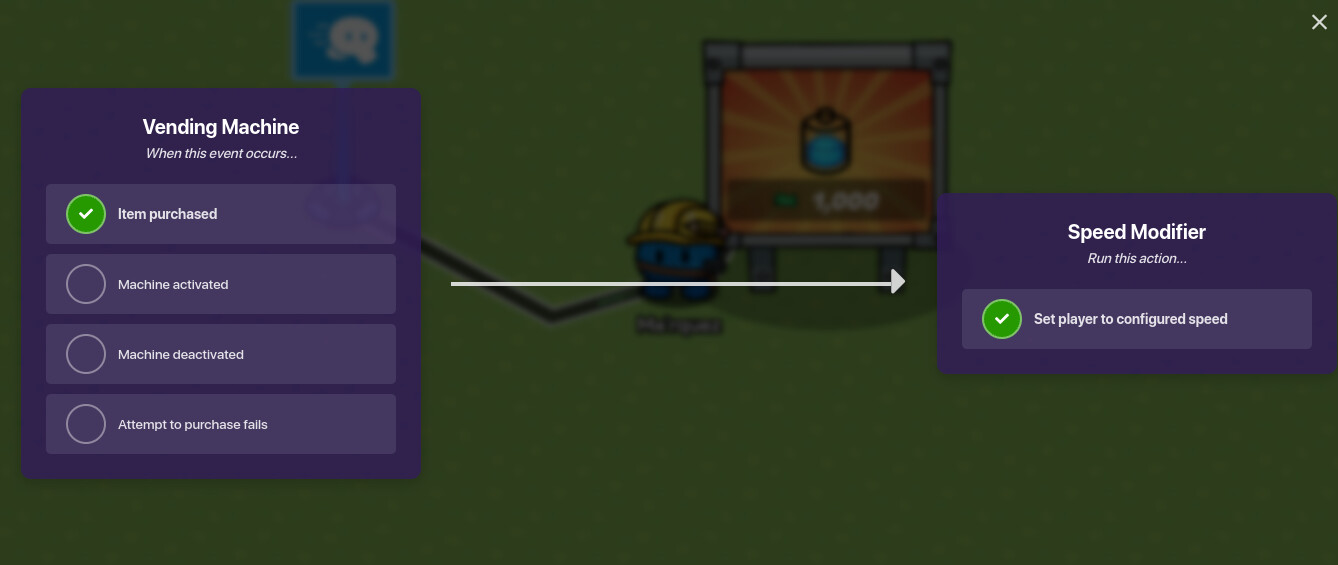
and then lastly wire them up and make sure when item purchased succesfully the player that brought it is set to the configured speed you choose.
and that it for this tutorial if you have any question let me know
12 Likes
Nice guide! We aren’t using the tutorial tag, by the way, and you can’t resolve community made guides.
Also, it may be better to use a difficulty emoji system, which is the standard for guides now. I would say this is either  or
or  .
.
Nice guide!
You might want to use standard emoji difficulty format, but other than that, nice guide!
i couldn’t put in colors and i just now realized i can’t close the comment section my bad let me fix that
1 Like
thank you i did my best as i could
Your welcome, and no shame, hard work is hard work and it clearly pays off.
The poll has to be on a separate line.
please choose 1 okay i accidentally made it to where u can choose 2 also i close this on sep 22
Nice job! This is bound to help new users!
I guess I gotta fix this too. due to images being deleted.
I would fix the grammar and spelling.
Add more excitement to the guide.
i will fix some of the grammar and spelling but I not doing the second option. I just restating everything and fixing the images. my storage was resetted so this will be hard.
1 Like
do I need to change purchase items to transmit on channel