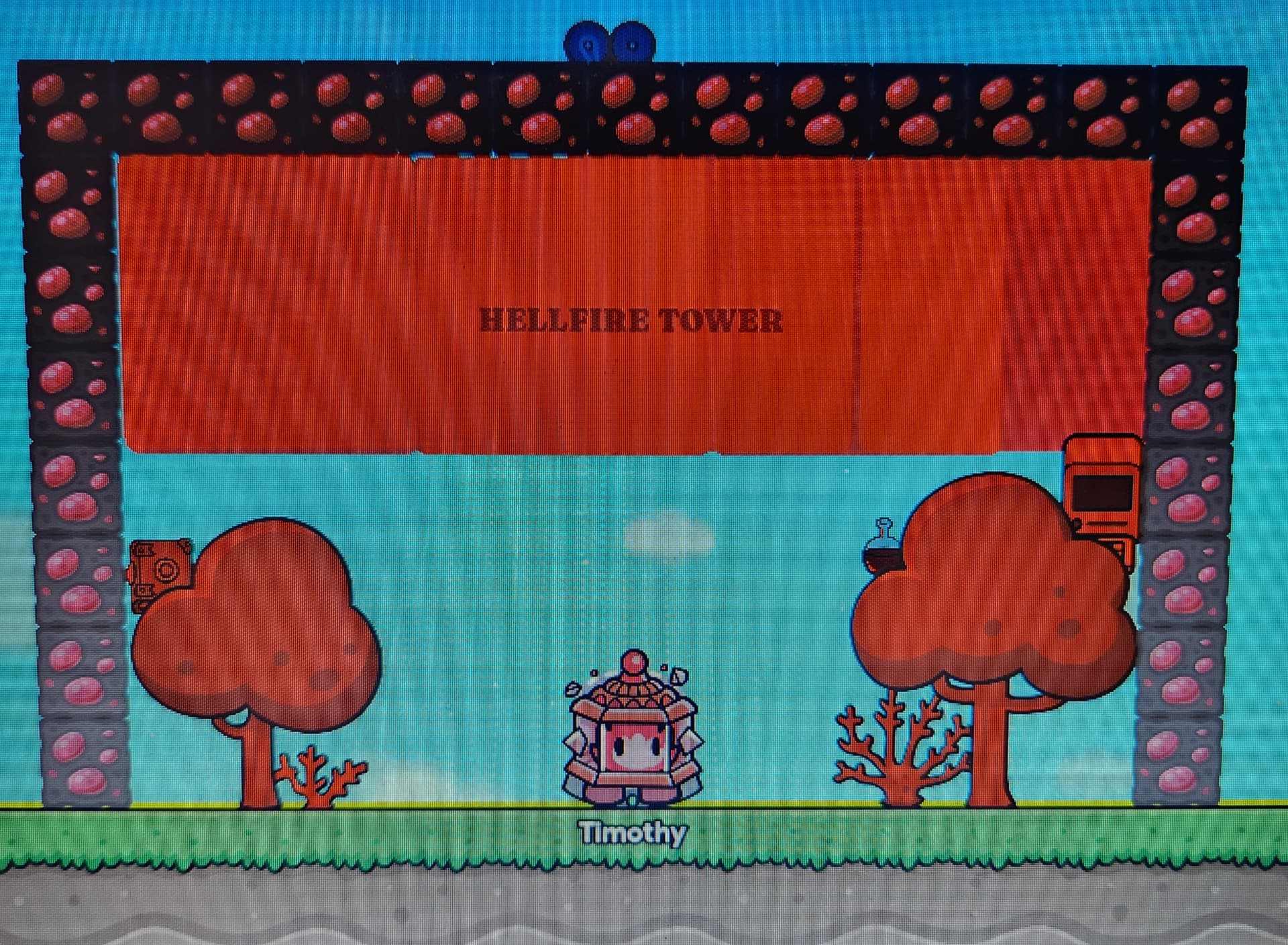
I feel like my lobby could be better, any tips?
2 Likes
-
The grass don’t look good here, change it
-
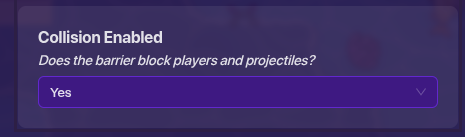
You can also change the sky color with a fat barrier with no collision
-
You can also add fire using emojis in text
-
Make the lobby bigger as well
-
Instead of just a square, you can make the lobby just use tall walls, it’ll look better
3 Likes
There are some gaps in the red barrier.
Some ideas/recommendations:
- Add more decorations! Everyone loves a spruced up lobby!
a. The tint of red in everything might look a bit unpleasing, and overall people might find it bland. Try to have a wide variety of colours, so people will find it pleasing to their eyes!
b. Make the text bigger, since it seems like it should be the main attention of the lobby, you should make it more prominent!
c. Overall, add more props, it looks bland right now. - Use a camera view to limit the space, so the players don’t get distracted by the things outside the box.
- Add more space to the box for more props to add.
3 Likes
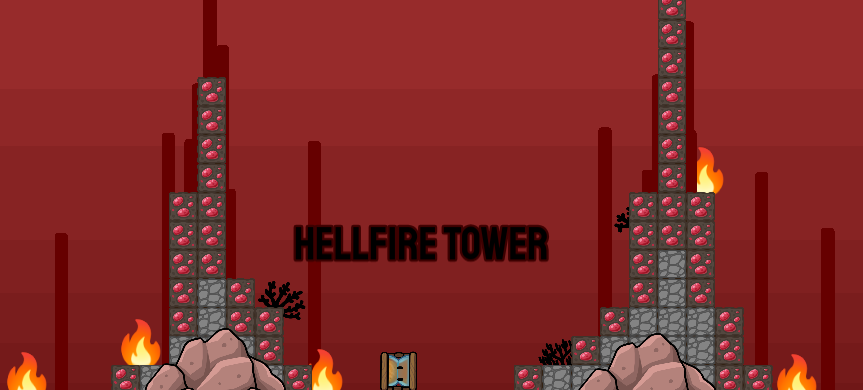
i have a camera view already, but thanks for the suggestions
1 Like
how do I make the barrier have no collision?
1 Like
Yeah it should be larger and have more decoration. That would make players more exited to play the game!
Hey @seattlevroomin, my suggestion would be to add some kind of color variation…
While red is good for what you’re making, it would probably be better to add some kind of variation – it helps the eyes and can usually make something look better.
1 Like
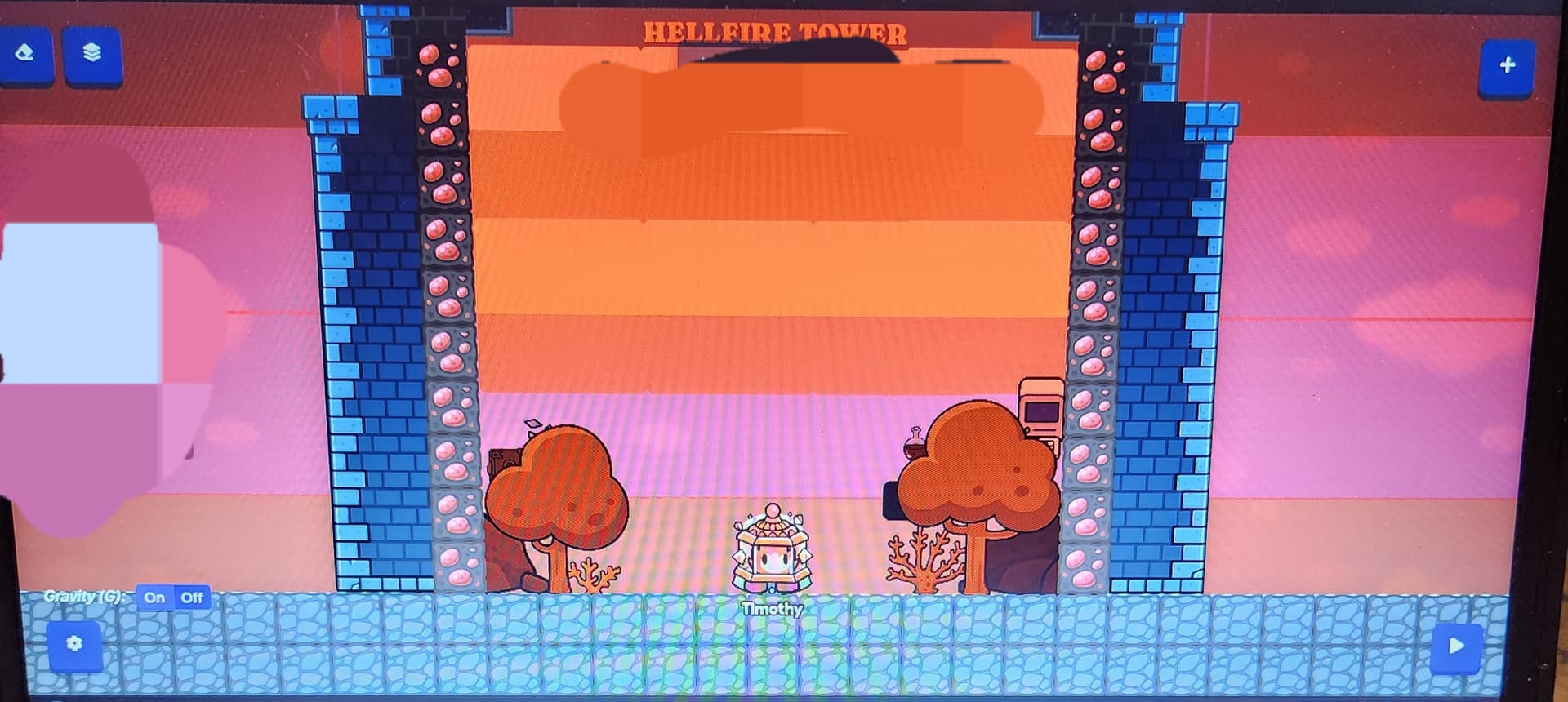
Pic of the updated lobby 2mrw
1 Like
use some fire emojis and make some stuff on fire
I aint yo lil bro 
how do I do that lil bro 
Grab a text box and type fire emojis in it! Then increase the size of the text box to your liking.
1 Like
also I CAN’T add fire emojis, it won’t let me.
1 Like
Are you on a mobile device? Why won’t it let you? Can you not add the text box, or right-clicking for the emoji bar won’t work?
If the only problem is that you can’t access the emoji, try copy-and-pasting this: 
Wait, I forgot the emojis turn into the forums-emoji-thing when you add them in. That’s my bad, oops.
3 Likes
Timothy 
Add color variation. Add some background effects, maybe darker red circles, tall dripstone designs on the top. Make the lobby larger, and elevate it or change the base terrain, since the grass clashes with the whole red theme. If you were to change the terrain, I’d suggest stone or something of the sort.
On your updated version, you added a lot more barriers, but I noticed you moved the title higher. The title is super important, so make sure that’s in view for the player. Remember that you have a bigger view of your map when editing that playing, so when in-game, if the text is so high up, you might not be able to even see it at all.
Try to stay ontopic, @seattlevroomin.
5 Likes
I had to move the title higher, because when I move it lower, the barrier blocks the text.
Ik, my irl name is weird @Blackjack