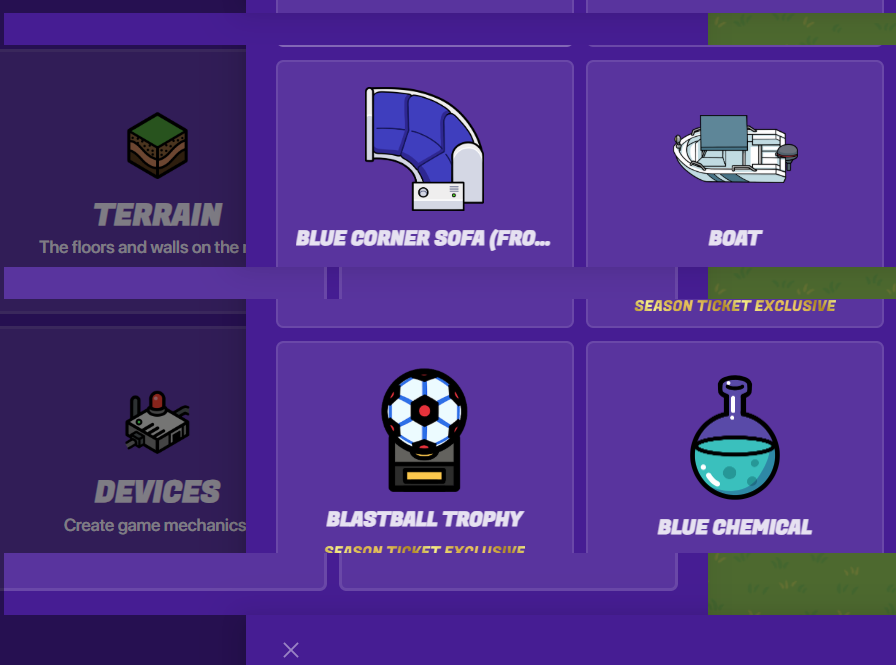
so for some reason this happened and when i exited the build menu thing and closed the tab, my laptop started flickering and gimkit wouldn’t close so I closed the window instead…
Anyone else having this problem or just my laptop being weird?
6 Likes
try reset your computer and it might work, it may be a glitch, don’t forget to mark solution if it was solved @JDAT_Is_Cool
7 Likes
Reset your game, your computer, or whatever device you’re on. See if that helps! If not, please post that below.
5 Likes
GKC is still in early access. . . try resetting ur Chromebook. also put this under the bugs category. mabye deleting your browsing data and signing back in will help.
2 Likes
what did you do prior to this happening? did you open the sidebar really fast?
1 Like
Definitely a UI glitch and lag. ITs probably really laggy right now, since there are 2 prop screens. Restart computa or shut it down and open it again
Puts this under Bugs please
2 Likes
Here I can change it…
But yeah, GKC has been experiencing some glitches recently, try what everyone’s saying
3 Likes
On another note, can someone change the title to “Question About Bug” or something formal?
3 Likes
On it!
On some computers ctrl + shift + q + q doesn’t work (like mine), but what SuffyPro97 is saying is try signing out.
2 Likes
that doesn’t actually help anything and it has already been stated to try shutting down multiple times
1 Like
why do you want suffypro to get banned? he didn’t do anything??
5 Likes
@PurpleOwl I reset my laptop and it doesn’t work but it also flickers in other things and sometimes freezes.
@Reaper_leviathan I did not open the sidebar really fast, I just used GKC like normal.
@Bus1503 SuffyPro97 was trying to help because CTRL + Shift + Q + Q does work, just not really helping me.
3 Likes
ALSO, for some reason it only happens when I scroll down and only SPECIFICALLY on Gimkit.
1 Like
Well he didn’t know about the rules?
No, he just refused and ignored. That’s bus’ point
Using ai is not allowed on the gimkit community
1 Like
its not your fault, you just didn’t know
1 Like
bro I was trying to help JDAT_is_cool for new computer its not that rude/inappropriate???, I even delete the other comments I said