Xenon
July 22, 2024, 3:13pm
1
Let’s say for example you’re in blockcode of the text device.
This is a waste of blockcode space!
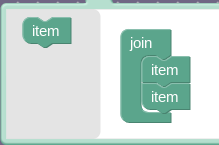
Having to use the same block multiple times like “create text with” is a waste of space of blocks! Remember you have a limit of 75!
Instead, click on the
button
Just add the item to the list to get more space
Bam!
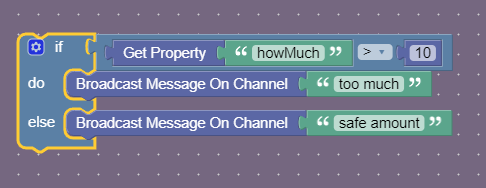
This can also be done with the “if do” block or any block with the gear sign so look out for it!
4 Likes
How do you even make blocks?
1 Like
Xenon
July 22, 2024, 3:14pm
3
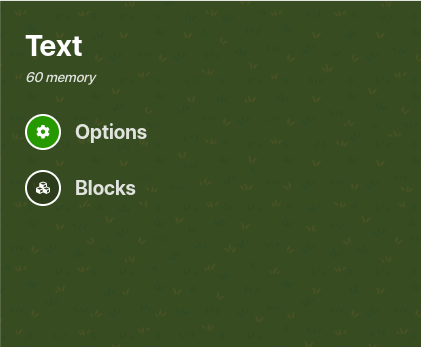
Only certain devices have it, but if they do, click on the settings and on the top right is blocks,
2 Likes
Yep! But when I click on it, it only says “no blocks have been made yet”
1 Like
Yeah. Blocks are incredibly useful for making more complicated things, even though they take up a bunch of memory
2 Likes
What device did you click on?
1 Like
I forgot, I was at someone’s game platform. I think it was a button
1 Like
Yeah some devices don’t have block code available. Buttons are one of those so that makes sense. Stuff like triggers, text, and notifications are the most commonly used devices for blocks!
4 Likes
But what comes out when you click on “create blocks”
1 Like
I can’t test it right now, cuz Bagyong Carina is making me load slower right now. Also I clicked on a button, it only says “Options” with the
1 Like
Xenon
July 22, 2024, 3:20pm
11
well kinda like scratch, there’s some categories with blocks that do certain things. its kinda hard to learn what blocks do at first but once you understand its easy.
Properties are perhaps one of the most useful devices in the game, and for many reasons. They can multiply many values, they are always saved, and can act as boolean values.
When you’re stuck on something, remember your properties. I just want to share a few links that heavily rely on properties right now.
These are just some of the guides that heavily rely on properties. They are your friend. Do not be intimidated by them, because no matter how confusing they are, they can make these thin…
3 Likes
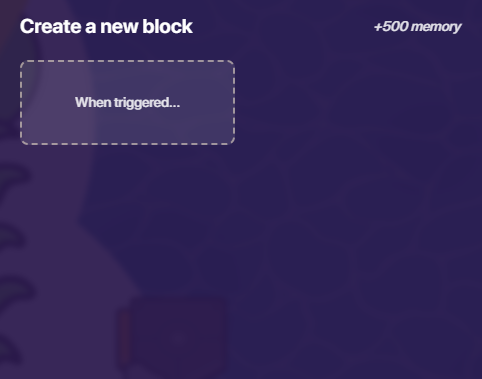
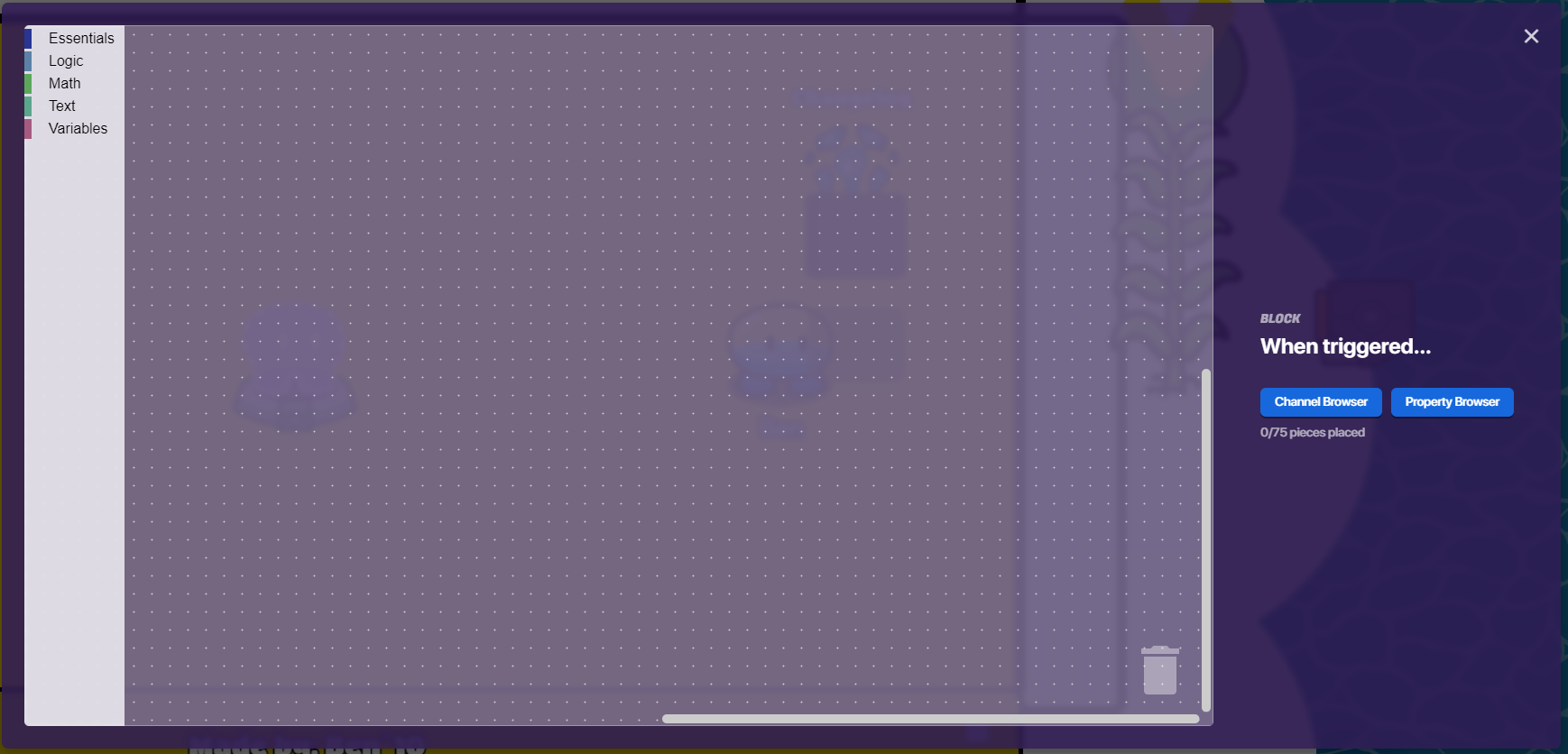
When you click on this
and then you’ve created a block! Then you can do stuff inside of this space like…
1 Like
There’s no option like that on the button ;-;
1 Like
Buttons don’t have blocks. Only certain devices do.
2 Likes
Xenon
July 22, 2024, 3:22pm
15
BECAUSE THE BUTTON DOESN’T HAVE IT
2 Likes
If a button doesn’t have it, then what devices does have blocks? :3
1 Like
A bunch of them, but I usually use triggers
2 Likes
Xenon
July 22, 2024, 3:23pm
18
inventory item manager, text, trigger, notifications, just check manually.
2 Likes
mysz
July 22, 2024, 3:23pm
19
Text
there are probably more
2 Likes
Dang my gimkit is acting weird, everywhere I touch it shows button settings
1 Like

 button