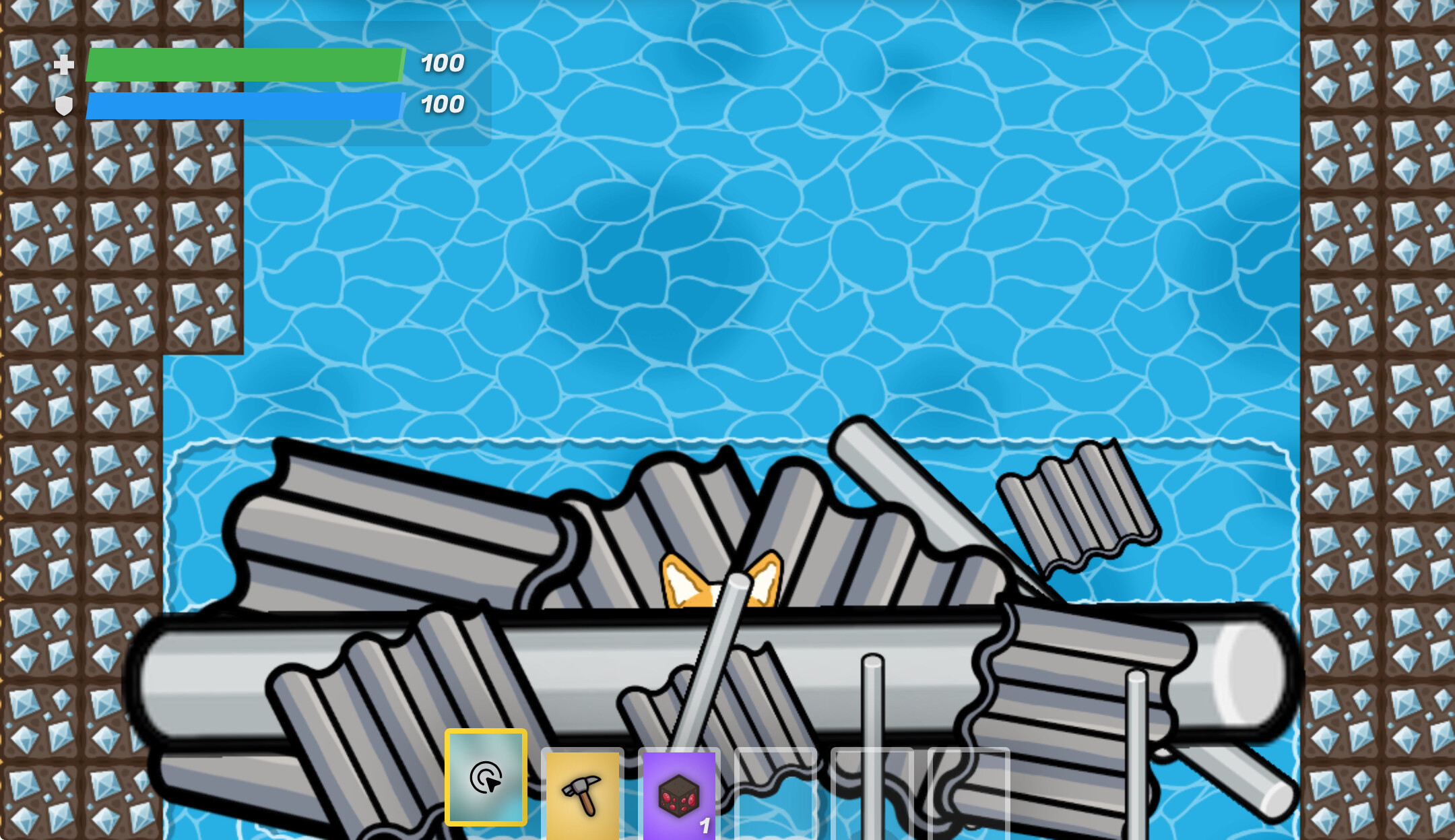
The first image shows the settings (which, yes, I have checked and they all have collision on) and the second shows the prop set up. Is there something I’m missing, or is this actually a bug?
(Edit: This also happens in game, not just when I am editing.)
I think certain props have “weak” areas you can walk through. Like with poles, I’ve seen that when tilted certain ways, they let you walk through the middle. This can also happen when props are sized up.
So, probably just a downside of what happens when you move a prop a certain way. To stop people from walking through, try an invisible barrier over the props.