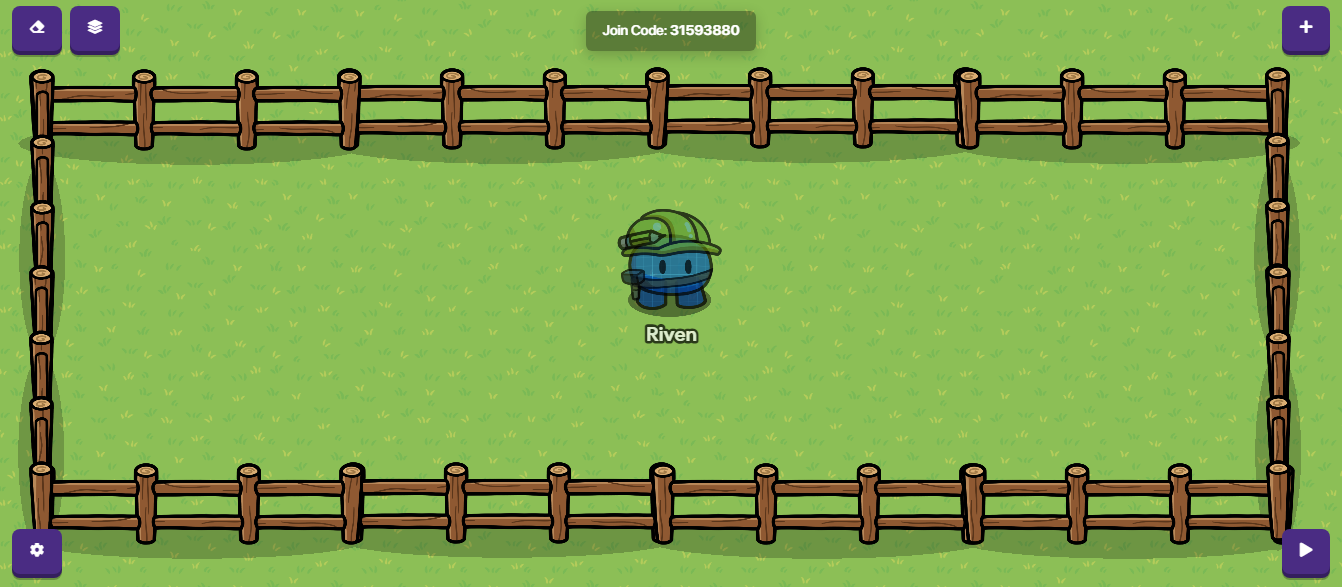
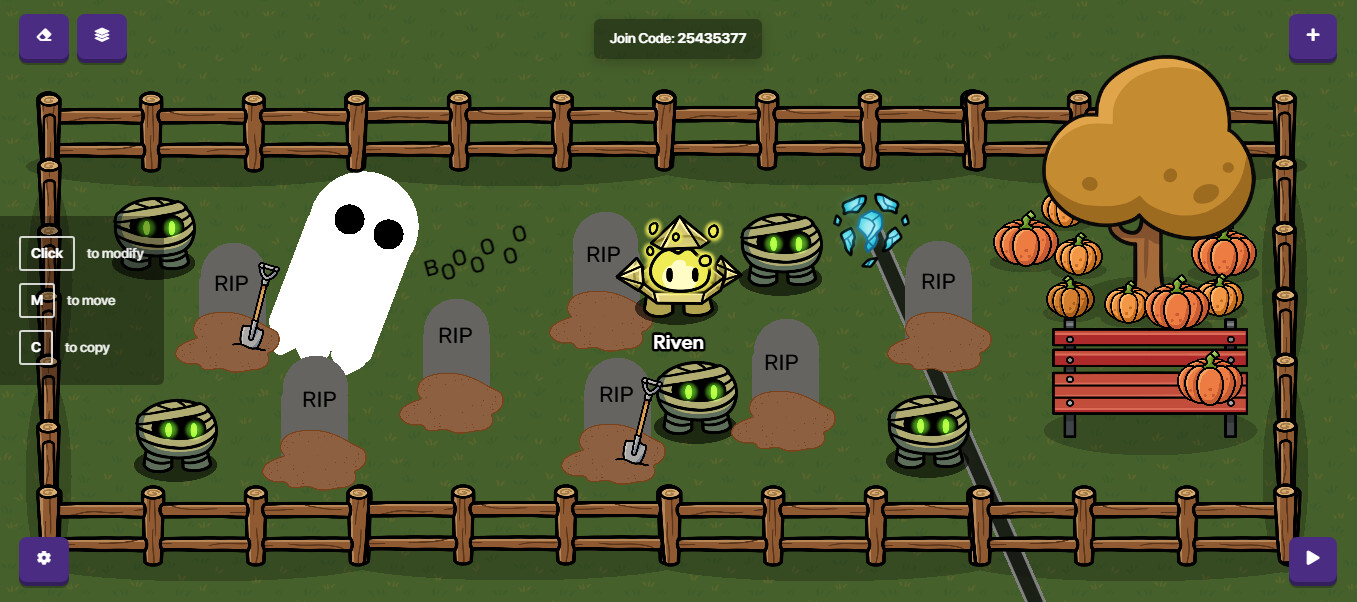
Today I’m going to be making… a graveyard! Before I start, I know there are guides on this, but they don’t have pictures and for an art guide that’s kinda crucial. So here is how to make a graveyard
Put 4 horizontal and 2 vertical.
Step 2-Making the graves
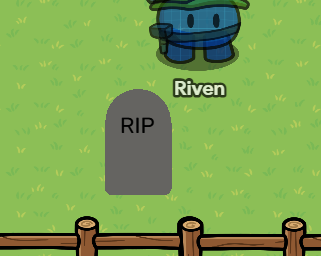
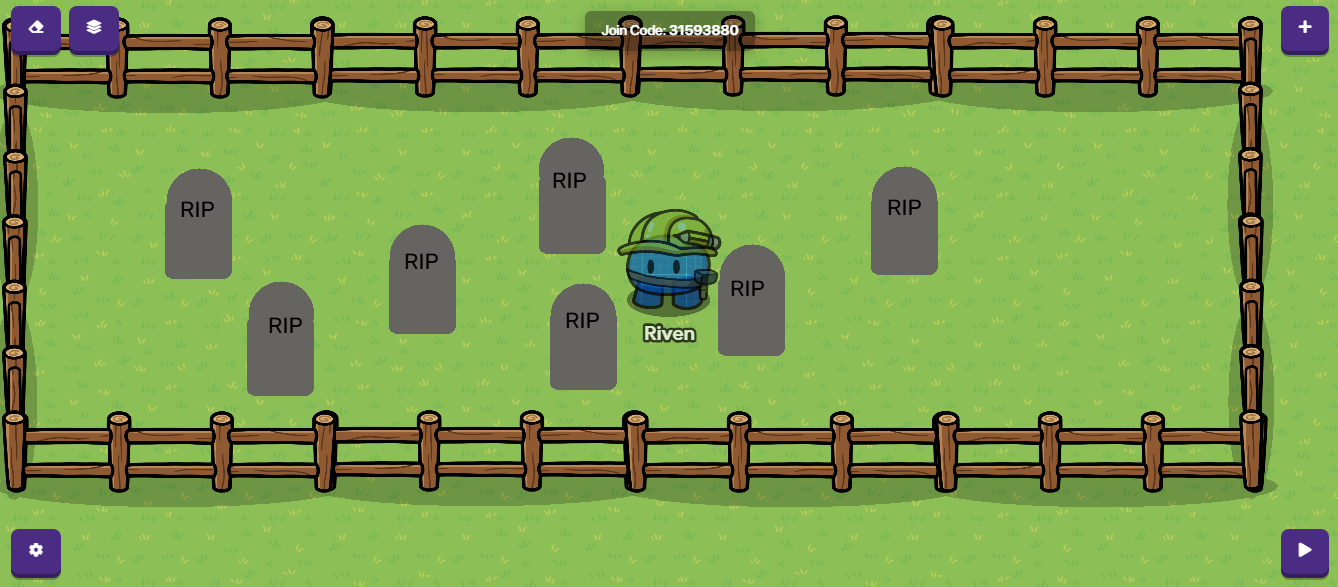
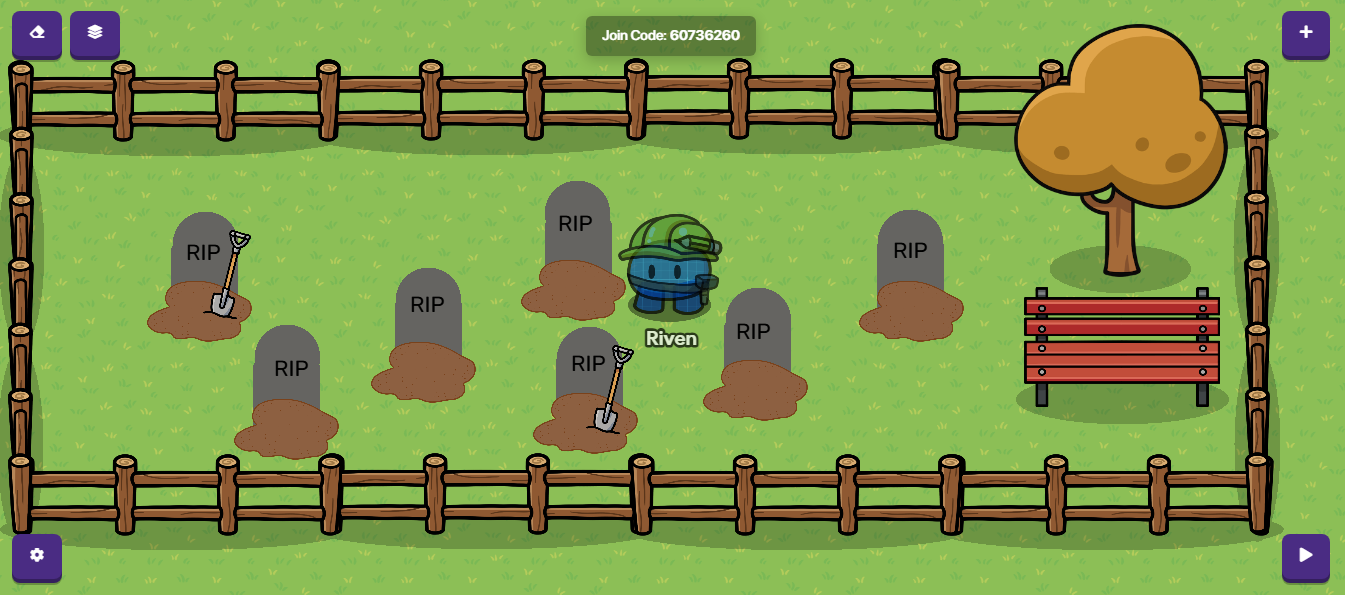
Next add the graves, you make them like this:
You take two gray barriers, one a circle and one a square. Make sure to turn off the borders. And line them up like this and put a text on top. Make sure the text is top layer:
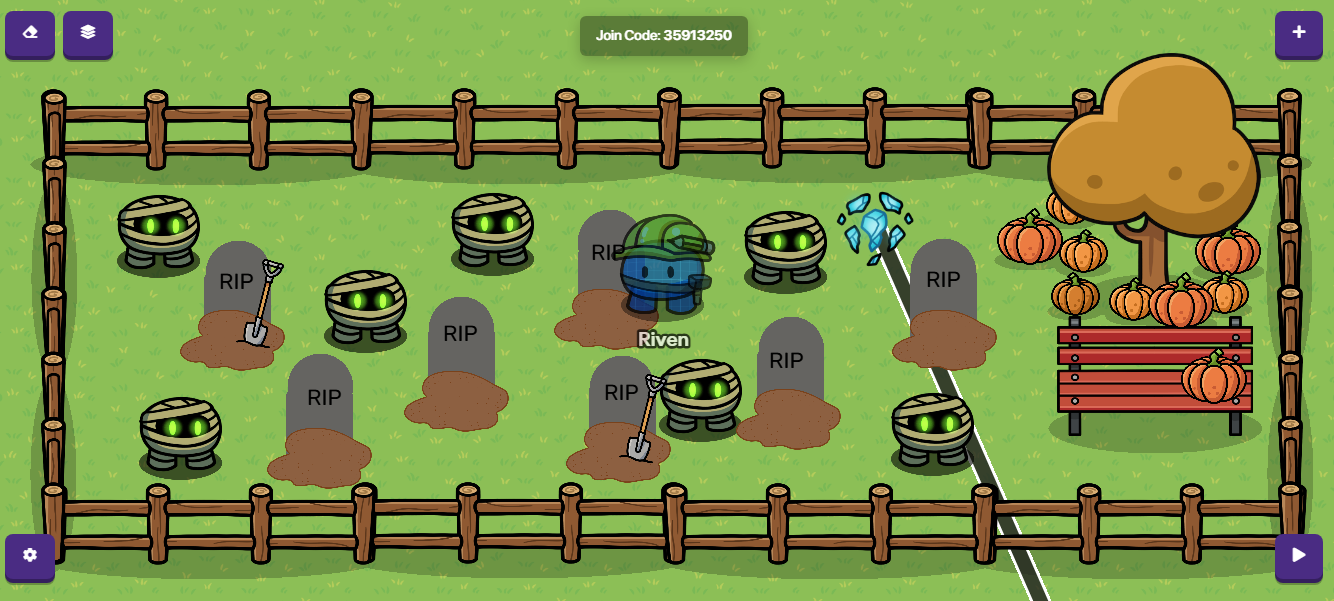
Then add some sentries. (This step is optional, sentries will take up a lot of your memory) For the skin my suggestion would be Ozi, but you can use whatever you want:
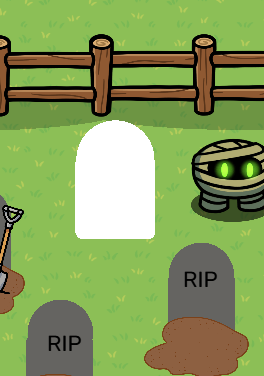
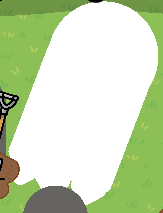
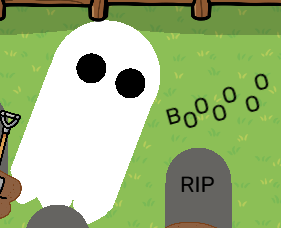
And if you want to add a ghost, you can. Take a few white barriers. Make one of them a circle and keep the rest normal. (Make sure to turn off borders) And start by lining them up like this, kind of like how you make the graves:
Reason for this guide: Halloween is coming up and many people will be making Halloween maps.
If you liked this guide a heart would be appreciated.
Thank You!
This is a GREAT guide!!! Maybe you could also add cracks to the graves (with the custom shape) and add a darker background to really bring out the s p o o k i n e s s in it!
Good guide, especially with Halloween coming up!
just a bit of constructive criticism
Details/Descriptiveness: 10/10
You explaining was great and you made everything very clear to follow the guide! Good job!
Organization/Formatting: 5/10
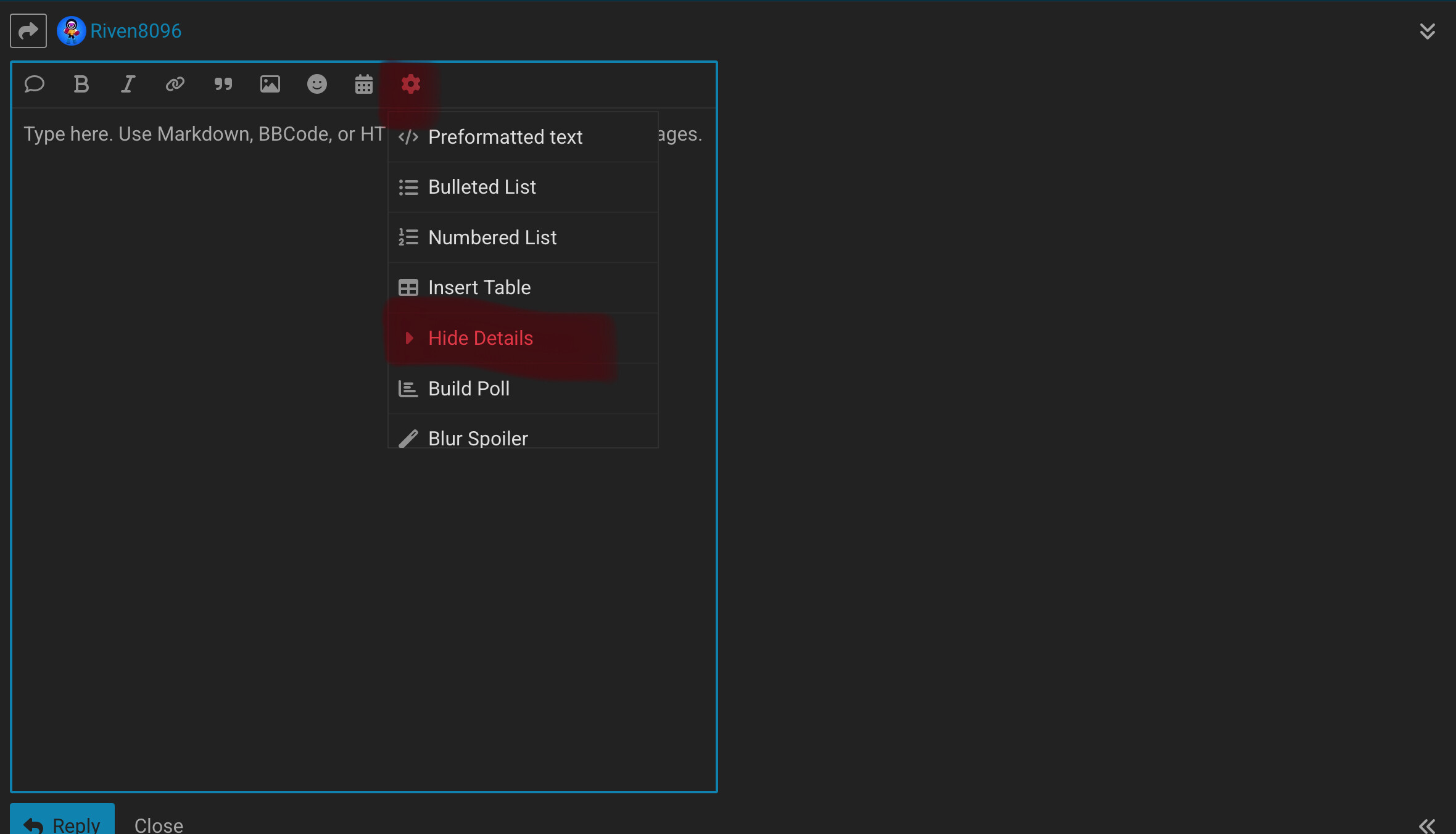
Try using a dropdown for each step!
drop down?
this is a drop down
put details in here
Also, you can make lines to separate each paragraph by using: ***
You can make the text bigger:
LIKE THIS
by hitting “enter” to create a space between regular font text and the text you want bigger.
Then, right below the text you want bigger put: =
Creativity: 8/10
I love where your going with this!
There is other guides, but as you said, they don’t have pictures.
Maybe add some more spooky scary stuff!
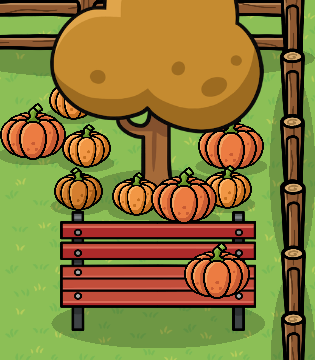
Spooky silhouettes, ghosts, pumpkin lanterns, Halloween themed things!
Beginning/Middle/End: 9.5/10
This isn’t English class, I know lol. Your intro is a little rushed, maybe saying that you made this for Halloween IN the intro. And in the end you can say something about Halloween. =D
Humor: 6/10
I know, I know, guides aren’t supposed to make you LAUGH but like, add some humor to make it interesting!
I kinda skipped through some parts ngl.
Idea:
Add a black barrier with low opacity over the whole scene, then use white barriers and text art to create glowing ghosts.
Or you could just use the new custom image device. Whatever you want.

 Nice job!