[ 🤏 Mini Guide] How to make the distorted face in Gimkit

Hi guys, Freddie here.

My first post will be a guide because I want to be helpful to this community. (I have been seeing other “newgens” posting help topics as their first post, so maybe I’ll change that.)

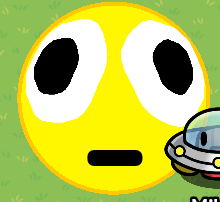
We’ll be making this today in GKC:


Step 1

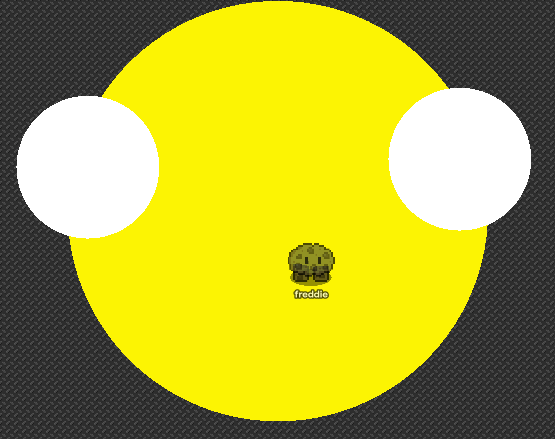
Grab a barrier, make it some kind of yellow (like something similar to the emoji above, about [255, 247, 0]), set the alpha to 1.00, and remove the border. Also make it a circle.
Like this:

Step 2

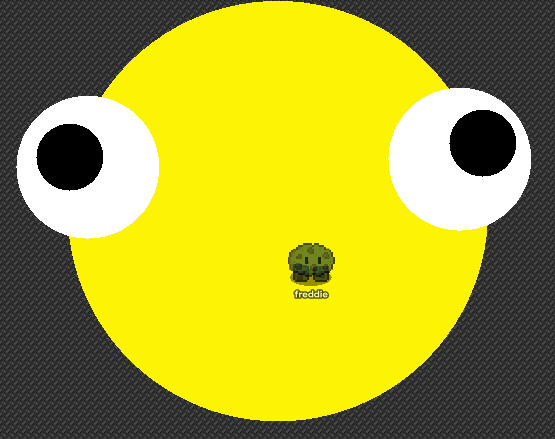
Copy that barrier, make it smaller and make it white. This will be the whites of the eyes. Put it to the side, copy it, and then put the second on the other side.

Something maybe like this:

Step 3

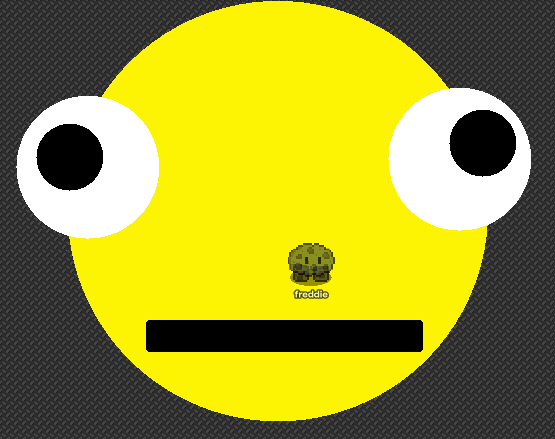
Now, copy that white barrier, make it black and then put it in the center of the other barrier. Make it smaller too. Copy that black one and do it for the other eye white as well.
Like this:

Step 4

Finally, grab that black barrier, and make it a rectangle. This will be the mouth. You may need to elongate it to fit the full length of the mouth like in the emoji.

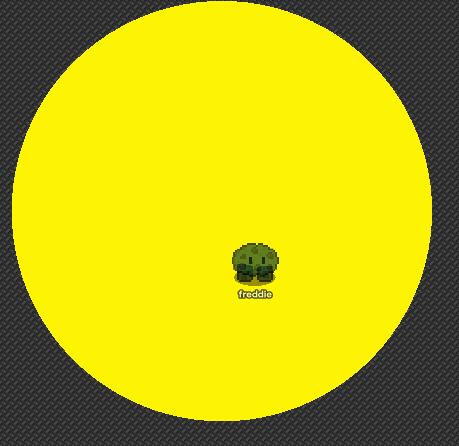
Now it should be like this:

And now you’re done.

Final Result

Thank you for reading, and have a good day.

Give a :heart: if you can.

11 Likes

Can anyone tell me how to make headings like I see in other guides? I want to know for my next guide.

1 Like

1.Your heading looks fine
2. Add art-guide text-and-barrier-art
3. W face

Question, how could I make the face smaller? and can I use custom shapes?

@fred_beans

This?

This?
-
5 Likes
  1. No, I mean like headings in other guides with the massive text.
  2. How does this have text – is that just a general tag?
  3. Thank you!

@Zappy_Zaptos, you would just have to shrink everything, and you can use custom shapes, but it would take more memory.

2 Likes

#+Space+Text

# Example

Also, kind of a very short basic guide.


I am, just waiting to get banned.

4 Likes

I don’t see how this guide serves a purpose… But it is well made..

@Zappy_Zaptos

How many faces did you freaking post?!!!

2 Likes


Big text with _ for the mouth
Custom shape eyes

Summary

!

it was a glitch I guess?

And what were YOU doing?
Screenshot 2026-02-04 9.23.56 AM

7 Likes

Nice Mini-Guide
Here is a formatting guide!
Look at this post!

Just look at the formatting guide. FORGET about everything else!

3 Likes

bro thought he could hide this

3 Likes

Lol, good first guide!

2 Likes

Me after I thought pho was quitting :face_holding_back_tears:

2 Likes

I think you could make the eyes look better by using 4 circle barriers instead so you can make it more rounded.

2 Likes

Yeah, I see, but custom shapes do take more memory.

Also

thank you @Gaming-Phoenix & @Zappy_Zaptos!

4 Likes

The purpose? It’s for fun, that’s all. Maybe a joke in your map.

1 Like

Bump.

1 Like