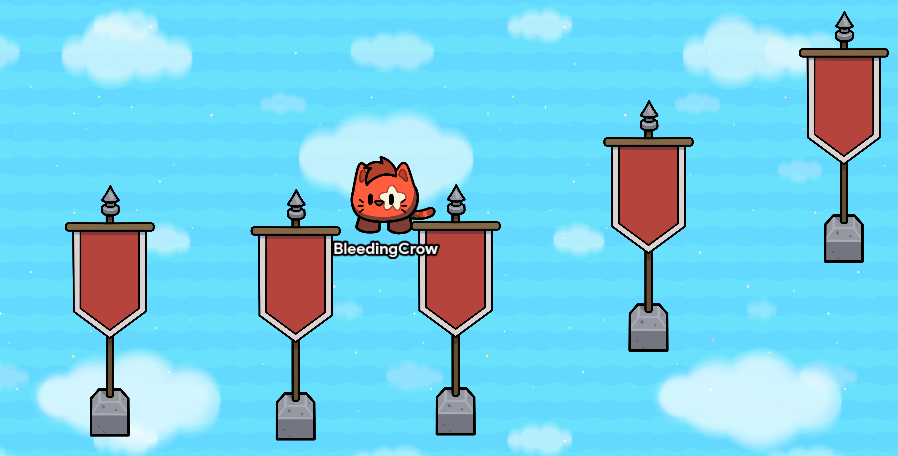
@fleetway here’s a pic of some of the props then I have 2 at the start
1 Like
It’s then definitely a software issue, or just GKC servers kinda suc for you. That’s the best way that it could be lagging. Maybe just restart your computer?
1 Like
What’s the memory bar at in the editor? Also gif here to make:
If we can’t figure something out tonight just mark a solution and email Gimkit , we can’t let this go on for too long.
Fleetway that post was so unnecessary, don’t do that in future.
4 Likes
I’ll just restart my laptop for now Thanks everyone for trying to help.
and have a good day. for now I’ll try to fix lag or restart. I’m new to making maps so it could just be me adding stuff that takes to much up
2 Likes

This is definitely AI, and thats not allowed by the way.
4 Likes
This topic was automatically closed 3 hours after the last reply. New replies are no longer allowed.