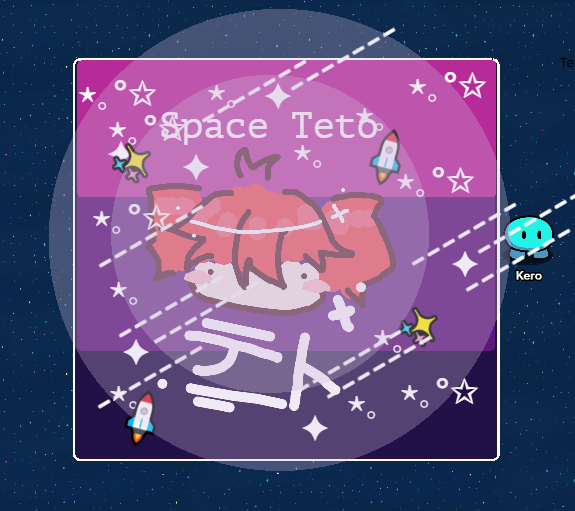
You can use stuff you already made, go ahead.
4 Likes
it can be either, but it is more recommended to try and make something new.
6 Likes
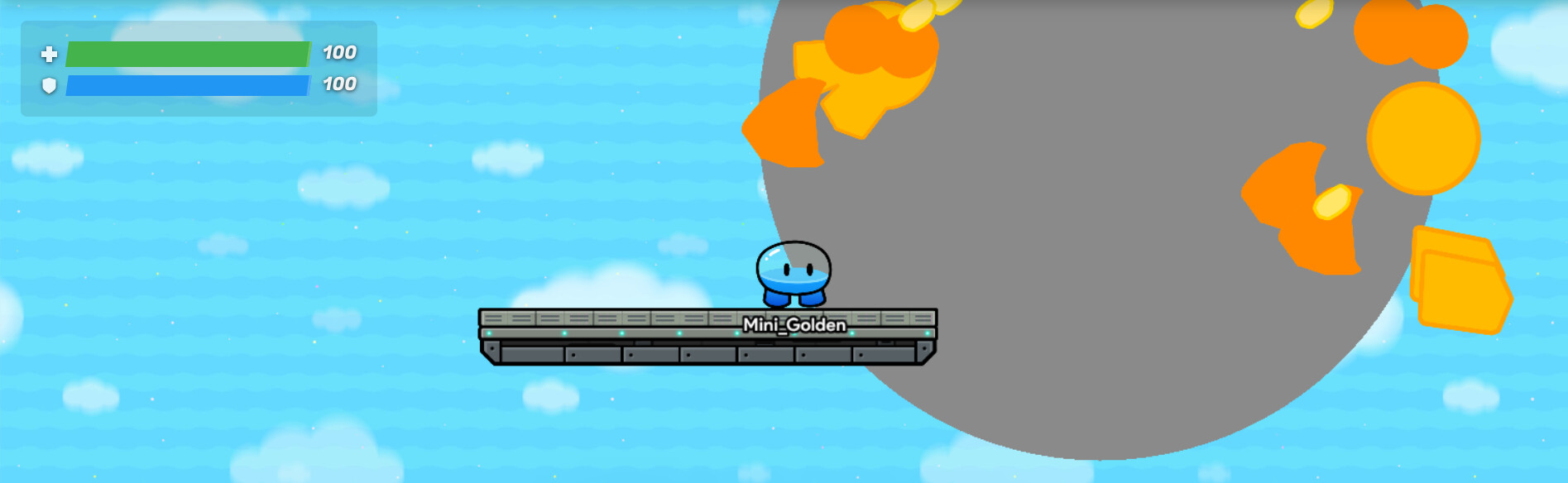
If you wanted to improve the build, you could add both lava pooling on the ground and in different shades of red and orange! Do that by placing a few more barriers; some might be circles. Add broken glass?
5 Likes
Quick question (sorry if I just didn’t see it in the rules), but can these pictures for Forum Events ONLY be made inside Gimkit Creative?
(Sorry if this is off-topic :c )
1 Like
For this event, yes. This challenge is to build something cool about space inside Gimkit Creative. There could be events that change it, but it’s mainly dependent on the topic of the event.
8 Likes
I’ve decided to participate myself!
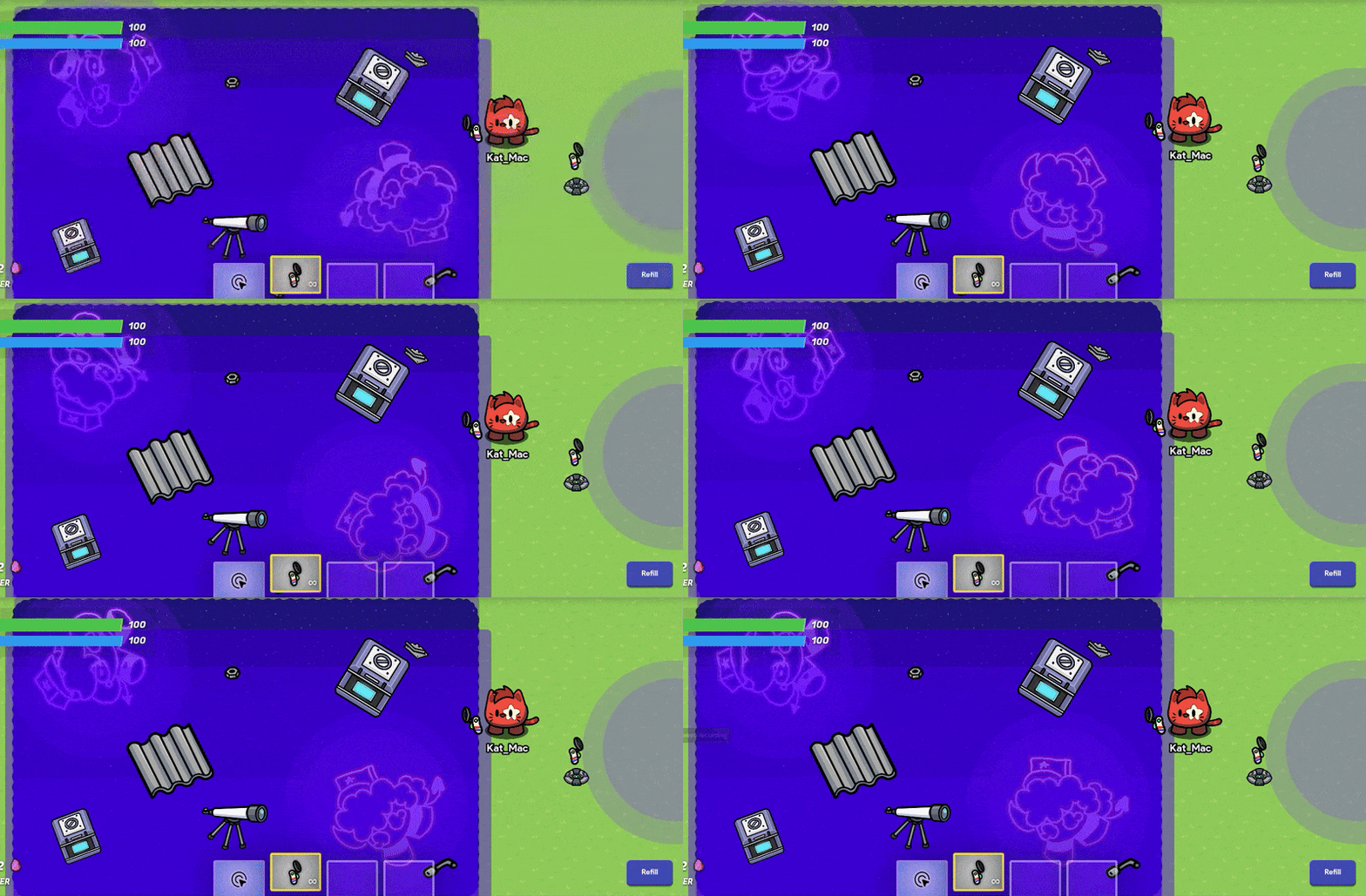
contents:
- two shapes (one kat, other kade) rotating counterclockwise with loop on, and a 0.1 setting.
- space moving tile
- four barriers with a 20% opacity with an indigo-like color. same with the circles
- space container (purple)
- some space trash, and a telescope
26 Likes
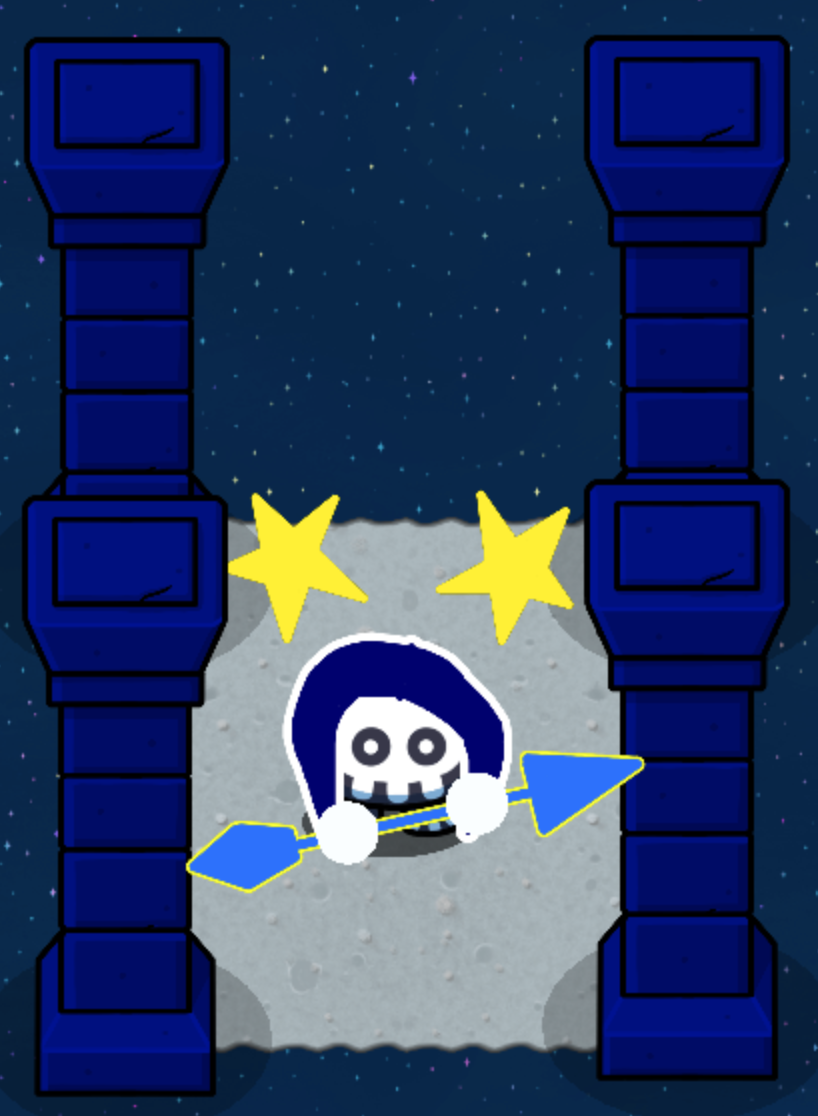
I’m surprised no one made the Alphastar.
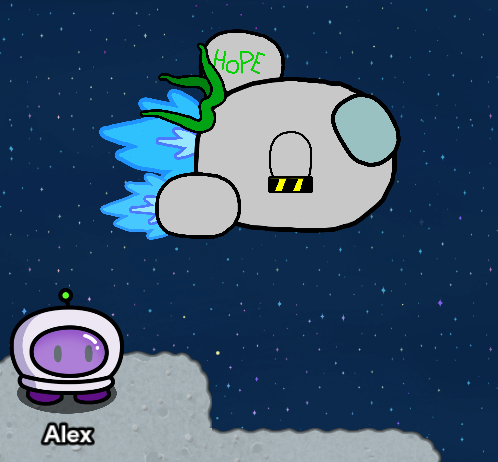
Stuff used:
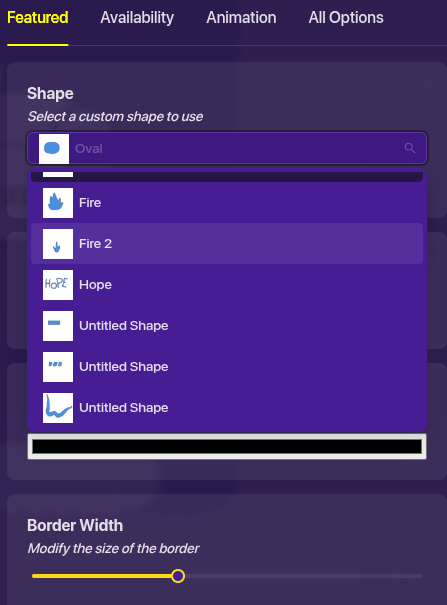
(All shapes used are shown in picture above.)
Space (not moving) background/tiles and space rock tiles.
(I changed my gim to Polaris for this screenshot.)
Colors: black, yellow, light gray, light gray cyan, light blue, lighter blue, green, slightly darker green.
Sorry it isn’t the best, but I don’t have the time right now or the care to do it accurately.
29 Likes
* twilight.
21 Likes
Question: Did they add a new drawing device or something like that???
3 Likes
Yes, they added the custom shape device, which always you to draw things in the game.
7 Likes
yes, they did. and if you want a quick rundown from me here’s one:
8 Likes
Yo Kat cheese, you should make a mini-guide for this new device. It may seem obvious, but I’m not one of those who understands such devices . I don’t quite understand how you drew such clear lines. When I slowly drawing, my memory fades very quickly. Maybe there are ways to fix this or something. I would be very grateful if you did something like that. (By the way, I realized that you can make really cool animations with these new devices. Once I figure out how this device works, I will make something really
cool for this
event

13 Likes
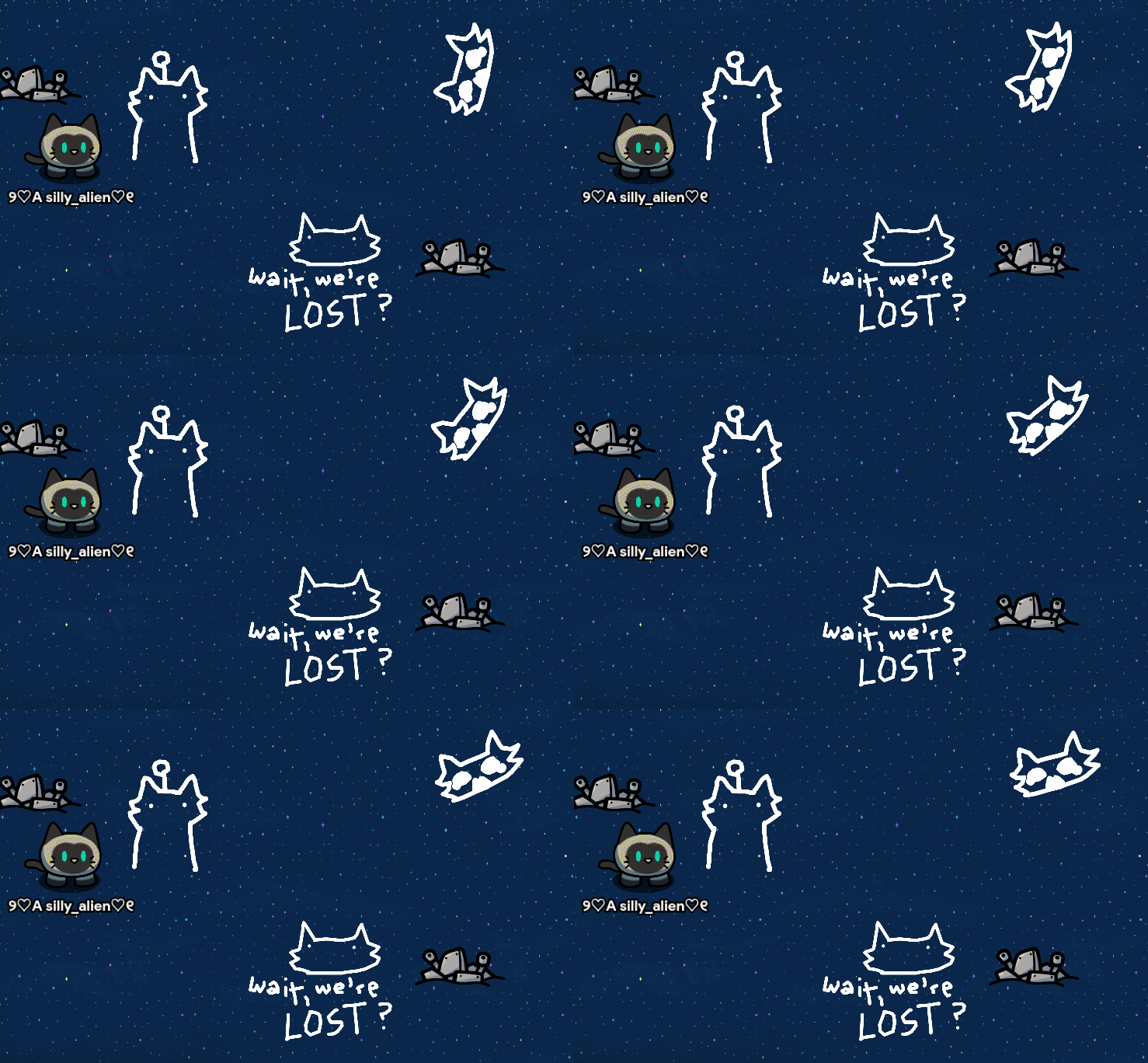
I did a do :3
The reason the gif is too short is because the other ones I took were too big.
23 Likes
past lives
couldn’t ever come between us
sometimes, the dreamers finally wake up
don’t wake me, i’m not dreaming
don’t wake me, i’m not dreaming
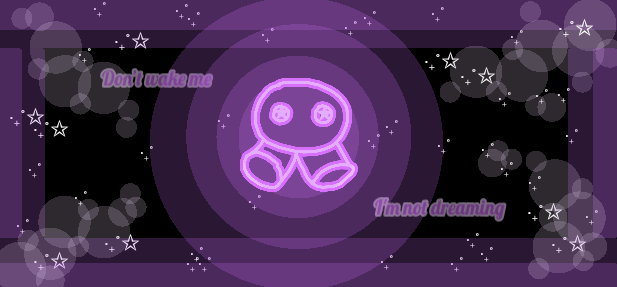
Kai helped with ideas :D
43 Likes
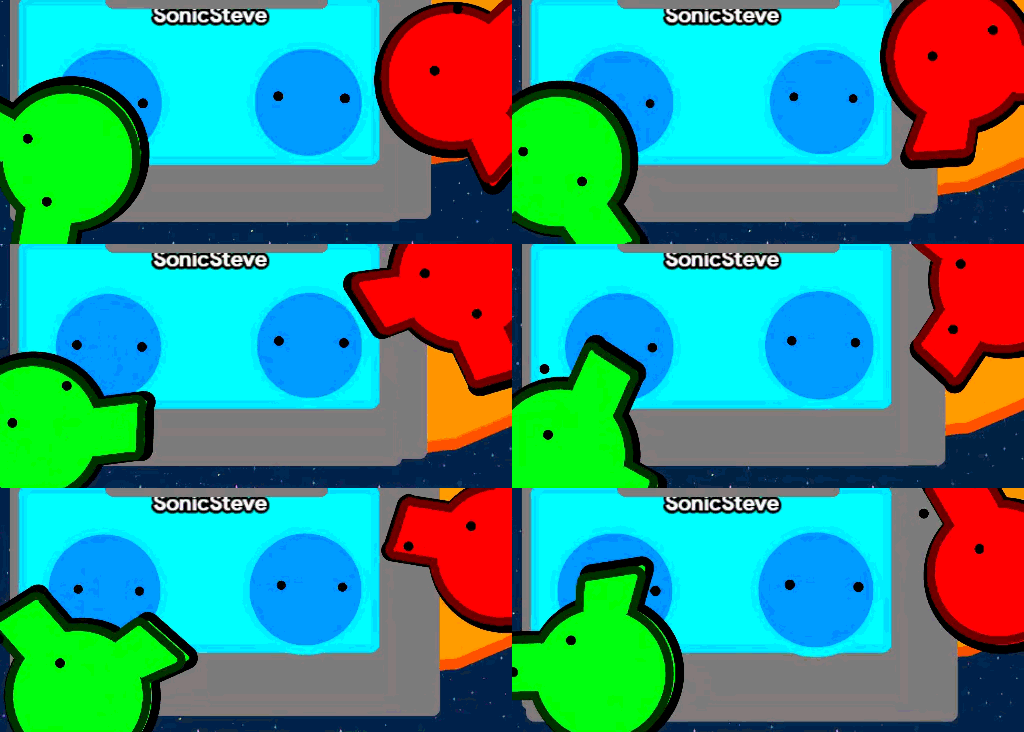
Lost in space but got found.
31 Likes
Are you there?..
You’re breaking up…
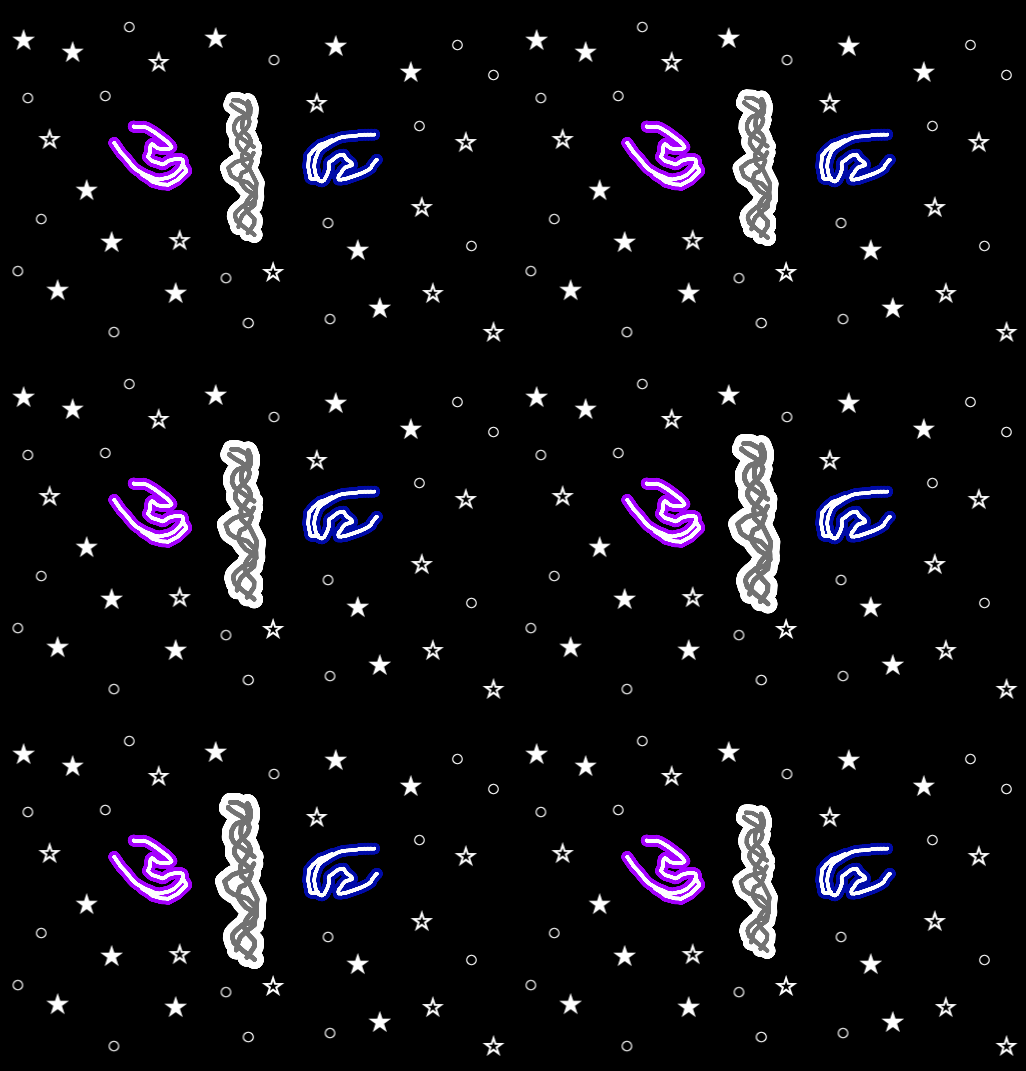
This was a really simple build, just some custom shapes, text, and barriers. The fact that the hands actually turned out okay was a miracle 
Nowhere near as good as you guys’, though :D
(the mouse flashing in and out is crazy :'D)
25 Likes
Heh… Triple Baka in space…
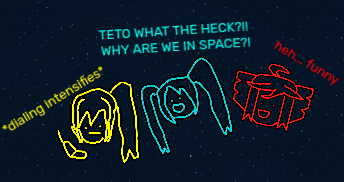
Contents
Black barrier with an alpha of 0.50
Three custom shapes (Neru, Miku, and Teto)
Three text boxes (Font: Rubik, Size: 22)
Space Terrain
21 Likes
1 down!..
too many more to go..
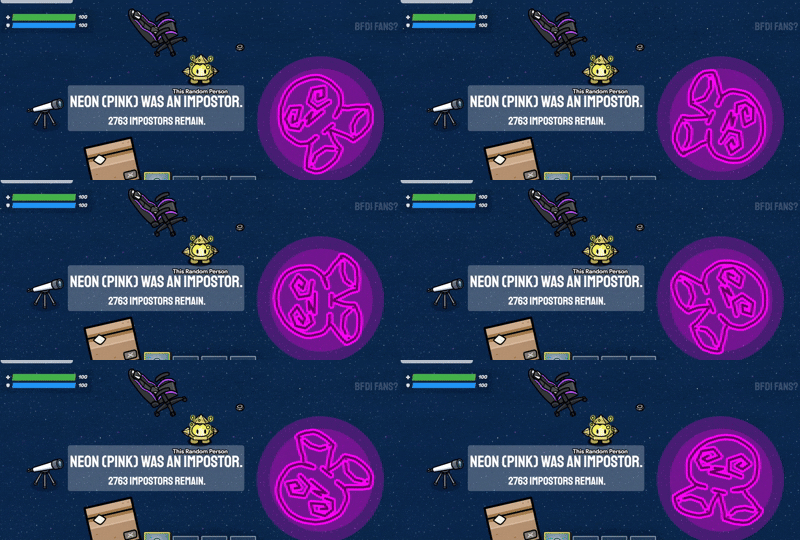
Summary
This was only a test-
Just placed some props here and there, made a lil dizzy gim and added barrier to make it look neon-ish and glow.
Then I used some text, I originally wanted to make it look like the telescope be like a projector, but I’ll do something like that later
22 Likes