how can I make the questioner work what kind of link do I put in it? and how do I get the button to show up on the side of the screen that says answer question
…You put a link to one of your question sets, I think. Or, if you don’t, it just gives sample questions.
I tried that and it did nothing
Put a link to the kit you want to use?
paste a public Kit URL into the “Kit Link” field in the device options
How do you link it though? Just get it from the question set and copy and paste?
Yes
(post requirement)
1 Like
open your kit from the dashboard and copy the URL directly from your browser’s address bar, or click “Share” in the right-hand panel to copy the link and paste it in your questioner
1 Like
Just get the view link of a kit and paste in the url
1 Like
it still doesn’t show the button to tap and bring up the questions
Get a game overlay. Also, get a question. Put the settings for the game overlay to this:
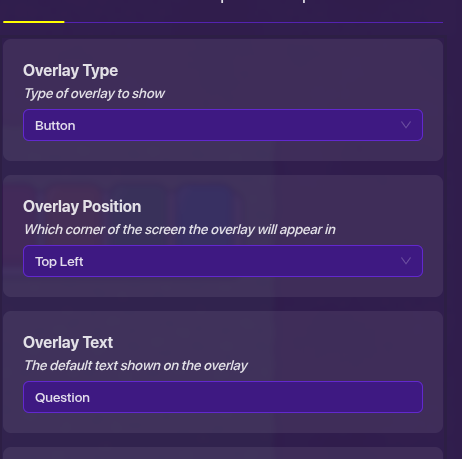
Wire the devices like this:
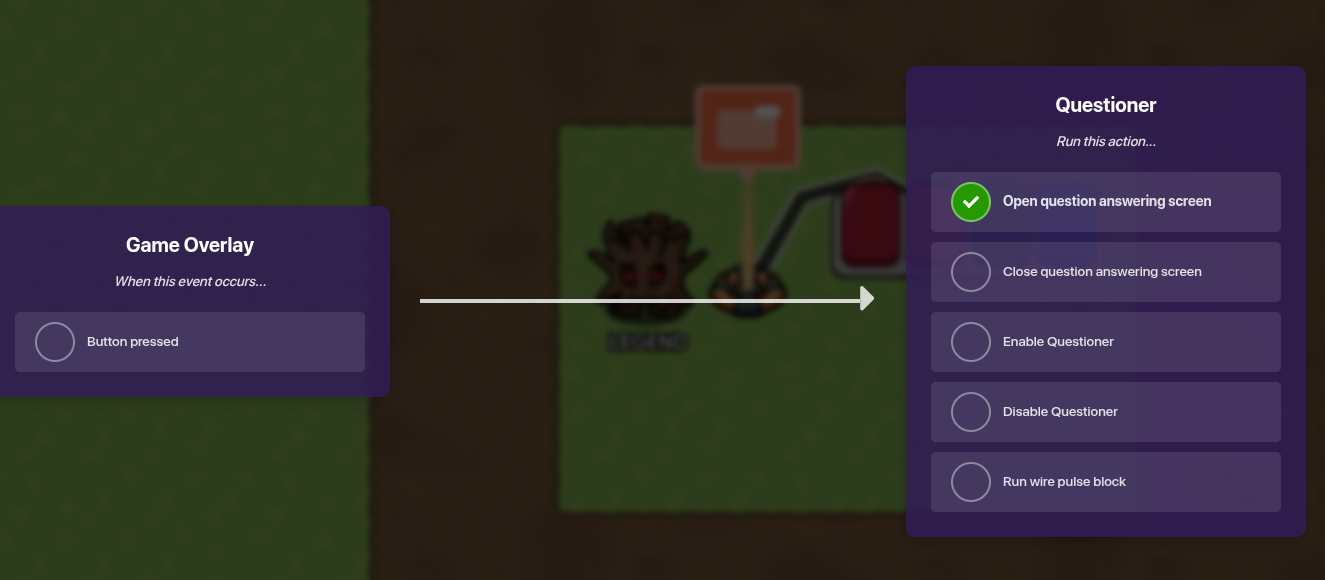
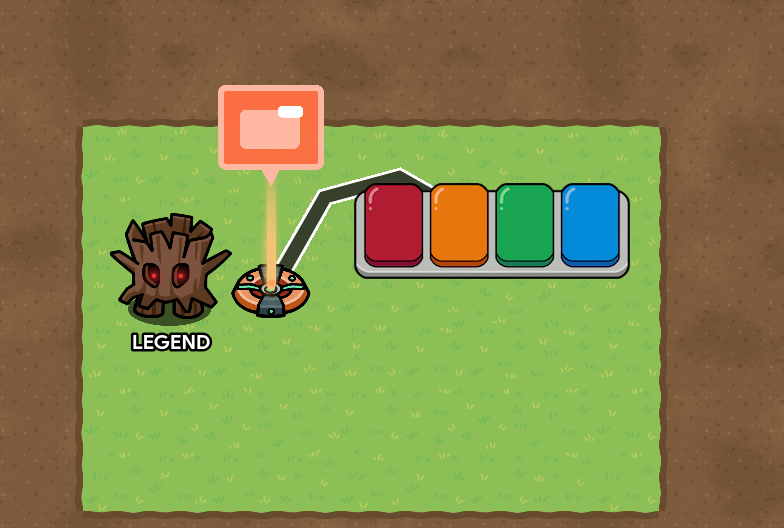
Just click the button pressed on the wire screen.
1 Like
Please DO NOT USE AI!!!
I have warned you multiple times @SuffyPro97
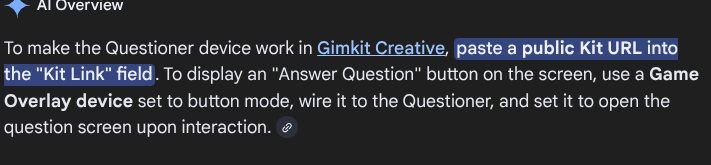
This exact sentence you used!
Its not hard to help people by actually doing the work.
I already called you out in another post so you should learn from your mistakes.
You will get permanently banned or suspended if you continue doing this.
thank you it worked, good job
Your welcome!
This topic was automatically closed 3 hours after the last reply. New replies are no longer allowed.