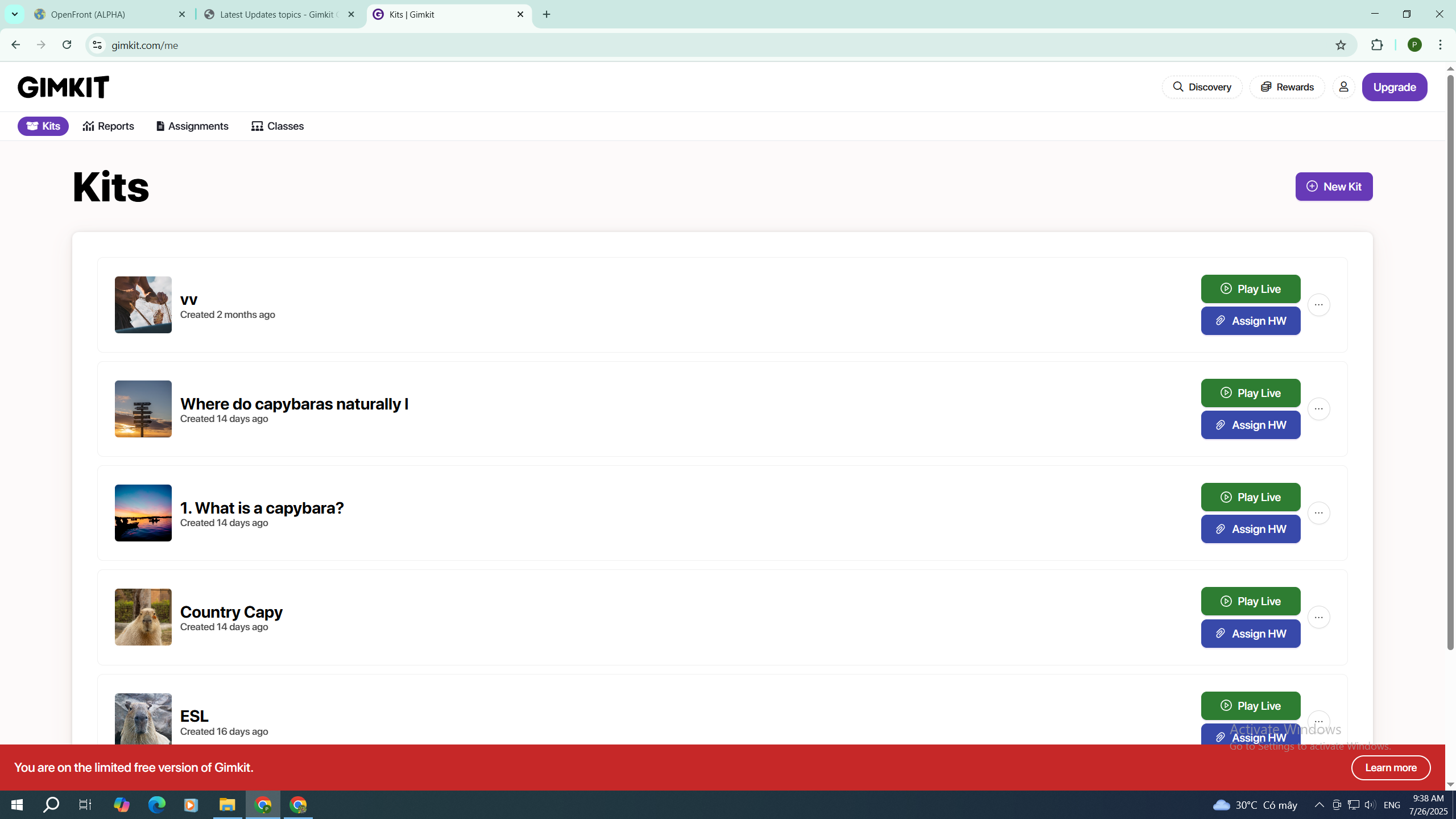
Did you try clicking this?

Edit: Oh I see. I’m guessing they updated it today.
Now all you have to do is click creative (I’m guessing they changed it to make it more easy for users to find)
5 Likes
Good idea rainbow, but there’s something strange, the creative appears next to discover

Hehe, they updated, but there are still some bugs.

3 Likes
Yep
all ya have to do is click Discovery
and then you will see all your creative maps
EDIT:
oops, I didn’t know they updated it…
EDIT: Ohhh, thanks @JefX for the pic, I logged into GimKit and saw
2 Likes


I dont have that button check my creenshot again
1 Like
That’s cuz you clicked on Discovery already.
You have to go to the Gimkit home page(just click the “Gimkit” label in the top left corner) and then you will see “Creative”
EDIT:
ohh, huh, I didn’t know there was “educator layout” or whatever…
1 Like

5 Likes
This topic was automatically closed 3 hours after the last reply. New replies are no longer allowed.