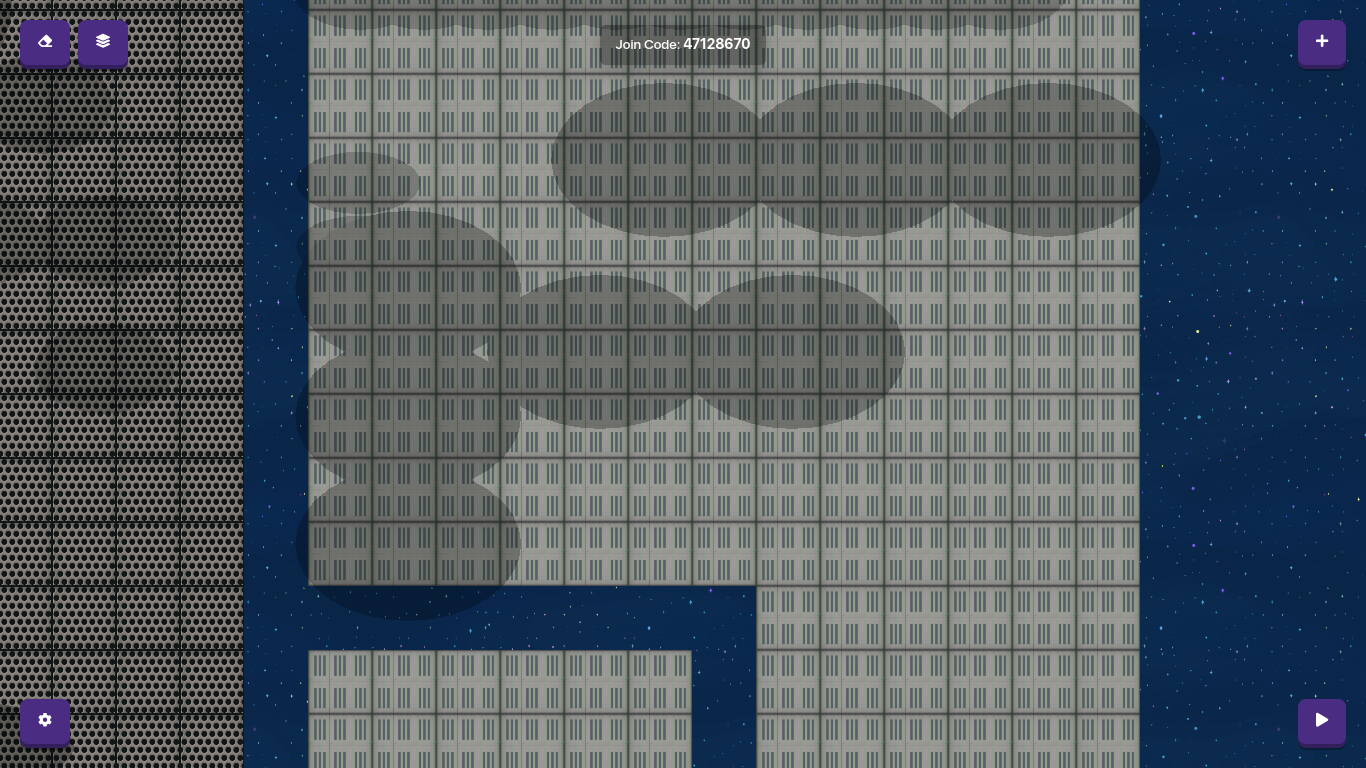
Yeah I don’t really have anything else to say, Gimkit has been so buggy this Summer, since the bug reporting topic is closed, best you can do is e-mail hello@gimkit.com and talk about the problem there.
Please read the bottom statement in that topic. Can a TL4 please close this topic? In future can y’all look at the topic I posted instead of not researching at all and then going off in a rant when this has been posted many times before. Team Gimkit will probably be working on it and they don’t need a billion people sending them the same thing. Just be patient and it will be fixed. In the meantime, do something else.
There is a new topic stating all the new bugs and their solutions here. Please read the section on this bug: Number 1 in other bugs and No.1 in Main Bugs.
First of all, I did research it, and I did do what the solution told me to, but that didn’t work. None of them helped. Second, it only happened on one map, as in my others worked fine, so I figured that this is different than the other posts, because it probably has a different cause.
Ok read through this: Recent Gimkit Bugs: Explained - #7 by SlimExtraterrestrial. At the top of it there is a list. Read the whole thing and do what it says. Just email Gimkit please instead of carrying on with this. It may take some time to fix as they are on their summer break rn but they will fix it. The topic I posted earlier in this post is there to advise people and stop topics like this being created. Just be patient and wait. There isn’t anything else to do about it so please don’t go off on a rant and get annoyed at me for saying this: just be patient, in the meantime do something else. Live your life.
 nearly everyone is reporting this. There is a topic for the recent bugs here: