I haven’t been on the forums for a while, sorry
1 Like
nah, I was just confused by the reusable bump
everything seems to be the same
hm
is this a bump I seE? 
3 Likes
so basically I just spent HOURS on this trying to get everything perfect
i just tried it out and to my shocking surprise, IT DIDNT WORK!!  [1]
[1]
i re-looked over everything and it is all just as it was shown in the original post
can someone verify that this actually works?
it just always says that “the closest player to you is at (0,0) which is 0 meters away” meaning it never updates ↩︎
1 Like
did u play test with other tabs open? (to simulate other players)
if I have time tomorrow, I can test it - please ping me if I forget by 7 pm EST
yep and i even tried it with a different amount of tabs every time
Sorry I didn’t see this till rn @Kormorant!
My bad!
i kinda got it to work sorta
bro now it changes the number [1] when u move but i still cant see just how far i am from the closest player.
pls tell me this is fixable…
Edit:
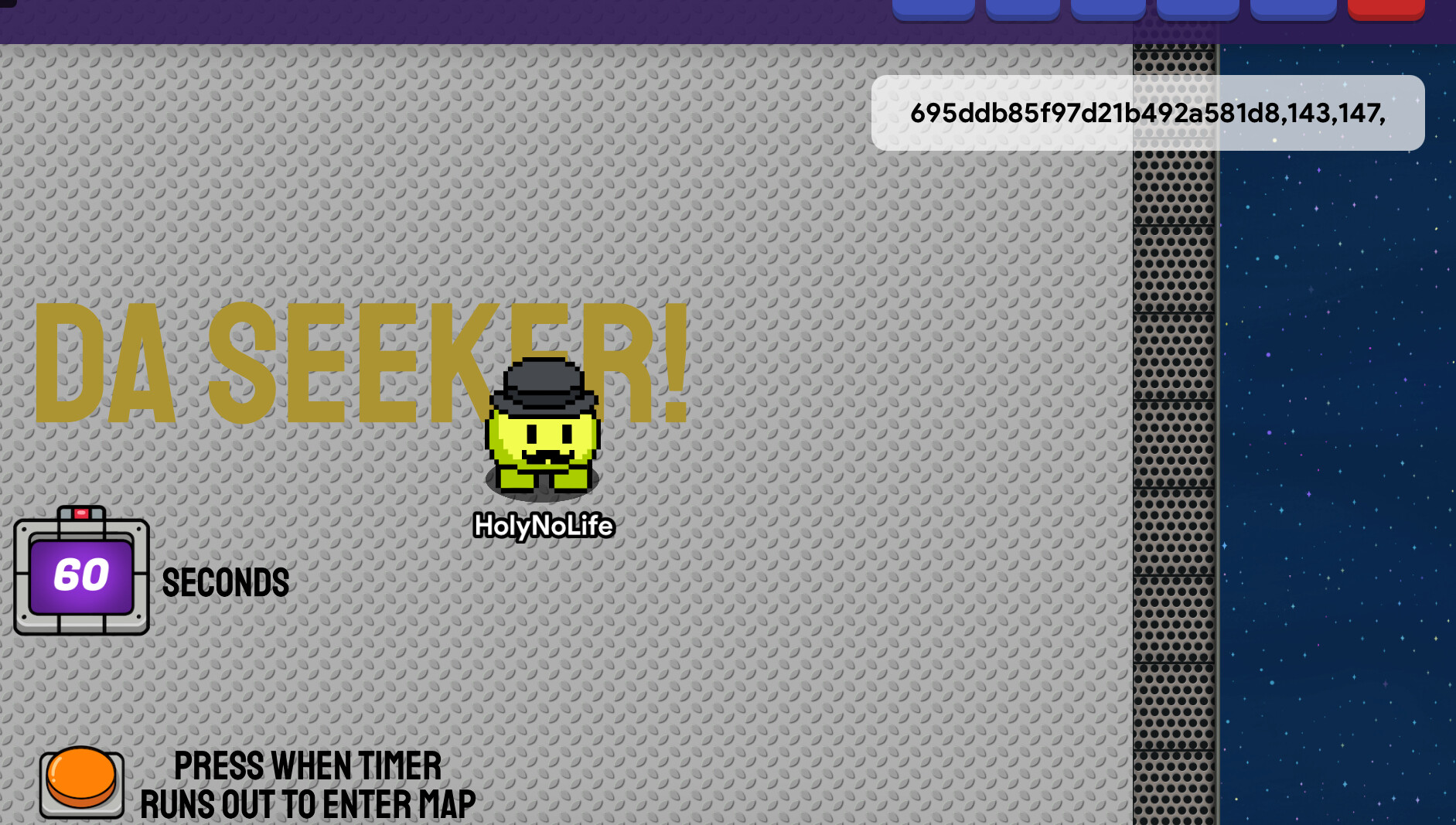
(Top right) i guess it shows one of these for each player. It just shows their coordinates on the map. [2]
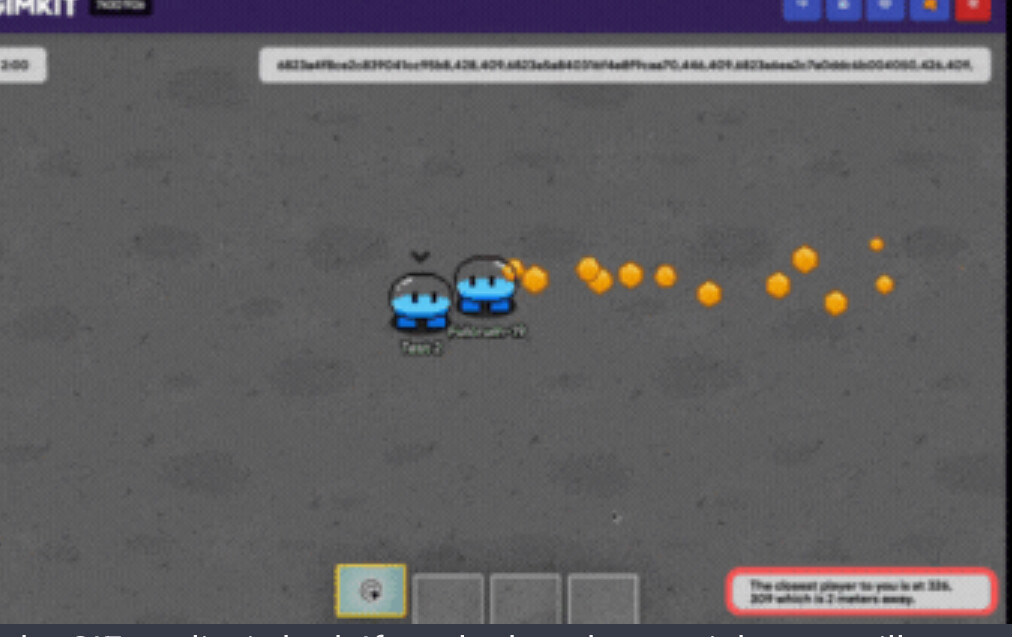
i guess it’s supposed to show the distance on the bottom but nothing is there at all for me
1 Like
I was running thru the store when I BUMPed into my old bald teacher, Mr. Sigma…
you didn’t wait long enough to bump…
please wait at least 7 days for Community Made Guides and 1 day for other categories
2 Likes
I was just reminding @Kormorant bc last night he said to ping him and also i really need a response fast and this was under a BUNCH of recent topics
Do you still need help? I’m sorry I was busy yesterday - I forgot about it because on Tuesdays I’m not very available.
I can help you in about an hour/hour and a half if you need it.
Sorry I was at soccer and just got back @Kormorant!
Yes I still need help
Monka, I started double-checking the guide, if I don’t get back to you, it means I didn’t finish it tonight. Please ping me at 6:00 pm tomorrow (I should be online then, @Monkalicious_Monka67)
5 Likes
Haven’t been here in a bit, sorry about the missed messages. Just to clarify, yes this system does work. I have recently been using it and followed this guide exactly to make it. If you are having issues, look through your properties and blocks to ensure that scopes, types, text, and numbers are all correct.
3 Likes
I just went over everything a fourth time and i saw that in the guide it says to put the location of the second overlay as top right but this wont work
(if u followed the other instructions to show the player IDs and their coordinates) (which i did)
u have to set the second game overlay position to bottom right or wherever u dont have anything else
[1]
u telled me to ping u now @Kormorant to help bc u said u would be online
pls help
even tho I figured this out, it still doesnt update how far the player is for some reson ↩︎
This guide is incredibly thorough and well-structured. Great job!
weeeee!
I finished making the system
Everything works fine, except weird text in front of where you are.
@Fulcrum-19, do you know why there’s weird text in front of where your cords should show?
1 Like
is there a way to make something happen to the closest player to you?
like you want to freeze them or something
Could u send pictures pls of “weird text” and maybe a gif of it working just so i could see pls @Kormorant…
So how would this be applicable for games? (like highlighting the closest player with a waypoint)