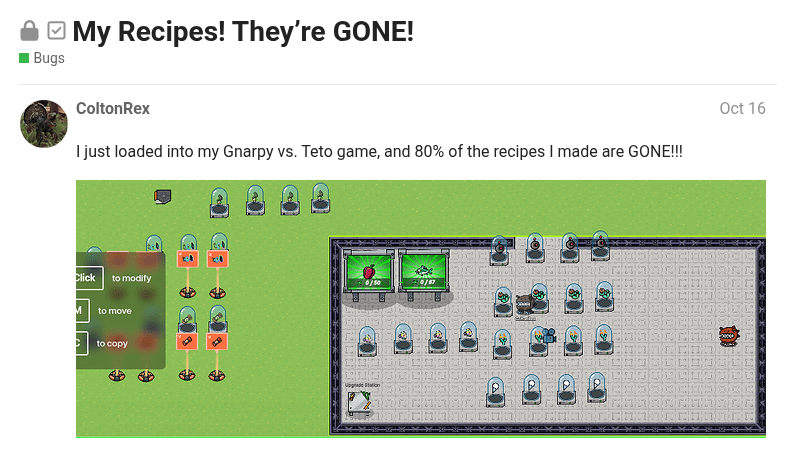
So, a few months ago, I ran into an issue:
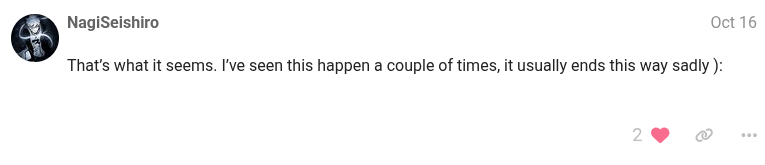
Yep. They didn’t save. And to make it worse, I had hit the save button. And Nagi said this:
Well, guess what?
Problem solved.
The save button if you didn’t already catch on, is unreliable. So don’t use it.
The NEW way to save your game is just pressing play.
It works every time. If you just press play on your game, it automatically saves everything.
Just thought this would help people who have this problem.
Current Glitches
If you copy a sign with text on it, then edit the text, the sign doesn’t save. To fix this, delete the sign (Not the text) and place a new one behind the text.
26 Likes
Uh, this is pretty short, it’s like what… 4 sentences.
Consider making this a mini guide.
Extra - WHY LIGHT MODE AHHHHHHH
3 Likes
How do you make it a mini guide?
1 Like
A mini guide is just a short guide
Which the guide you made is considered a short guide
Though there is no way to show its a mini guide with tags… so just put its a mini guide in the topic
3 Likes
Disclaimer: May not work every time depending on what you do first.
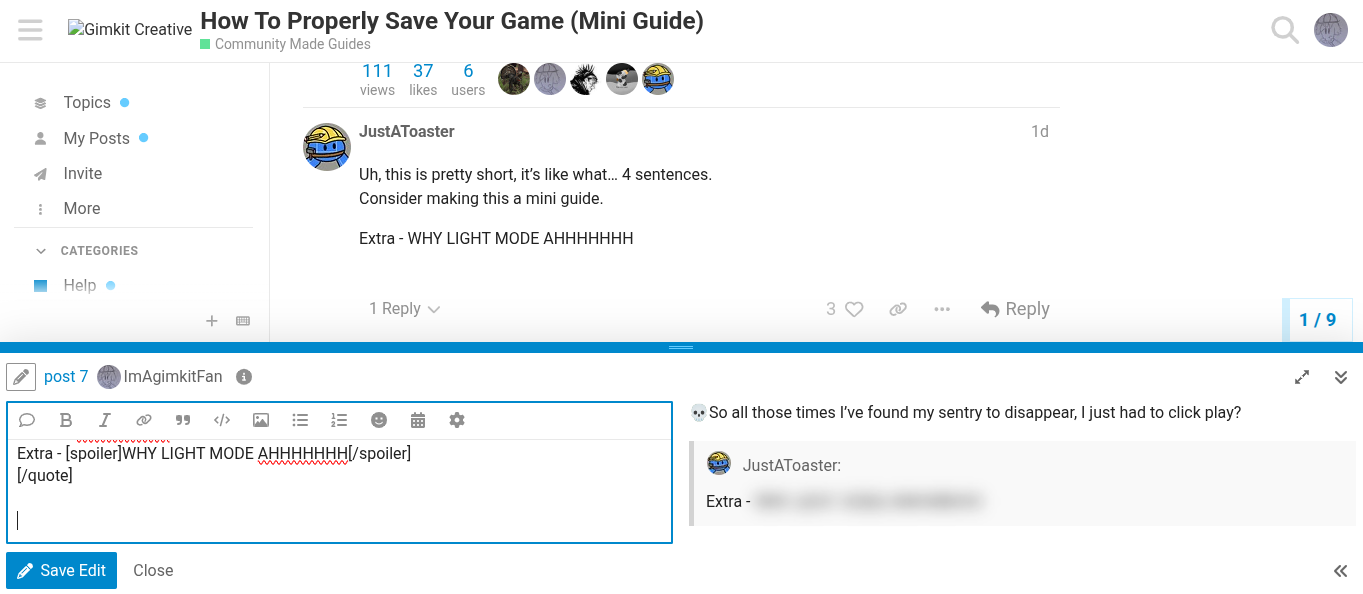
 So all those times I’ve found my sentry to disappear, I just had to click play?
Wait do people actually prefer dark mode over light? I’ve been using light mode for everything, even discord-
2 Likes
Pretty sure the way it works is that starting the game really forces it to save if you begin to run it. Everything is set, since it’s already been in play. This is another solid reason why you should always “beta-test” your map before logging off.
But real quick, I would suggest boldening your solution, or formatting it to draw attention in some way.
Anyways though, neat.
4 Likes
This doesn’t work for my map. I just put a sentry and a vending machine buying system, then it disappears and isn’t in the game. It shows in the editor, but it just doesn’t exist. I had to exit the game a bunch of times and rejoin whilst adding everything that was removed. it took around 2 re-joins. For me, starting the game only shows if it broke and disappeared or not.
2 Likes
Yeah, I’ve run into that problem, too. I will be posting the glitches above when I find solutions.
Bump into wal4o’s bump. ThAT HURT!
1 Like
not trying to necropost (flag me if I am), but I think if you select multiple objects and you copy it, it might only save one. it happened again to me with props, but that’s just a theory (barriers seem to not delete no matter what)