so yea I think I found a way to do it even if its very poorly made but I think that the only Gims that would use this a lot are the more experienced ones that would be able to make finer details
(guide is short and badly made (to what I consider badly made))
step 1: place a barrier
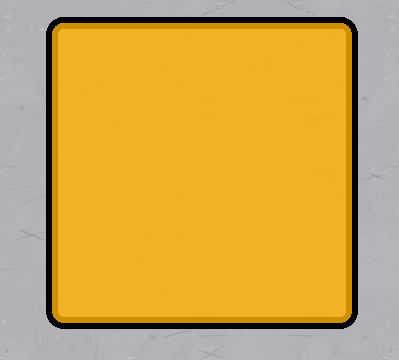
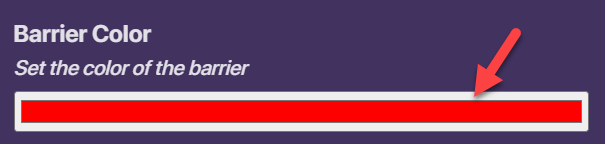
step 2: edit the settings to remove collision, change the opacity and change the color


step 3: copy over the props for your demonstration image thing idk what to call it (make Shure to change the size accordingly)
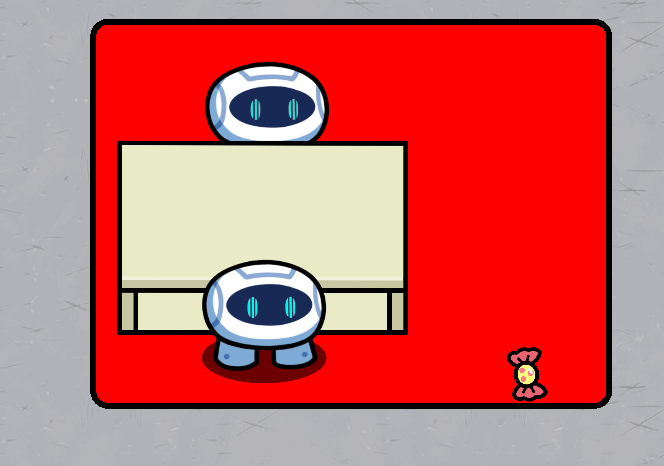
optional step: place down a sentry to mimic a player
step 4: place down a text device

step 5: edit the layers to get the text on top of of the barrier

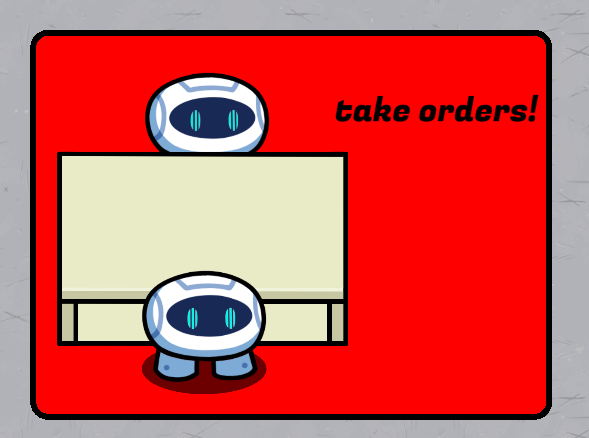
step 6: change the text

optional step: edit these settings



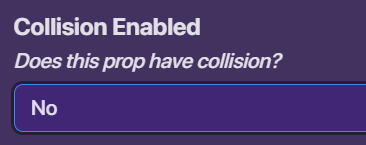
step 7: remove the collision on the props
step 8: move the props layers to be under the players (rearranging may be required)

now you’re DONE wooohoooooooooooooo!!!
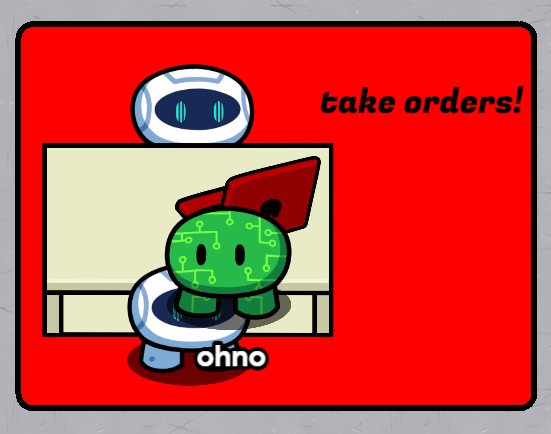
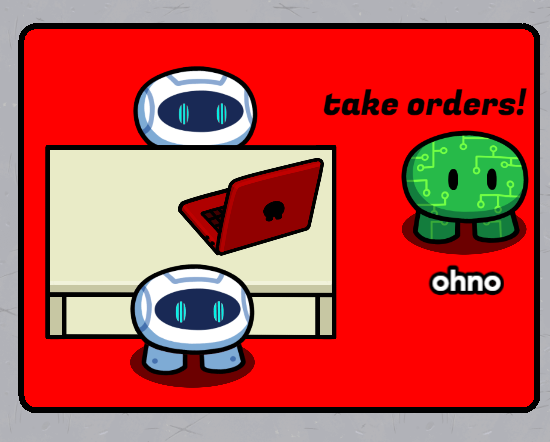
this is the finished result
(I had gimkit blocked by my school for a week
 )
)(I guess ill change my profile picture too)