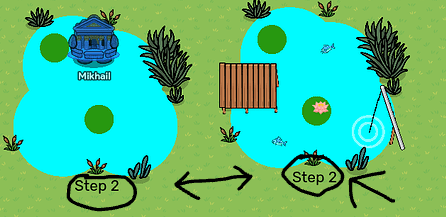
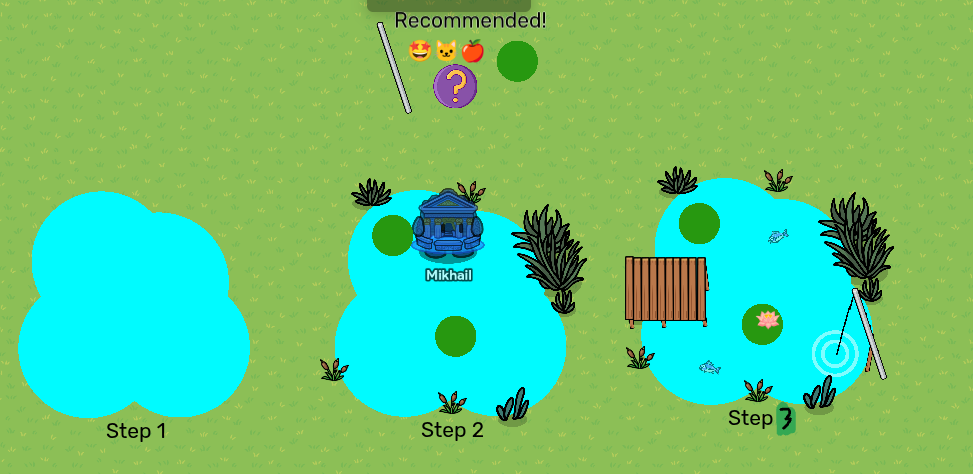
This is a repost, apparently I can’t edit a post after a few days 
Welcome to my guide for custom props!
The way you make your own props is by building them from other props that already exist.
To show how its done, we’ll make a pond.(I know there’s a water terrain, it’s just an example)
Useful Devices/props:
Barrier- You can make any shape and color
Metal poles- Useful for creating lines
Text- You can use emojis with this
Item image- Place any item
Custom shape- Just a better barrier
Steps
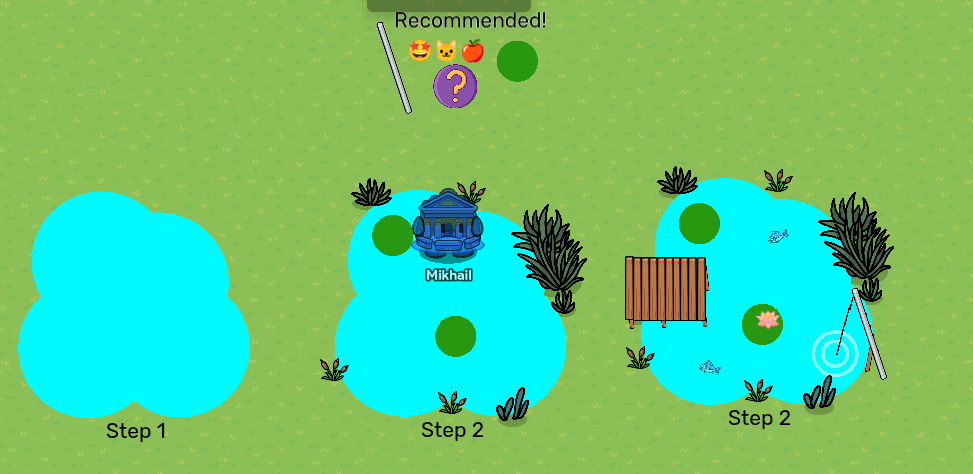
- Get the general shape of your prop
You can do this with pretty much anything! This time I’m using barriers
2.Start adding basic detail with more barriers, maybe some props, stuff like that.
This time, I’m using some more barriers for lily pads and some plant props.
3.Add more complicated detail
You don’t need to do this, step 2 leaves it looking perfectly fine, but we like prettier props, right? Anyways, this is where item images and emojis start being more useful.
I managed to make this
I also made a few more just in case someone needs it.
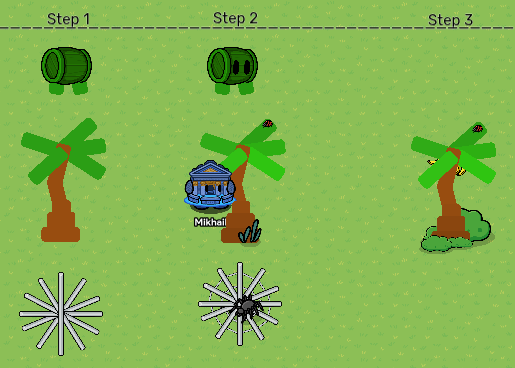
Practice
Try to make a few custom props yourself, good luck!
- Apple tree
- A clock
- Pizza
- A fan
Alright, this explains how to make custom props.Just know, you don’t need to follow this, just be creative and do weird shenanigans with your existing props! Hope you learned something, bye!
Notes:
1.Custom shapes are better than barriers but cost MUCH more memory, I don’t recommend using them too much.
2.White props/devices are easier to use since they are easier to recolor.
3.You should probably know layering for this stuff.
4.yes I know the steps aren’t that clear, since I’m not explaining something specific
6. I’m open to replies, I’ll try to answer whenever I’m online