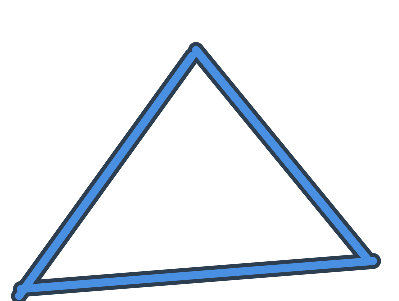
Honestly, looks great . But the only problem that could restrict us is the memory consumption of the gim’s legs. More complicated designs lead to more memory consumption. But, if you wanted to make a circle gim head, can’t you just use barriers?
wow, I’m really feeling left out here.
I had NO IDEA you could fill in a custom shape with a different color.
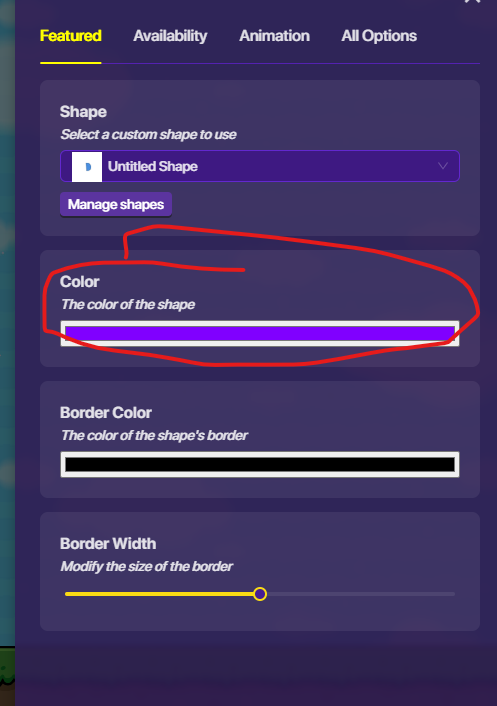
Can you send me a picture of the settings?
maybe your thinking, “it’s so easy!” but I don’t have much knowledge on custom shapes…
(i’ll read a guide later as well)
Also, I agree with Jhan, I think it should fall under text-and-barrier-art tag so, I’ll change it.
I just know that there is a setting to change the color of the inside (of the border) and a setting to change the border color. And then I found out there are little animations, pulse, clockwise spin, and a counter-clockwise spin.







 . But the only problem that could restrict us is the memory consumption of the gim’s legs. More complicated designs lead to more memory consumption. But, if you wanted to make a circle gim head, can’t you just use barriers?