This is basically a guide on any animal that can be made with props/texts/barriers! This can range from Golden Retrievers to Hereford Cattles! The possibilities are (mostly) endless! (shocked there isn’t a guide on this already)
Please always, ask me for permission before editing (unless you’re a TL4/mod), and yes, I can see who edits. In order for my permission, just comment on this topic with the name of the animal + the species + the picture + anything else you want to ask me in relation to editing this guide
Are You Editing? Remember to uncheck when done!
Do NOT Click For Fun, please?
Example:
"I would like to add another(more) animal(s)/pet(s) please =D
Dog: Golden Retriever
(insert very cute picture of a prop/barrier art of a Golden Retriever)
Also, may I add a cat section?”
Preferred Format
(picture of finished product)
(short introduction if wanted)
(insert instructions preferably with images)
(finished product once more when done)
(credit if wanted [example: "Made by TwiceOnce, formatted by like Max or something {if formatted by someone else}])
Anyways I stalled enough, time to get into the actual guide!
Dogs/Puppies
Golden Retriever
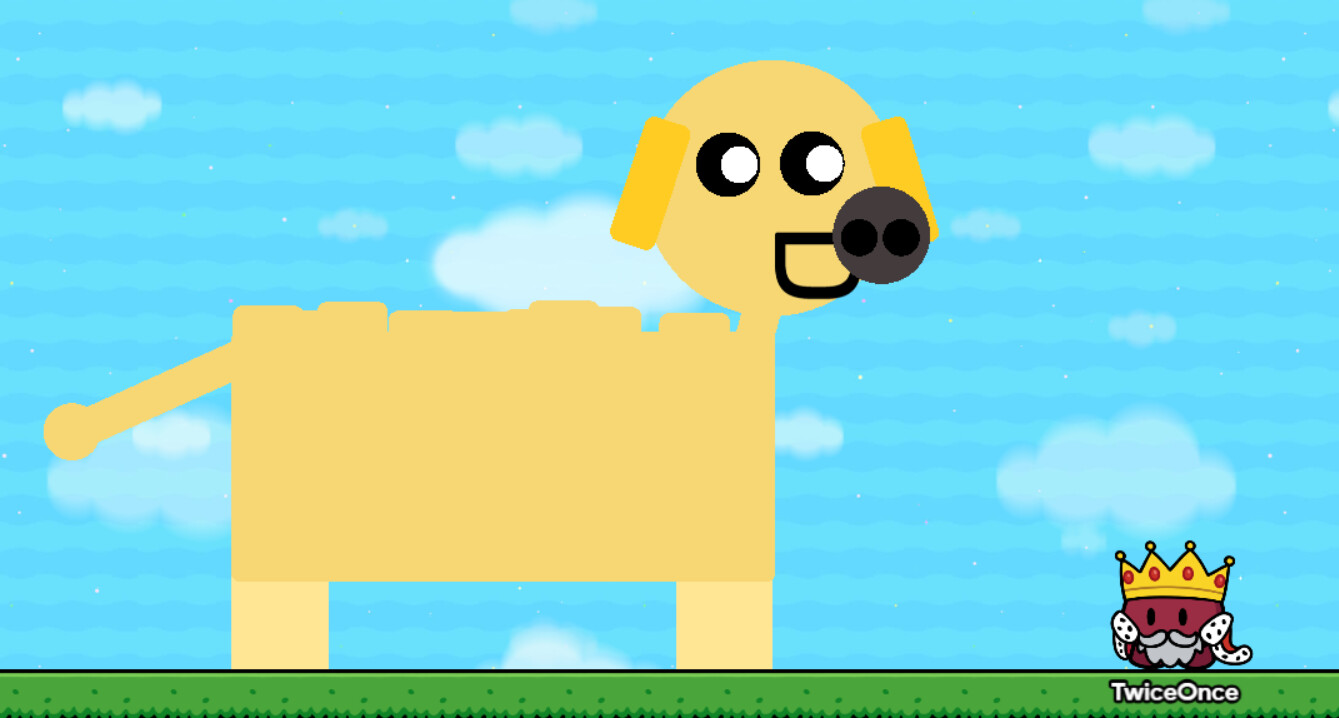
I think most know what a Golden Retriever is, medium long floppy ears, big snout, and that very cute face of theirs’!
-
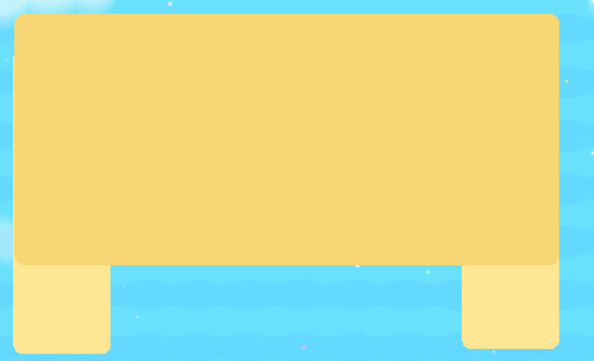
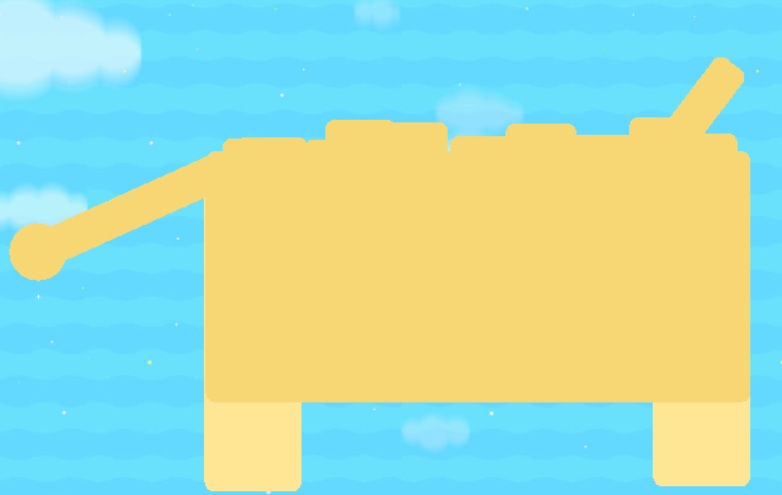
Get a big rectangle and make it as big as you want or as small, R=248 G=215 B=116 is a good color to make it.
-
Get two smaller rectangles and make it a smaller rectangle and turn it 90 degrees, make it a bit lighter than the main body if you want. Make sure it’s behind the main body!
-
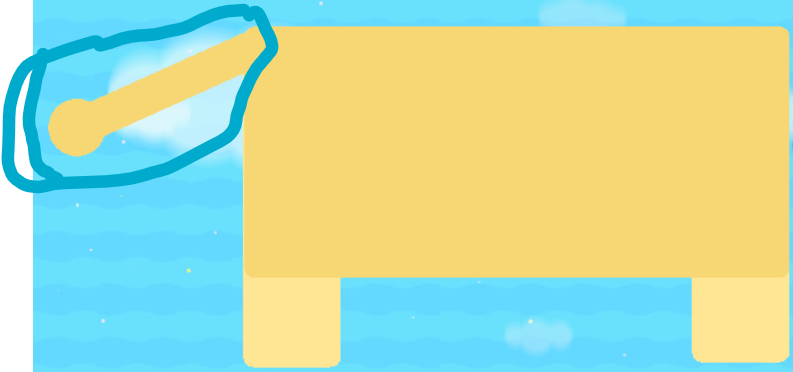
Copy the main body again and make it very skinny and connect it to the behind of the dog to make it a tail. Add a circle there too to create a bit of a fur thing for extra detail if you want.
-
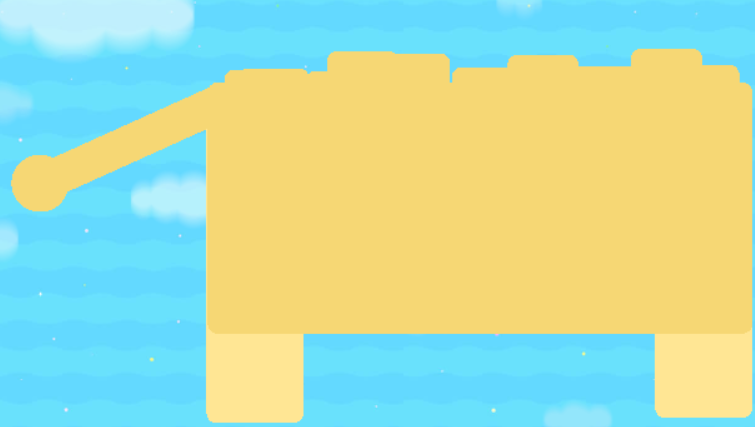
Optional: Add some small rectangle boxes on the top of the dog to create a fur effect!
-
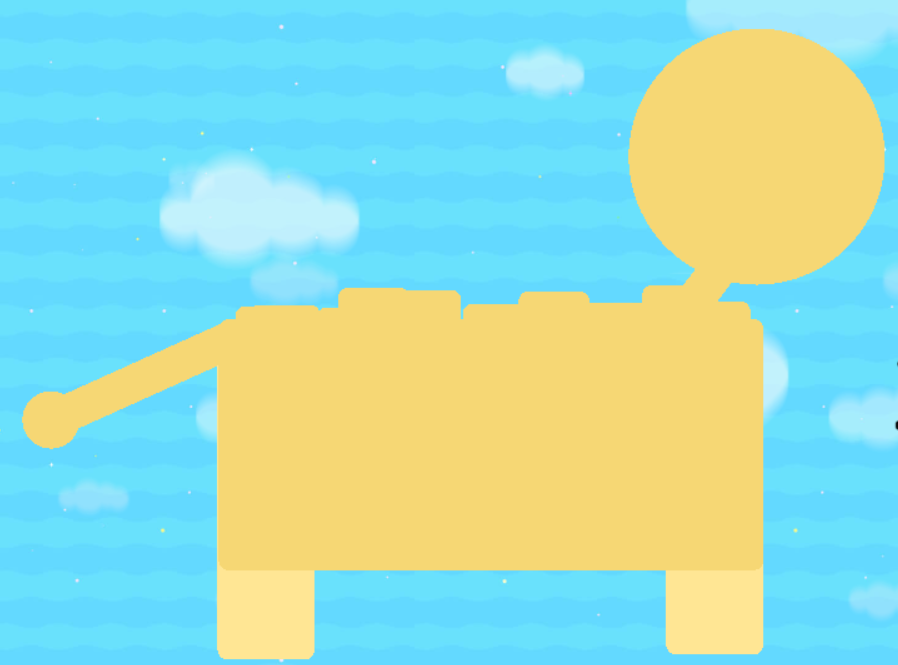
Copy the tail rectangle barrier and use it as a neck.
-
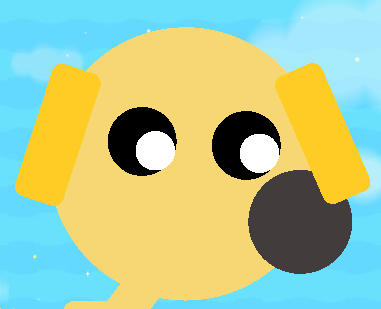
Get a circle barrier with the same color as the neck and connect it to the neck, make sure that the neck isn’t too long!
-
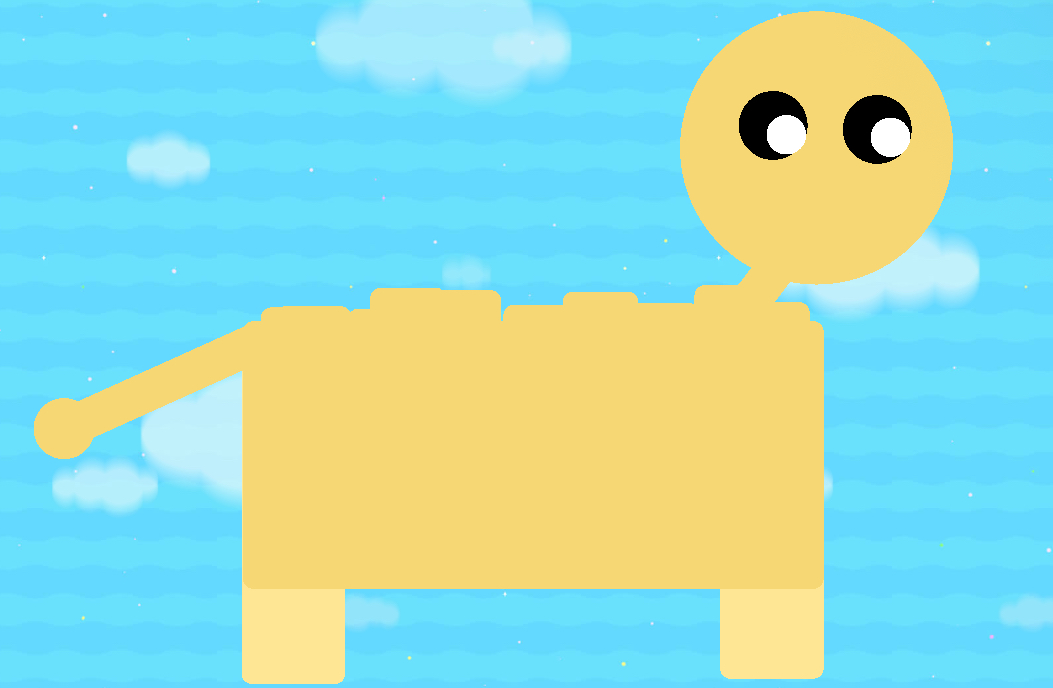
Get two medium sized jet black circles and arrange them on the dog’s face however you like, then get two white dots and put them in the black eyes, arranging them into whatever you like.
-
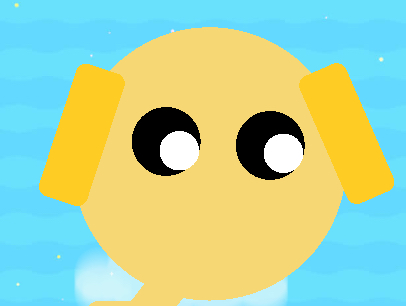
Make two ears, which are skinny rectangle barriers, then place them accordingly.
-
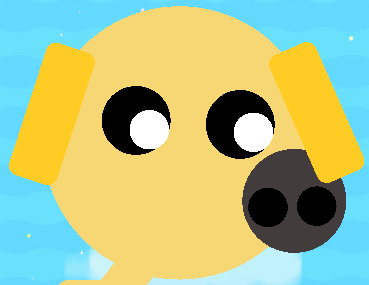
Get a grey circle and make it their nose like this, make sure the nose is in front of the right ear! (From our point of view)
-
Get two small black circles and make it their nostrils like this
-
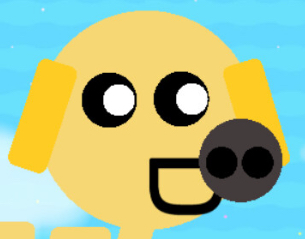
Then get a text and make it a capital D, place it sideways on their mouth, then you’re done!

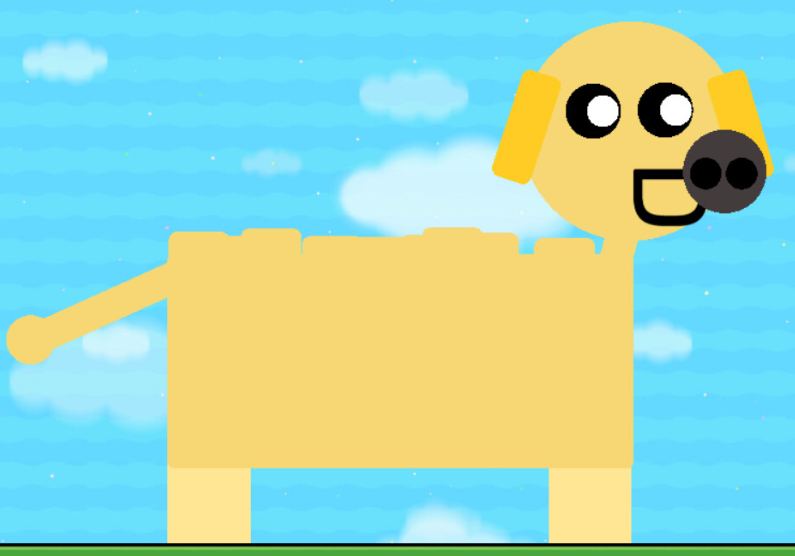
Made by TwiceOnce (sorry I had to get this out before I needed to go to sleep so it might sound a bit off)
Snakes
emerald tree boa
Instructions
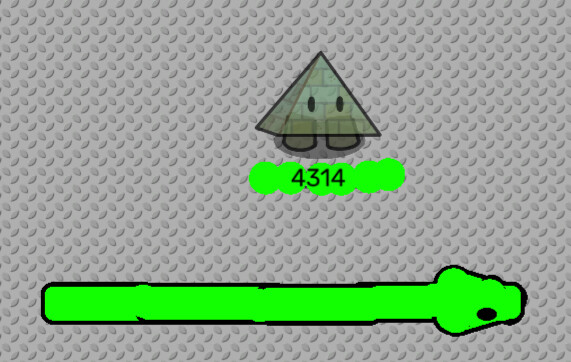
okay first make a long green rectangle barrier like this, with the border on and the alpha set to 1.00
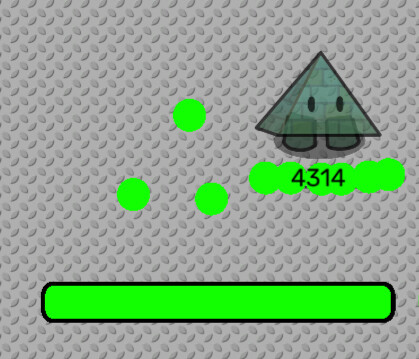
now add a shorter barrier in front with the same settings
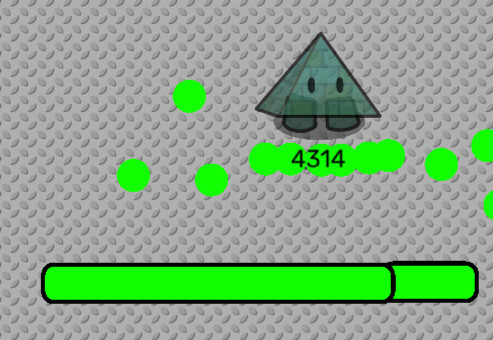
next add two circle barriers with the same settings the sides
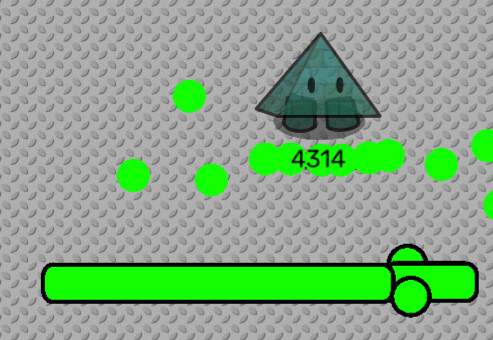
now add two angled barriers with the same settings on either side of the head
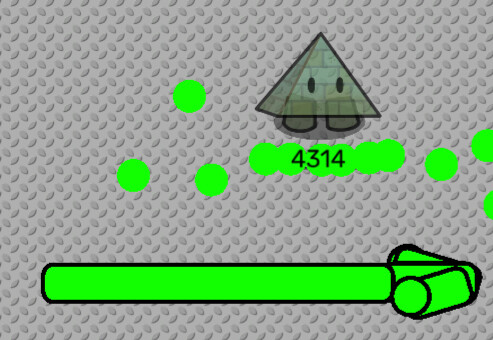
now add a bunch of tiny circle barriers with no border to cover up the extra lines
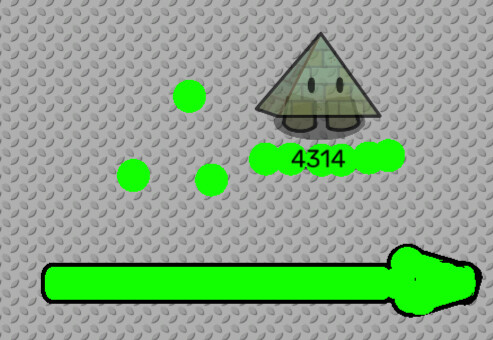
finally add eyes
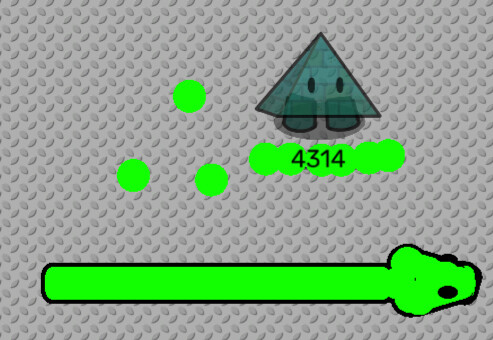
annnd ur done
Fish
golden trout
you will need…

2 small circle barriers
one small rectangle barrier
2 small circle barriers with no border
3 small red ceramic plates
one small black ceramic plate
5 medium sized yellow ceramic plates
2 small black poles
3 small red poles
arrange your 3 barriers with borders like this

now put your barriers without borders like this

next add the mouth and gills

now add the eye and lateral line

next add the spots
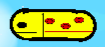
and finally the fins

swordfish
you will need…

2 long blue barriers with a border
2 long blue barriers without a border
a big circle barrier
a medium circle barrier with a border
a medium circle barrier without a border
two blue poles
a black ceramic plate
4 metal poles
8 orange poles
and…
42 violet poles
arrange the barriers with borders like this

now arrange the barriers without borders

next add the sword

now add the body pattern

now add the tail

add more fins
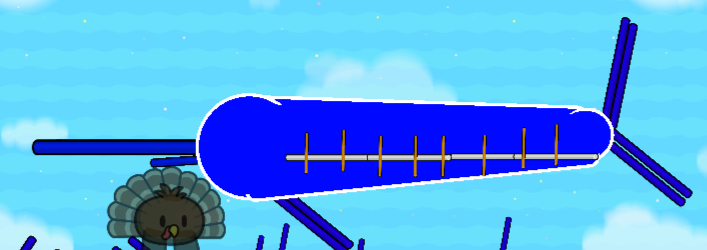
and more fins

the eye

the gills

and finally the big fin

bass
you will need…

10 olive green metal poles
1 red metal pole
one black metal pole
one white metal pole
a olive green rectangle barrier with no border
5 olive green ceramic plates
one black ceramic plate
first make the body using the ceramic plate and the barrier

next add the eye and the gill

now add the belly the stripe

now add the fins

and finally the spikes

pike
you will need…
five red brown ceramic plates
7 white ceramic plates
one olive green barrier
one olive green ceramic plate
one black ceramic plate
start by making the body

now add the fins

now add the eye and the spots
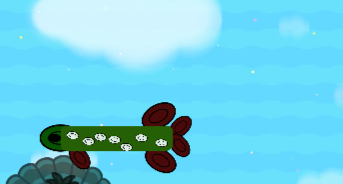
and you’re done
Misc. (3 or less species unless asked to be made into another section)
Credits!
TwiceOnce
4314
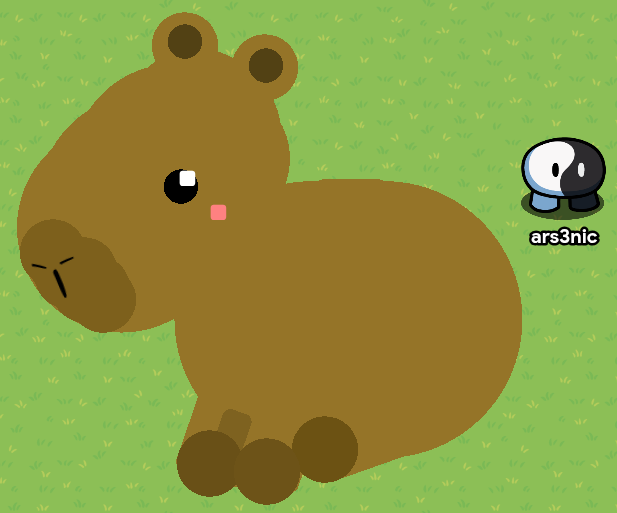
 don’t judge I made this at 2am on a Tuesday morning
 )
)