Hello and welcome!
In this guide I will give you guys step by step instructions on how to make a Sedan in gimkit Creative!
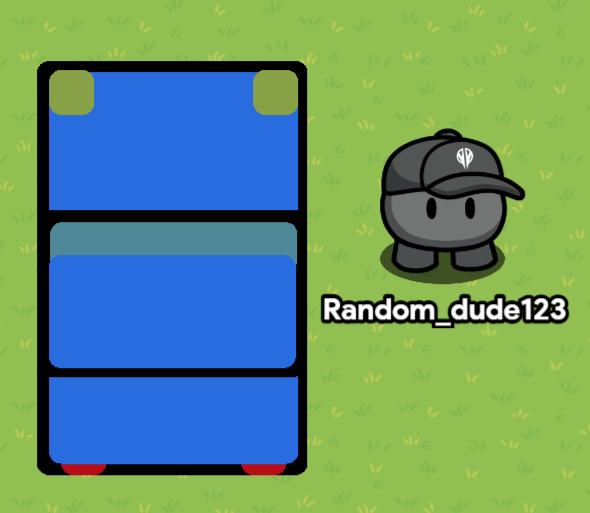
What you need
x9 Barriers w different colors sizes ex.
Now for the steps!
Step 1, 2, and 3
Ok to get this started
Get a single barrier and color it black
With these settings.
- Show border | Off
- Color | Black and varied colors
- Visible in game | On
- Collision enabled | Your choice.
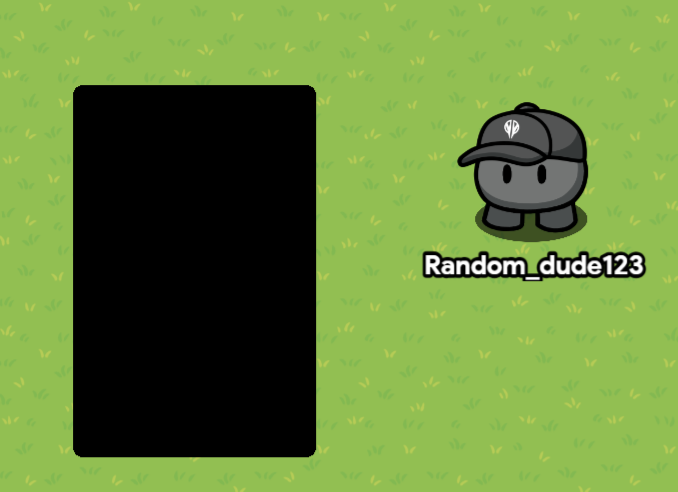
Step 1
Once the barrier is placed resize it like so in this image.
Step 2
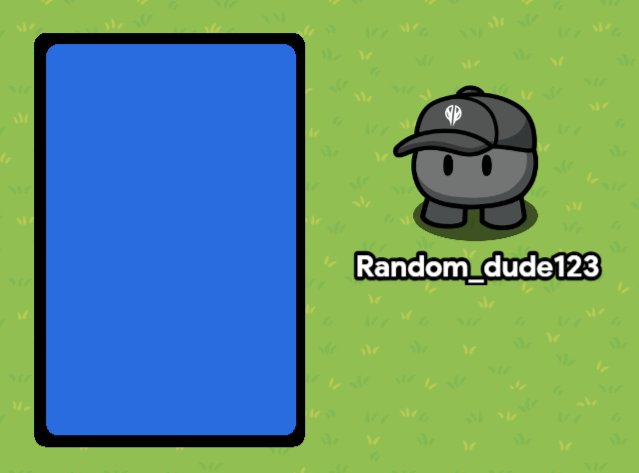
Place a barrier inside of that barrier to a color you pick which will be the car’s color.
In this case I picked Blue.
Step 3!
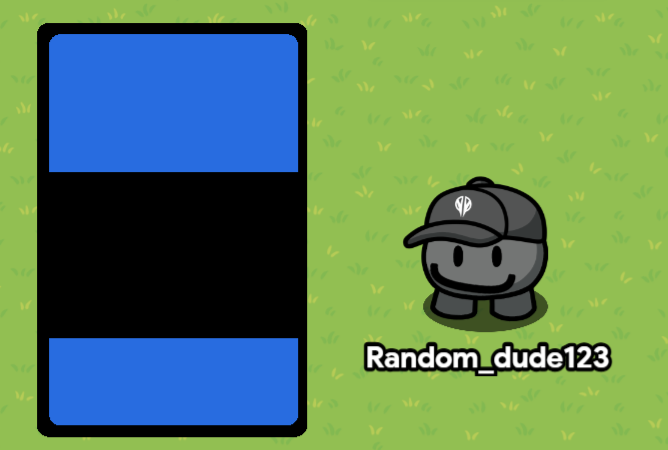
Add another black barrier over those original barriers placed, add this new one in the middle
Go to the next steps

Steps 4, 5, and 6
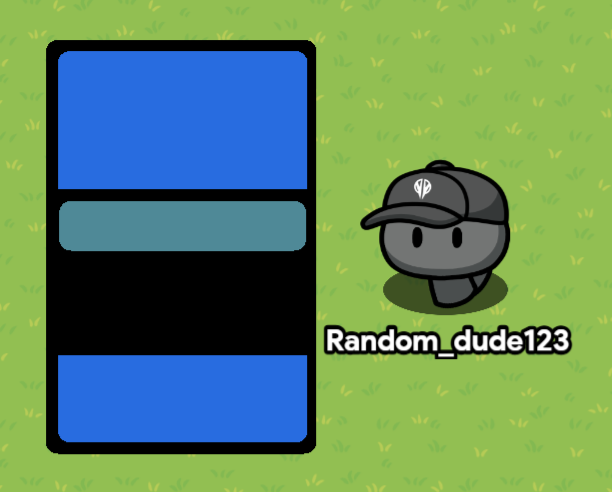
Step 4
For step four add a short barrier colored lightish darkish blue as the windshield.
Step 5
Now add another barrier above those covering the windshield a bit
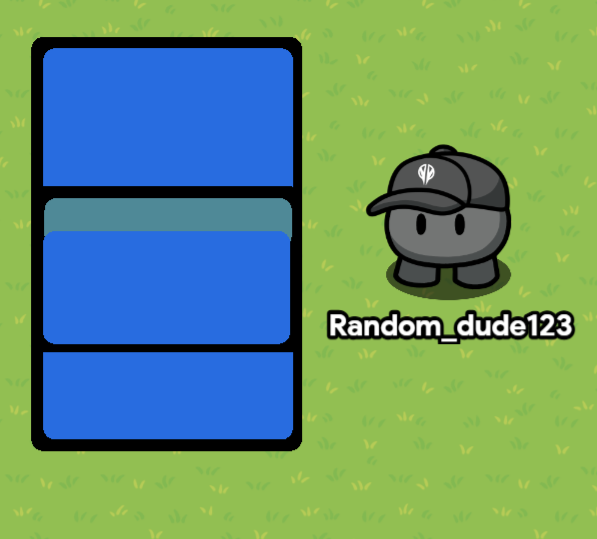
Kind of looking like a car now eh?
Next you’re going to want to add 2 tiny squares made of barriers and color then yellow, then in this step you’re going to want to add those 2 to the top left and right of the barriers like in the image.
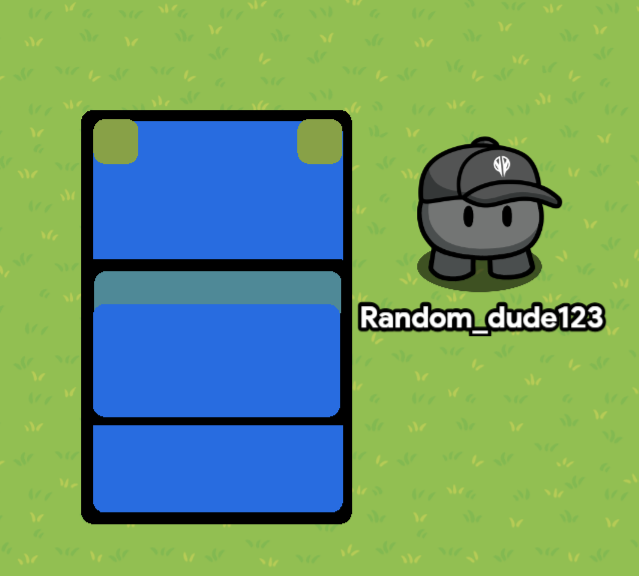
Next step you’re almost done!
[Final Steps] Steps 7 and 8
Step Seven.
Duplicate the 2 head lights you’ve just added and make it colored red, following that add it to the bottom left and right of the car, make it pop out a little bit from the vehicle like in the image

Finally…
LAYER IT FOR ONCE PLEASE 
Just layer it…
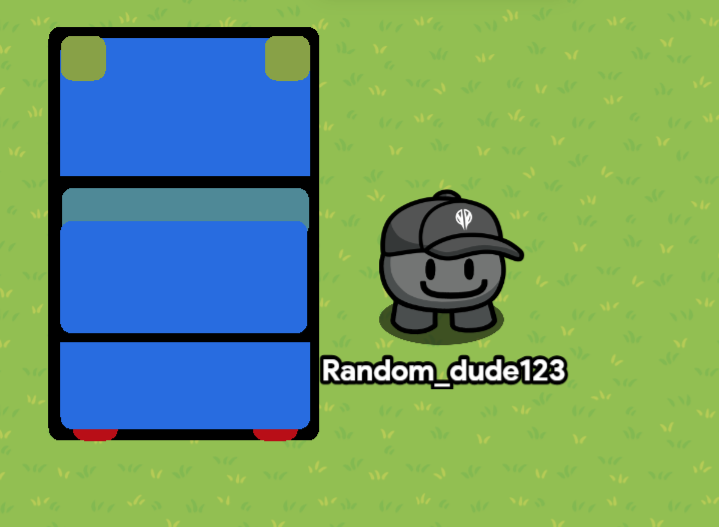
YOU DID IT 

Possible uses for this guide
You can make or add vehicles to your map as a way of Fast Travel
I don’t actually do it like this I actually use channels

Another use is for detail or a highway.
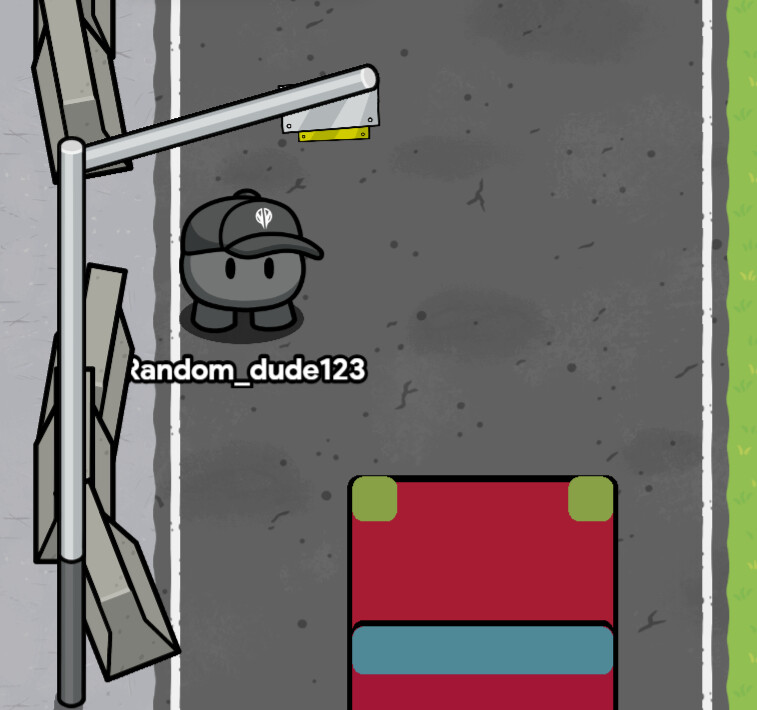
Last thing you can make is for abandoned vehicles
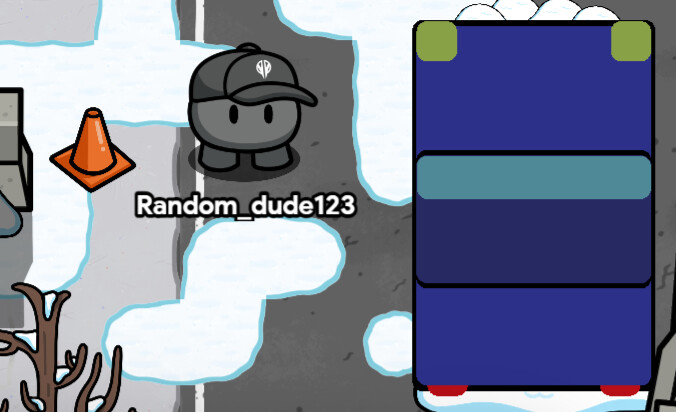
For those who prefer platformer…
Do this guide 
How to make a vehicle with barrier art [Platformer]
Ok tutorial for platformer is here
This will be shorter and likely with not much detail, I was rushing, sorry!
I’m also going to do top down because I have limited all 3/3 Of my games I don’t have season ticket 
Ok!
Step 1
Start off with 1 Barrier round this size, or any size you desire as well as any color! Just don’t make the size too small.

Step 2!
Add another barrier like so represented in this image, make sure to make it a tint of blue because the new barrier is the windshield
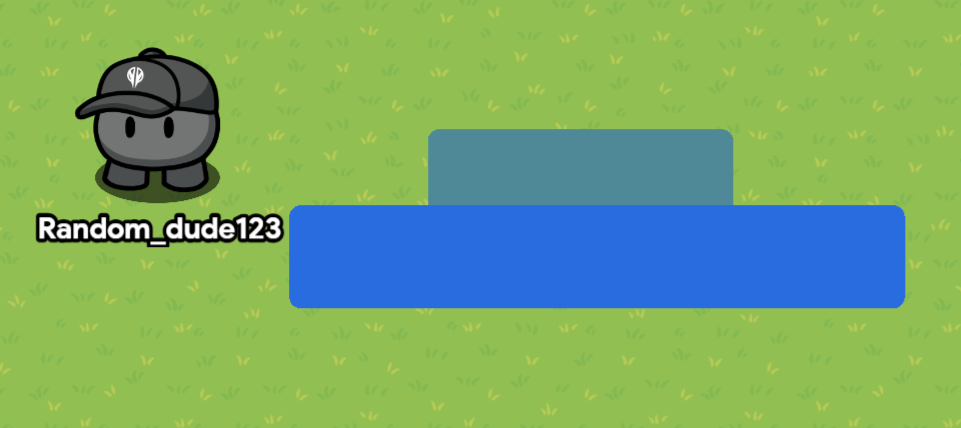
Step 3!
Duplicate and rotate 2 Copies of the windshield (Top barrier) To look like this (Trust the process)
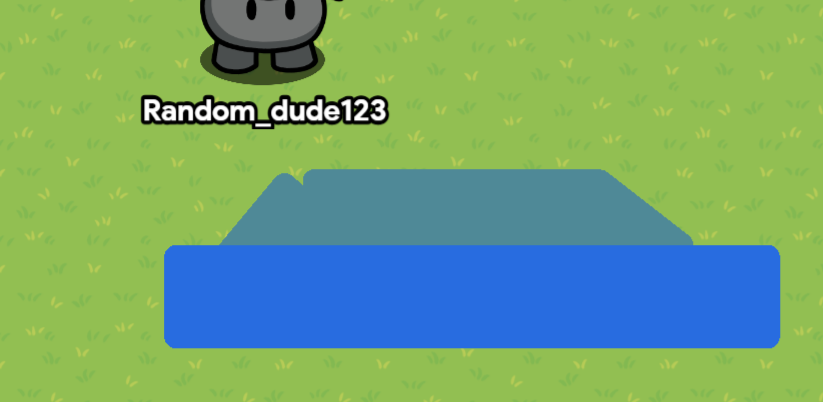
Step 4
Add 3 barriers looking like this in the image copied from the base of the car
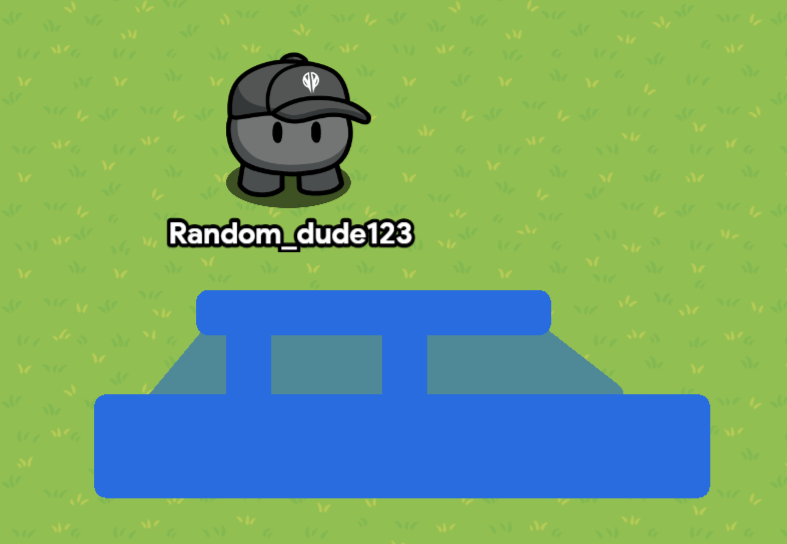
Step Five!
Add 2 Different colored squares one yellow and one red, add the red one behind your car with using layers, then add the yellow square in front of the car like the image shows.
Now it looks like a floating car lol
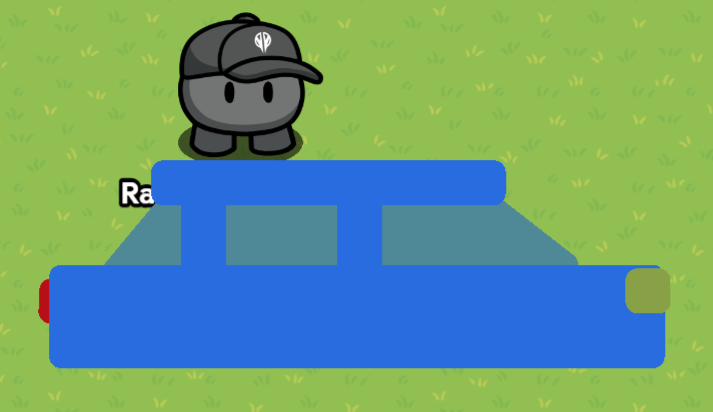
Step 6!
Add a circle barrier with another barrier smaller that will go inside, the smaller circle will be the a light grey, have both of them together into one.
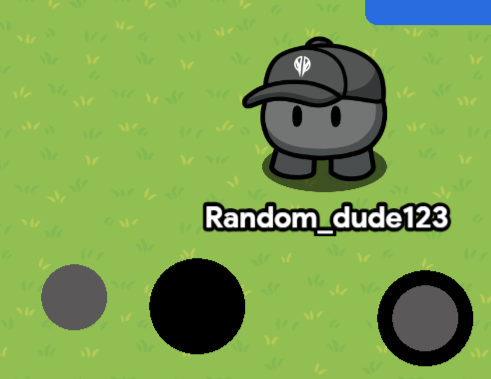
Now step Seve- Please don’t say it.
-Deep Inhale followed by a sigh- Anyways Duplicate those wheels and add them to the bottom of the vehicle, remember to make it even.
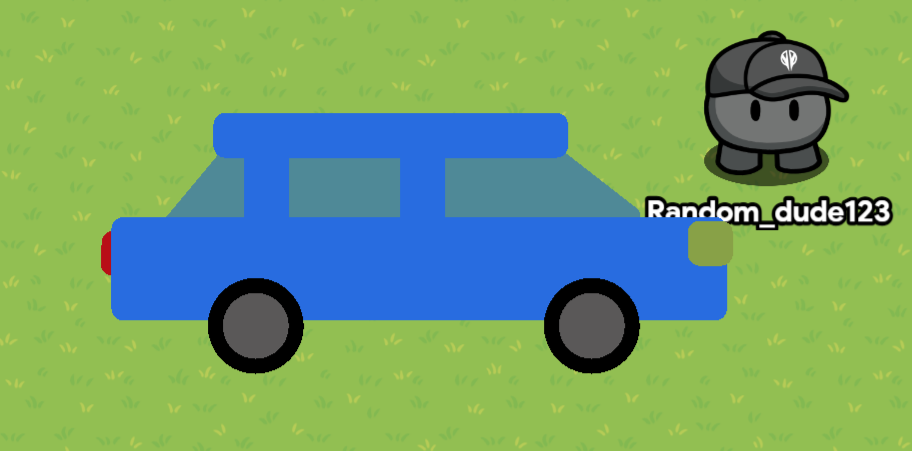
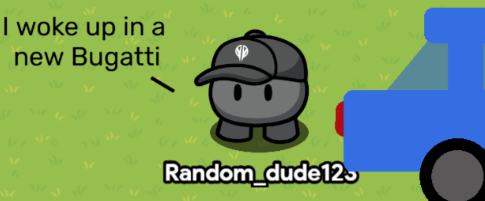

 guide. One thing I suggest adding is tutorials for other types of vehicles, like buses and trucks.