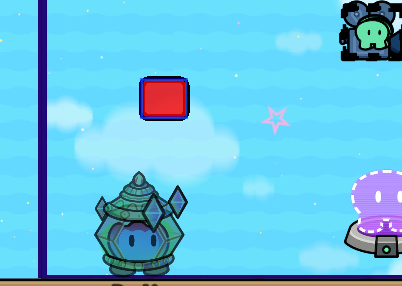
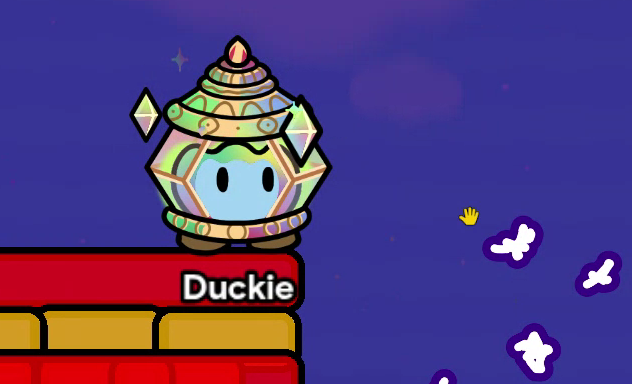
Heres how to make a background with some sort of design if you want to make a knockback remake this can help. (This is the point)
Devices needed
Zone, custom shape,text, (optional) barrier
Step one: Zones
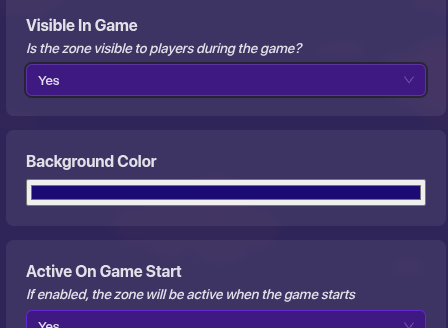
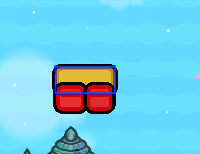
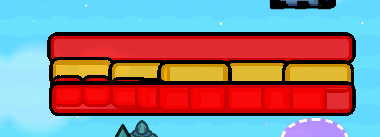
To make a colored background first your going to need a zone to color it go to “all options” and scroll down till you see “is the zone visible to players during the game?” press yes and choose a color below. Add more layers to make it darker.
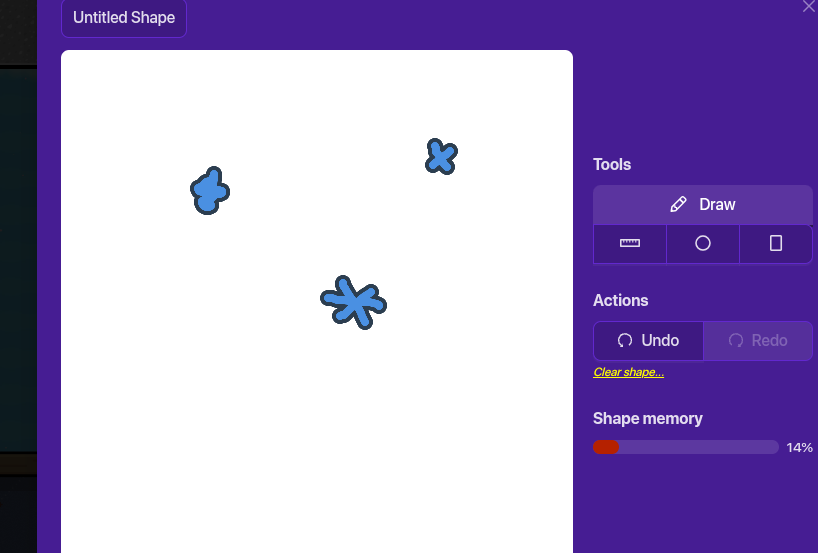
Custom shapes are under devices click on it and press "manage shapes then press untitled shape. I recommend drawing stars like this by pressing the draw tool
make sure to press save and then click out.
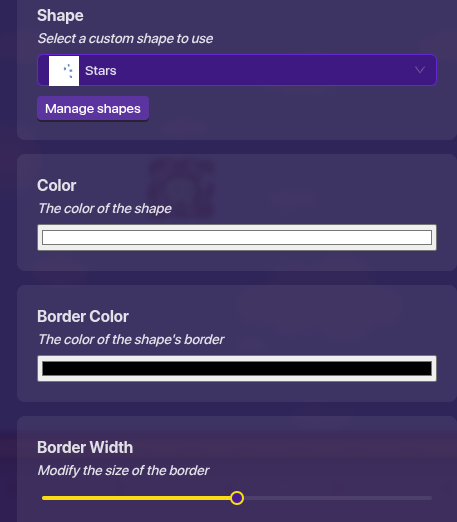
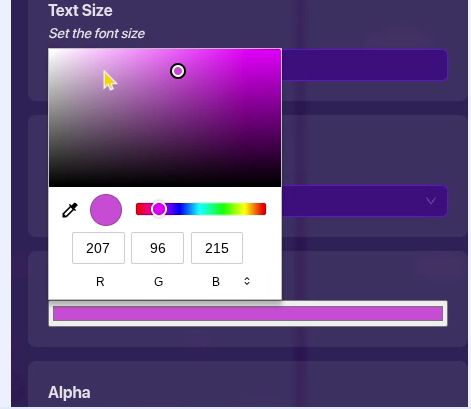
next press select a custom shape to use and choose yours. You can change the color to make it similar to whatever you are trying to make. Remember It doesn’t have to be stars! it could be anything
A lot of guides will tell you to add a text for the stars I like this idea but there’s so much more you can add. but here’s how to add text stars
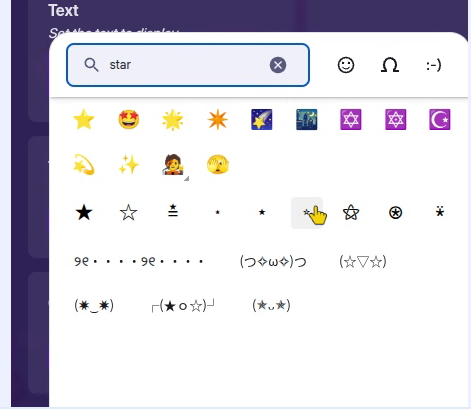
Get a text from devices and pull up emojis (With whatever keyboard shortcuts your computer uses) Look up star and click whichever one you like the best
It’ actually pretty accurate! Nice job, Duckie! One thing is suggest is that instead of custom shapes, use star text! (For example: ☆ and ★). Another thing is that maybe you could adjust the barriers’ opacity to 1.00 to prevent them from looking a little…weird.
While I admit that Custom Shapes have their benefits…they only look good when drawn by professional artists (no offense). For those of us who are less artistically skilled, we could use text instead. You could add to your guide that you could also use text if you want.
You can use text instead of custom shapes. The text uses smoother and colorful shapes. Custom shapes can let you make your own shapes. However you can imagine.
I suggest you use custom shapes cause it adds more details and different shapes and colors than the text (if you want to be a little more creative.)