I’ve been wondering this for a long time…
How do you put someones ID into a text box in Gimkit creative?
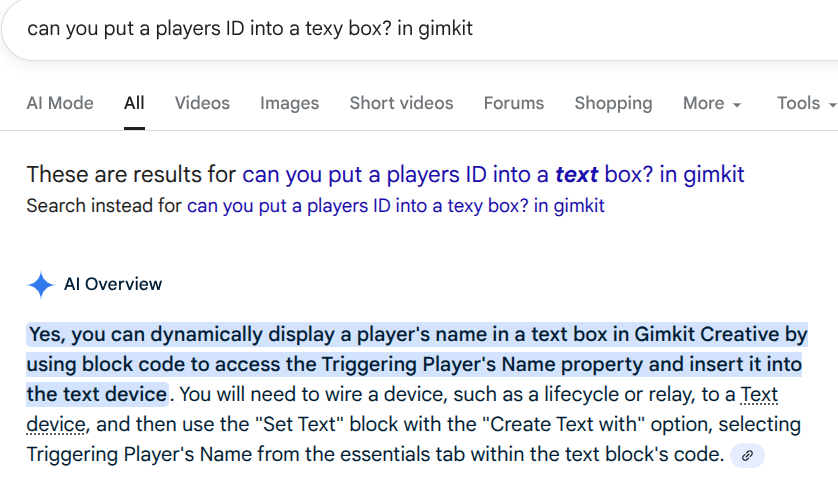
There is a way, I have seen it before.
I just haven’t done it before.
Edit: why are u using Plain Google AI
AI mode (in the top right of ur search results) is way smarter
Edit 2: but even AI mode isn’t smart enough to know lol
Edit 3?!: do you think it would be okay to summon The GIMKITSUGGESTER?
3 Likes
Text Box
Code block
[ Set Text: Triggering Player’s ID ]
thats name not id
yes.
2 Likes


2 Likes
oh.
IT’S DAT SIMPLE?!?!!?!?!??!?!?!?!?!?!!?!?!
1 Like
A Text device
A Trigger or Button device to activate the text update
A Wire connection
Step 1: Set up your devices.
Place a Text device where you want the player’s name to appear.
Place a Button or Trigger on the map. In the device’s settings, set its Visibility to “Visible in-game.”
Step 2: Configure the wire and text block code
Use the Connect Wires tool to connect the Button or Trigger to the Text device.
Button/Trigger Output: When pressed or When triggered
Text Device Input: Run Wire Pulse Block
Click on the Text device and go to its Blocks tab.
Add the block code:
Find the when receiving on wire pulse block.
From the “Text” drawer, add the Set text block.
From the “Essentials” drawer, add the Triggering Player’s Name block and snap it into the Set text block.
EDIT: oh wait, its already solved 
3 Likes
It works so well!
TYSM @Skittyss and @PhoenixWander
u too @JEFX_OFFICIAL, for that extra work xD
Edit: use name not ID
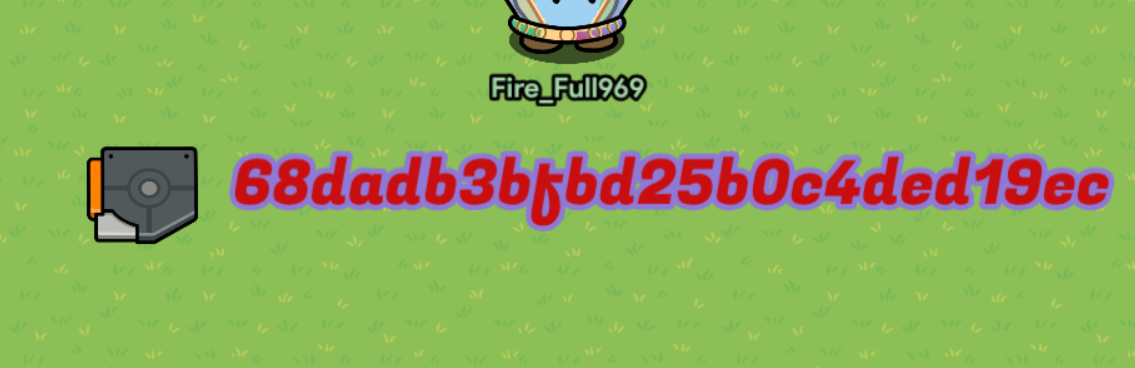

Much better!
3 Likes
This topic was automatically closed 3 hours after the last reply. New replies are no longer allowed.