I wanna screenshot my map but I don’t know how to.
-
This is off-topic. The forums are for help with maps, not how to screenshot them. I’m not saying you have to delete it, but this is just for reference for the future.
-
Now, to answer your question: (sorry idk what computer brand you have)
If you have the windows key, press Windows + Shift + S
If not, also look for a PRT SC button on your computer
If that’s not on there, then look for a command key. Command + Shift + 4 should do the trick.
Lastly, try Shift + Ctrl + Show Windows Key.
This is a show windows key 
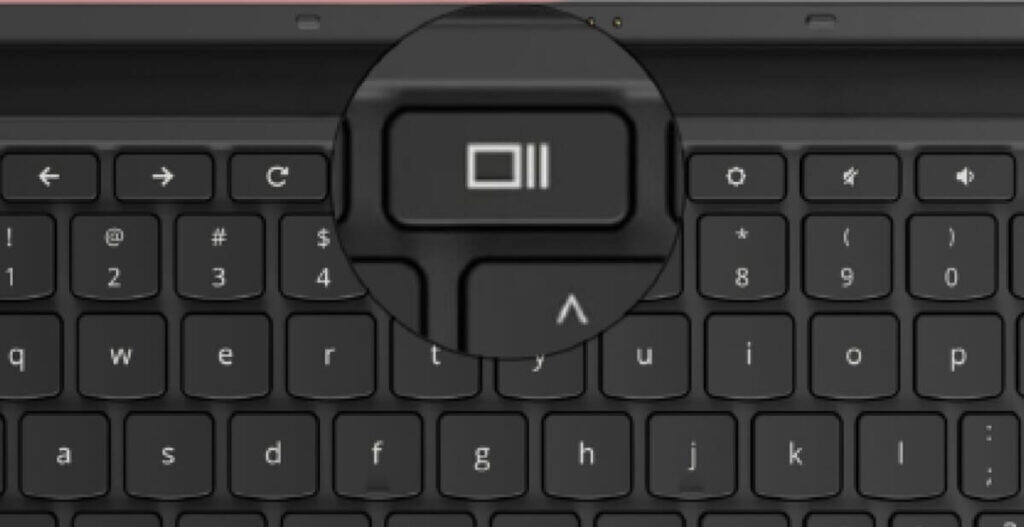
@MG_ruoS9 If none of these work/your brand is different and doesn’t have these keys then ping me!