And how do I rotate props?
1 Like
there’s a button that says change size in the bottom left corner, you can also rotate props that way
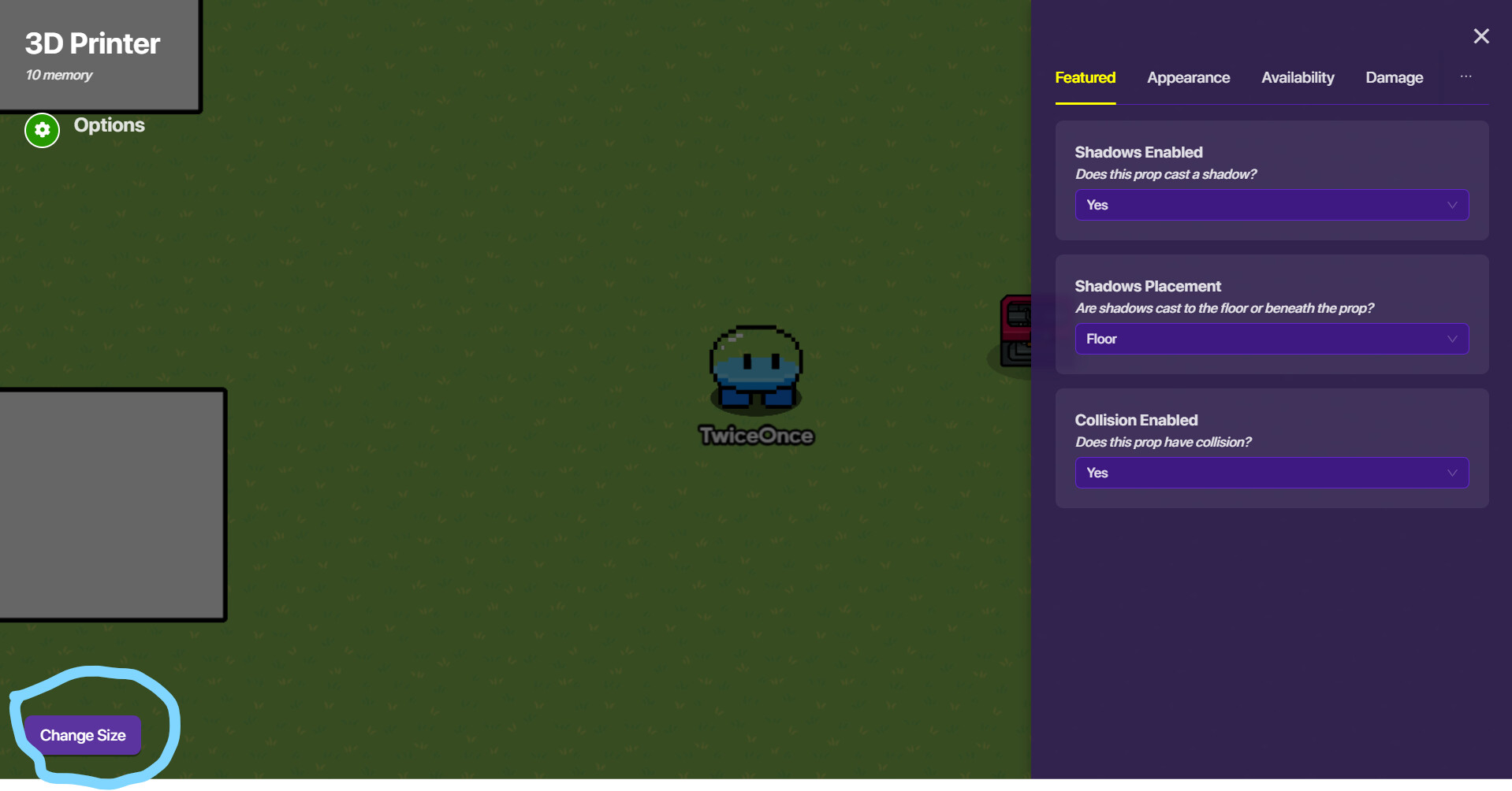
green circle to rotate and white boxes to change size

9 Likes
Did you know you can hold “shift” (when rotating a prop) on computer to get 90, 60, 30, etc. angles?
2 Likes
also double click to reset angles (be sure to mark a solution if your question has been answered)
1 Like