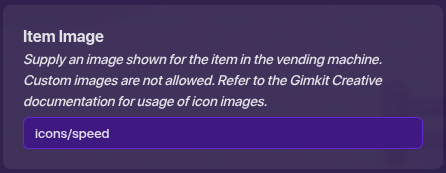
I’m making a capture the flag 4 way map. does anyone know how I can make the vending machines give you more speed.
Get a speed modifier device and set it to the speed you want the player to run at. Wire it to the vending machine.
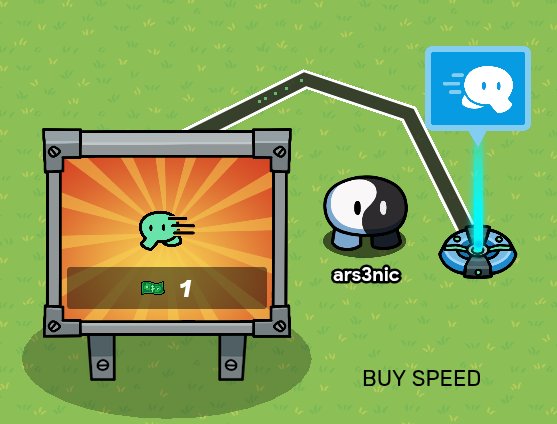
Edit: Yeah, that’s a great option if you’re going for a more creative map, @NagiSeishiro
7 Likes
Did you know you can make the vending machine invisible, then use the custom shape tool (or props) to make a custom-looking vending machine?
3 Likes
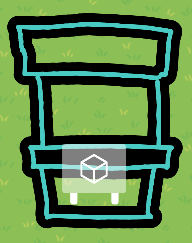
I did it really quick, so ik it don’t look to good 
But I hope it got the gist of what I’m tryna show…
(BTW, the small, semi-transparent square is the vending machine. Its not visible in-game)
3 Likes
@Agoat1032, you need to make the vending machine on transmit to channel to show the item image.
1 Like
thank you and how do i do this.
2 Likes
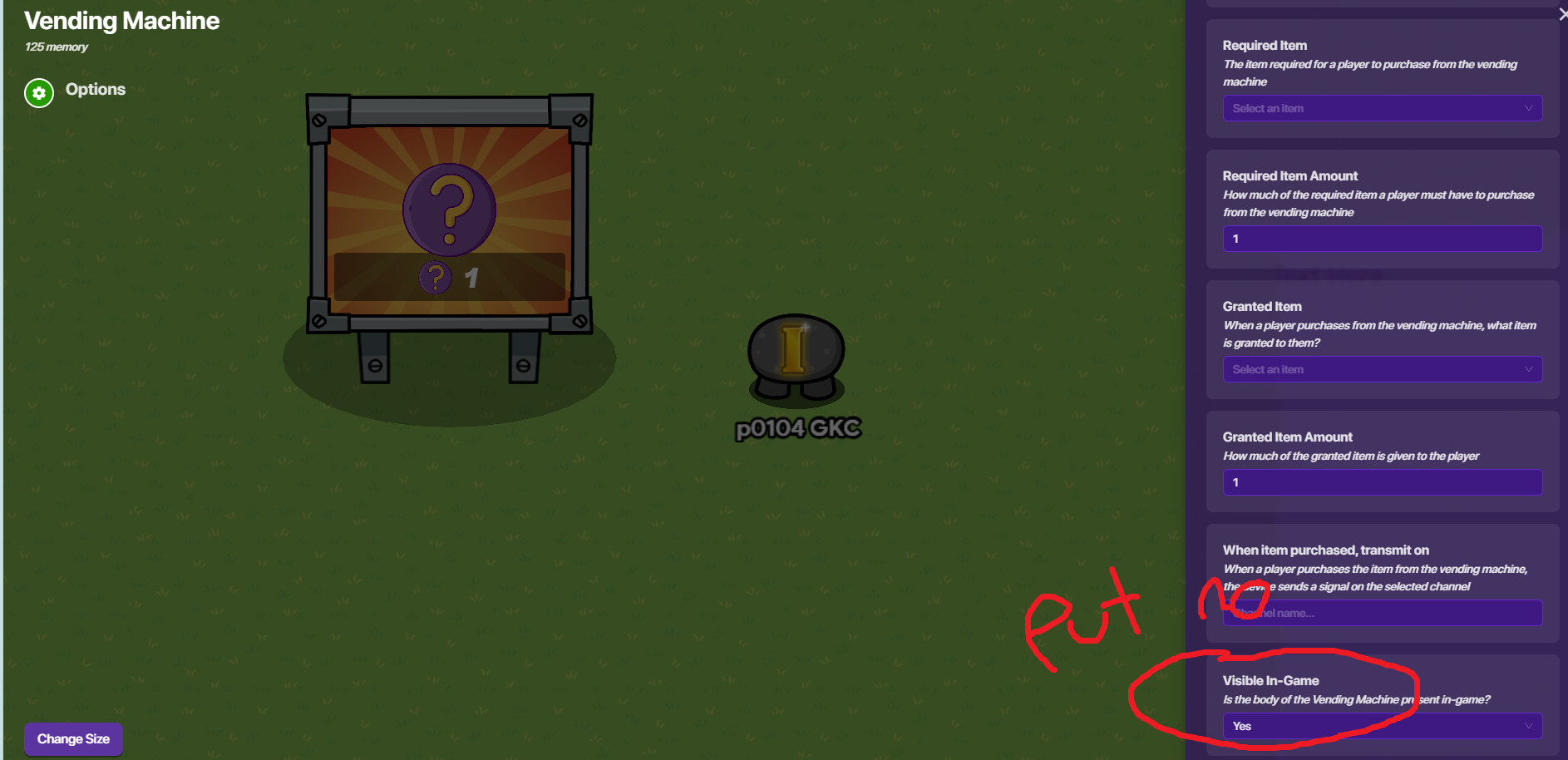
thank you but how do I put in the custom image
Go to Devices and search up Custom Shape.
You can create.. well, custom shapes
=D
Also
Welcome back Agoat1032!
2 Likes
If you’re talking about the Gimkit character running, here is the custom images you can use: Icons
3 Likes
Sorry to keep asking stuff, but can you give me like a step by step on how to put an icon into the vending machine
1 Like
can someone please help with this
Go to all options in the vending machine, there should be a setting called insert icons.
2 Likes
(post deleted by author) mb, didn’t notice the different question
you’re fine and thank you Jhan
1 Like
I did not find the insert icons settings. Can someone give me a picture of where it is
please help with this