Warning: This guide contains cowboy lingo, shameless referencing of various topics, and the Creator being pretty much just silly in general. Potato Enterprises will not accept responsibility relating to any and all braincells lost from looking at this guide. Continue reading at your own risk.
Hello, hello, fellow forumers, and WELCOME to yet another Potato’s Guide! Today, I’ll be showing y’all how to create a house, Potatoian-style! So put on your cowboy hats and slap on your western boots, 'cause we’re in for a wild ride! 
Materials
- A Laptop, Computer, Ipad, or Phone
- Gimkit Creative
- Map Memory → I believe it takes somewhere under 0%
- 14 Barriers → No borders, with opacity at 1.00
The Basic Shape
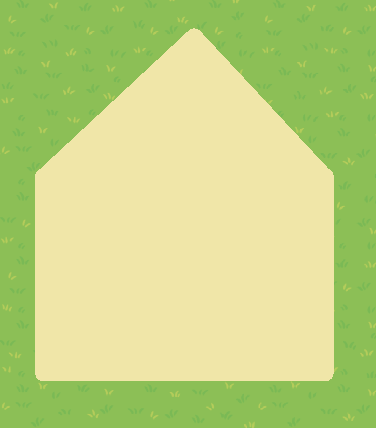
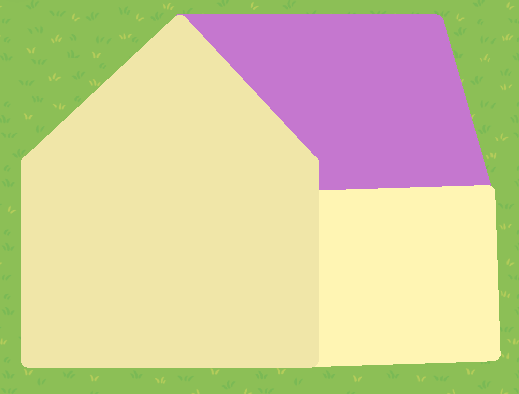
First, you’ll need to tint two of your barriers to RGB(240, 230, 169), then crop & rotate them until they both reach something resembling this mess:

Then place them together like so:
After that, grab yet another barrier, color it RGB(255, 245, 179), lengthen it, tilt it ever so slightly, and attach it to the two barriers you already placed.
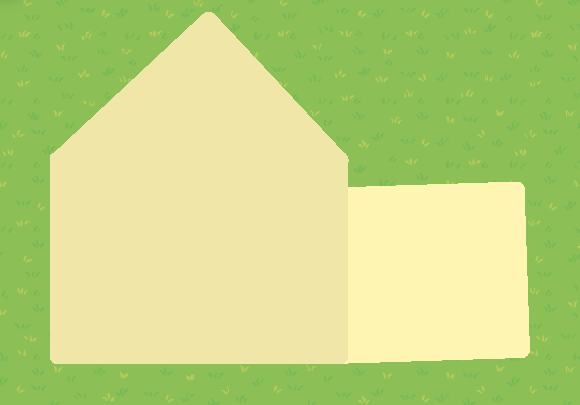
And that’s the basic structure finished!
The Roof
This bit is a tad shorter, with only two barriers to place. The first barrier I tinted RGB(197, 119, 207). However, if you wish, you can change the color to whatever suits your fancy! Tilt and extend it until it looks something like this:
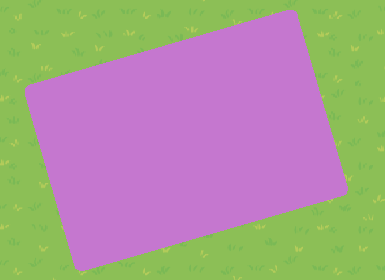
Then place it on the structure.
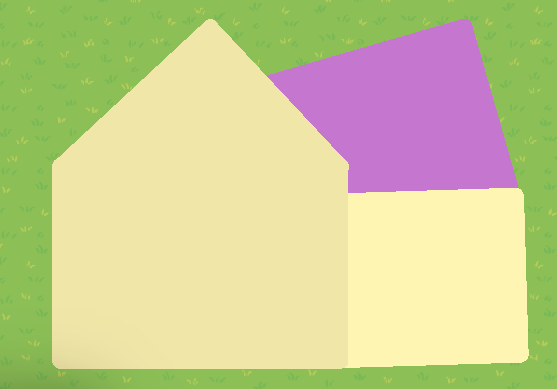
The next barrier will be the same color. Stretch it out into a small rectangle:

And add it onto the other barrier. You’ll want it to line up with to tip of the “triangle” barrier you used in the previous structure.
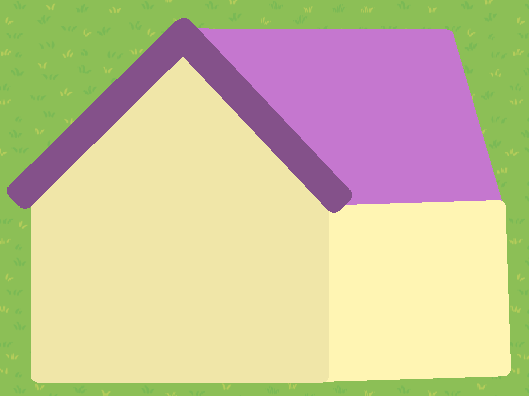
Next, take two barriers, tinted to RGB(132, 81, 138) or a darker shade of your original roof color, and (you know the drill) stretch and tilt until they form two equal flipped posts like these:

Put them on the opposing ends of the roof where it meets the structure, and B00M! Finished roof!
Extra Details
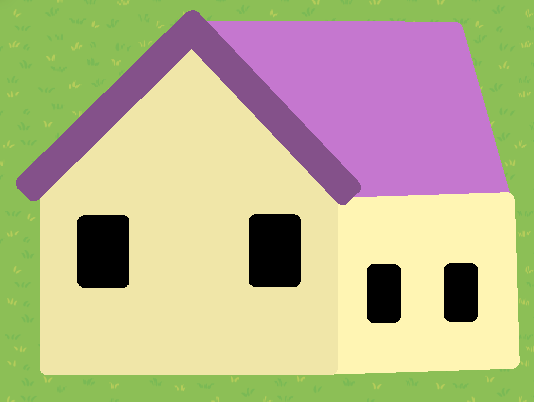
For this section, everything is optional. You can decorate your new house any way you like, but this is my take on what I think looks especially sigma slay 
Anyway, because of the optionality, I won’t be explaining this section as in-depth as the others.
Like the others were even that in-depth in the first place–
GET OUT, CONSCIENCE, YOU AIN’T NEEDED 'ROUND THESE PARTS
With all that said, here’s the last bit of my guide!
LIGHTS
CAMERA

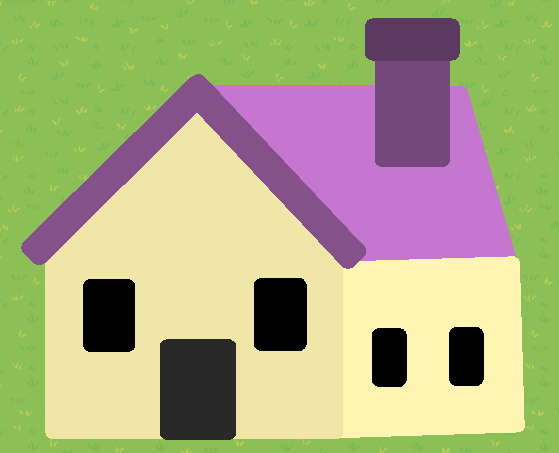
ACTION!
End Note
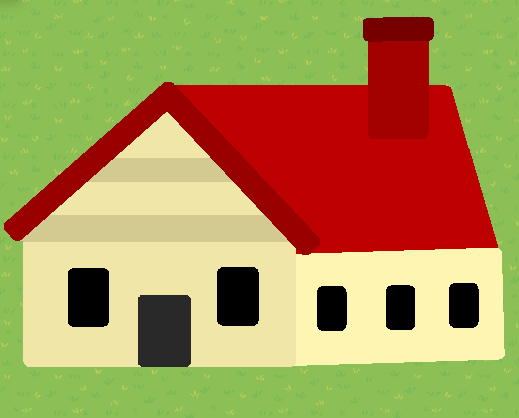
Okay, I lied, that wasn’t the last section. Now, I brought you here today so you could learn how to make a beautiful house in my style, but I want y’all to know that the technique I displayed in this guide has almost unlimited possibilities! I already said that you could vary roof colors (Animal Crossing Flashback), but you can also toy around with the structure sizes to create bigger or smaller houses, add doorknobs (I honestly don’t know why I didn’t), decorate the walls, add brick texture, etc, etc. I actually made multiple different houses myself! Here’s one of my favorites:
In addition to this, my guide doesn’t even BEGIN to cover apartment complexes, hotels, or other buildings! That’s all open for your experimentation! So go on and build some houses!
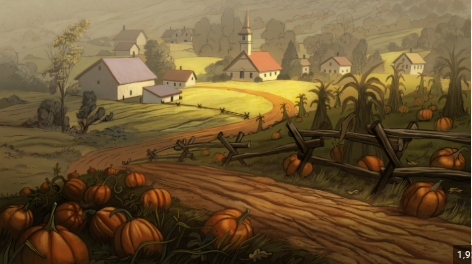
Fun Fact: This guide only came into existence because of this image right here:
An image from Over The Garden Wall, which was the Creator’s chrome background at the time of the guide’s publishing. They were making a game, needed house designs, looked at it, and then attempted to recreate the houses in Gimkit. They thought the house turned out so well that they should make a guide on it, especially since a bunch of the other house guides had their pictures removed. Anyway, that’s the history of this little guide right here!
Thanks for reading, and I hope you’ll find your way to another one of my guides soon!
Ciao!


 )
)
 Opinion :0
 It’s delicious
